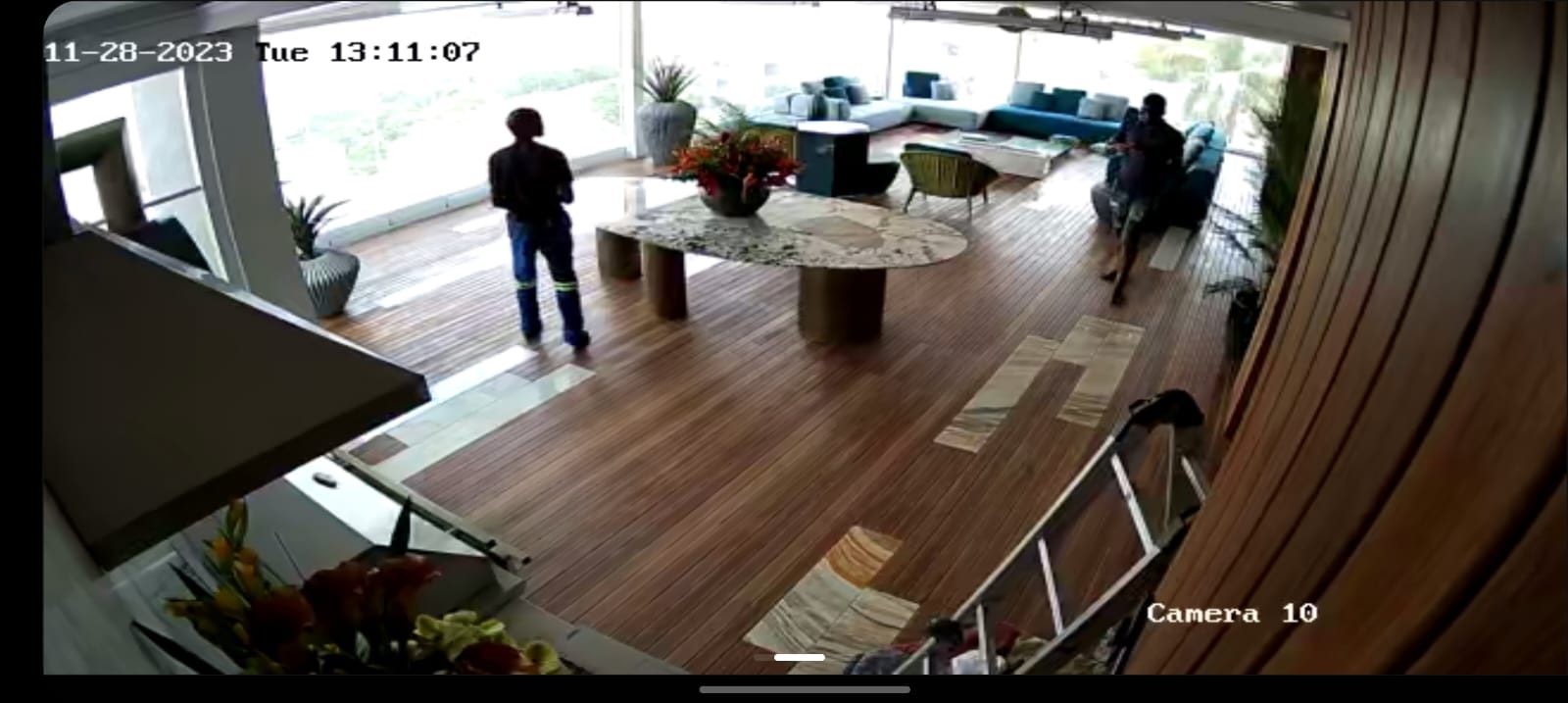
“Can I see the cameras on my phone?”
That is one of the most common CCTV questions I get.
The answer is normally yes, whether the system is Hikvision, Dahua or another professional CCTV platform. But the phone app is not the whole CCTV system. It is only the window into the system.
For a business, the real questions sit underneath that app.
Is the recorder sized correctly? Are the cameras looking at useful areas? Is footage being stored for long enough? Who owns the account? What happens when a staff member leaves? What happens when the fibre router is replaced? Can the footage be retrieved when there is a real incident?
That is where a professional CCTV quote should spend its time.
DVR or NVR is not just a box
People often use the word DVR loosely.
In older analogue systems, the DVR recorded coaxial cameras. In modern IP systems, an NVR records network cameras. Hybrid systems also exist. The important point for a business is not the name on the front panel. It is whether the recorder matches the cameras, storage requirement and future expansion plan.
Before approving a recorder, ask:
- how many cameras it supports,
- how many cameras are being installed now,
- how much room is left for future cameras,
- what resolution and frame rate will be recorded,
- how many days of footage should be expected,
- whether the hard drive is designed for surveillance use,
- and how footage will be exported.
A recorder that is too small may work on day one and become the limiting factor a year later.
Cellphone viewing must be set up responsibly
Remote viewing is valuable, especially for business owners and managers who are not always on site.
But remote viewing also needs proper ownership.
I want the client to know which account controls the system, who has access, which permissions are assigned, and how users are removed later. A shared password sent around casually is not good security.
For offices, warehouses and commercial premises, I prefer to separate normal viewing users from admin users. Not everyone who can look at a camera should be able to change recording settings, delete users or reconfigure devices.
That is a small detail until something goes wrong.
Router changes can break remote CCTV
This is one of the reasons I pay attention to the network side of CCTV.
The cameras may be working. The recorder may be recording. But if the internet router changes, remote viewing can suddenly fail.
Over the years I have seen sites where a fibre provider installed a new router, an IT person replaced network equipment, or somebody reset a device without understanding that the CCTV system depended on the previous configuration.
Then the client phones and says, “I cannot see my cameras.”
The camera was not the problem.
The network memory was lost.
That is why I believe commercial CCTV should be documented with IP ranges, recorder location, account ownership, remote access method, router responsibility and support contact.
Camera views should be checked like evidence
A camera that gives a beautiful wide image may still fail the business when footage is needed.
The question is always: what must this camera prove?
For a business, the answer may be:
- who entered the office,
- whether a delivery arrived,
- which vehicle used the gate,
- what happened at reception,
- whether stock moved through a loading area,
- or whether staff had access to a restricted room.
Those are different views.
I do not like installing cameras just because a building has corners. Each camera needs a reason.
Storage should match the business risk
Many business owners only discover storage limitations after they need footage.
If the incident happened three weeks ago and the recorder only keeps a few days, the system cannot help. If high-resolution cameras are recorded at poor settings to save hard-drive space, the footage may exist but lack useful detail.
Storage should be designed, not guessed.
That means looking at the camera count, resolution, compression, recording schedule, bit rate and the number of days the client reasonably expects to keep.
Phone viewing is not a substitute for a viewing station
Some businesses only need phone access.
Others need a proper monitor or viewing station where cameras can be seen during the day. A reception desk, warehouse office or manager’s office may need a permanent display.
That has to be planned too.
Monitor size, mounting height, power, HDMI or network viewing, mouse or KVM control and camera layout all affect usability.
We dealt with this on commercial sites where the viewing point mattered as much as the camera itself. The person using the system must be able to understand the site quickly.
What I would ask before quoting
For a business asking for Hikvision DVR cameras with cellphone viewing, I would want to know:
- how many areas need coverage,
- which doors or gates matter,
- whether access control is also required,
- who needs phone access,
- how long footage must be stored,
- where the recorder can be installed,
- whether the network is managed,
- whether the system needs UPS protection,
- and whether a viewing monitor is required.
Once those answers are clear, the quote becomes more honest.
Not cheaper for the sake of being cheaper.
Clearer.
That is what matters with CCTV: the system must work when the client actually needs it.
Related reading: what proper CCTV design considers before installation, why CCTV passwords and account ownership must be clear and CCTV installation for businesses in Durban and KZN.