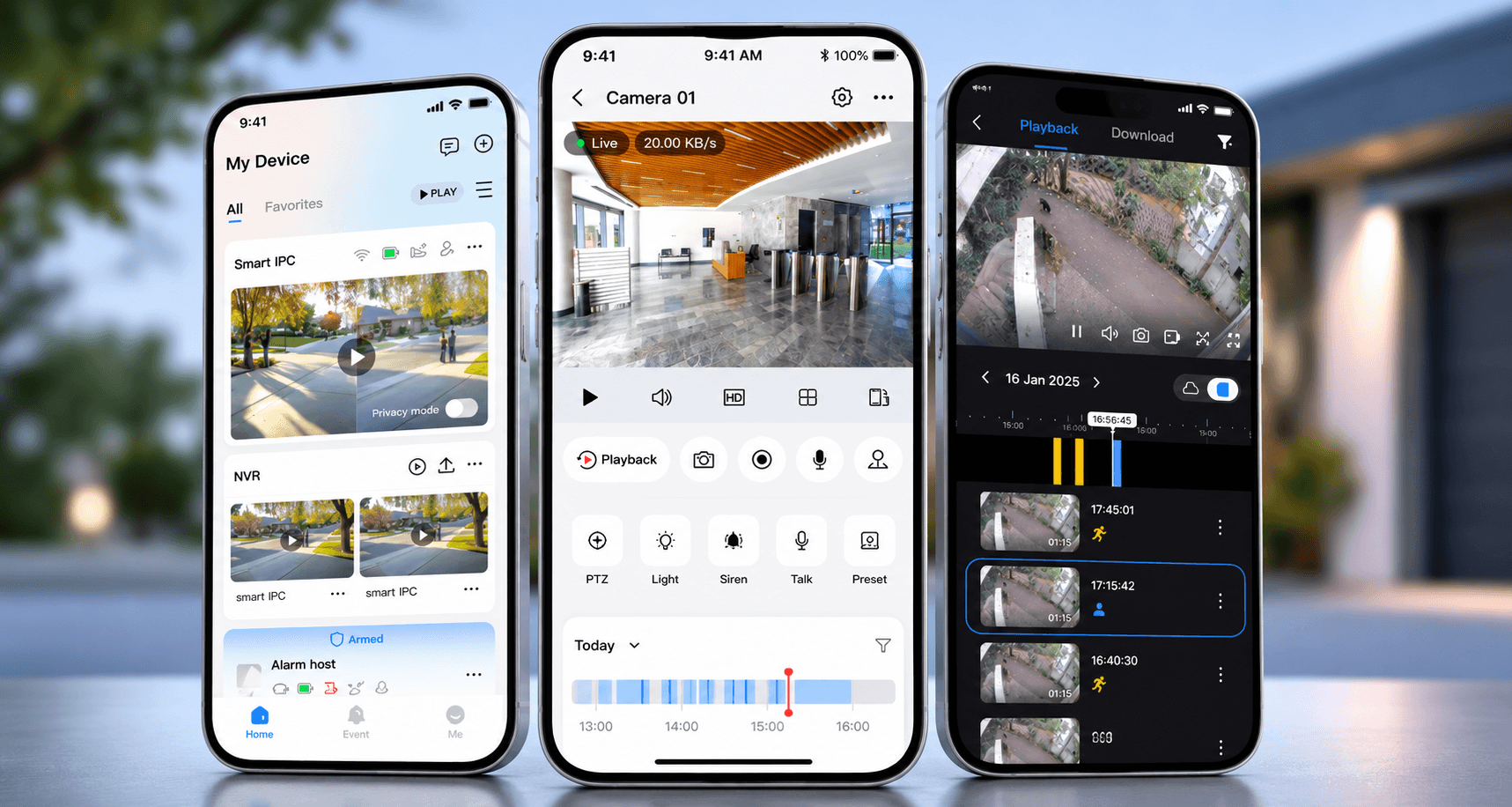
A CCTV system can be technically working and still be badly handed over.
One of the most common reasons is account ownership.
The cameras are installed. The recorder is online. The app works on one phone. Everyone leaves site happy.
Months later, the client changes phone, a staff member leaves, the business changes manager, the recorder asks for a verification code, or support needs to add a user.
Then nobody knows who owns the account.
That is a problem.
CCTV accounts are security assets
CCTV access is sensitive.
It can show entrances, staff movement, family routines, vehicles, delivery patterns, private areas, warehouse operations and security blind spots.
The app account is therefore not a casual login.
It is part of the security system.
For CCTV installation, the handover should make clear who owns the recorder, who owns the app account, who has admin rights and who is allowed to add or remove users.
The installer should not casually own the client account
Installers often help set up remote access because the process can be technical.
That does not mean the installer should own the client’s CCTV account indefinitely.
The client should understand whether the system is registered to the owner, business, manager, house manager or installer. There may be cases where support access is useful, but it should be deliberate and documented.
Nobody should discover later that the recorder is locked to an old installer, old phone number or unknown email address.
That creates unnecessary friction and can become a security concern.
User permissions should match the person
Not everyone needs the same CCTV access.
An owner may need live view, playback, export and admin control.
A house manager may need selected cameras and playback.
A guard may need live view but not export.
A staff member may need one area only.
A business manager may need access to dispatch and entrances but not private office cameras.
The correct permissions depend on the site.
Giving everyone full access is easy during installation and poor long-term security.
Phone changes should not break the system
Many support calls happen after a phone changes.
The client gets a new device, reinstalls the CCTV app and discovers they cannot log in, cannot see the site, cannot receive verification, or do not know which email was used.
This is avoidable.
The handover record should include enough information for account recovery without exposing passwords carelessly.
That may include:
- app name,
- account owner,
- authorised users,
- recorder model,
- support contact,
- password custody process,
- MFA or verification notes where applicable,
- how to remove old users.
This is part of CCTV handover, not an admin afterthought.
Passwords should not be shared loosely
In older installations, it is common to find one recorder password shared between multiple people.
That is not ideal.
Where possible, each user should have their own access. If a staff member leaves, their access can be removed without changing the entire system for everyone. If someone only needs live view, they do not need admin credentials.
Good access control is not about making life difficult.
It is about knowing who can see and do what.
Remote support must be responsible
Remote support is useful.
It can save the client time, especially for holiday homes, businesses and sites where the owner is not always present.
But remote support should be configured responsibly. Port forwarding, cloud accounts, VPNs, vendor services, passwords and support users all need care.
Opening a recorder to the internet without understanding the implications is poor practice.
DG Technologies prefers remote access designs that are supportable and controlled. The exact method depends on the system, but the principle stays the same: convenience should not casually weaken security.
Ownership should be reviewed during maintenance
CCTV access changes over time.
Staff leave. Managers change. Phones are replaced. Contractors are added. House managers move on. Business roles change.
A maintenance visit should review who still has access and whether the account details remain current.
This is especially important for private homes, estates and businesses where old access can linger for years.
The DG Technologies view
CCTV is not only cameras and recording.
It is also access.
For Durban and KZN homes, estates and commercial sites, DG Technologies treats account ownership, passwords, user permissions and remote support as part of the installation quality.
The client should not be locked out of their own system.
And people who no longer need access should not quietly keep it.