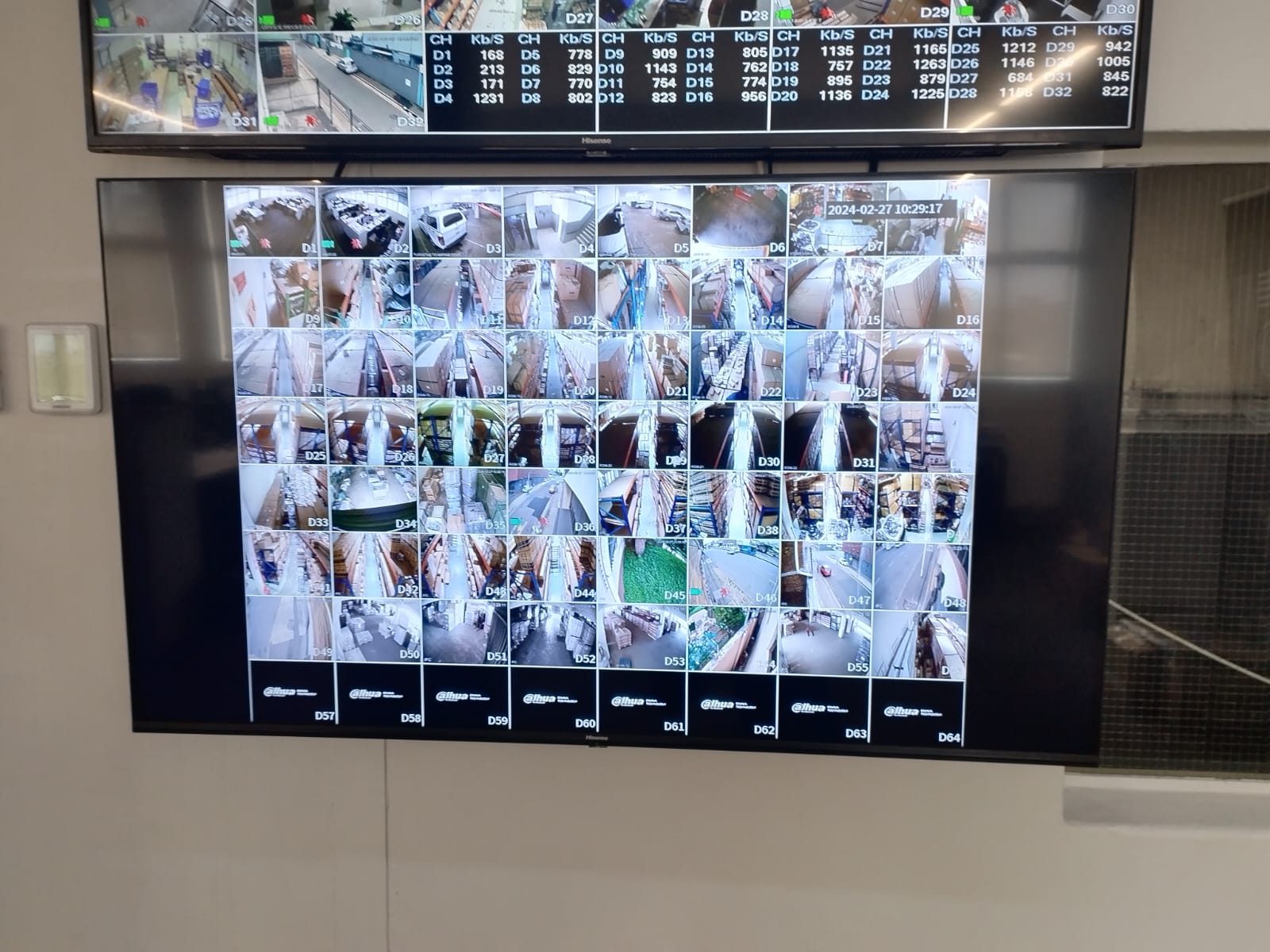
Most people only learn how to export CCTV footage when something has already happened.
That is the wrong time to learn.
After an incident, everyone is under pressure. The owner wants answers. The manager wants proof. The security guard may be nervous. The police may ask for footage. A client may query a delivery. A staff matter may need to be reviewed carefully. The clock is also running, because the recorder may overwrite old footage depending on storage and recording settings.
If nobody knows how to find and export the footage, the system becomes weaker at the exact moment it should be useful.
That is why footage export training should be part of CCTV handover.
Live view is not enough
Many CCTV handovers focus on live view.
The client opens the app, sees the cameras and feels satisfied. That is important, but it is not the full system.
The real value often comes later:
- finding an event,
- checking several cameras around the same time,
- saving the clip,
- making sure the time and date are correct,
- exporting in a usable format,
- giving the footage to the right person,
- preserving the original evidence where necessary.
A CCTV system that looks good live but becomes confusing during playback is not finished.
Professional CCTV installation should include the operational side of the system, not only the mounting and recording.
The person exporting footage may not be the owner
In homes, the owner may use the app most of the time.
In businesses, estates, warehouses and large private homes, the person who needs footage may be someone else.
It may be a house manager, security guard, receptionist, operations manager, warehouse supervisor, office administrator or trusted family member.
That person may not need full admin control, but they may need enough permission to search playback and export footage when authorised.
This should be decided deliberately.
Giving everyone admin access is not good security. Giving nobody practical access is not good operation.
The correct user roles depend on the property.
Export format matters
Not every CCTV export is equally useful.
Some systems export a proprietary file that needs a player. Some export MP4 or AVI. Some include a verification player. Some allow still images. Some require a USB drive at the recorder. Some allow export through desktop software but not easily from the phone.
The client should know what their system does.
If the footage may be used for a serious incident, it is worth preserving the original export and noting the time range, camera name and who exported it. A casual screen recording may help someone understand what happened, but it may not be the best record to keep.
This is especially relevant for commercial sites where footage may support delivery disputes, staff matters, access events or insurance conversations.
Time settings can ruin a search
Playback training should always include time.
If the recorder time is wrong, everyone searches the wrong part of the timeline.
That sounds simple, but it causes real frustration. A manager may know an event happened at 14:00, search 14:00 on the recorder and find nothing because the NVR is running an hour out.
Time settings should be checked during handover and maintenance. The client should also know that time accuracy matters when reporting an event.
Instead of saying “sometime this afternoon”, a better report is:
“Please check Dispatch Door and Yard Entry between 13:45 and 14:10.”
Clear information makes retrieval faster.
Camera names make export easier
Camera naming is not cosmetic.
If cameras are named Camera 01, Camera 02 and Camera 03, export becomes slower. If they are named Front Gate, Dispatch Door, Loading Bay Overview and Staff Entrance, the user can find the right view faster.
That is why we wrote separately about why CCTV camera names matter.
Footage export training should confirm that the camera names make sense to the people who will use them.
If the client calls an area “receiving” and the system calls it “rear door”, fix the name.
Export rights should be controlled
Footage is sensitive.
It can show staff movement, family routines, visitors, vehicles, private areas, restricted rooms and security patterns. Not everyone who can view live cameras should automatically be able to export footage.
The handover should explain:
- who has live view,
- who has playback,
- who has export rights,
- who can add users,
- who owns the recorder account,
- who approves footage release.
For private homes, this is part of discretion and privacy. For businesses, it is part of responsible management.
A simple export drill is worth doing
The best way to teach export is to do it.
During handover, choose a camera, pick a short time range, find the clip, export it and confirm the file opens.
That small drill proves more than a verbal explanation.
It also reveals problems early:
- the user does not have permission,
- the app is not suitable for export,
- the desktop software is missing,
- the recorder time is wrong,
- the USB port is inaccessible,
- the file format is confusing,
- camera names are unclear.
Finding those issues on handover day is much better than finding them after an incident.
CCTV should leave the client capable
DG Technologies treats CCTV as a working system.
The client should not be left with cameras they can only look at casually. They should understand enough to use the system when it matters, or they should have a clear support path for getting footage quickly.
For homes, estates and businesses in Durban and KZN, that means playback, search, export, permissions, camera names, time settings and retention expectations should all be part of the conversation.
The camera records the event.
The handover decides whether the client can use it.