CCTV camera names sound like a small detail.
They are not.
When something happens on a property, the client does not want to search through Camera 01, Camera 02, Camera 03 and Camera 04 while trying to remember which view is which. They want to know where to look.
Gate.
Driveway.
Front door.
Loading bay.
Dispatch.
Staff entrance.
That simple naming discipline can make the difference between a CCTV system that feels useful and one that becomes frustrating when time matters.
DG Technologies treats CCTV installation as a system that must be easy to operate and support, not only a group of cameras mounted around a building.
Default camera names create confusion
Many CCTV systems are handed over with technical or default names.
Camera 1. Channel 2. IPC03. Dome 4. NVR Camera 07.
Those names may make sense to the installer during setup, but they do not make sense to the homeowner, manager, receptionist, security guard or house manager who needs to use the system later.
If a client phones and says “the front gate camera is offline”, support can move quickly.
If the client says “Camera 6 is offline, but I am not sure which one that is”, support starts with confusion.
Good names reduce friction.
Camera names should match how people speak
The best camera names are not always technically perfect.
They are practical.
They should match the words the people on the property already use. A family may call an area “the back gate” even if it is technically a side entrance. A business may call an area “dispatch” rather than “rear loading bay”. A house manager may refer to “staff courtyard” rather than “service yard”.
Those names matter because they help normal users find footage quickly.
This is the same thinking we use in smart-home design. Room names in an app should match how the family speaks. CCTV camera names should do the same.
Naming affects playback during an incident
Live view is only one part of CCTV.
Playback is where naming becomes critical.
When a client needs to review an incident, they may need to search several cameras around the same time. If the cameras are clearly named, the sequence becomes easier:
- Gate shows arrival.
- Driveway shows vehicle movement.
- Front door shows entry.
- Passage shows internal movement.
- Garage shows exit.
If those cameras are only numbered, the user has to keep translating numbers into places while under pressure.
That is poor design.
Cable labels and camera names should agree
Camera names should also connect back to the physical installation.
If the app says “Front Gate”, the cable label, switch port note or installation record should make it reasonably clear which physical camera that is.
This is especially important on larger sites where cameras may run through conduits, trunking, cable trays, cabinets, fibre links or distributed switches.
If a camera goes offline, the support path should not begin with guessing.
Clear naming and labelling help with:
- support calls
- camera replacement
- switch troubleshooting
- NVR migration
- system expansion
- future maintenance
- handover to another technician
It is not just about neatness. It is about keeping the system understandable.
Businesses need naming rules before the camera count grows
For small homes, naming may be simple.
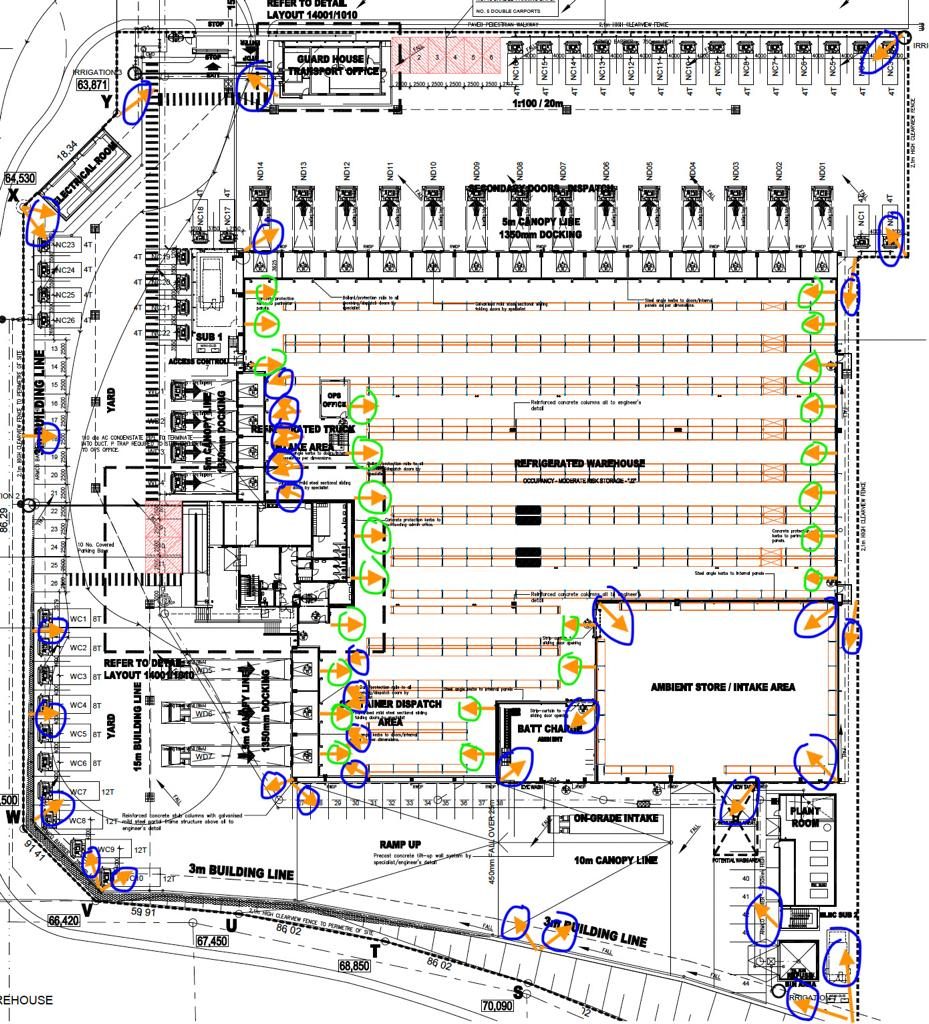
For commercial premises, warehouses, factories and estates, camera naming should follow a structure before the system grows.
For example:
- Gate 1 Entry
- Gate 1 Exit
- Dispatch Roller Door
- Cold Room Passage
- Warehouse Aisle 3
- Staff Entrance
- Reception Front
- Yard West
The exact structure depends on the site, but the principle is the same: a person who did not install the system should still be able to understand it.
That becomes more important when a site grows from 8 cameras to 16, 32, 64 or more.
Camera names are part of the handover
A proper CCTV handover should include a camera name review.
The installer should sit with the client and confirm whether the names make sense. If the client naturally calls an area something else, change the name.
This is a small moment, but it shows whether the system was designed for the user or for the installer.
The client should be able to open the app, read the camera list and immediately understand the property.
Why this matters to DG Technologies
Small details reveal the quality of a system.
A CCTV installation can have good cameras and still feel badly finished if the app is confusing, the names are meaningless and nobody can find footage quickly.
Camera naming is not the most expensive part of the job.
It is one of the clearest signs that the installer thought past installation day.
For Durban and KZN homes, estates and businesses, DG Technologies designs CCTV systems so clients can understand them when they actually need them.