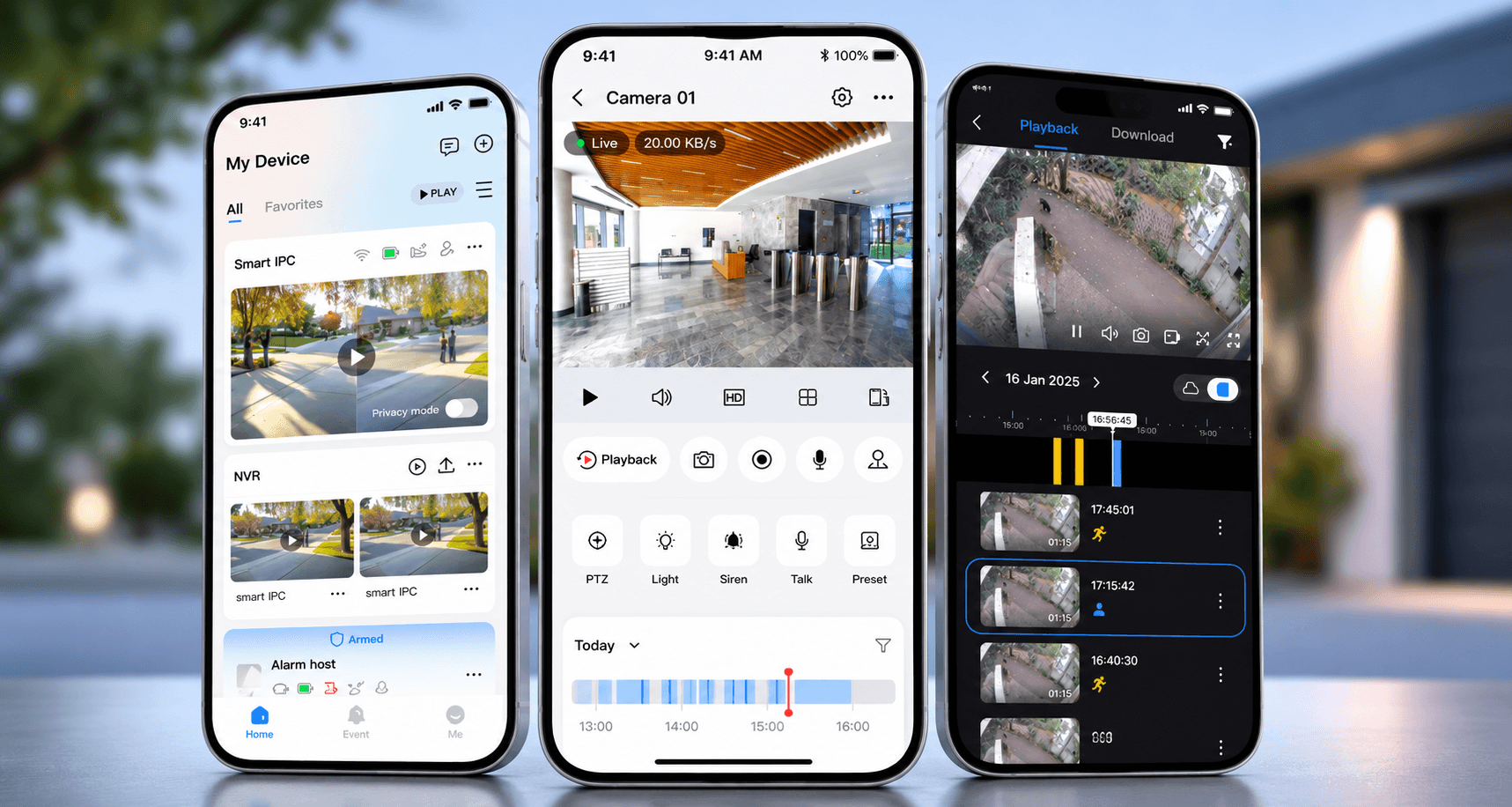
The app is often where the client experiences the system.
That means a support call may sound like a CCTV fault or smart home fault when the real issue is on the phone itself.
The recorder may be online. The cameras may be recording. The Crestron processor may be healthy. The network may be working. But if the client’s phone cannot connect, the client still experiences the system as broken.
The actual phone matters
It is not enough to test from the technician’s phone only.
The client’s phone may have different app permissions, mobile data settings, VPN settings, operating system updates, notification permissions, saved login state or account status.
If the technician can view the cameras but the client cannot, that is valuable information. It means the fault is probably not the entire CCTV system.
Wi-Fi and mobile data should both be tested
Some issues appear only when the phone leaves the property.
Inside the home, the app may connect locally. Away from the home, it may rely on cloud access, port forwarding, account permissions or mobile data. If remote access was affected by a router change, ISP change or account change, the app behaviour may differ depending on where the client is standing.
That is why support should test both local and remote behaviour.
Playback is different from live view
Live camera view working does not prove playback is working.
Playback depends on recorder health, hard drive condition, time/date accuracy, camera recording settings, permissions and the app’s playback interface. A client may be able to see live cameras but still struggle to find footage.
For CCTV, support should test the exact task the client needs: live view, playback, export, notifications or sharing access.
Smart home apps need user-specific checks
A smart home app may behave differently for different users.
One user may have full access. Another may have restricted rooms. A house manager may need only certain functions. A guest may need a simplified control method. If permissions are unclear, the app can feel unreliable even when the system is working correctly.
Support should follow the user’s experience
DG Technologies does not treat the phone as separate from the system experience.
If the client controls CCTV, lighting, audio or automation from a mobile device, that device must be part of the test. The goal is not only to prove the equipment works. The goal is to prove the client can use it.