A good house manager can make a premium home run smoothly.
They may need to help with guests, contractors, security, AV systems, Wi-Fi issues, deliveries, gate access, CCTV playback, lighting scenes and support calls.
That does not mean they need unlimited access.
House-manager access should be useful but limited.
The role needs practical tools
A house manager may need to confirm whether cameras are online, help guests connect to Wi-Fi, identify which room has a problem, contact the support team, restart approved devices or test whether a TV or audio zone is working.
If they have no access at all, every small issue becomes the owner’s problem.
The goal is to give enough access for the role to work.
Full administration is different
Full administration may allow a user to change passwords, add users, delete recordings, alter network settings, change system configuration or affect security.
That is not the same as day-to-day operational access.
For many house managers, operational access is useful. Full technical administration may be unnecessary.
Permissions should match the property
Every home is different.
Some clients want the house manager to handle most operational matters. Others prefer tight control and limited permissions. Some properties have guards or estate security involved. Some have multiple staff members with different responsibilities.
The access design should reflect the actual household.
Handover should be simple
House managers need instructions that are practical.
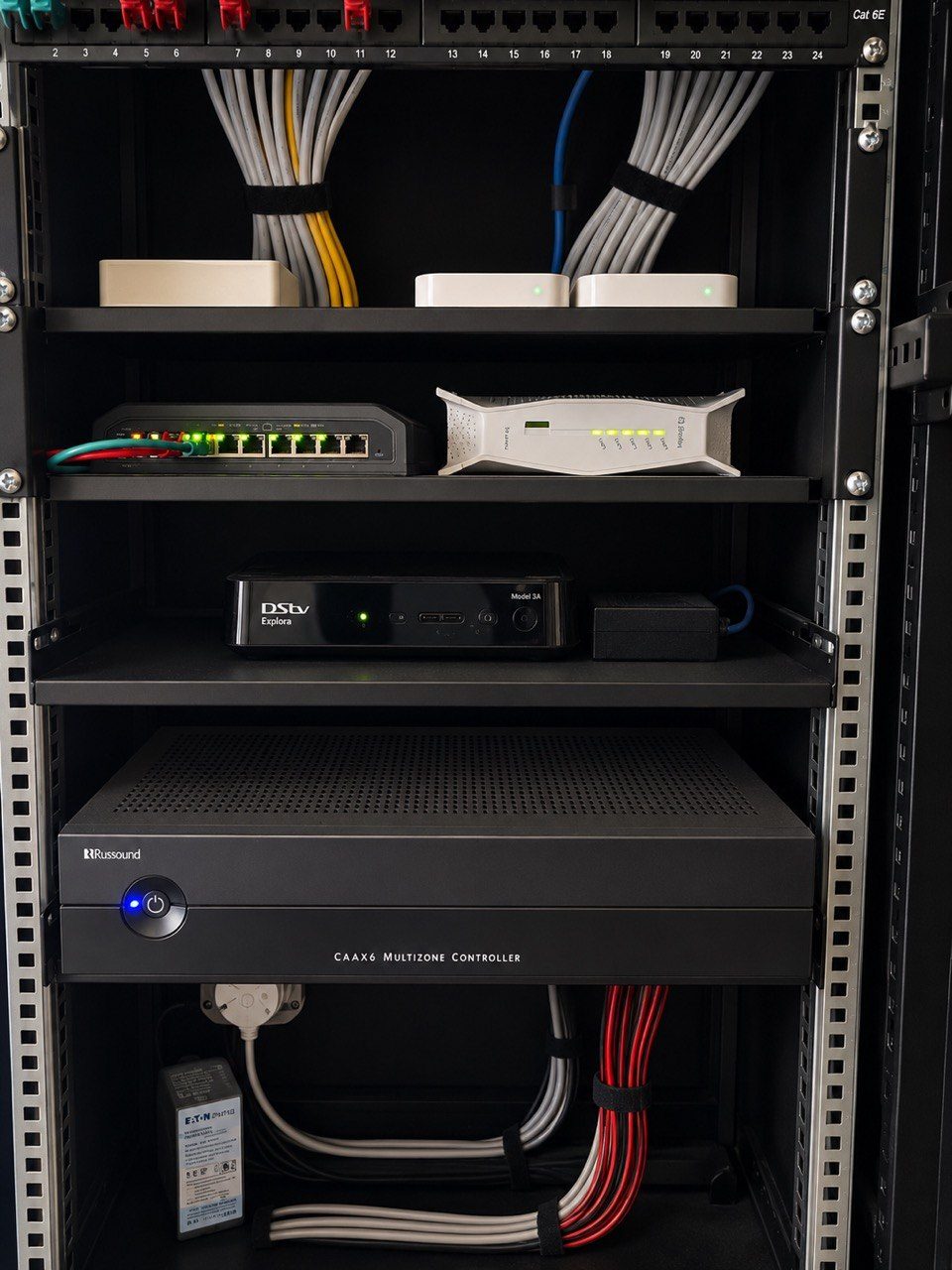
Which app is used for cameras? Who can approve a new user? What can be restarted safely? Where is the rack key? Who is called for Wi-Fi problems? What should not be touched?
This is why DG Technologies has written about what a house manager technology checklist should include.
Limited access protects trust
The best arrangement helps the house manager do their job while protecting the owner’s privacy and security.
Useful access reduces friction.
Limited access reduces risk.
Both matter.