Searching for “CCTV installers near me” is a practical starting point.
You want somebody local enough to visit the site, understand the building, return for support and take responsibility if something does not behave properly.
But being nearby is not enough.
The installer still needs to understand the difference between mounting cameras and designing a CCTV system.
Ask what each camera is meant to prove
A good CCTV conversation should not begin and end with camera count.
The installer should ask what the camera is meant to show.
Is it for overview? Identification? A doorway? A till point? A loading bay? A staff entrance? A vehicle route? A warehouse aisle? A gate? A dispute about deliveries or movement through the site?
Those answers affect camera position, lens choice, mounting height and recording quality.
If the installer only counts corners of the building, the system may miss the detail you actually need.
Check whether cabling is being planned properly
Cabling is where many CCTV systems become expensive later.
Ask where the cables will run, how they will be protected, where they will enter the building, whether outdoor connections are weatherproofed and whether the routes will remain serviceable.
For business sites, cable routes often pass through busy areas, ceiling spaces, warehouses, cable trays or exposed sections. That work needs care.
The neatness of a CCTV installation is not only about appearance.
It affects fault finding and future support.
Ask about the recorder, storage and retention
A CCTV system is only useful if the footage is still there when it is needed.
Ask:
- how many days the system is expected to keep;
- whether recording is continuous or motion-based;
- what hard drive is being used;
- whether the recorder is sized for the camera count;
- whether footage export will be shown during handover.
If nobody can answer those questions, the quote is incomplete.
Make sure the network is part of the discussion
Modern CCTV is usually a network system.
That means PoE switching, IP addressing, router changes, remote viewing and app access all matter.
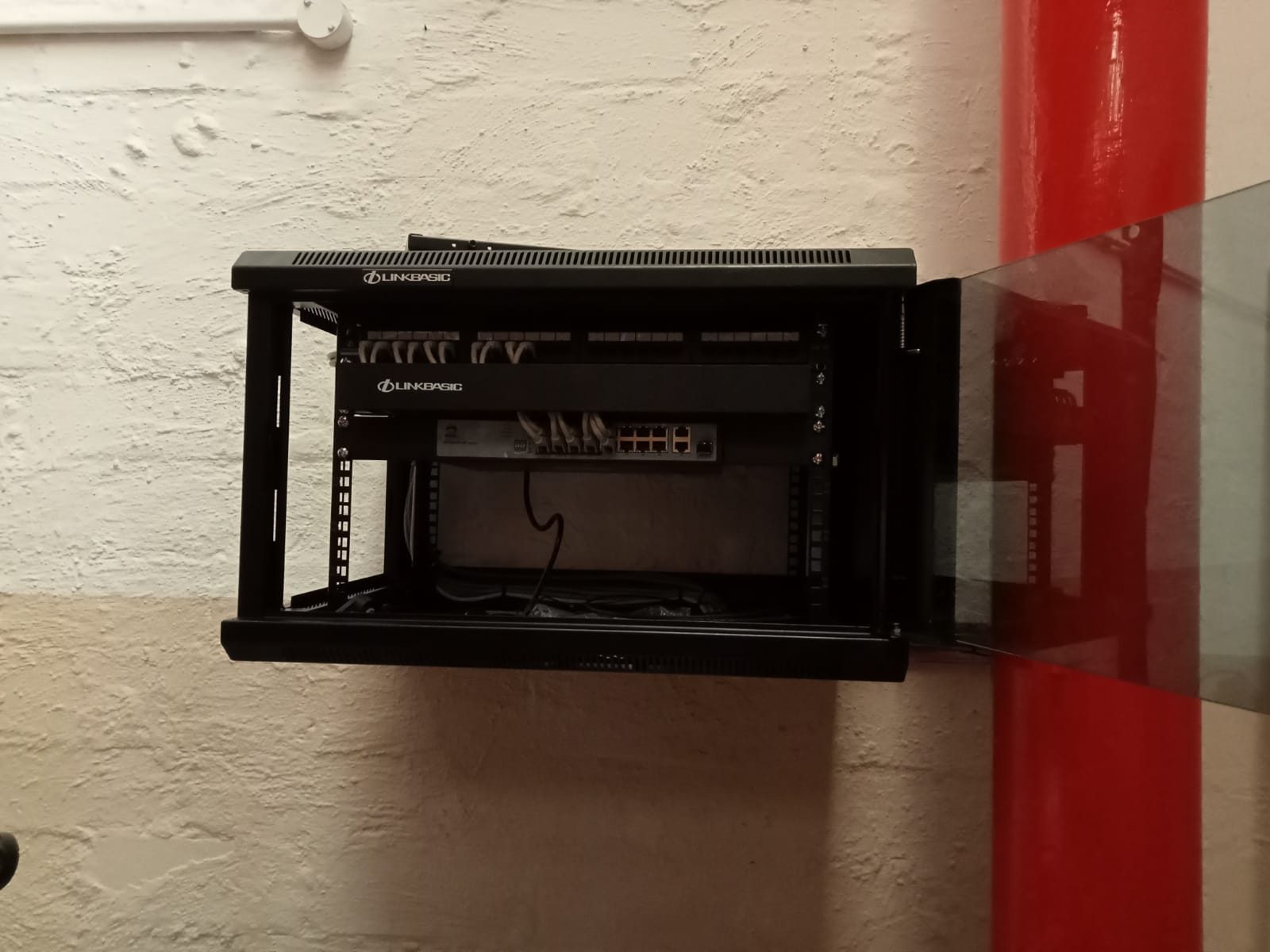
On larger jobs, DG Technologies often treats CCTV and networking as one design. C&J Services is a good example: the system needed cameras, fibre-linked areas, cabinet work, NVR planning and practical office viewing, not only cameras on walls.
If the network is weak, the cameras usually get blamed.
Confirm who owns the app and passwords
The client should not lose control of the CCTV system because an installer used their own account or shared one password across every user.
Ask how admin access is handled, who owns the app account, which users will be created and what happens if a staff member leaves.
For commercial sites, permissions matter.
Not everyone needs admin access.
Check whether the installer will test retrieval, not only live view
Live view is the easy test.
Footage retrieval is the important one.
Before handover, the installer should prove that the system records, plays back and exports footage. Time and date should be correct. Camera names should make sense. The person who will use the system should understand how to find the event.
The worst time to learn footage retrieval is after an incident.
DG Technologies’ view
A local CCTV installer should be close enough to support the site, but skilled enough to design the system properly.
For DG Technologies, that means camera planning, cabling, recording, network design, remote access, handover and long-term support.
The question is not only, “Who is near me?”
The better question is, “Who will still understand this system when I need footage six months from now?”
See DG Technologies’ CCTV installation service, the CCTV planning guide and how much CCTV installation costs in South Africa.