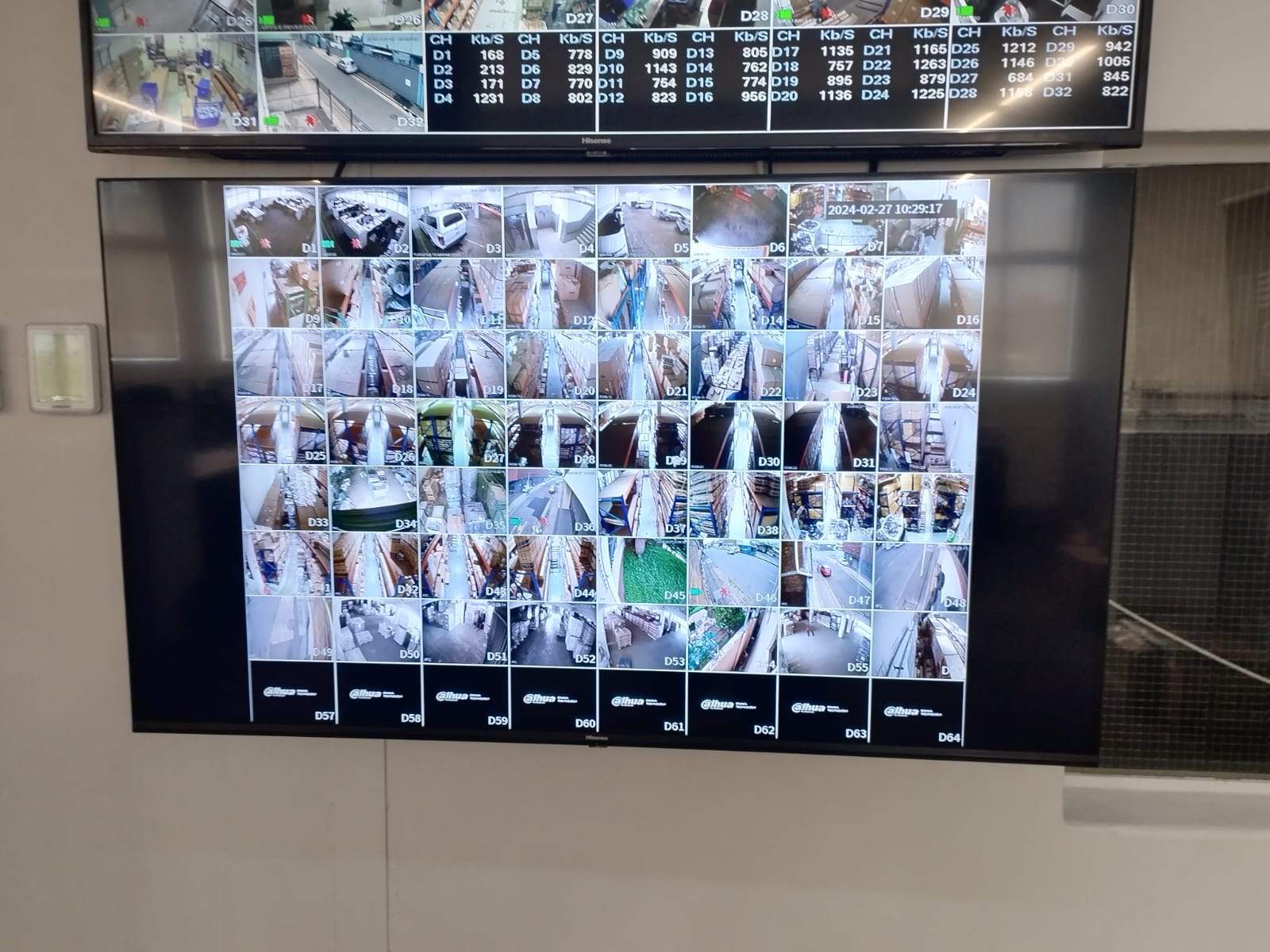
When an office asks for CCTV and access control, I try not to treat those as two separate quotations that just happen to be installed on the same day.
They usually belong together.
The camera system tells you what happened. The access-control system tells you who was allowed through a door, when they entered, and which credential was used. The intercom tells you who asked to come in. The network and power system decide whether any of that still works when the fibre router changes, the power dips, or somebody needs footage urgently.
That is why an office CCTV and access-control installation in Cornubia, Umhlanga, Durban North or the wider Durban area should be planned as one small security infrastructure project, not just as “eight cameras and two doors”.
Start with the doors
With office access control, the first question is not the reader brand.
The first question is what each door actually does.
Is it a public entrance? A staff entrance? A back door? A warehouse door? A reception door that visitors use? A door that must stay locked during working hours? A door that needs to release from an intercom?
Those answers change the design.
A two-door office system may need:
- tag or card readers,
- magnetic locks or electric strikes,
- request-to-exit buttons,
- emergency break-glass release,
- door contacts,
- controller power,
- battery backup,
- intercom wiring,
- user management,
- and audit logs.
If that is not discussed up front, the system can become awkward very quickly.
Cameras should confirm access events
If a staff member tags into a door, the system may record that the tag was used.
But a business often needs more than a log entry. It may need to see who walked in, whether someone followed behind, whether a visitor waited at the door, or whether a delivery was accepted by the right person.
That is why camera views around controlled doors matter.
I like to make sure important doors have camera coverage that makes sense for the way the business operates. Sometimes that means a camera looking at the face approaching the door. Sometimes it means a wider view showing the reception or passage. Sometimes it means both.
The access-control log and CCTV footage should help each other.
Remote viewing is useful, but ownership matters
Most office clients want to view cameras on a cellphone.
That is completely reasonable, but it should be set up properly.
The business needs to know:
- who owns the main admin account,
- which staff members have viewing access,
- whether users can see live cameras only or playback as well,
- what happens when a staff member leaves,
- whether the app is connected securely,
- and who is responsible if the router or internet provider changes.
I have had enough support calls over the years where the actual fault was not the camera at all. The router was changed, the IP settings disappeared, port forwarding changed, or nobody knew which account controlled the CCTV app.
That is why I prefer the CCTV, access control and network setup to be documented together.
Recorder choice affects future support
For a small office, an NVR or DVR may look simple on paper.
But even a modest eight-camera system needs proper thinking around storage, resolution, frame rate, remote viewing, hard-drive capacity and future expansion.
If the business may grow, add a warehouse section, add a second office, or add more door views later, the recorder and network should not be selected at the absolute limit on day one.
The cheapest recorder can become expensive if it has no room to grow.
DG Technologies works with professional CCTV platforms such as Hikvision and Dahua where they suit the job, but the brand is only one part of the decision. Camera placement, recording settings, storage, app setup, cabling, power and support matter just as much.
Do not leave power protection out
Office security systems should not be treated like loose desktop equipment.
The recorder, PoE switches, router, access-control controller and intercom power supply all need to be considered during power failures and load-shedding recovery.
If the door controller drops out before the lock releases properly, that is a problem. If cameras keep recording but the router is down, remote viewing may fail. If the NVR shuts down badly every time power dips, the hard drive may suffer.
For business systems, I would rather spend the money on sensible UPS protection and a clean power path than save a small amount and leave the system exposed.
The office user experience matters
The person using the system may not be technical.
They may be the owner, receptionist, office manager, security guard or branch manager. They need a system that makes sense under pressure.
That means:
- clear camera names,
- sensible camera layout,
- easy phone viewing,
- known access-control user process,
- documented admin details,
- simple footage retrieval,
- and a clear support contact.
This is the difference between installed equipment and a working business system.
My practical advice
For an office in Cornubia or Durban planning CCTV and access control, I would start with a site walk.
I would mark the important doors, identify the viewing requirements, check cable routes, decide where the recorder and controller should live, confirm network and power, and then quote the system as one coordinated design.
Eight cameras and two doors can be a neat, reliable office system.
But only if the design behind them is clear.
Related reading: CCTV installation for businesses in Durban and KZN, why access control and CCTV should be planned together and our access control service.