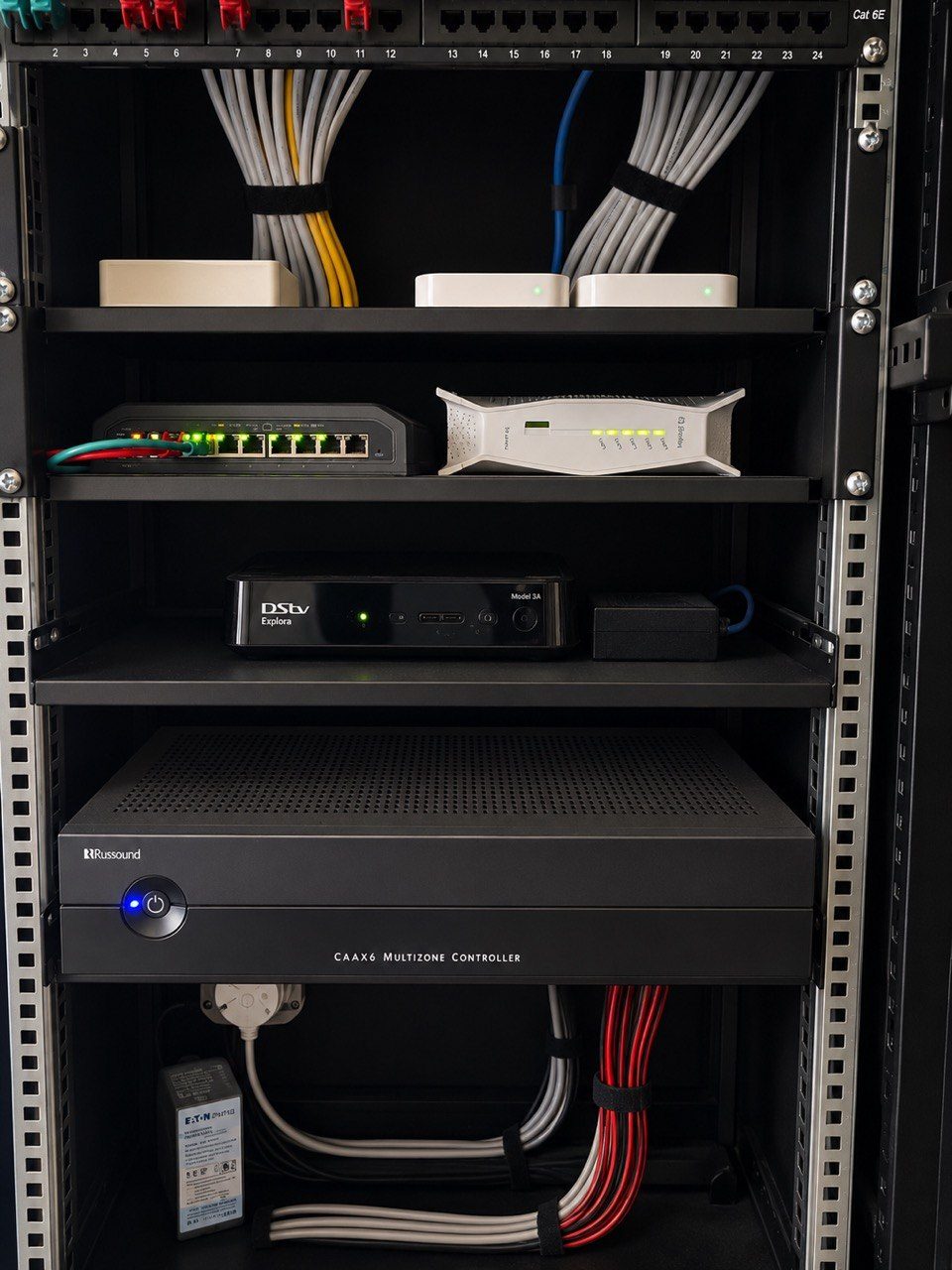
Firmware updates sound harmless.
Sometimes they are.
An update may fix a bug, improve security, add device support or make a system more stable. In modern smart homes, updates are part of life. Routers update. Switches update. Wi-Fi access points update. Cameras update. NVRs update. Audio streamers update. Control systems update. Mobile apps update.
The problem is not the update itself.
The problem is unmanaged change.
In a premium home, one update can affect more than one device. A network update can affect CCTV. A router change can affect remote access. A streaming update can affect audio zones. A mobile app update can change the way the owner controls the house. A firmware mismatch can cause a device to appear online but behave strangely.
This is why smart-home firmware updates need change control.
A smart home is an ecosystem
Older AV systems were often simpler from a software point of view. A TV, amplifier and decoder could operate for years without much changing.
Modern homes are different.
A serious installation may include Crestron Home, managed Wi-Fi, CCTV, access control, streaming audio, app control, touch panels, remotes, lighting processors, network switches, PoE devices, fibre equipment and remote support tools.
These systems depend on each other.
If one part changes unexpectedly, the symptom may appear somewhere else. The owner may think the camera system is faulty when the real issue is network authentication. A music zone may stop appearing because a streamer changed behaviour. Remote access may fail because a router setting changed during an update.
Good support starts by respecting those dependencies.
Not every update should happen immediately
There is a difference between an important security update and a feature update.
There is also a difference between updating a spare device on a bench and updating the live network of a home that must work for guests that evening.
For critical homes, updates should be scheduled rather than random. The right time is usually when someone can test afterwards, not ten minutes before the client is hosting people.
Before updating, the support team should know:
- Which devices are being updated
- What the update is meant to fix
- Whether settings are backed up
- Whether there is remote or physical access if something fails
- Which rooms or systems may be affected
- Who will test the system afterwards
That sounds conservative. It is.
In premium AV and automation work, conservative update behaviour is often what keeps the house stable.
Backups matter before touching anything
Configuration backups are not paperwork.
They are insurance.
Before changing network equipment, CCTV recorders, control processors or important system devices, the existing configuration should be recoverable where possible. If a device fails during an update or a setting changes unexpectedly, the team should not be rebuilding from memory.
This is especially important where a home has grown over time.
There may be static IP addresses, port rules, VLANs, Wi-Fi networks, remote access settings, camera streams, audio devices, room names, user permissions and support notes that took years to settle into the correct shape.
Losing that information can turn a simple update into a full recommissioning job.
This connects directly to smart-home documentation and supportability. A home is easier to support when its configuration history is known.
Testing after the update is part of the job
An update is not finished when the progress bar reaches 100%.
It is finished when the system has been tested.
For a large home, that may include:
- Wi-Fi roaming
- CCTV live view and playback
- Remote access
- Crestron app and touchscreen control
- Audio zones
- TV source switching
- Gate and intercom functions
- Critical lighting scenes
- Internet failover or recovery behaviour
Not every system needs a full test every time. But the important functions should be checked based on what changed.
If a network switch update was completed, check the devices powered by that switch. If a router was updated, check remote support and port-dependent services. If a camera recorder was updated, check playback, time settings and remote viewing.
The test plan should follow the risk.
Automatic updates can be useful, but not everywhere
Automatic updates are convenient in small consumer systems.
In a professional smart home, they need thought.
Some devices may be safe to update automatically. Others should be held back until compatibility is known. A network controller may need a different update policy from a mobile app. A security camera recorder may need a different policy from a streaming device.
The point is not to avoid updates forever.
The point is to avoid surprise.
DG Technologies treats smart-home support as an ongoing discipline because homes change. Firmware changes, internet providers change, mobile phones change, streaming services change and family use changes. The support process should manage those changes instead of pretending the installation ends on handover day.
Good change control feels boring
The best update process is not dramatic.
It is planned, recorded, tested and calm.
The client does not need to know every firmware number. They do need confidence that the system is being looked after properly.
That means no unnecessary updates during risky windows, no blind changes without backups, no undocumented settings, and no assuming that because one device updated successfully, the whole house is fine.
A premium smart home should evolve without becoming fragile.
That is what change control is for.