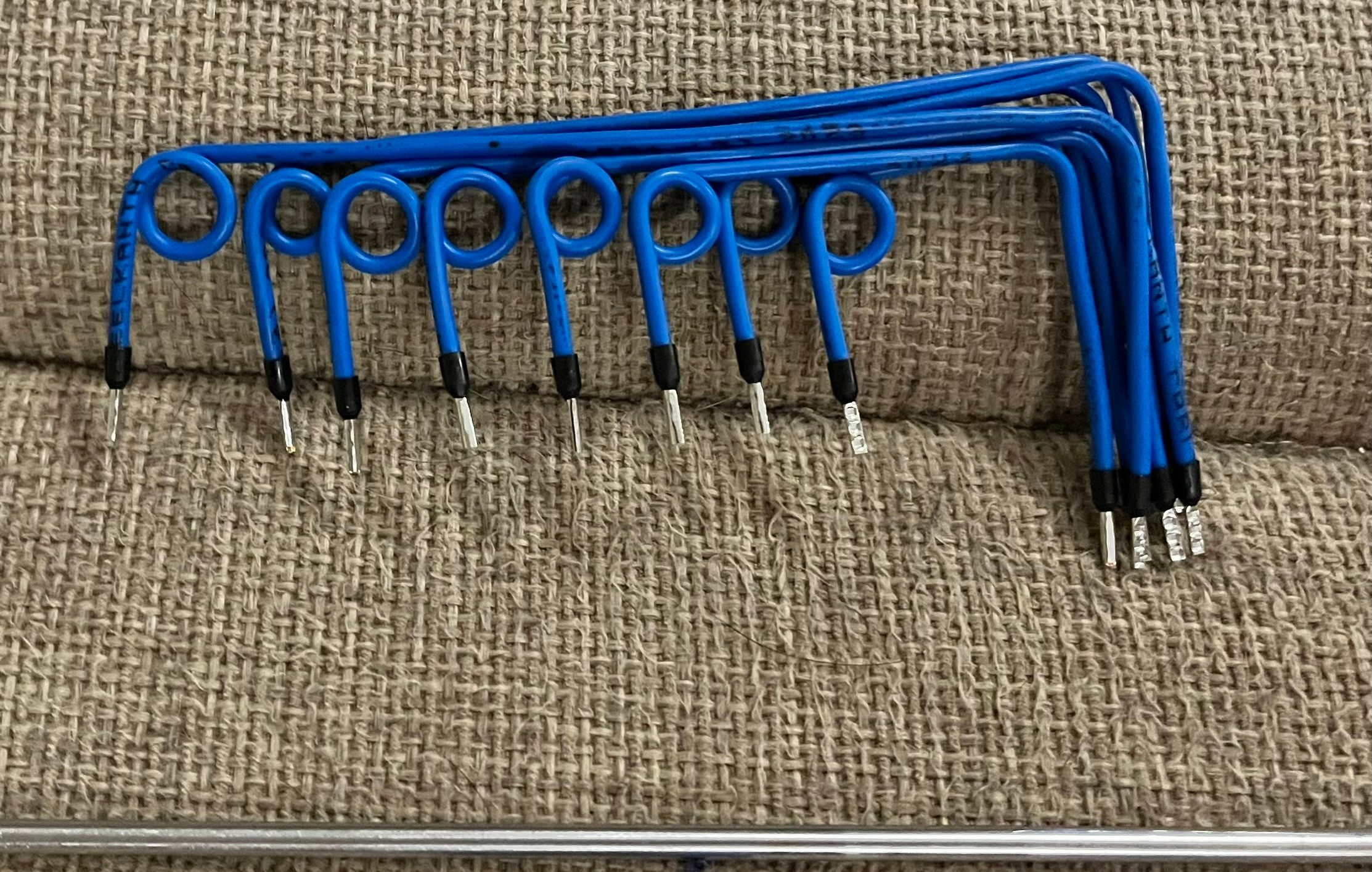
When a smart home behaves strangely, the visible symptom is often misleading.
A touch panel stops responding.
A lighting circuit does not switch.
A keypad feels delayed.
An audio zone becomes unreliable.
A client may understandably describe the fault as “the Crestron is not working”.
But in a proper fault-finding process, the control system is not treated as one mysterious black box. It is a connected environment made of processors, relays, keypads, power supplies, network devices, modules, cables and programmed logic.
Sometimes one faulty low-voltage device can create symptoms that look much bigger than the device itself.
Connected systems share responsibility
In a Crestron or premium smart-home installation, devices do not operate in isolation.
A relay module may sit in a DB. A keypad may speak to a processor. A power supply may feed several devices. A control bus may link modules together. Network equipment may carry touch-panel traffic, app control, streaming and remote support.
That shared architecture is powerful, but it also means faults can travel.
If a device on a control network fails in the wrong way, it may pull down communication, overload a supply, interrupt the next device in line, or create a confusing chain of symptoms. The homeowner sees several things fail and assumes the whole system has collapsed.
The technician has to slow the problem down.
What failed first?
What is only reacting to that failure?
What is still healthy?
Do not replace the expensive thing first
This is one of the most important principles in Crestron repair and smart-home rescue work.
Do not immediately replace the most expensive device.
If a lighting relay is behaving badly, the processor may still be fine. If a keypad is offline, the cable or power may be the issue. If one device causes another to drop offline when connected, the fault may sit in that device, the power path, the wiring or the control bus.
Good diagnostics isolates the problem.
That may mean:
- Disconnecting suspect devices one at a time.
- Testing relays independently.
- Checking supply voltage under load.
- Confirming whether the fault follows a device or a cable route.
- Verifying normally-open and normally-closed relay behaviour.
- Testing trigger voltage separately from output voltage.
- Looking for overloaded or weak power supplies.
- Checking whether the next device recovers when the faulty unit is removed.
This is slower than guessing, but it protects the client from unnecessary replacement.
Low-voltage does not mean low importance
People sometimes hear “low-voltage” and assume it is less serious.
In a smart home, low-voltage cabling carries the decisions.
It may carry the signal that opens a gate, switches a relay, triggers a scene, powers a keypad, carries data to a touch panel, links a lighting module or connects a camera. If that layer is poorly terminated, undocumented, overloaded or damaged, the expensive visible equipment above it becomes unreliable.
This is why DG Technologies pays attention to the physical workmanship inside racks and DBs.
Cable dressing is not only about looking neat in a photograph. It helps fault finding. It helps airflow. It helps identify circuits. It reduces accidental strain. It makes future service possible. It shows whether the installer understood that someone else may need to open the panel years later.
Power supplies are often overlooked
Power supplies deserve respect.
A control device may appear faulty when the real issue is voltage drop, overload, unstable supply or poor distribution. A supply may work while the system is idle but collapse when relays activate or devices draw more current.
In larger homes, this becomes more important because cable runs are longer, devices are spread across the property and multiple systems may restart together after load shedding.
If a home has solar, inverter backup or a UPS, that does not automatically mean the low-voltage side is protected properly. Sensitive equipment still needs clean power, correct sizing and sensible recovery behaviour. We covered the power side in more detail in why online double-conversion UPS still matters.
Documentation turns panic into process
Fault finding becomes much harder when there are no drawings, no labels and no record of what was installed.
If a relay is faulty, which circuit does it control?
If a device drops offline, what else shares the same power?
If a cable disappears into the ceiling, where does it emerge?
If a previous installer changed something, was it documented?
Without answers, the technician wastes time rediscovering the system. With proper documentation, the investigation can move logically.
That is why smart-home documentation is not paperwork. It is part of the support product.
A good repair protects what still works
The wrong repair can make a system worse.
If a technician starts cutting, bypassing, replacing and guessing without understanding the wider control architecture, they may disturb healthy parts of the system. That is especially risky in older homes where existing equipment may no longer be easily available.
A better approach is more careful:
Find the failure.
Confirm it.
Remove or repair only what is necessary.
Protect the working equipment.
Document the change.
Then test the full behaviour from the client’s point of view.
Smart-home rescue is engineering, not magic
There is nothing mystical about a premium automation system.
It is a collection of electrical, electronic, network and programming decisions.
When those decisions are made carefully, the home feels effortless. When one small decision fails, the symptoms can feel much larger than the cause.
That is why DG Technologies approaches smart-home repair with patience. We want to understand the system before condemning it.
Sometimes the answer is a new module.
Sometimes it is a better power supply.
Sometimes it is a corrected termination.
Sometimes it is a cable route.
Sometimes it is simply removing one faulty low-voltage device that was dragging the rest of the system down.
The value is knowing the difference.