Control stops responding
Keypads, touch panels, remotes or app controls work intermittently or stop talking to the processor.
Legacy system rescue
Crestron, AV, lighting, audio, Wi-Fi and control-system fault finding across Durban and KZN
Crestron repair and recommissioning
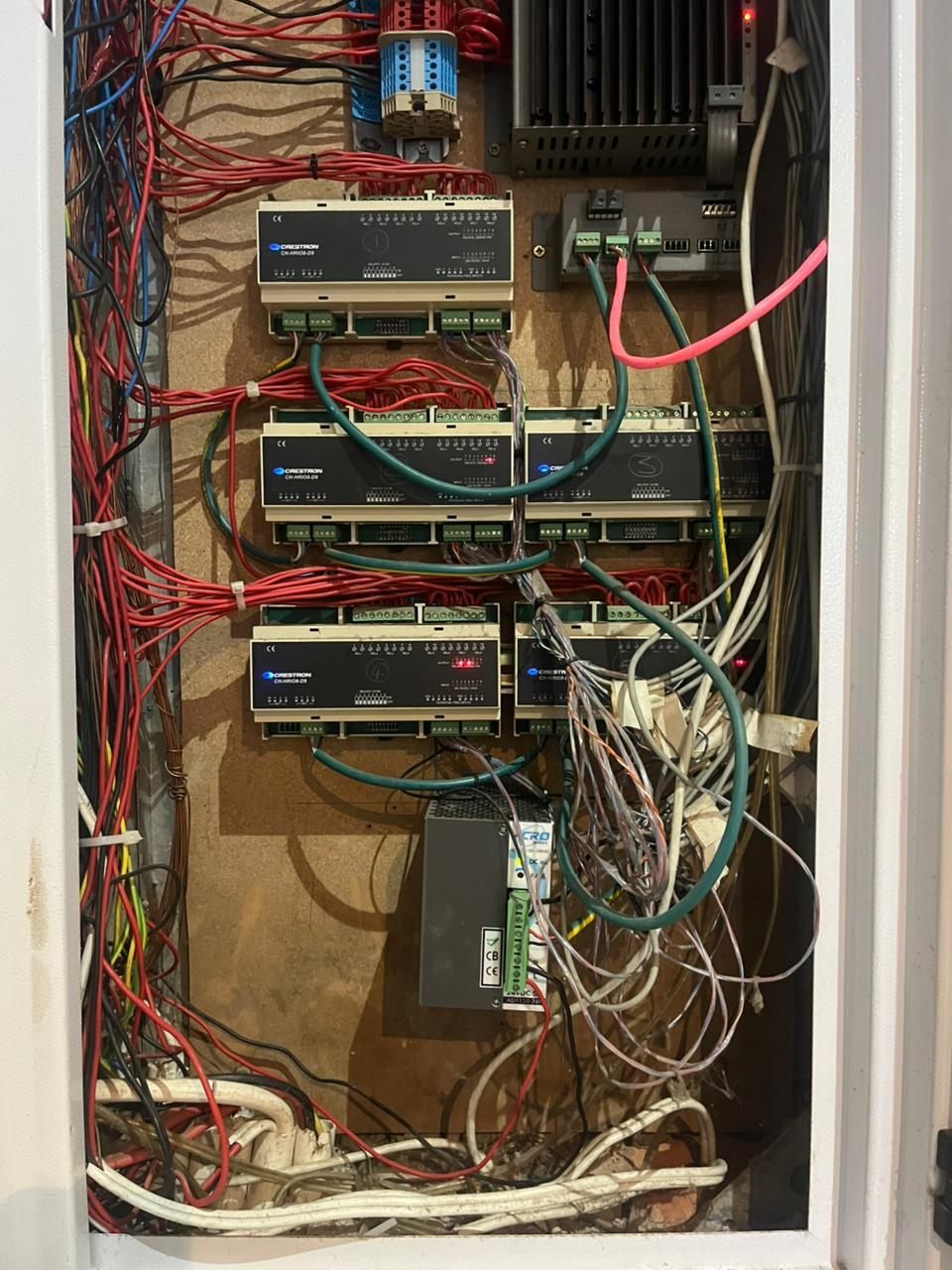
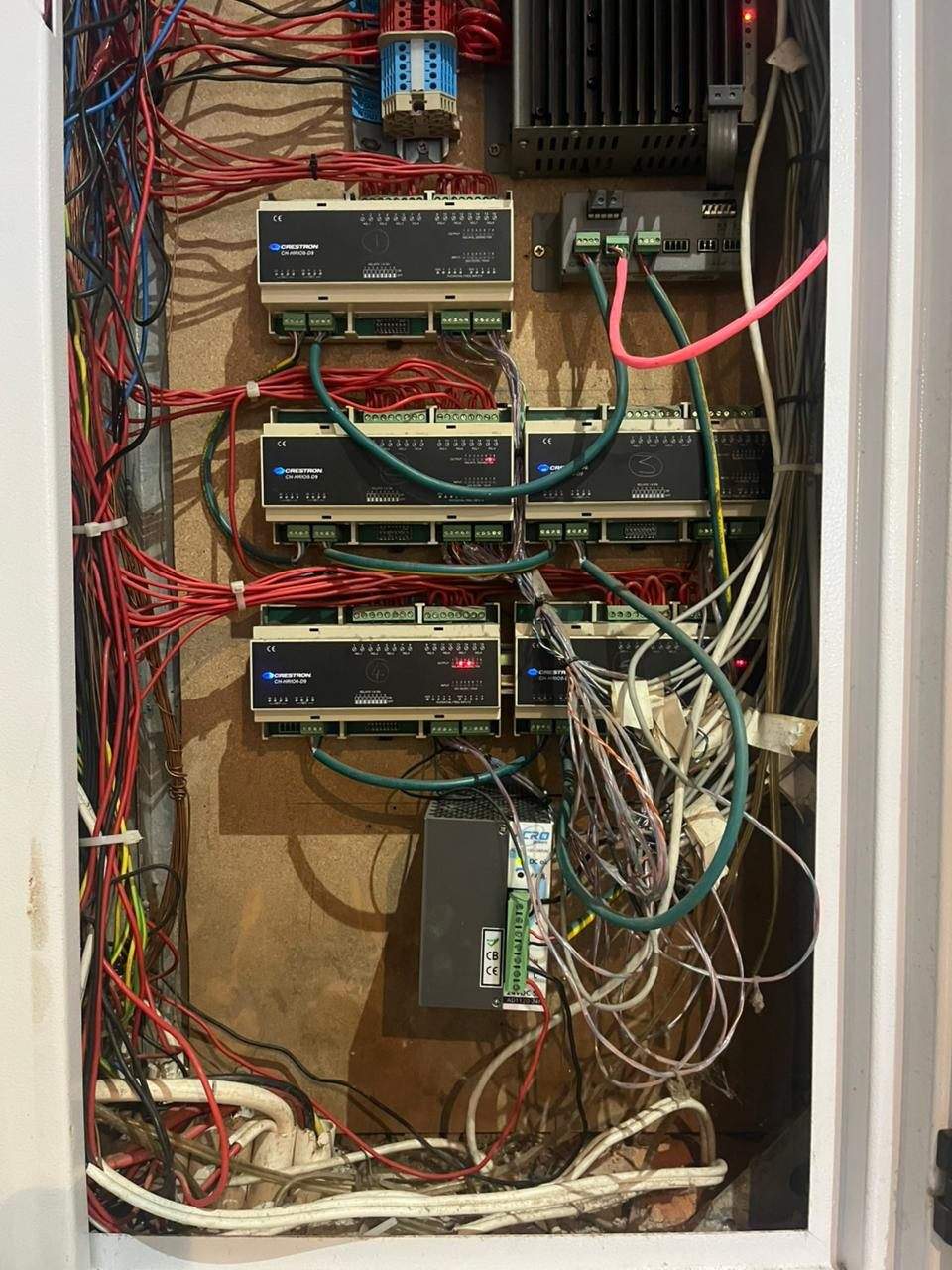
DG Technologies is often called in when an existing automation system has become unreliable, confusing or impossible to support. The home may have premium equipment, but poor wiring, ageing processors, weak networking, incorrect lighting loads or missing documentation can make the system feel broken.
Our first job is to understand what is there, what still has value and what is causing the failures. The correct route may be a Crestron Home upgrade, a power supply, a network cleanup, a lighting-module change, a recommissioning pass or proper documentation.
For local planning and takeover work, see our Hawaan Forest Estate home automation page and Mount Edgecombe Crestron repair page. For new systems across the region, start with Crestron installation in Durban and KZN.
At The Pearls of Umhlanga, we have turned this assessment process into a defined Crestron Home replacement package for qualifying apartments, with the existing cabling and control scope checked before the price is confirmed.
What we find
A smart home is a chain of dependencies. A keypad fault may be a power issue. A touch panel fault may be a network issue. An audio fault may be a source-routing or rack problem.
Keypads, touch panels, remotes or app controls work intermittently or stop talking to the processor.
LED flicker, failed dimming, incorrect scenes and old incandescent-era hardware can make daily use frustrating.
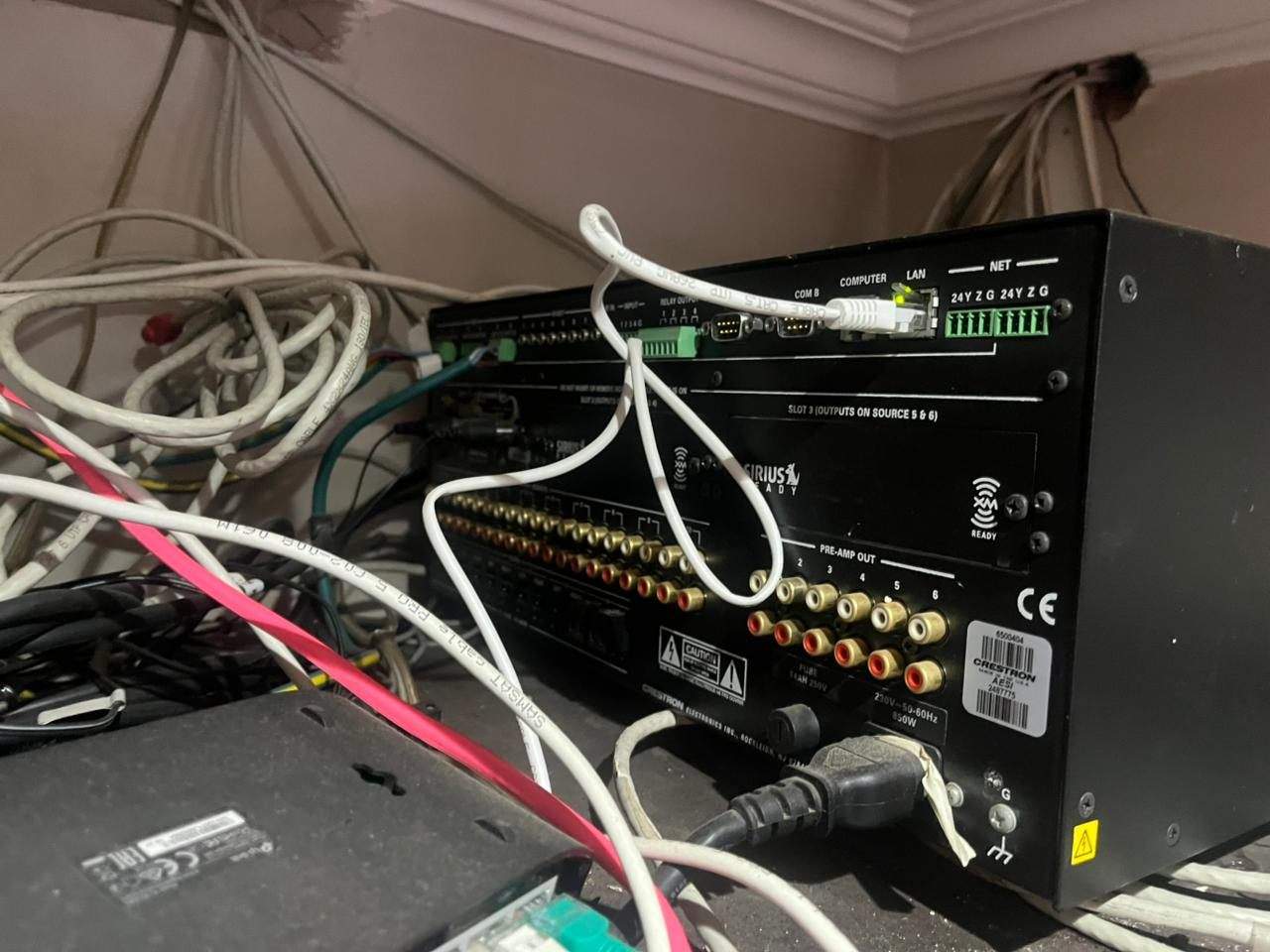
Amplifiers, matrices, source routing and room names often drift out of sync after years of changes.
A replaced router or unmanaged switch can disconnect processors, touch panels, NVRs and streaming devices.
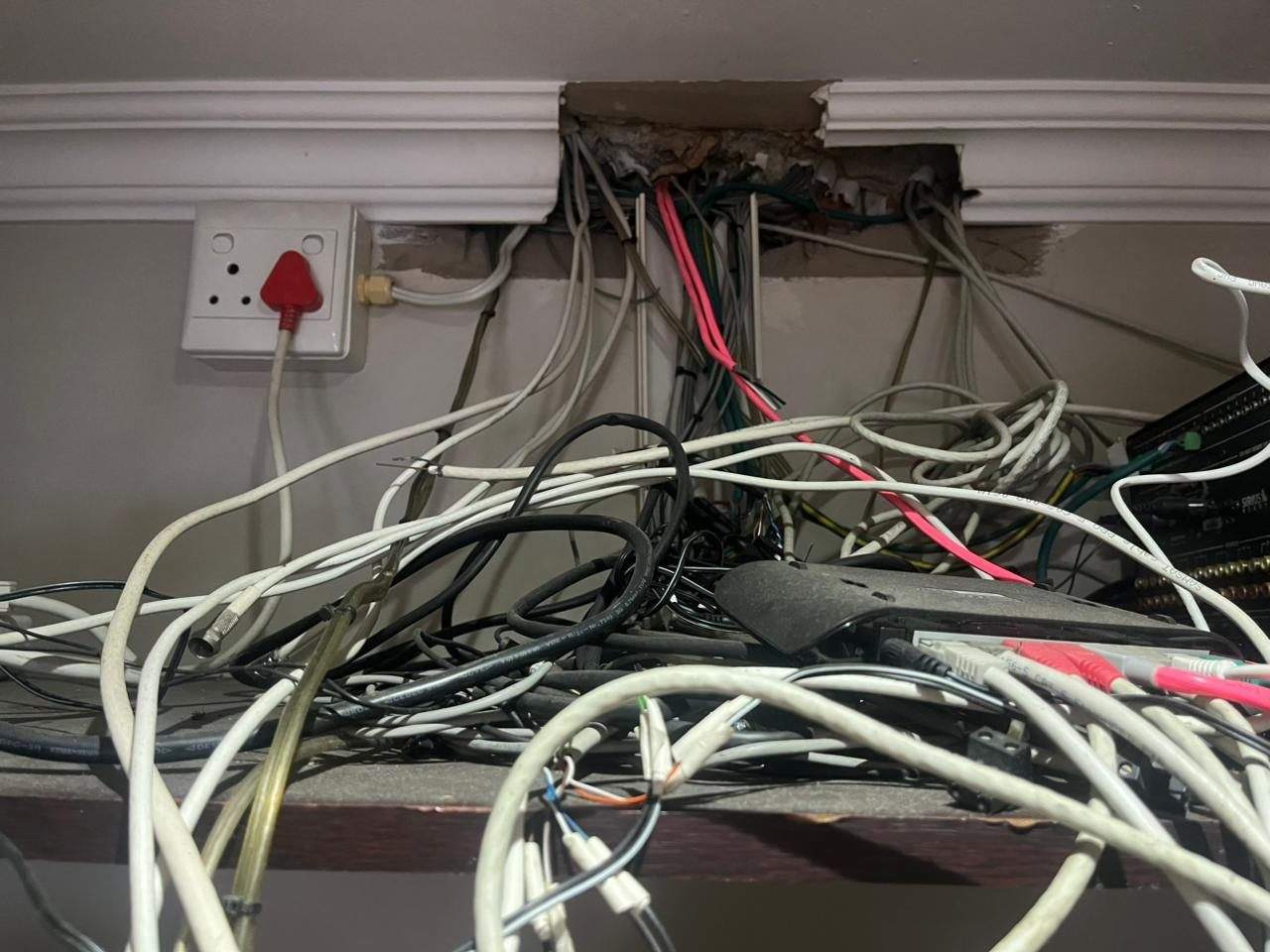
Unlabelled Cresnet, CAT6, speaker, HDMI, relay and IR wiring turns simple faults into long investigations.
The original installer may be gone, the program may be old and the homeowner is left with a system no one understands.
The real product is judgement
A rescue project needs a different mindset from a new installation. The easy route is to quote a full replacement. The better route is to test the system properly and decide where money will actually improve reliability.
We look for the decisions that protect the homeowner: keep reliable equipment, remove unsupported or unstable parts, document what was found and create a practical upgrade path. This is the same philosophy behind what it is like working with DG Technologies.
How we work
Evidence from the way we work
DG Technologies has years of internal assessment notes, lighting schedules, AV requirements, rack proposals, program backups and fault reports. Those documents stay private, but the operating pattern is clear.
System rescue FAQ
Yes. DG Technologies assesses legacy Crestron systems, checks the processor, Cresnet network, touch panels, keypads, lighting modules, racks, audio equipment and network before recommending repair, recommissioning or replacement.
No. Some equipment may still be reliable and worth keeping. DG Technologies separates what can be reused from what is causing faults, compatibility problems or long-term support risk.
Common causes include ageing processors, failed power supplies, corroded connectors, undocumented cabling, weak networking, unsuitable lighting modules, discontinued touch panels and years of undocumented changes.
Often, yes. The first step is a technical assessment and documentation pass so the existing system can be understood before changes are made.
DG Technologies supports legacy Crestron and smart home systems across Durban, Durban North, Umhlanga, La Lucia, Hawaan Forest Estate, Mount Edgecombe Estate, Zimbali, Simbithi, Ballito, Hillcrest, Westville and selected KwaZulu-Natal properties.
Send us the symptoms, the system brand if you know it, and a few photos of the rack, DB or touch panels. We will help you decide whether the system should be repaired, documented, recommissioned or upgraded.