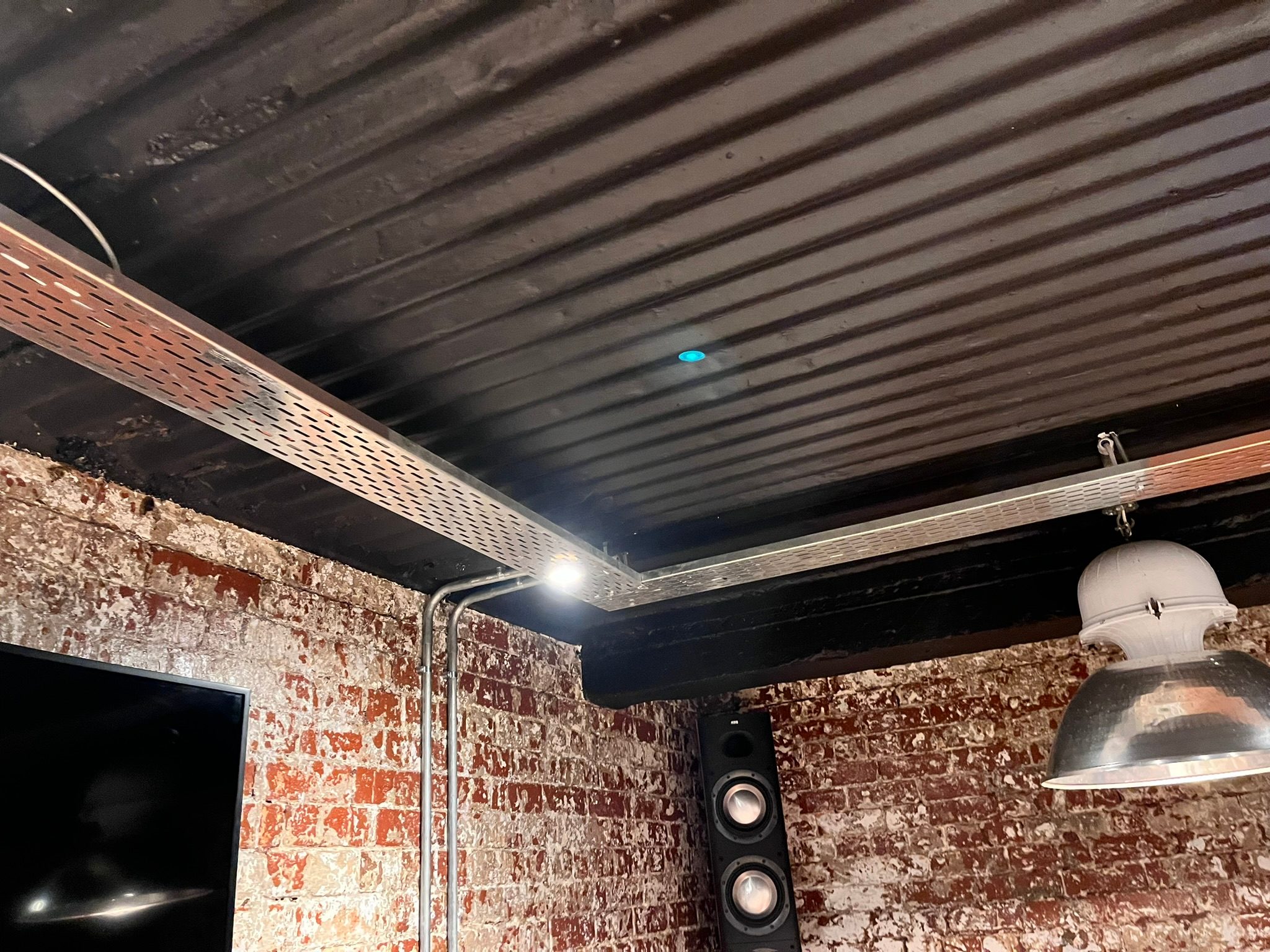
Motion sensors can be excellent in a home.
They can switch on a passage light at night. They can bring on exterior lighting when someone walks onto a verandah. They can help staff areas, garages, bathrooms, storerooms and garden paths work without people constantly touching switches.
But a motion sensor is not automatically a good lighting-control design.
The programming behind it matters.
One of the most common mistakes is treating a sensor as if it should always be in charge. Movement detected, light on. No movement detected, light off.
That may work in a storeroom.
It may be terrible in an entertainment area.
Real homes need exceptions
Imagine an exterior verandah light controlled by a motion sensor.
At first, the idea sounds perfect. Someone walks outside, the light comes on. After a few minutes without movement, the light turns off.
But what happens when the homeowner wants the light to stay on?
Maybe guests are arriving. Maybe the family is eating outside. Maybe someone is sitting still near the braai. Maybe the owner wants the lights on for security while the dogs are outside. Maybe the sensor cannot see the whole area because furniture, pillars or landscaping block parts of its view.
If the sensor blindly turns the light off because it no longer sees movement, the system becomes irritating.
That is why a good smart-lighting design needs manual override logic.
The rule might be simple:
If the client switched the light on manually, the sensor is not allowed to switch it off.
That one piece of logic changes the whole experience.
Automation should not fight the person
The purpose of lighting control is not to prove that the system can make decisions.
It is to make the home easier to live in.
When automation fights the homeowner, trust disappears quickly. A client will forgive a complicated setup far less than they will forgive a normal switch. If a light turns off while they are still using the space, the lesson they learn is simple: the automation is annoying.
Good programming respects intent.
If the system turned the light on automatically, the system may turn it off automatically.
If the person turned the light on manually, the person probably had a reason.
That reason should win.
Vacancy and occupancy are different ideas
There is an important difference between occupancy and vacancy logic.
Occupancy logic says: when movement is detected, turn something on.
Vacancy logic says: when no movement is detected for a defined time, turn something off.
Those two behaviours should not always be tied together.
In some spaces, automatic-on and automatic-off make sense. In others, automatic-off only makes sense if the light was automatically triggered in the first place. In bedrooms, cinemas, lounges, patios and entertainment rooms, automatic logic needs to be more careful.
This is where a professional control system such as Crestron is useful. The sensor is only one input. The system can also consider keypad presses, scene selection, time of day, security mode, party mode, staff mode, daylight, exterior schedules and client preference.
Simple rules can feel intelligent
A lighting system does not need theatrical complexity to feel intelligent.
Often, the best logic is practical:
- Turn the passage light on softly after dark.
- Do not trigger bright scenes in the middle of the night.
- Keep the verandah light on if it was switched on manually.
- Allow an exterior sensor to bring lights on for security, but not fight a selected scene.
- Let the client disable a troublesome sensor temporarily.
- Restore normal behaviour after a defined time or after the next morning.
These rules are not glamorous, but they are the difference between a home that feels polished and one that feels unpredictable.
Sensor position is also part of the programming
You cannot solve every sensor problem in software.
The physical sensor position still matters.
Before deciding logic, we ask where the sensor can actually see. Does it catch the person entering the space? Does it miss the seating area? Does it detect movement from outside a window? Is it affected by pets? Is it near heat sources? Does it see across the path of travel or only toward someone walking straight at it?
In a KZN home with verandahs, open-plan living, outdoor kitchens, coastal humidity, pets, staff movement and garden areas, sensor placement is rarely one-size-fits-all.
If the sensor is badly positioned, the system may need unnecessary programming to hide a physical mistake.
Manual control still matters in luxury homes
There is a strange assumption in smart-home marketing that the more automated a house becomes, the fewer controls it needs.
That is not always true.
Premium homes still need reliable, understandable manual control. A well-placed keypad, touch panel or app control gives the homeowner confidence. It says: the system may help you, but you are still in charge.
That is especially important in large homes with family members, guests, staff and house managers. Not everyone uses technology the same way. Some people want everything automated. Others want a switch that behaves exactly as expected.
DG Technologies designs home automation around both.
The real test is everyday behaviour
A lighting scene can look impressive during commissioning.
The real test is what happens on a normal evening.
Can the homeowner walk outside without thinking? Can a guest use the space without asking for instructions? Can staff clean without confusing the system? Can the owner force a light to stay on without fighting a sensor? Does the home recover gracefully after load shedding or a power cycle?
That is where good programming shows.
Motion sensors are useful, but they should not become the personality of the home. They should quietly support the people living there.
When the system understands manual override, timeouts and real human behaviour, the result feels less like a gadget and more like proper engineering.