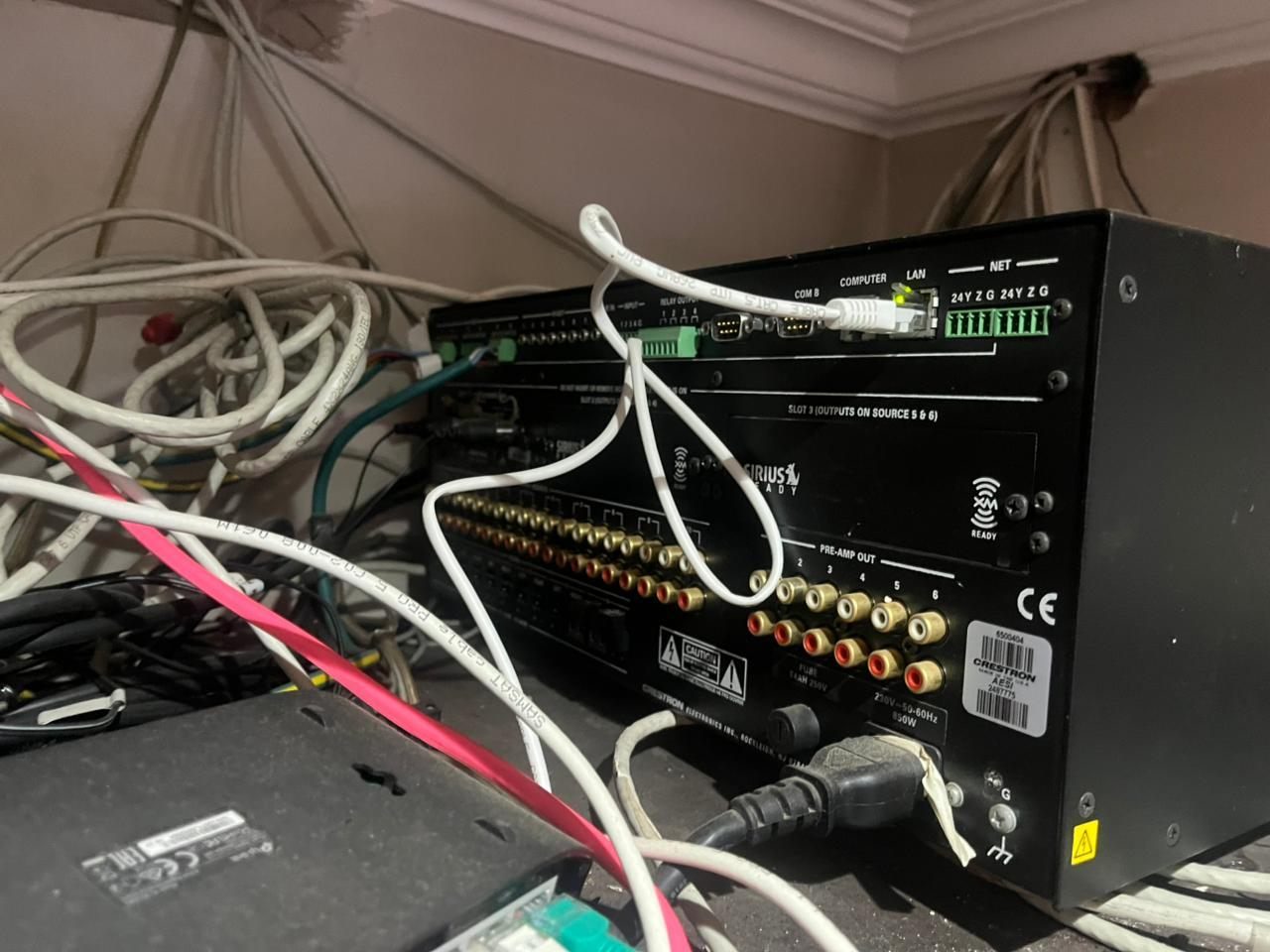
An unreliable Crestron system does not automatically need to be replaced.
It also does not automatically need to be kept.
The right answer depends on the condition of the equipment, the wiring, the lighting loads, the network, the rack, the programming, the documentation and the way the homeowner wants to use the property today.
DG Technologies is often asked to look at legacy Crestron systems in Durban, Mount Edgecombe, Umhlanga, Zimbali, Simbithi and the KZN coast. Some systems are badly installed. Some were good systems that have been changed too many times without documentation. Some are simply old. Some only need intelligent recommissioning.
The important thing is to make the decision after assessment, not from fear.
Repair when the fault is isolated
Repair makes sense when the main problem is specific and the rest of the system is still healthy.
Examples may include:
- a failed power supply
- a faulty network switch
- one keypad or touch panel not responding
- one audio source failing
- a camera path problem
- a loose termination
- a small programming issue
- one lighting module or load needing attention
In this case, replacing the entire system would be wasteful.
The repair still needs to be done properly. If the failed part is a symptom of heat, poor power, bad cabling or an overloaded network, the underlying cause should be addressed as well.
Recommission when the system has drifted
Recommissioning is different from repair.
A system may technically work, but no longer match the home properly.
Rooms may have been renamed. TVs may have changed. Fibre routers may have been replaced. Audio zones may no longer make sense. Lighting scenes may feel wrong. Staff use may have changed. Outdoor areas may now matter more than before. The app may show old devices or confusing room names.
In these cases, the equipment may still be usable, but the system needs to be brought back into alignment with the home.
Recommissioning may involve:
- documenting the current system
- cleaning up room names
- simplifying scenes
- checking network stability
- testing keypads and touch panels
- reviewing lighting behaviour
- removing unused sources
- updating user access
- improving handover information
This can make an older system feel more understandable without replacing everything.
Upgrade when the foundation is useful but parts are outdated
Upgrade makes sense when some parts of the system still have value, but selected areas are holding the home back.
For example:
- the cabling may be usable, but the network equipment is weak
- the speakers may be good, but source control is outdated
- the lighting circuits may be fine, but old dimmers do not suit modern LED loads
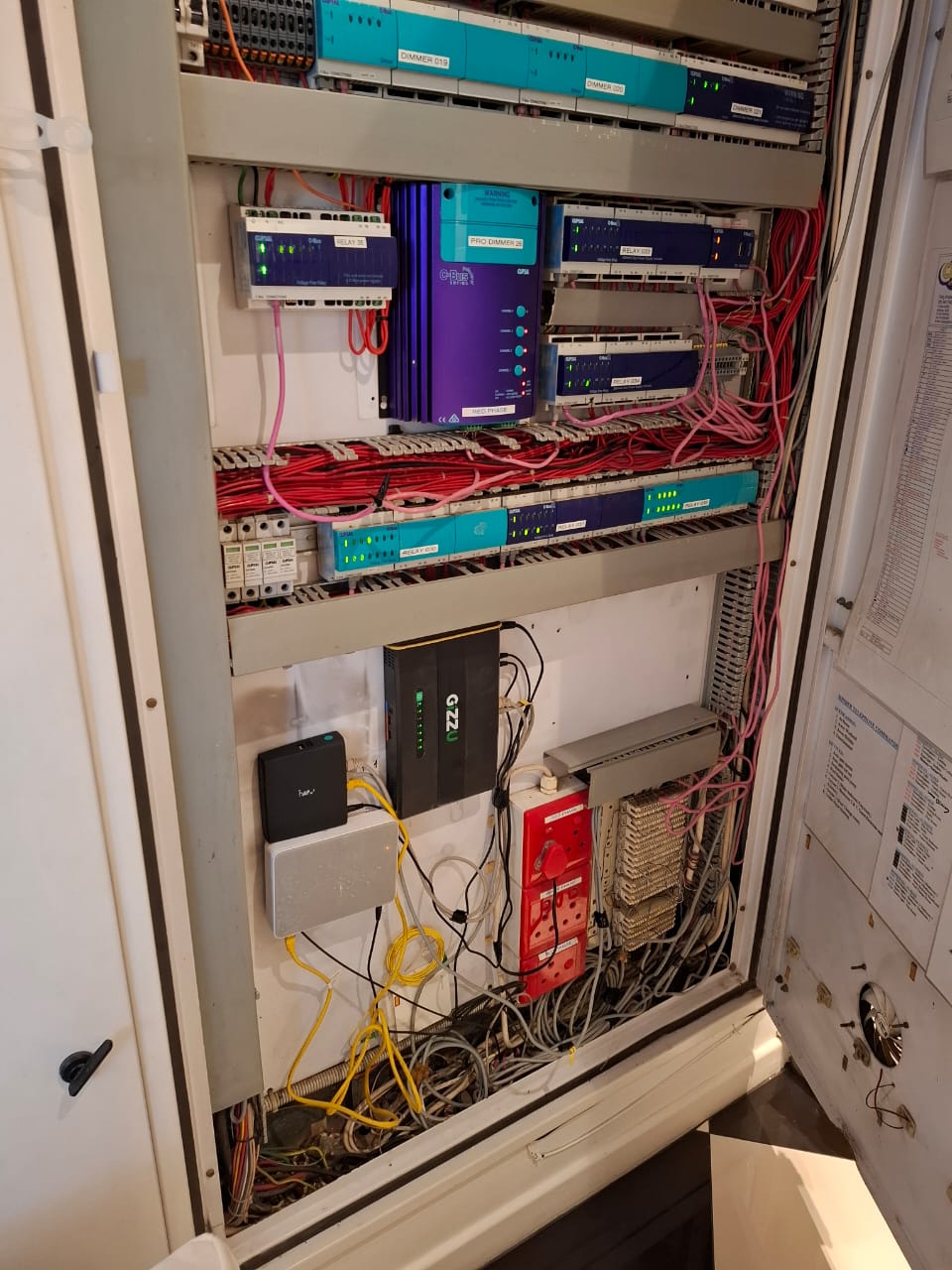
- the rack may be usable, but needs better ventilation and labelling
- the client may need modern app control while retaining useful existing infrastructure
This is often where a phased approach works well.
The homeowner does not have to buy a completely new system in one step. The project can focus on the areas that improve reliability and daily use first.
Replace when the system is no longer supportable
Replacement becomes the right answer when the existing system is too compromised to trust.
Warning signs include:
- undocumented wiring throughout
- unreliable core control equipment
- badly damaged or unsafe cabling
- unsupported equipment with no practical service path
- lighting control that no longer suits the loads
- rack conditions that keep damaging equipment
- network instability that cannot be corrected cleanly
- too many previous changes with no clear logic
- no practical way to give the homeowner a reliable handover
Replacement should still be designed carefully. The mistake is replacing old complexity with new complexity without solving the underlying planning problem.
Crestron Home may be the right residential route
For many private homes, modern Crestron Home can be a sensible way forward because it is designed around the residential experience: app control, touchscreens, lighting, audio, rooms and scenes that can be maintained more practically than a heavily custom system in many normal home scenarios.
That does not mean it is always the answer.
It means the homeowner should compare the real daily requirement against the cost and support burden of each option.
We have written separately about Crestron Home vs custom Crestron programming.
The decision should be explained
Whether the recommendation is repair, recommission, upgrade or replace, the client should understand why.
A good recommendation should explain:
- what was tested
- what still has value
- what is unreliable
- what can be phased
- what risks remain
- what the expected result will be
- how the system will be supported afterwards
That explanation is often more valuable than the equipment list.
The DG Technologies approach
DG Technologies does not believe the most expensive recommendation is automatically the best recommendation.
If a system can be repaired responsibly, that should be discussed. If it can be recommissioned, that may save unnecessary waste. If it needs replacement, the replacement should be designed around the home as it is now, not only around a list of new hardware.
For homeowners with unreliable Crestron systems, start with a proper smart-home rescue assessment or contact DG Technologies through the quote page.