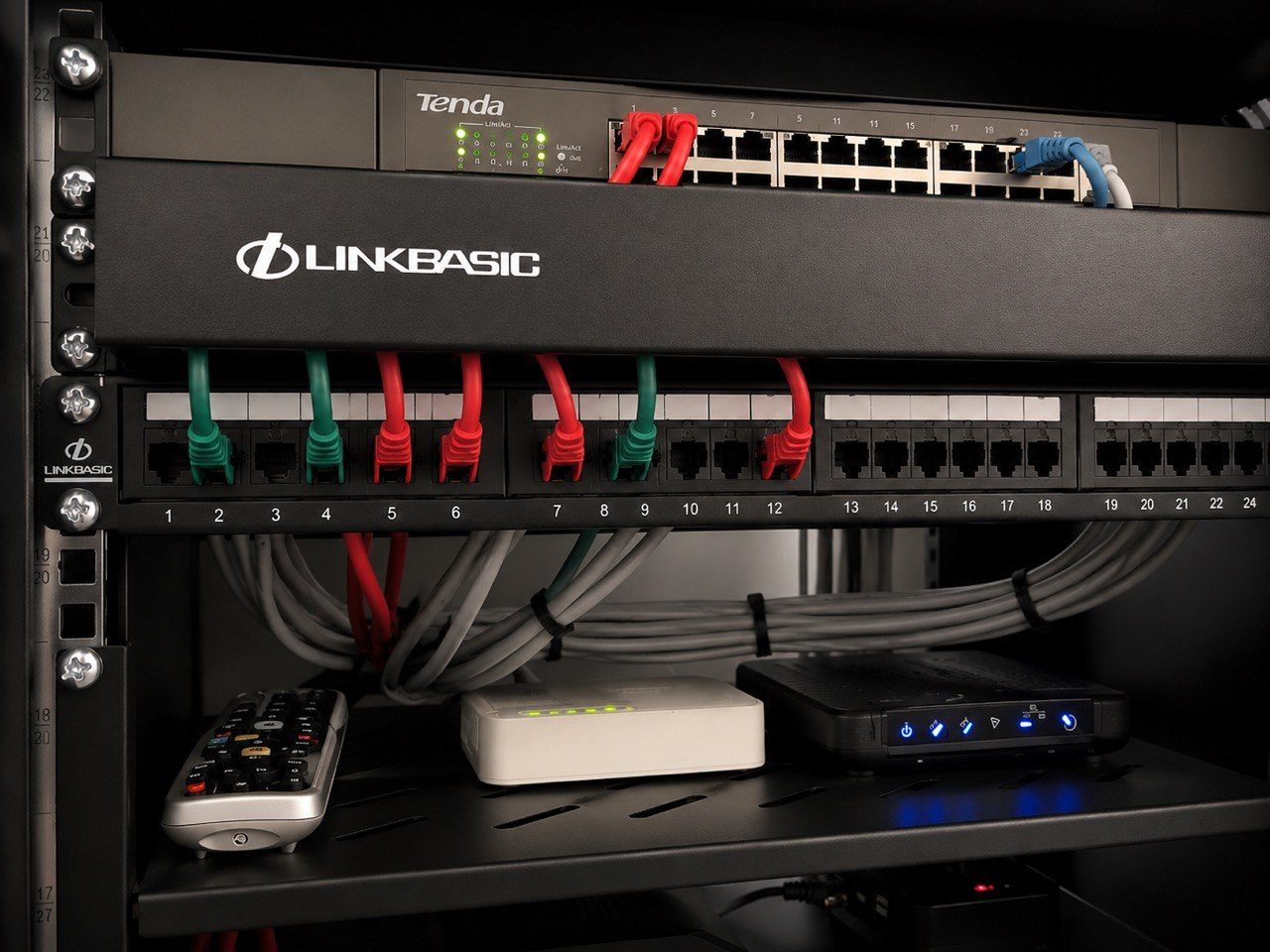
One of the questions we sometimes hear during a home automation quote is:
“Why is there a router on here? I already have fibre.”
It is a fair question.
Most homeowners see the router as the box that gives them internet. The fibre provider installed one. The Wi-Fi works in some parts of the house. Phones connect. Laptops browse. Netflix plays. So why would the home automation installer care about the router?
The answer is simple: in a modern smart home, the router is not only an internet box.
It is part of the control system.
Your automation system relies on IP communication
Crestron Home, CCTV recorders, Wi-Fi access points, smart TVs, streaming devices, audio systems, touch panels, mobile apps, gate systems, intercoms and remote support tools all depend on the network.
That network depends on routing, addressing, switching, Wi-Fi, DHCP, reservations, firewall rules and sometimes secure remote access.
If those settings are handled casually, the symptom may not look like a network problem.
The client may say:
- “I cannot turn the radio on.”
- “The cameras disappeared from the app.”
- “The touch panel is offline.”
- “The outdoor music zone is gone.”
- “The Crestron app is not connecting.”
- “Remote access stopped working.”
Very often, the equipment itself is not the real fault. The network changed underneath it.
The classic fibre-router problem
We have seen this many times.
A home has a working automation system. Then the fibre provider changes the router, or the client upgrades the internet package, or an IT person replaces the gateway to improve office connectivity.
Afterwards, parts of the smart home stop behaving.
The radio no longer appears. A camera cannot be reached. A processor is on a different network. A port forward is gone. A DHCP range has changed. An IP reservation has disappeared. The app is trying to reach a device that no longer lives where the system expects it to live.
From the homeowner’s point of view, it looks like the automation has failed.
From the integrator’s point of view, the foundation was changed without protecting the system that depends on it.
That is why DG Technologies takes network infrastructure seriously on smart home projects.
Would you rather the IT person control it, or the integrator responsible for the house?
This is where the question becomes practical.
If your home has eight or ten important devices on the network, and those devices form part of a multi-million-rand home automation, AV, CCTV and security system, who should manage the IP allocation?
The general IT person who was called to replace a router?
Or the home integration installer who has just fitted, commissioned and documented the system that relies on those addresses?
There are excellent IT professionals, and on some projects we work alongside them very well. The issue is not ego. The issue is responsibility.
If DG Technologies is responsible for a Crestron Home system, CCTV, multiroom audio, Wi-Fi, remote access and support, we need to know how the network is structured. Otherwise we are supporting a system whose foundation someone else can unknowingly change.
That is a poor position for the client.
IP reservations are not decoration
Many smart-home devices can technically pick up any address from the router.
That does not mean they should.
Important devices often need predictable addressing:
- Crestron processors
- touch panels
- CCTV recorders
- IP cameras
- audio streamers
- AV receivers
- network switches
- access points
- gate and intercom interfaces
- remote support devices
An IP reservation tells the router to keep a known address for a known device. This keeps the system stable and makes support far easier.
If those reservations disappear, the system may still be “online”, but the control logic, app links, remote access notes or support records may no longer match reality.
That is why we do not treat DHCP and IP planning as a small technical detail. It affects the client’s daily experience.
Port forwards and remote access must be handled responsibly
Remote support can be very useful.
If a client phones and says something has stopped working, it is far better if we can securely check the system before sending someone to site. That saves time, reduces unnecessary call-outs and helps us diagnose problems faster.
But remote access must be configured responsibly.
That may involve secure vendor platforms, VPNs, firewall rules, restricted access, known devices and documented settings. It should not be a random collection of open ports that nobody understands six months later.
We discuss this more deeply in why remote access to a smart home must be set up responsibly.
The router is often where those decisions live.
If the router is replaced without copying or rebuilding the correct rules, remote support can disappear overnight.
The fibre router is often not enough
The router supplied by a fibre provider is usually designed for a basic home.
It may be fine for internet access, but that does not automatically make it the right core of a premium smart home.
A serious property may need:
- proper DHCP reservations,
- a sensible IP range,
- firewall control,
- guest Wi-Fi separation,
- VLAN planning where appropriate,
- secure remote support,
- stable handoff to managed switches,
- compatibility with Ubiquiti UniFi or other access points,
- support notes that survive future changes.
This is why we often design around a proper router or gateway, managed switching and documented Wi-Fi access points rather than leaving the entire home dependent on the default service-provider router.
For large homes, read why large KZN homes need a network backbone, not just Wi-Fi.
Network ownership prevents finger-pointing
One of the worst experiences for a homeowner is contractor finger-pointing.
The automation company says it is the router.
The IT person says it is the Crestron system.
The fibre provider says the internet is working.
The CCTV supplier says their recorder is fine.
The client is left in the middle with a system that does not behave.
Clear network ownership helps prevent that.
It does not mean nobody else is allowed to work on the network. It means there is a known design, a known support path, and a process for changes.
If the fibre router must be changed, the smart-home integrator should know. If the IP range must change, the devices should be checked afterwards. If remote access rules must be rebuilt, they should be documented. If an IT provider needs specific settings for work-from-home or business systems, those can be coordinated.
The goal is not control for the sake of control.
The goal is reliability.
Dave’s network background matters here
Before focusing fully on residential integration, I spent seven years in network engineering.
That experience still affects how DG Technologies approaches smart homes.
When we quote a router, gateway, switch, access point or network service, we are not adding a random item to make the quote look more technical. We are protecting the communication layer that everything else relies on.
A beautiful Crestron touch panel still needs to speak to the processor.
A CCTV app still needs to reach the recorder.
A music system still needs to find its streamers.
Remote support still needs a stable path into the system.
The network is not separate from the smart home. It is one of the reasons the smart home works.
What should be included in a proper smart-home network handover?
At minimum, a professional handover should record:
- router or gateway model,
- LAN IP range,
- DHCP range,
- important IP reservations,
- Wi-Fi network names,
- access point locations,
- switch locations,
- device names,
- remote access method,
- support notes,
- any rules that must survive a router replacement.
This connects directly to why a smart home needs a single technical memory. The network should not depend only on what one person remembers.
So why is a router on the quote?
Because the router may decide whether the rest of the system can communicate.
Because IP reservations matter.
Because remote access matters.
Because fibre-provider routers get replaced.
Because smart homes are now networked homes.
Because a multi-million-rand property should not depend on undocumented settings in a basic router that nobody on the automation side controls.
A router on a home automation quote is not always about getting faster internet.
Often, it is about making sure the home remains understandable, supportable and reliable after the installation team leaves.
DG Technologies designs home automation, networking, Wi-Fi, CCTV and support systems together because they depend on each other.
If your smart home stops working after a router change, the problem may not be the smart home at all.
It may be the part of the system nobody thought was important enough to manage properly.