DG Technologies assessing an existing router and network before recommending a Wi-Fi repair

Zimbali Estate Wi-Fi and home networking

Wi-Fi problems in Zimbali Estate?

Wi-Fi dropping or dead areas in Zimbali Estate? DG separates the fibre service from the router, cabling, switching, PoE and access-point layers before designing the fix.

A fibre connection does not guarantee good Wi-Fi throughout the home.

Zimbali's own May 2017 Bush Telegraph recorded that Vodacom had completed the estate-wide FTTH installation and that residents were connecting. That is useful historical context, but it does not prove that the router, switch, cabling or access points inside a particular home are working correctly today.

If Wi-Fi drops in a bedroom, office, garage or outdoor area, DG Technologies tests the complete path from the fibre hand-off to the device being used. The result may be repair, reuse, a wired access point or a wider network redesign rather than another plug-in booster.

Fast fibre and good Wi-Fi are different parts of the connection

The estate's March 2017 newsletter listed FTTH infrastructure with an end-of-March completion target. The May 2017 issue then confirmed that Vodacom had completed the installation throughout the estate and that many residents had already connected.

That dated record explains why a current homeowner may reasonably expect good internet service. It does not identify the condition of the internal router, switching, Ethernet cabling, PoE or wireless access points. Those layers still need to be tested at the property.

  1. Fibre service
  2. ONT and router
  3. Switching and cabling
  4. Wi-Fi access points
  5. Phones, TVs and connected systems

Good speed beside the router

This proves the result at that test point. It does not prove that the network path to every other room is healthy.
Poor Wi-Fi elsewhere

The limitation may be coverage, wireless backhaul, an Ethernet route, a switch port, PoE, interference or the device itself. The test must separate those causes.

The 2017 Vodacom notice is historical evidence. DG does not present it as proof of the current operator or current service arrangement.

Choose the network architecture before adding another box

A homeowner searching for a Wi-Fi booster is usually describing a real dead area. The phrase does not establish that a repeater is the correct repair. The right answer depends on the building, the distance, available cable routes and the systems that rely on the network.

Plug-in repeater

May help a small, low-demand area when it receives a strong signal. It can also rebroadcast a weak connection or add another device that is difficult to support.

Consumer mesh

Can be useful where structured cabling genuinely cannot be installed. Node placement and the backhaul path still determine the result.

Wired access points

Each access point has an Ethernet path back to the network and can receive power through structured cabling. This is normally the more predictable basis for a substantial home.

Why Wi-Fi planning comes before extenders

Zimbali technology work has to fit an active approval environment

The public archive contains at least five dated Architectural Code revisions between January 2017 and October 2019. That does not tell us the current rule for a particular project, but it does show why visible equipment, external routes and building alterations should be checked against the current estate documents before work begins.

For a new build or renovation, access-point positions, Cat6 routes, cabinet space, service access and outdoor coverage should be discussed while the relevant trades can still coordinate the work.

Plan routes before finishes

Coordinate network cabling and access-point positions before ceilings, joinery and visible external work are closed.

Keep the equipment reachable

Switches, PoE supplies and network equipment need ventilation, labels and enough access for future service.

Confirm current requirements

Historical Architectural Code material is useful context, but the current estate requirements must be checked for the actual property and scope.

Read the Zimbali evidence archive

What DG checks in a Zimbali home

The visible symptom is not always at the failed component. DG maps what is installed before changing settings or replacing the access point nearest the complaint.

Router and wired baseline

Check internet availability, wired performance, router operation, addressing and whether a recent router or provider change matches the start of the fault.

Cabling, switches and PoE

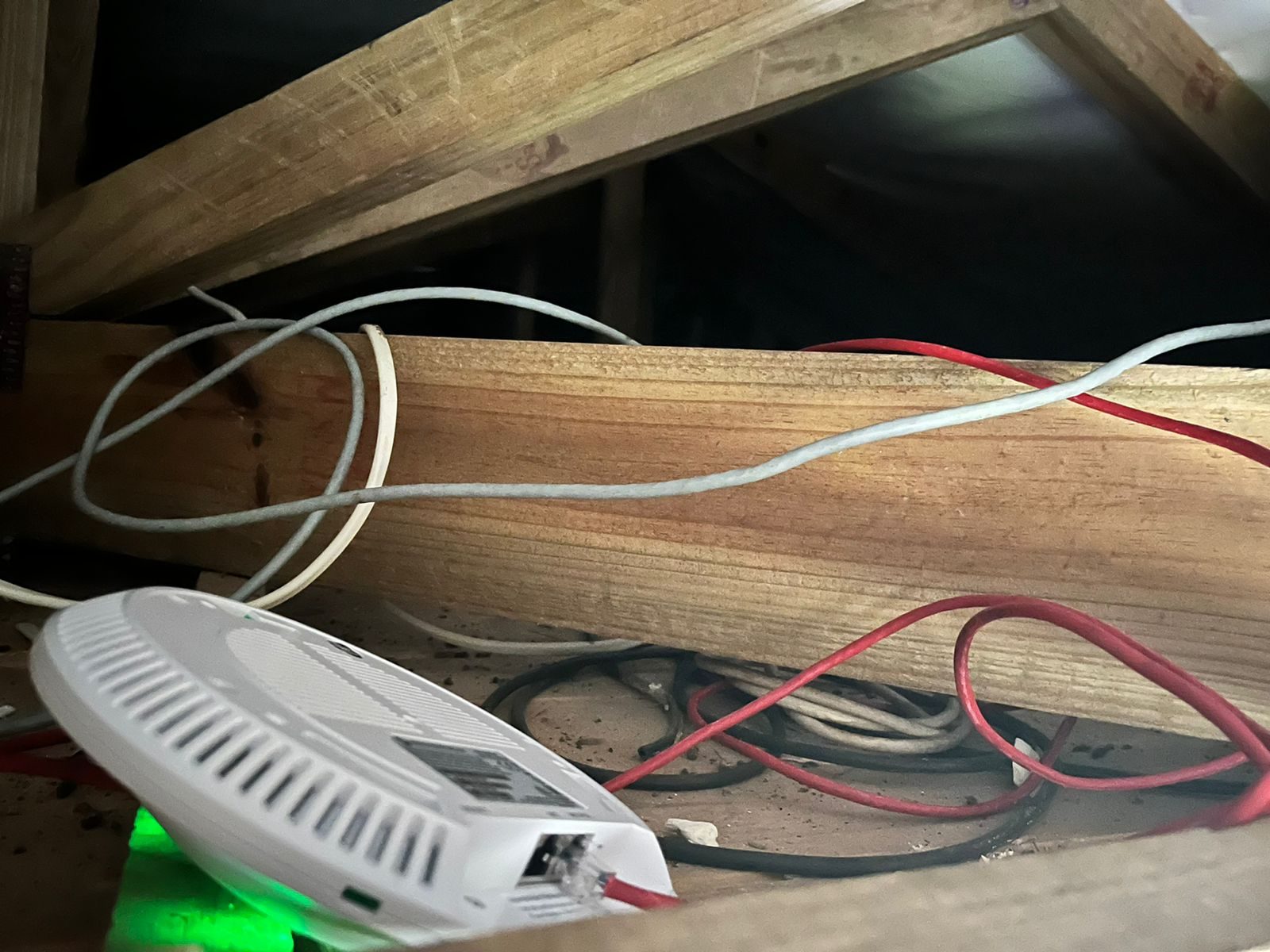
Zimbali service work has included access points that appeared powered while the route back to the network still needed testing. Inspect links, patch leads, switch ports, PoE supplies and terminations before replacing the radio.

How terminations affect network reliability

Access points and devices

Review positions, firmware, controller adoption, channels, coverage, throughput and roaming with the phones, laptops or fixed equipment showing the problem.

Connected technology

Where installed, test the effect on smart TVs, audio, Crestron control, intercoms and other IP-connected systems instead of treating each symptom as a separate fault.

Fourteen years of Zimbali networks

DG's Zimbali records cover six homes and run from 2012 to 2026: new builds taken from design stage, renovations, and service relationships that in one case have continued through three changes of ownership. The examples below are anonymised and limited to what the underlying project, invoice and correspondence records establish.

When most of the wireless layer fails at once

A 2017 network assessment at one Zimbali home found three of its four installed access points faulty, with power disturbance the likely cause. The replacement scope covered the whole wireless layer, because replacing only the unit nearest the complaint would have left three known failures in place.

How DG proves a network fault

Faults raised by monitoring

One Zimbali property is carried on DG's own network monitoring platform as a named site. Between February 2022 and November 2023 that system produced more than twenty automated alerts when the home's access points dropped offline, so the faults were raised before the household reported them.

Why the network backbone matters

Homes that stand empty

Where a Zimbali house is occupied part of the year, DG's records include remote bandwidth checks made while the owners were overseas. For a home that sits empty for months, the useful question is whether the network is still up before anyone arrives.

When a section is sold

On one multi-unit Zimbali property, DG re-routed internet and data points after a section was sold, moved access-point cabling out of the cinema room into an upstairs ceiling void, replaced the satellite dish, and re-terminated old TV points so the sold section could not feed back into the retained one.

Zimbali history and infrastructure

Client identities, addresses and current network layouts are deliberately excluded. The records support the work described, but no unrecorded speed or permanent-outcome claim is being made.

How DG investigates a Zimbali Wi-Fi system

The sequence keeps the diagnosis separate from the sale and follows the actual property rather than an estate-wide package.

01

Map the connection

Identify the fibre hand-off, router, switches, PoE supplies, access points, controller ownership and cable routes.

02

Prove the wired layer

Test links, terminations, switching and PoE before deciding that the fault is wireless.

03

Assess the radio layer

Review access-point placement, firmware, channels, coverage, throughput and roaming with real client devices.

04

Design the correction

Reuse sound infrastructure, correct proven faults and install wired access points where the building and routes support them.

Zimbali Estate Wi-Fi questions

Will another Wi-Fi booster fix a dead area in my Zimbali home?

A repeater may be adequate for a small, lightly used area. In a Zimbali home with existing distributed AV or several access points, DG first checks the measured coverage, cable routes, PoE, switching, placement and affected devices before choosing between a repeater, a wired access point or a wider redesign.

Why can fibre be fast near the router but slow elsewhere?

The 2017 estate fibre rollout brought the service to the property boundary and homes, while the internal network still depends on the router, switches, cabling and access points installed inside each residence. A good result beside the router therefore needs to be compared with wired and wireless tests in the affected rooms.

Do you install UniFi in Zimbali Estate?

Yes. DG designs, installs, adopts and supports managed Ubiquiti UniFi networks, while first checking whether existing equipment and cabling can be reused.

Can the Wi-Fi problem affect Crestron or multiroom audio?

Yes. Apps, touch panels, streaming audio and other IP-controlled systems can appear faulty when routing, switching, addressing or wireless coverage is unstable.

Before you buy another Wi-Fi extender, find the actual fault.

Tell us where the Wi-Fi drops, which devices are affected and what router or access points are installed. We will compare the current symptoms with the property's actual cabling, switching and access-point history before recommending the next step.

Chat on WhatsApp
Get a quoteWhatsApp