Wi-Fi extenders are often sold as the quick fix.
The signal is weak in the bedroom. Add an extender. The patio drops out. Add an extender. The upstairs office is slow. Add an extender. The cottage cannot stream. Add another extender.
Sometimes a small plug-in device can help in a simple home.
But in a large coastal property, especially in KZN estate homes around Zimbali, Simbithi, Ballito, Umhlanga and Mount Edgecombe, Wi-Fi extenders are usually a sign that the network was not planned properly in the first place.
A premium home does not need more random signal.
It needs a designed wireless network.
Signal bars do not tell the whole story
Most people judge Wi-Fi by signal bars.
That is understandable. The phone shows three bars, two bars or one bar, so it feels like the problem must be signal strength. But a strong signal does not automatically mean good Wi-Fi.
The device also needs clean backhaul, proper roaming, sensible access point placement, low interference, good switching, enough capacity and a stable internet connection. A phone can show decent signal and still perform badly if the network design behind it is weak.
We covered this in why premium Wi-Fi is not about signal bars. The short version is that Wi-Fi quality is about the whole network, not just the visible icon on a phone.
Coastal homes create real wireless challenges
Large coastal homes are often difficult wireless environments.
They may have thick walls, concrete slabs, steel, stone, glass, large entertainment spaces, multiple levels, separate cottages, garages, pools, patios, gardens and outdoor kitchens. The home may need Wi-Fi for phones, TVs, streaming, CCTV, intercoms, automation, staff devices, guest networks and remote support tools.
The architecture that makes the home beautiful can also make Wi-Fi harder.
That does not mean the answer is to scatter extenders around the property. Extenders often repeat a weak signal, add latency, create roaming confusion and make troubleshooting harder. They may also end up in visible plug points where they look untidy and can be unplugged by accident.
A professional Wi-Fi and wireless distribution design starts with the building.
Where are the main living spaces? Where are the bedrooms? Where does the family work? Where do guests gather? Which outdoor areas matter? Where can access points be placed discreetly? Where can cables be run? Where is the rack? What is the expected device load?
Those questions shape the system.
Cabling is still the backbone of good Wi-Fi
Good Wi-Fi often depends on good cabling.
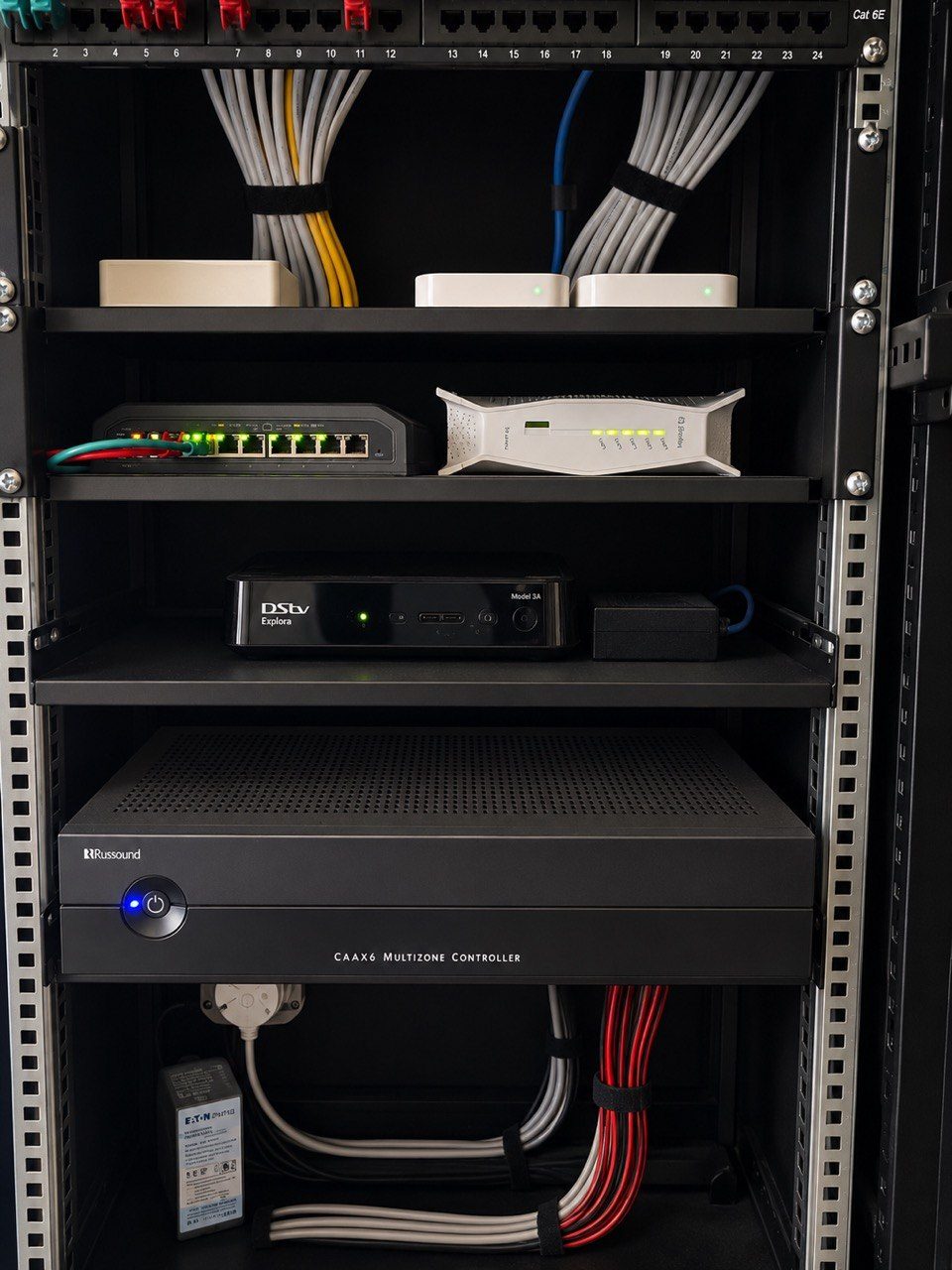
That may seem contradictory, but it is true. The access points that provide wireless coverage should usually be connected back to the network through structured cabling. That gives them proper bandwidth, power, reliability and management.
If a large home relies only on wireless repeaters, the network becomes fragile.
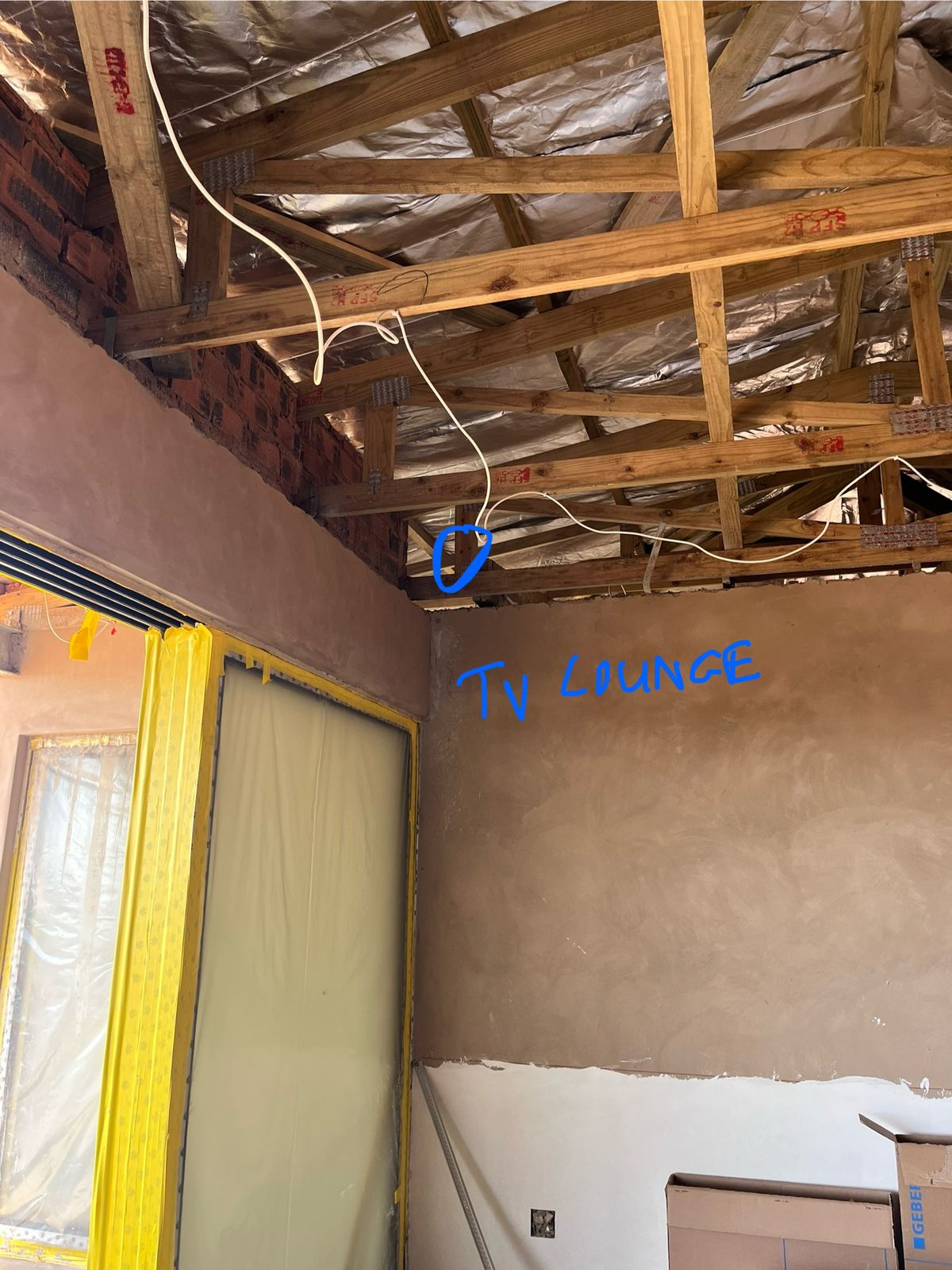
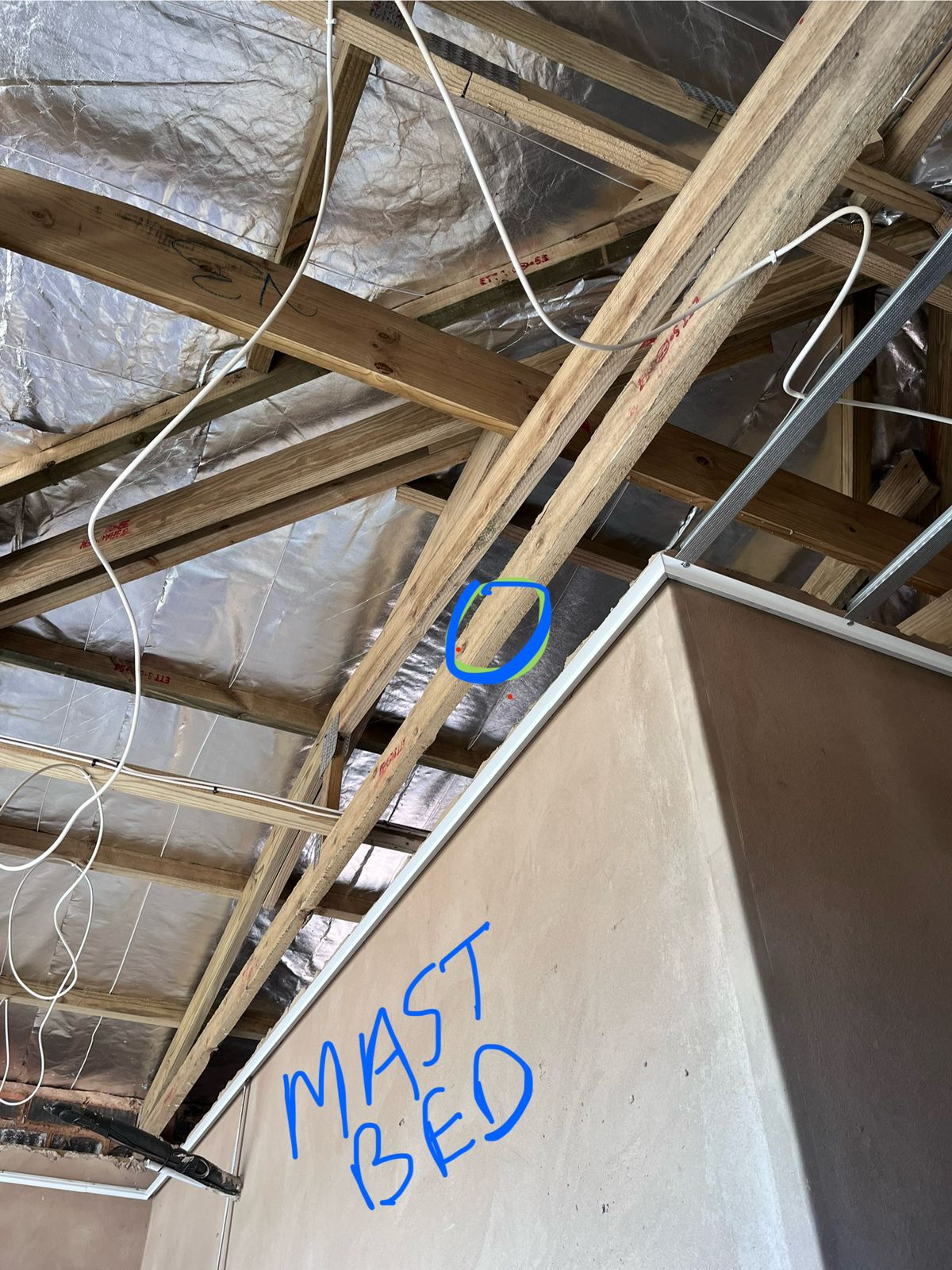
This is why network infrastructure should be planned before finishes close. Access point locations, conduit routes, ceiling positions, rack space, switches and UPS power all matter. Once ceilings, stone, joinery and final finishes are complete, fixing missing network routes becomes expensive and disruptive.
We have written about this in why architects should involve the smart-home team before ceilings close.
Guest Wi-Fi and staff access need proper separation
In premium homes, Wi-Fi is not only about coverage.
It is also about control.
The family network, guest network, staff access, CCTV, automation equipment and management devices should not all be treated the same way. A guest should not need access to private devices. Staff may need reliable access in certain areas without seeing everything. Automation and CCTV equipment should be stable and protected from casual changes.
This is one reason DG Technologies prefers professional network equipment and managed design for larger homes. Ubiquiti UniFi is often a practical fit because it allows proper access point deployment, network visibility and structured management when installed correctly.
The product is only part of the answer. The design behind it matters more.
A good Wi-Fi system should be supportable
When Wi-Fi fails in a holiday home or estate property, the owner may not be on site.
That changes the support requirement.
The support team should be able to see whether the internet is online, whether access points are connected, whether a switch is down, whether a UPS has failed or whether a device has been unplugged. Without that visibility, the owner is left rebooting random devices over WhatsApp.
For KZN holiday homes, this is part of the wider support design. We wrote about that in why holiday homes in KZN need remote support designed from day one.
Plan the Wi-Fi before buying fixes
If a large coastal home has Wi-Fi problems, the first step should not be buying more extenders.
The first step should be understanding the network.
Where is the internet coming in? Where is the rack? What cabling exists? Which access points are installed? Are they positioned correctly? Are they overloaded? Is roaming configured properly? Are there dead zones, interference problems or backhaul issues? Are guest and staff networks separated sensibly?
Only after those questions are answered should equipment be added.
That is the difference between patching a symptom and fixing the design.
A premium home deserves better than random extenders.
It deserves Wi-Fi that was planned like part of the house.