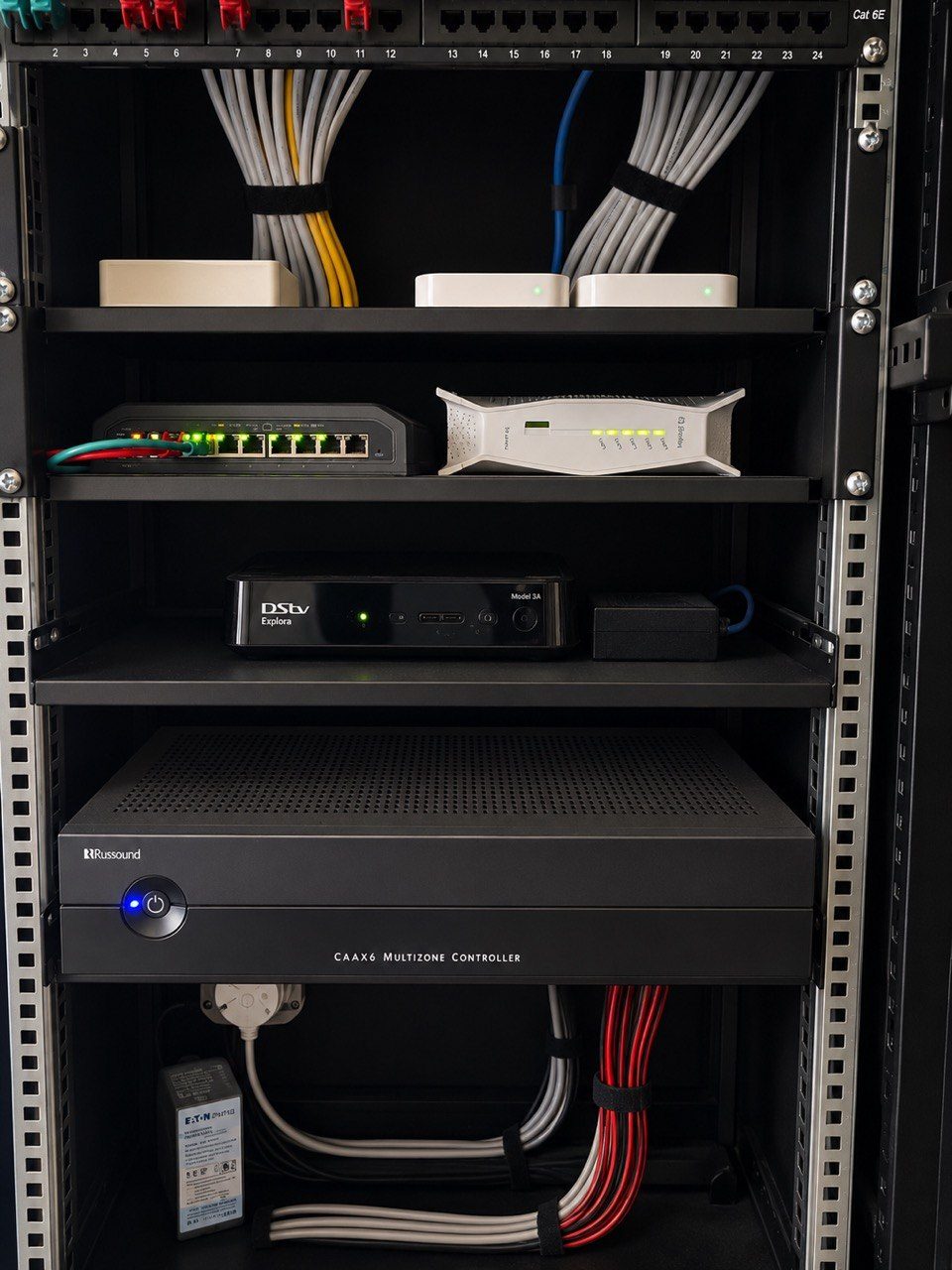
In a small home, one Wi-Fi name and one password may feel convenient.
In a large premium home, it can become a problem.
The same network may end up carrying family phones, guest devices, staff phones, smart TVs, CCTV cameras, automation processors, touch panels, audio streamers, door stations, gate equipment, printers, laptops, solar monitoring, pool equipment and random IoT devices.
That is not only a performance issue.
It is a privacy and support issue.
For estate homes in Durban, Umhlanga, Mount Edgecombe, Zimbali, Simbithi, Ballito and the wider KZN coast, guest and staff Wi-Fi should be planned as part of the wider network infrastructure, not added casually after handover.
Not everyone needs the same access
The homeowner usually needs trusted access to the home network.
Guests do not.
Staff may need internet access, but not access to private devices, cameras, automation controls or the homeowner’s personal network. Contractors may need temporary access during work. Children may need different restrictions from adults. A house manager may need more access than a once-off visitor, but still not everything.
One shared password cannot express those differences.
Separate networks allow the home to be more deliberate:
- Family network for trusted personal devices
- Guest network for visitors
- Staff network for approved operational use
- IoT network for selected smart devices
- Security network for cameras, NVRs and access control
- Automation network for control processors and interfaces
Not every home needs all of those networks. But a large home should at least ask the question.
Guest Wi-Fi protects the private network
Guests arrive with phones, laptops, tablets and sometimes devices that nobody has checked.
That is normal.
But those devices should not automatically sit beside the home’s automation processor, CCTV recorder, file shares, printers, control interfaces or family devices.
A proper guest network gives visitors internet access without giving them unnecessary visibility into the rest of the property. It can have its own password, portal, speed limits or access rules depending on the project.
For a luxury home, this is not about being unfriendly. It is about keeping the home’s private systems private.
That fits naturally with private home technology. Discretion is not only about what appears on the website. It is also about how the home itself exposes access.
Staff Wi-Fi should match the way the property is managed
Staff often need reliable internet.
That may include communication, security coordination, household management, music in staff areas, gate communication or general daily use. But staff access should be designed around the role, not around convenience alone.
In some homes, staff devices only need internet access. In others, a house manager may need to access selected systems such as gates, intercoms, cameras or certain controls. Those permissions should be deliberate.
The wrong design can create two problems:
- Too little access, causing daily frustration
- Too much access, exposing private parts of the home
Good network design supports the way the household operates.
CCTV and automation should not depend on visitor devices
CCTV, gate systems, automation processors and control interfaces should sit on a stable, managed network.
They should not be competing directly with guest streaming, children’s gaming, phones updating in the background, visiting laptops or a temporary contractor’s device.
Network separation helps protect critical systems from ordinary traffic noise. It also makes support easier. If cameras are on one network, automation on another, guests on another and family devices on another, the support team can diagnose issues more cleanly.
This is especially useful where DG Technologies uses managed platforms such as UniFi for enterprise Wi-Fi and wireless distribution. The goal is not complexity for its own sake. The goal is a home network that can be understood and supported.
Password changes become easier
In a shared-password home, changing the Wi-Fi password can become a painful event.
Every phone, TV, streamer, camera, tablet, printer, touch panel and device may need to be reconnected.
With separated networks, the impact can be controlled. If a guest password needs to change, the family network does not need to be touched. If a staff member leaves, the staff network can be updated without disturbing automation devices. If a contractor needs temporary access, it can be given and removed cleanly.
That matters in homes with many users.
It also matters in holiday homes where owners, guests, house managers and service providers may all use the property at different times.
The best Wi-Fi design is quiet
Clients rarely ask for VLANs, firewall rules or guest network policies.
They ask for Wi-Fi that works.
But “works” includes more than signal strength. It includes privacy, stability, clean roaming, sensible permissions, remote support, device organisation and a support path when something changes.
For premium homes, guest and staff Wi-Fi separation is one of those details that makes the finished system feel more professional without demanding attention from the homeowner every day.
The network should feel simple to use because the planning underneath it is not simple.