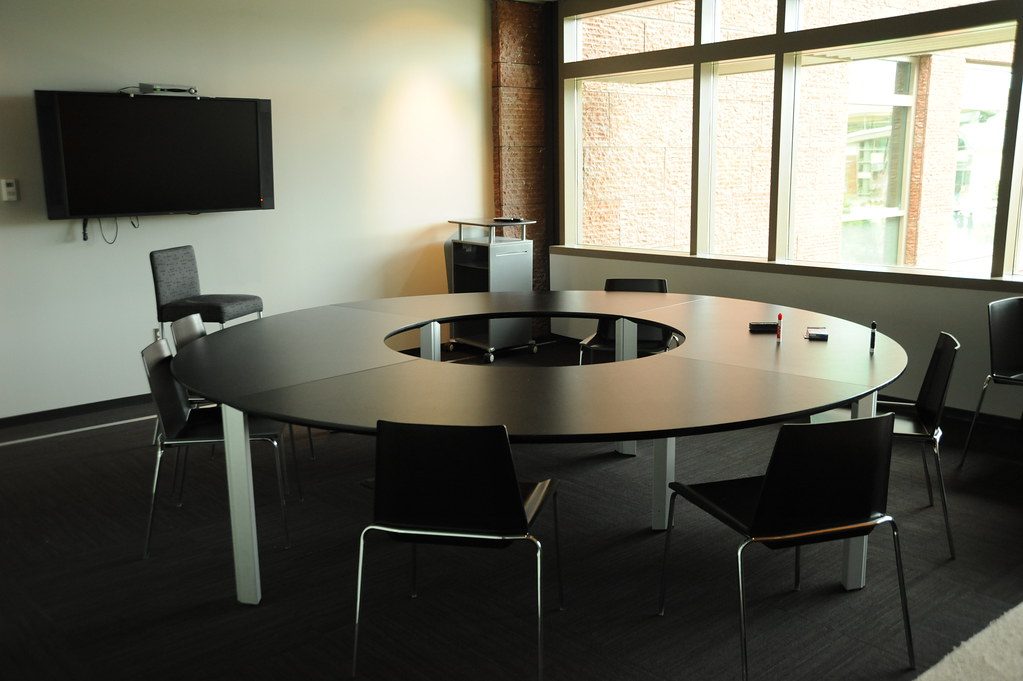
Training rooms and boardrooms can use similar displays and presentation equipment, but the people in the room use them differently.
A boardroom usually centres on discussion around a table. A training room often centres on a presenter, shared content and an audience that may need to see the display from several positions.
Start with the presenter and audience
The brief should establish where the presenter stands, where the audience sits and whether the room changes between presentation, discussion and video call modes.
This affects display size, camera view, microphone choice, source connections and speaker coverage.
Connectivity needs to follow the room
A presenter may need a fixed laptop point, wireless presentation, document camera, HDMI, USB-C or a way to connect from several positions. The table-box approach that suits a boardroom may not suit a presenter who moves around the front of the room.
Audio behaves differently
Training rooms may need a microphone that follows a presenter or covers questions from the audience. Boardroom audio often prioritises speech around the table. Both require testing against the room’s acoustics and noise.
Commercial AV work across meeting and training spaces has shown me why one generic room specification rarely produces the best result. The room’s work should determine the system.
For boardroom and commercial AV installation, DG Technologies designs the technology around how the space will actually be used.