Voice-following camera logic
Automate VX receives microphone input from around the room and uses that information to drive camera switching. The technical goal is simple: show the person speaking without needing a camera operator.
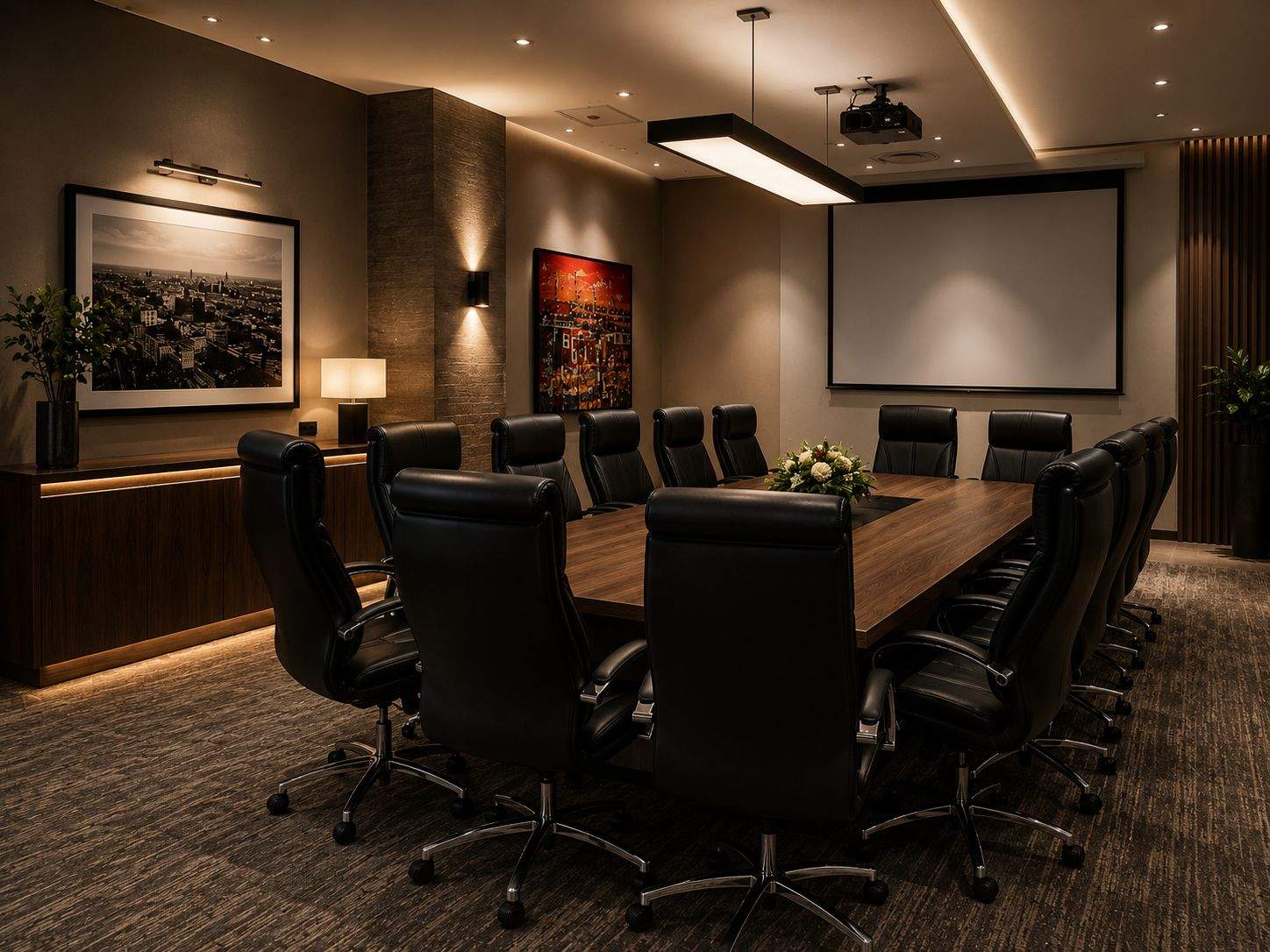
Boardroom AV installation Durban & KZN
DG Technologies designs meeting rooms, Teams Rooms, Zoom Rooms and Crestron boardroom systems where the camera, microphones, displays, control, network and power layer work as one system.
The real problem
A boardroom can look impressive and still fail the moment a meeting starts. People cannot hear properly. The camera shows a distant wide shot. A guest laptop will not present. The wrong input appears on screen. Staff phone IT before every important meeting.
The better question is not "which screen should we buy?" It is: what does the room need to do for the people using it every week?
What stands out
In a serious hybrid boardroom, remote participants should not be left staring at a static view of a table. Crestron intelligent video systems can use microphone and visual cues to help frame the conversation.
Automate VX receives microphone input from around the room and uses that information to drive camera switching. The technical goal is simple: show the person speaking without needing a camera operator.
Crestron 1 Beyond camera systems such as i12D and Automate VX-style rooms can provide a more dynamic view than a fixed camera, especially in medium, large and executive boardrooms.
A Videobar 70-style room can be the correct answer where the table, room depth and user workflow suit a front-of-room collaboration bar. Not every boardroom needs a full multi-camera system.
System design
Crestron Automate VX, 1 Beyond cameras and Videobar 70-style systems help remote participants see the people speaking, not only a distant wide shot.
Microphones, echo cancellation, speaker placement and DM NAX-style audio design decide whether the meeting actually works.
A serious room needs a default meeting experience and a practical fallback for visitors with laptops.
Single displays, dual displays, HDMI, USB-C, wireless presentation and DM NVX-style AV-over-IP are selected around the room.
Touch screens, room modes and scheduling panels should reduce friction for staff rather than exposing technical complexity.
Boardroom AV depends on IP, switching, firewall rules, UPS protection, remote support and clean documentation.
Room types
Fast meeting startup, clean presentation paths, clear audio and simple control.
Camera framing, microphone coverage, guest laptop support and repeatable Teams or Zoom workflows.
Intelligent video, stronger audio design, discreet hardware, scheduling panels and supportable control.
Presenter tracking, multiple displays, wireless presentation, distributed audio and flexible source routing.
Mode logic, AV-over-IP, room-combine behaviour, microphone zoning and documented operating states.
Recent Crestron video references
These recent official Crestron videos are useful references for the features discussed on this page. They are not a substitute for room design, but they show where the category is moving.
Recent Crestron video, August 2026
Relevant to speaker tracking, group framing and the bridge between a simple video bar and a full multi-camera room.
Open on YouTubeRecent Crestron video, August 2026
Relevant to camera and microphone placement, intelligent video alignment and commissioning accuracy.
Open on YouTubeRecent Crestron video, July/August 2026
Relevant to native room plus BYOD thinking, where a boardroom needs both a default experience and a laptop fallback.
Open on YouTubeRecent Crestron video, July/August 2026
Relevant to larger rooms where audio pickup cannot be assumed from the display wall.
Open on YouTubeRecent Crestron video, July/August 2026
Relevant to the practical all-in-one room category where a full multi-camera system is not required.
Open on YouTubeBoardroom AV updates
Boardroom technology changes quickly. This page will act as the hub, while the linked articles track practical changes in intelligent video, microphones, Teams/Zoom rooms, BYOD and AV-over-IP.
Boardroom audio should be tested with presentations, calls and normal speech so microphones, speakers, source levels and room control work together in practice.
28 Sept 2026A school hall AV system should be designed around viewing distance, speech coverage, presentation content, lighting and the people operating it.
28 Sept 2026AV-over-IP can provide flexible routing for larger rooms and connected spaces, while simpler rooms may need a more direct signal path.
28 Sept 2026A reliable boardroom should have a clear everyday meeting path and a practical fallback for visitors, platform changes or presentation problems.
28 Sept 2026Warehouse PA systems affect operations, safety and communication, so ownership, paging rights, support contacts and zone responsibility should be clear.
14 Sept 2026An older commercial AV system should be mapped and tested before the client commits to replacing every component.
Boardroom AV questions
A proper boardroom AV installation should include display planning, microphone coverage, speaker design, camera strategy, laptop and wireless presentation, Teams or Zoom workflow, control, network design, power protection, documentation and handover.
No. Automate VX is suited to larger or higher-value rooms where remote participants need close-up speaker views and automatic multi-camera switching. Smaller rooms may be better served by a Videobar 70, Flex room kit, AirMedia or another simpler design.
Remote participants can tolerate an average camera for a while, but they cannot work with unclear speech. Microphone distance, room acoustics, echo cancellation and speaker placement often decide whether the meeting succeeds.
Yes, if the room is designed for it. DG Technologies plans BYOD, USB-C, HDMI, wireless presentation and guest network behaviour so visitors are not stuck waiting for IT support before a meeting.
Yes. The best boardroom results happen when AV planning is included before the ceiling, table boxes, display wall, network points, rack location and power are finalized.
DG Technologies can review the room, drawings, network, power and user workflow before equipment is specified.