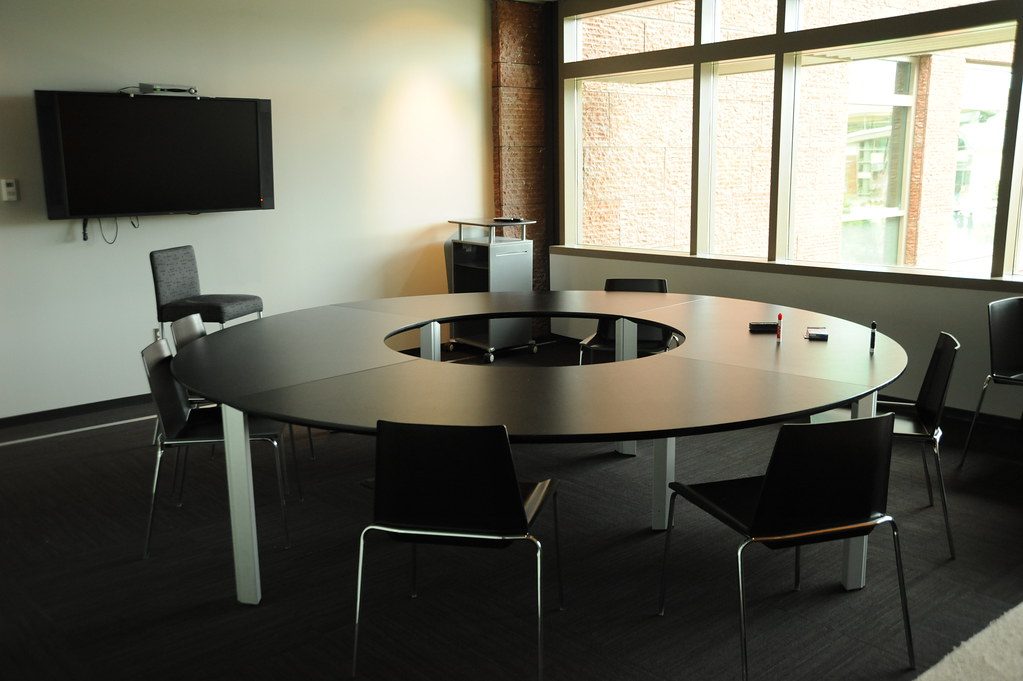
A boardroom usually has one preferred way to start a meeting. The business may use Microsoft Teams, Zoom, a room computer or a scheduled presentation system. That default path should be simple for staff.
The room also needs a fallback. Visitors arrive with different laptops, another meeting platform or a document that does not behave as expected on the room computer. A wired HDMI or USB-C presentation route can keep a local presentation moving while the original issue is investigated. If the fallback also needs the room camera and microphones for a call, that USB/BYOD path must be designed and tested separately.
Define the normal path
The default workflow should answer a few basic questions:
- Who starts the meeting?
- Which device joins the call?
- How does the room select the camera and microphones?
- How does a presenter share content?
- Which controls are visible to ordinary staff?
The answers should be reflected in the touch interface, source labels and handover demonstration.
Define the fallback before the room is built
Fallback connectivity affects the table box, cable routes, network points and display inputs. It should be included in the design rather than discovered after the furniture arrives.
In boardroom quotations we have had to compare a direct fibre-HDMI route, a value wireless option and a managed presentation system. Each solves a different operating problem. That choice determines what must be cabled between the table, display, network and control equipment. It becomes much easier to install when the intended workflows are known before the furniture arrives.
Keep the fallback usable
A fallback that requires a technician every time is of little use during a meeting. Staff should know which connection to use and what the display should show when it is selected. We test it with a guest laptop, the normal room computer unavailable, and somebody who did not help install the system.
The primary path and fallback should be labelled on the controls and explained in a short handover. A direct cable may be the most dependable presentation route for a simple room; the choice should follow the room’s actual meeting habits. See boardroom AV that staff can run for the everyday control side.
For boardroom AV installation in Durban and KZN, DG Technologies plans the primary and fallback workflows together so the room remains useful when meeting conditions change.