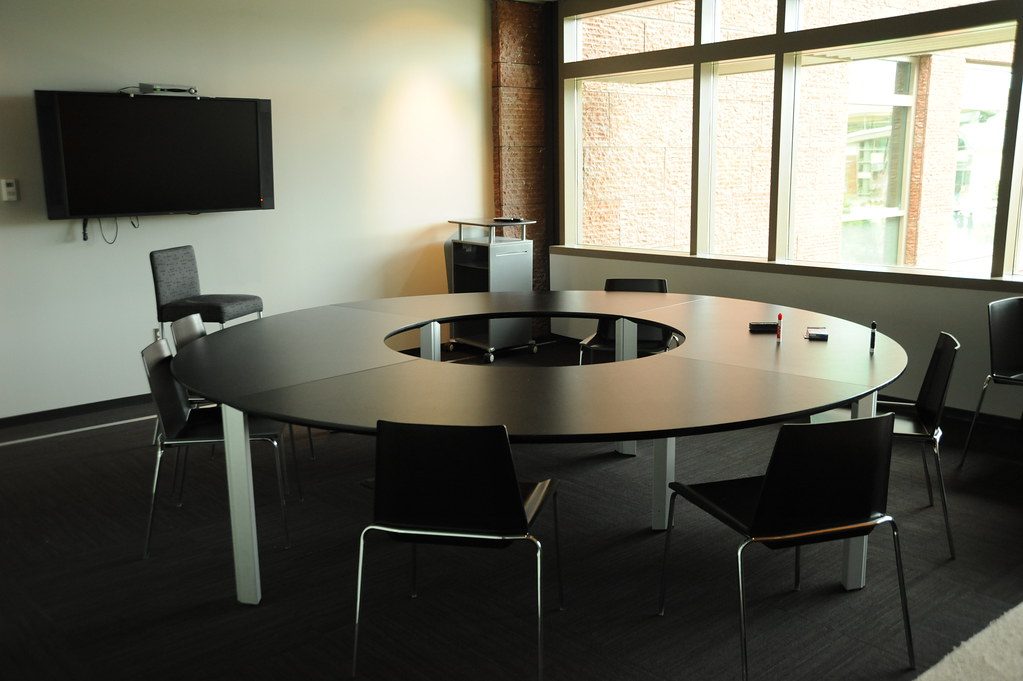
The camera and display are often chosen as separate line items. In the room, they form one communication experience. People look towards the display, the camera frames the participants and remote attendees judge the meeting through both.
Consider the sightlines
The design should review:
- camera height
- table length
- display position
- seating angles
- presenter location
- distance to the furthest participant
- whether remote participants need a wide view or closer speaker views
A camera can have impressive specifications and still produce an unhelpful meeting image if it is placed for convenience rather than sightline quality.
Display size changes the camera decision
A larger display can allow remote faces, shared content and room views to remain visible together. A small display may require a different layout or a second screen. The camera system should be selected after understanding what the remote participants need to see.
This is one reason Crestron offers different approaches, from front-of-room collaboration bars to intelligent multi-camera systems. The room decides whether a simple or more advanced design is appropriate.
Test the occupied room
The final test should involve people sitting in the positions they will actually use. Check the wide view, presenter position, speaker framing and shared content. The empty room can hide problems that appear immediately when the table is occupied.
See our Crestron intelligent-video article for a deeper look at speaker tracking and multi-camera boardroom design.