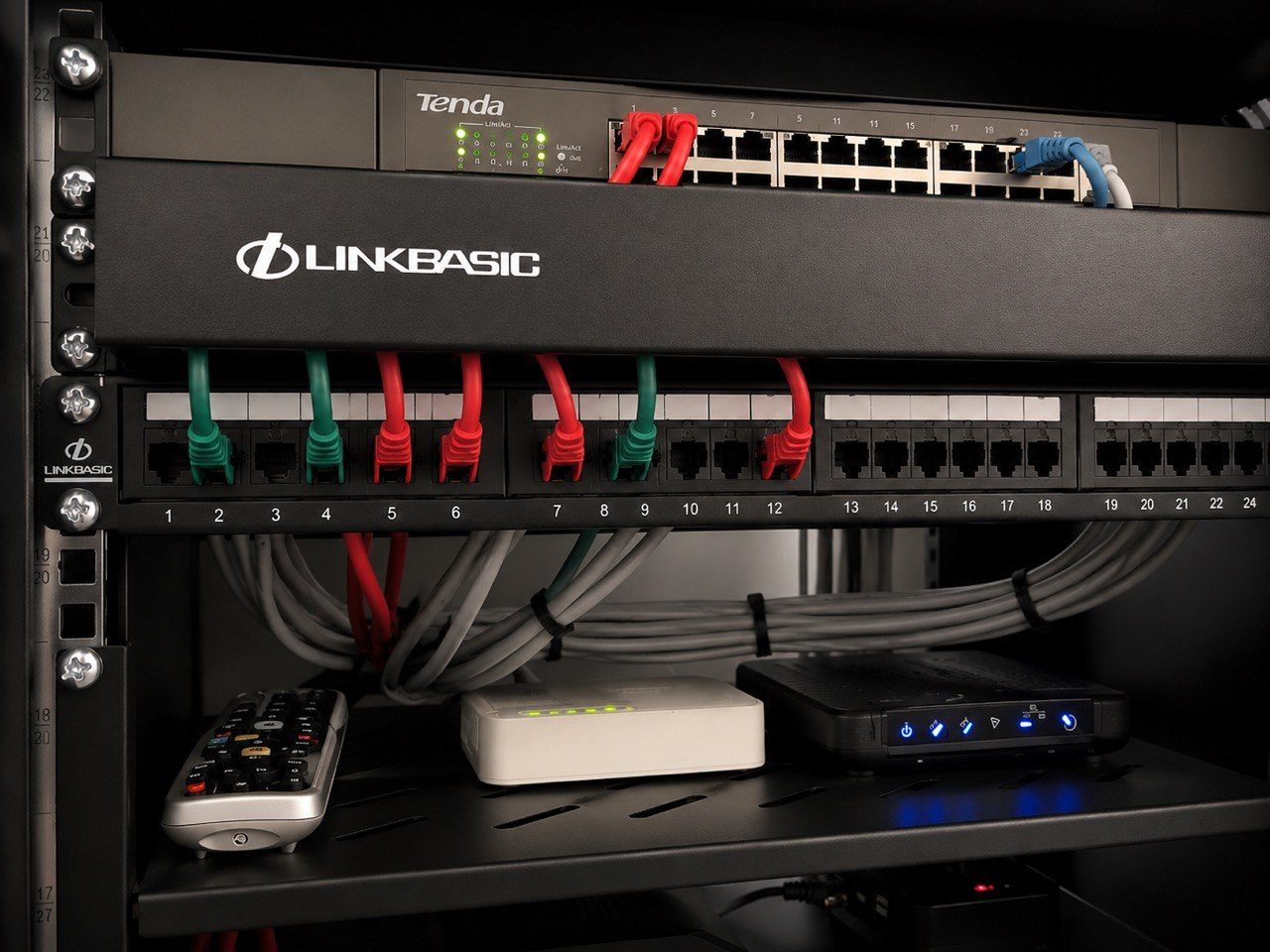
A smart home is not only made from cables, processors, cameras, speakers, keypads and access points.
It is also made from accounts.
That sounds less exciting than lighting scenes or cinema rooms, but it is one of the most important parts of a proper handover. If the wrong person owns the accounts, the homeowner may not fully own the system.
DG Technologies sees this problem often in support work. A system may be technically sound, but nobody knows the camera password. A Sonos account belongs to a previous phone. The router was replaced and the old IP reservations disappeared. A staff member still has app access. A previous installer has remote access but no current support agreement. An old email address owns the device cloud account.
None of this looks dramatic in a brochure.
It becomes dramatic when the client needs the system to work.
The router account matters
In a basic home, the router is often treated as the internet provider’s device.
In a professional smart home, the router is part of the system.
Lighting processors, touchscreens, CCTV recorders, access points, Sonos devices, AV receivers, Apple TVs, DSTV decoders, gate interfaces and remote support tools may all depend on stable addressing and sensible network design.
If a fibre provider swaps a router without carrying over the configuration, the house can suddenly lose things that used to work. If an IT provider changes the IP range without checking the automation system, the client may discover that music, cameras or remote access have quietly broken.
This is why DG Technologies likes first-hand management of the network layer on serious projects. It is not about control for the sake of control. It is about knowing which devices depend on which addresses, which ports, which VLANs, which reservations and which support paths.
The network infrastructure is the nervous system of the house.
CCTV app ownership is a security issue
CCTV access should never be vague.
The homeowner should know who has admin rights, who has viewing rights, who can export footage, who can change settings and who should be removed after installation.
This applies to homes, estates, warehouses and offices. The system may be installed for security, but a weak handover can create a security problem of its own.
A proper CCTV installation should include sensible user permissions. The owner should not be left dependent on one technician’s phone or one forgotten password. Staff access should be limited to what they need. Old users should be removed. Remote viewing should be configured responsibly.
We have written separately about why CCTV password and account ownership must be clear, but the same thinking applies to the whole smart home.
Audio accounts can create support problems
Music systems often depend on cloud accounts, app permissions and Wi-Fi stability.
Sonos is a good example. It can be excellent when the network is right and the account ownership is clear. But if a home changes owners, phones change, Wi-Fi names change, or the original account is no longer accessible, support becomes more complicated than it should be.
The issue is not the product.
The issue is ownership.
The same applies to streaming services, Apple TVs, smart TVs, voice assistants and other media sources. A technician may be standing in front of the equipment and still be unable to finish the setup if the correct account holder is not available.
That should be planned before handover, not discovered during a Friday afternoon support call.
Old users should be removed
When a home changes ownership or staff changes, app access should be reviewed.
Who still has access to cameras? Who can open a gate? Who can view alarm notifications? Who can connect remotely? Who has the Wi-Fi password? Who has access to the automation app?
In private homes, this matters even more because technology sits inside personal space.
Good service is discreet. It protects the client. It does not leave loose access behind because “it probably does not matter.”
At DG Technologies, remote support and access are handled as part of ongoing support, not as a casual shortcut.
Passwords should be stored responsibly
A professional handover does not mean emailing every password in plain text to everyone involved.
It means agreeing how ownership will work.
Some credentials belong with the client. Some should be stored in a secure password manager. Some should be changed after installation. Some should be held by the responsible support company under an agreed arrangement. Some should be removed entirely.
The important thing is that there is a plan.
If nobody knows who owns the accounts, the homeowner has a future problem. If everyone knows the passwords, the homeowner has a different problem.
The correct answer sits between those two extremes: controlled, documented, secure and supportable.
Handover should include a simple access register
For larger homes, we like the idea of an access register.
It does not need to be complicated. It should answer:
- What systems use accounts?
- Who owns each account?
- Who has admin access?
- Who has view-only access?
- Who provides support?
- What happens when staff leave?
- What happens when phones change?
- What happens if the router is replaced?
- What access should be removed after commissioning?
This is part of good engineering. The client should not have to remember every detail years later.
Account ownership is part of the product
The easiest part of a smart home is often making something work once.
The harder part is making sure it remains supportable, secure and understandable after the installer leaves.
That is why account ownership belongs in the handover conversation.
It is not an admin nuisance. It is part of the system.
When the client owns the home, they should also own the ability to control, support and protect it.