Legacy AV systems rarely fail all at once.
More often, they fail after years of small changes.
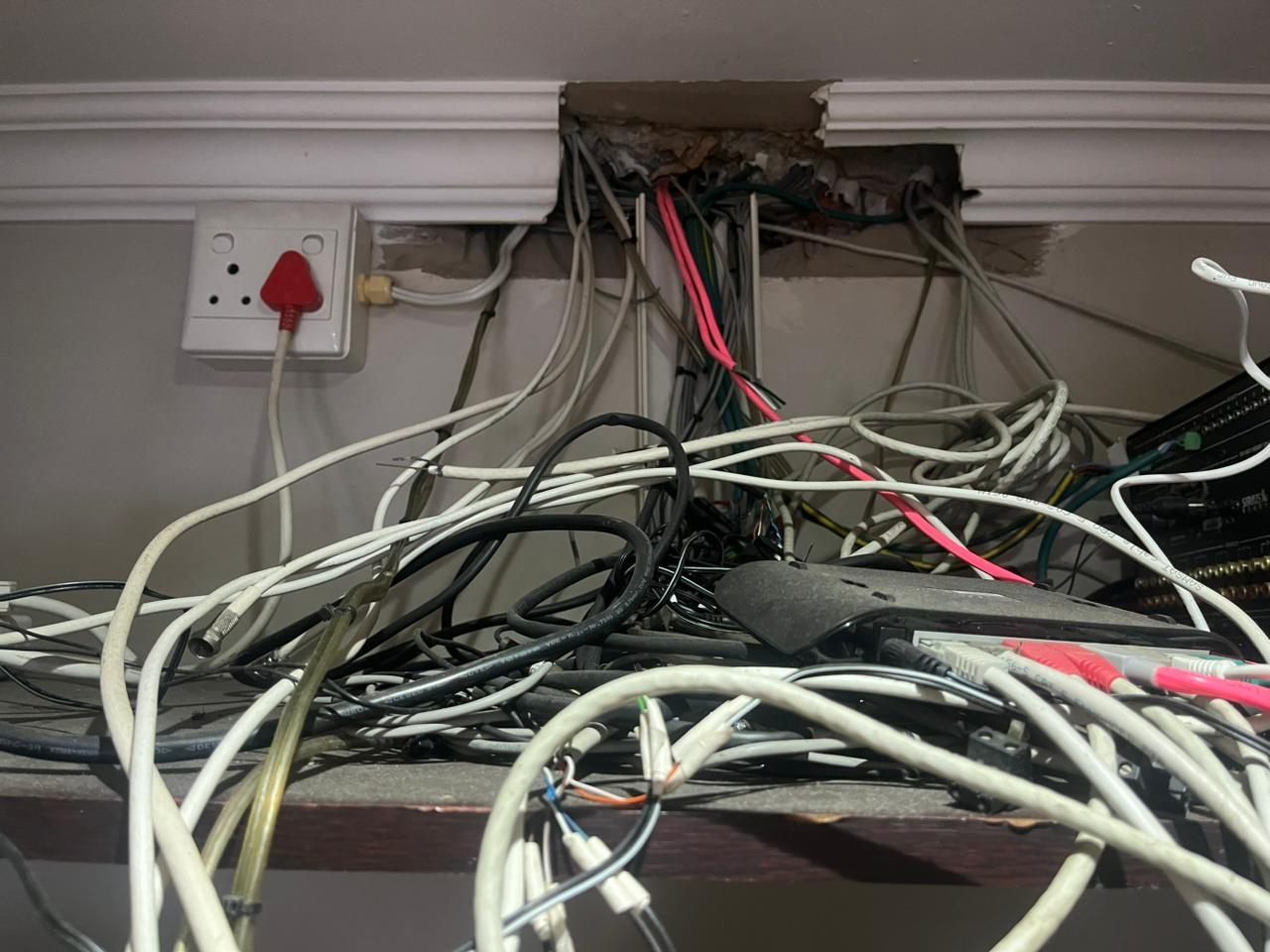
A TV is replaced. A decoder is moved. A router changes. A fibre installer adds equipment. A streaming box is connected. A camera app is updated. An amplifier is bypassed. A cable is unplugged and never labelled. A room is renovated. A contractor makes something work quickly without updating the documentation.
None of those moments feels like a major event.
But together, they create technical debt.
DG Technologies often sees this during smart home rescue and recommissioning. The equipment may not be the only issue. The real problem is that the system no longer matches its original design.
The system slowly loses its map
A good AV system has a map, even if the homeowner never sees it.
The installer should know which sources feed which rooms, which cable goes where, which network switch powers which device, which amplifier drives which speakers, and which control commands trigger which equipment.
When small changes happen without documentation, that map starts to disappear.
At first, the system still works. Then one room behaves strangely. Then the app stops controlling one source. Then a TV no longer gets signal. Then nobody knows why a cable is connected to an old device that seems unused but cannot safely be removed.
That is when a simple fault becomes a search exercise.
TV and source changes cause hidden problems
Modern TVs are not the same as older TVs. HDMI standards change. ARC and eARC create new routing questions. Streaming apps replace external sources. Decoders change. Older matrix systems may not support newer formats cleanly. Some sources expect different control methods.
Replacing a TV sounds simple, but in an integrated AV system it can affect:
- HDMI distribution.
- Control commands.
- Audio return.
- Remote control behaviour.
- Source naming.
- Power sequencing.
- Rack connections.
- Network access.
If the change is not tested properly, the room may work for basic viewing but fail when the client uses a less common function.
Network changes affect everything
Older AV systems were often designed when the network mattered less. Today the network touches almost every system.
Smart TVs, streaming devices, CCTV recorders, Crestron processors, Wi-Fi access points, mobile apps, remote support and cloud services all depend on stable networking. When the router or fibre service changes, old assumptions can break.
If IP addresses, switches, VLANs, access points and remote access were never documented, the AV system can look faulty when the underlying issue is the network.
That is why DG Technologies treats network infrastructure as part of AV support, not a separate afterthought.
Old control systems need recommissioning
In a controlled system, the button a client presses may trigger several hidden actions.
For example, a “Watch TV” command might turn on the display, select an input, wake the amplifier, choose a source, set volume control, route video and change lighting. If one piece of equipment changes, the command may need to change too.
Years later, the client may only know that “the button does not work anymore.”
The system needs recommissioning. That means understanding what the control logic was supposed to do, what equipment is still present, what has changed, and what should be simplified or rebuilt.
Racks become crowded with history
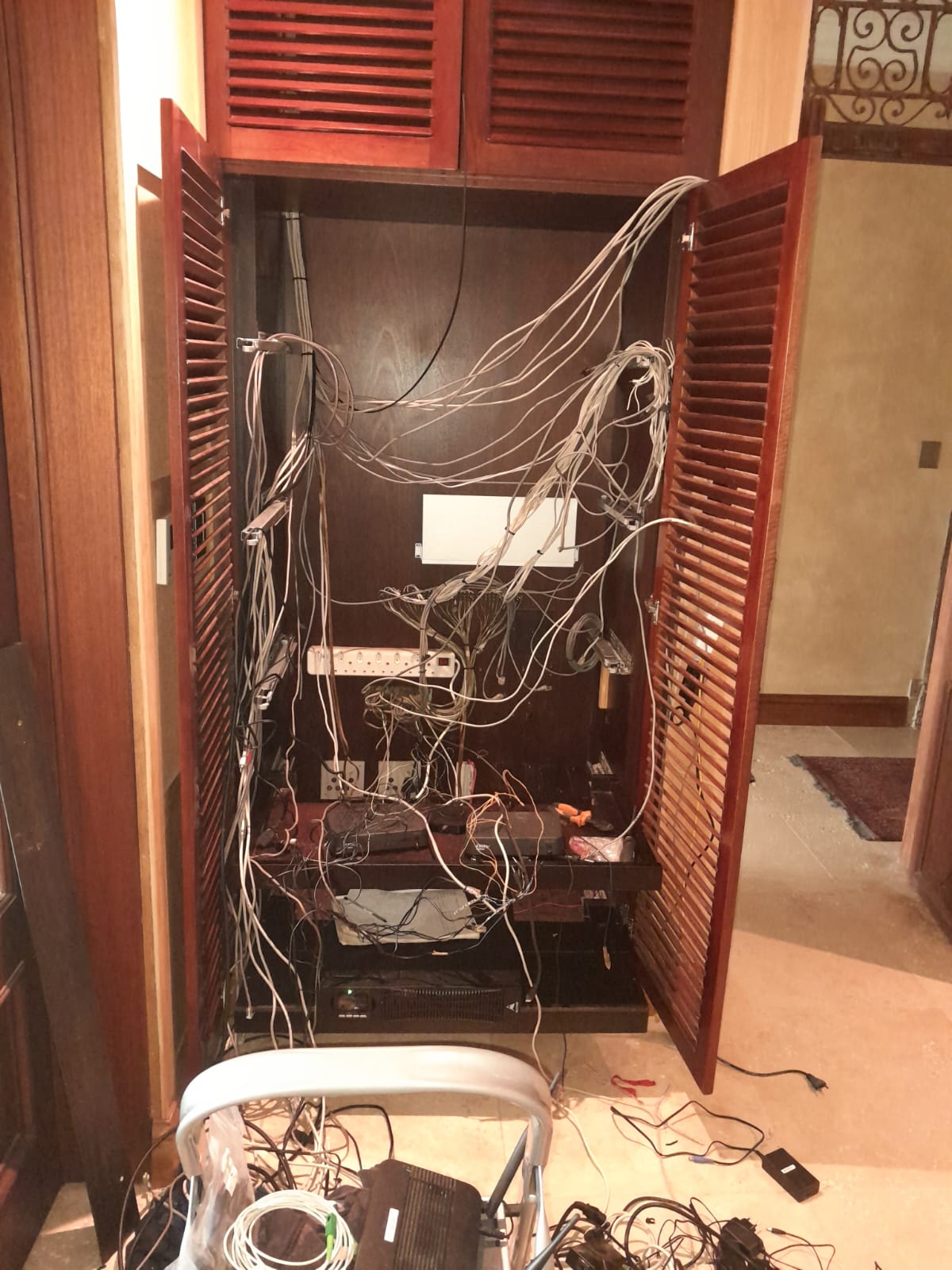
One of the clearest signs of legacy technical debt is the rack.
Old equipment remains because nobody is sure whether it still does something. Power supplies are added wherever there is space. Patch leads change colour and length. Labels fall off. Network switches are added without planning. Ventilation gets worse.
Eventually, the rack becomes difficult to trust.
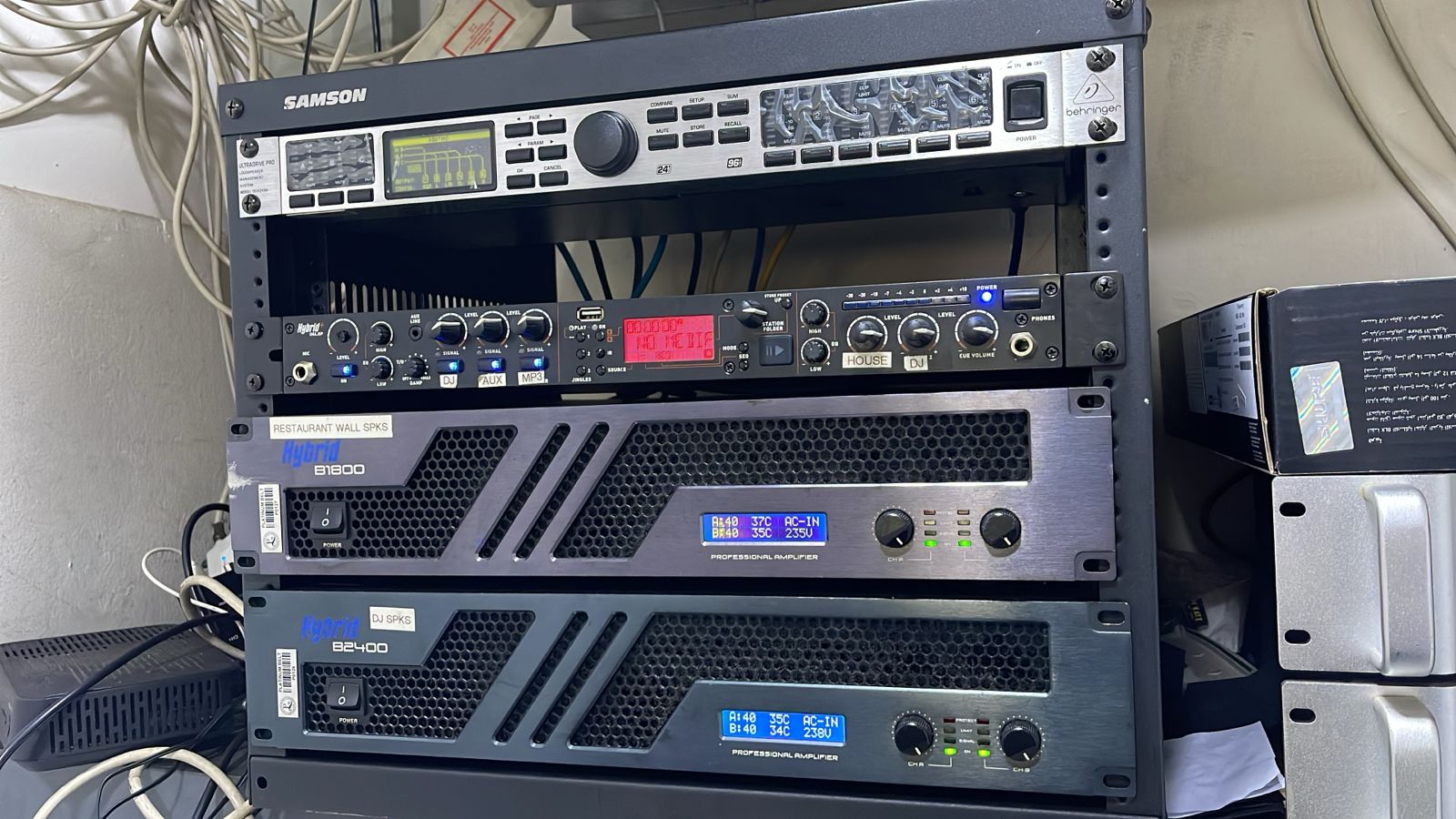
A proper rescue starts by identifying equipment, labelling cables, removing what is truly redundant, improving airflow and documenting what remains.
This is not cosmetic. A neat rack is easier to fault-find, easier to maintain and less likely to hide future problems.
The answer is not always full replacement
When a legacy AV system becomes unreliable, replacing everything can seem attractive. Sometimes it is necessary. But it should not be the automatic answer.
A better first step is assessment.
DG Technologies looks at what still has value, what is causing risk, what can be recommissioned and what should be replaced. This often produces a phased plan instead of a panic replacement.
That protects the client from wasting money while still solving the real problems.
Documentation prevents the next failure cycle
The most important outcome of a rescue project is not only that the system works again.
It is that the system becomes understandable again.
That means updated drawings, labels, equipment notes, network records and a clear handover. The next TV replacement, router change or source upgrade should not restart the same cycle of confusion.
For older Crestron, AV, CCTV, network and multiroom audio systems in Durban and KZN, DG Technologies can assess the system, explain what went wrong and create a practical recovery path. Related reading: what a proper smart home rescue report should include and when to repair, recommission or replace a Crestron system.