In a simple room, moving an Apple TV or decoder may seem harmless.
Unplug it in one room, plug it into another, choose the HDMI input and carry on.
In an integrated home, it is not always that simple.
A source device may be part of a larger design.
The device may serve more than one room
In many AV systems, a source device is not dedicated to the room where it happens to sit.
A decoder may feed several TVs.
An Apple TV may be routed through an HDMI matrix.
A streamer may feed a multiroom audio system.
A media player may be named inside a Crestron interface.
If the device is moved, the room label, HDMI path, audio route, network address, remote control path and user interface may no longer match reality.
That is why a source device should not be treated like a loose appliance in a serious installation.
Control may depend on its location
Control is the part people often forget.
A device may be controlled by infrared. If it moves, the IR emitter may no longer point at it.
It may be controlled by IP. If it joins a different network or receives a different address, the control system may not find it.
It may be controlled through HDMI-CEC. If the new display behaves differently, the experience may change.
It may be hidden in a rack because the client does not want devices or remotes visible in the room.
Moving it changes more than the shelf it sits on.
Network details can break quietly
Modern source devices often depend on networking.
They need internet access, app logins, updates, local discovery, streaming services and sometimes fixed IP behaviour.
If a source device is unplugged from the managed network and connected to a different router, Wi-Fi network or guest network, it may still appear to work in one way while breaking another part of the system.
For example, streaming may work, but control from the smart-home app may not.
That kind of fault is frustrating because the device looks alive.
It is simply no longer where the system expects it to be.
Room names and user habits matter
Source devices are also part of the user experience.
A client may be used to pressing “Lounge Apple TV” or “Main bedroom DSTV” on a touchscreen or app.
If the physical device has been moved but the interface has not been updated, the client sees one thing while the system does another.
In a Crestron environment, the interface should match how the home is actually used.
That only remains true if device changes are planned and documented.
Moving equipment is sometimes the right answer
This does not mean source devices can never be moved.
They often should be centralised properly.
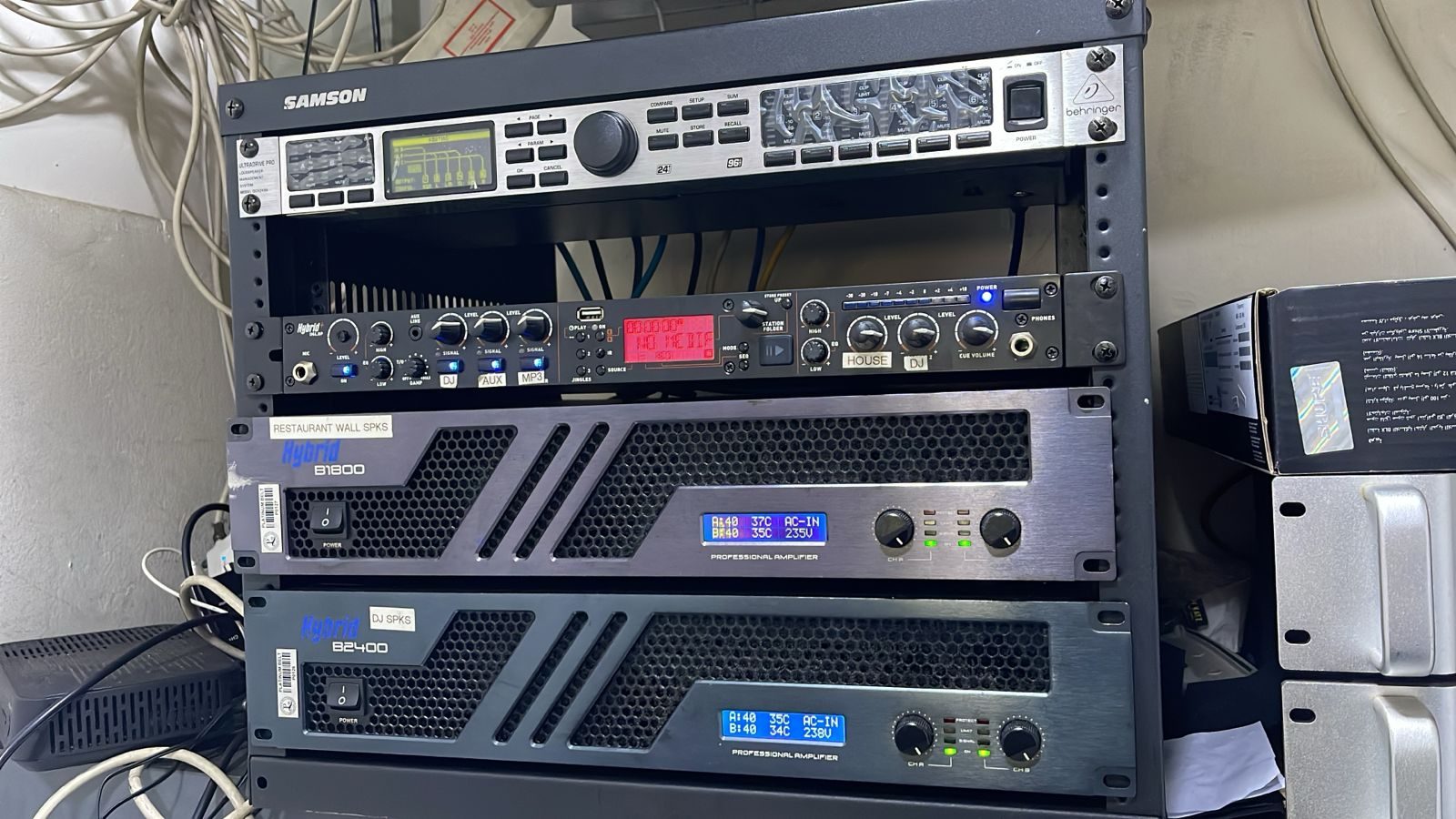
A rack may be a better place for decoders, streamers, distribution equipment and control hardware. Centralising equipment can improve cooling, service access, cable management, power protection and visual cleanliness in the rooms.
But the move should be treated as a small project, not a casual unplug-and-replug exercise.
Before moving a source, check:
- which rooms use it,
- how it is controlled,
- whether it has fixed network settings,
- whether it feeds a matrix or amplifier,
- whether audio follows the video,
- whether the remote path changes,
- whether the app interface needs updating,
- and whether the client knows what will change.
Good AV support protects habits
DG Technologies sees AV design as more than connecting boxes.
The aim is to make the home behave in a way that makes sense to the people living there.
If a source device is moved without thought, that relationship between hardware and habit can break.
The equipment may still be working.
The experience may not.
That is why source changes should be handled carefully, especially in homes with Crestron, distributed audio, CCTV displays, cinema rooms, guest rooms or centralised racks.
The device is not just a box.
It is part of the system’s memory.