A smart home can be technically correct and still feel awkward.
One of the simplest reasons is naming.
If the app calls a room “Lounge 2” but the family calls it “TV Room”, the system creates friction every time someone uses it. If a source is called “Decoder 3” but the client thinks of it as “Main DStv”, the interface feels like it was made for the installer rather than the homeowner.
The app should speak the client’s language
Installers often name devices according to drawings, rack labels or technical order.
That makes sense during installation. It does not always make sense after move-in.
The family may use completely different names. A guest suite may be known by a family member’s name. A verandah may be called the patio. A downstairs lounge may be the kids’ TV room. A cottage may have a name that never appeared on the architect’s plan.
The app should reflect the lived-in house.
Bad names create support calls
Unclear names lead to small daily problems.
Someone switches the wrong room. A staff member turns off the wrong outside lights. A guest cannot find the correct TV. A house manager cannot explain a fault clearly because the app name and physical room name do not match.
These are not dramatic technical failures.
They are usability failures.
Source names matter as much as room names
AV systems often include decoders, Apple TVs, streamers, receivers, matrix inputs and shared sources.
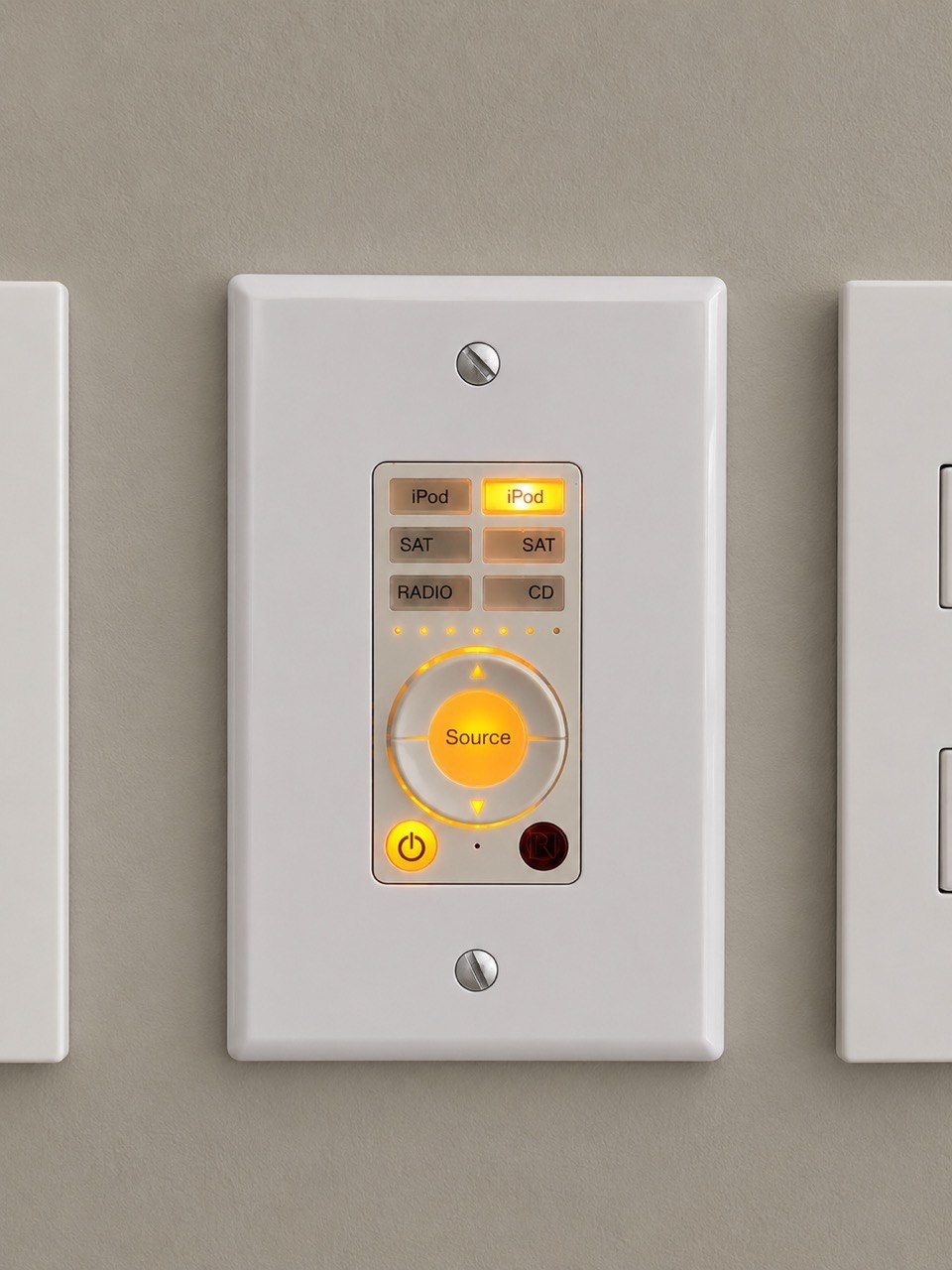
If those sources are named badly, the client must learn the rack instead of using the room. “HDMI 4” means something to a technician. It means very little to a guest who simply wants to watch sport.
Good naming turns technical routing into normal language.
Names should be checked during handover
Device naming should not be left until after the installer has packed up.
During handover, the client should be asked whether names make sense. The app should be opened in the actual room. The client should be able to point at a button and understand what it controls without translation.
That is the moment to fix awkward names.
Naming should be consistent across systems
The same room may appear in several places:
- the Crestron app;
- the network controller;
- the CCTV recorder;
- the audio system;
- the Wi-Fi system;
- the support documentation;
- the rack labels.
If each system uses different names, support becomes harder. Consistency saves time later.
DG Technologies designs for the person using the system
At DG Technologies, we believe the user interface should fit the client, not the other way around.
That includes the small details. Room names, source names and app labels are not decoration. They affect whether the system feels natural.
A properly named smart home disappears faster because the client does not have to think like an installer.