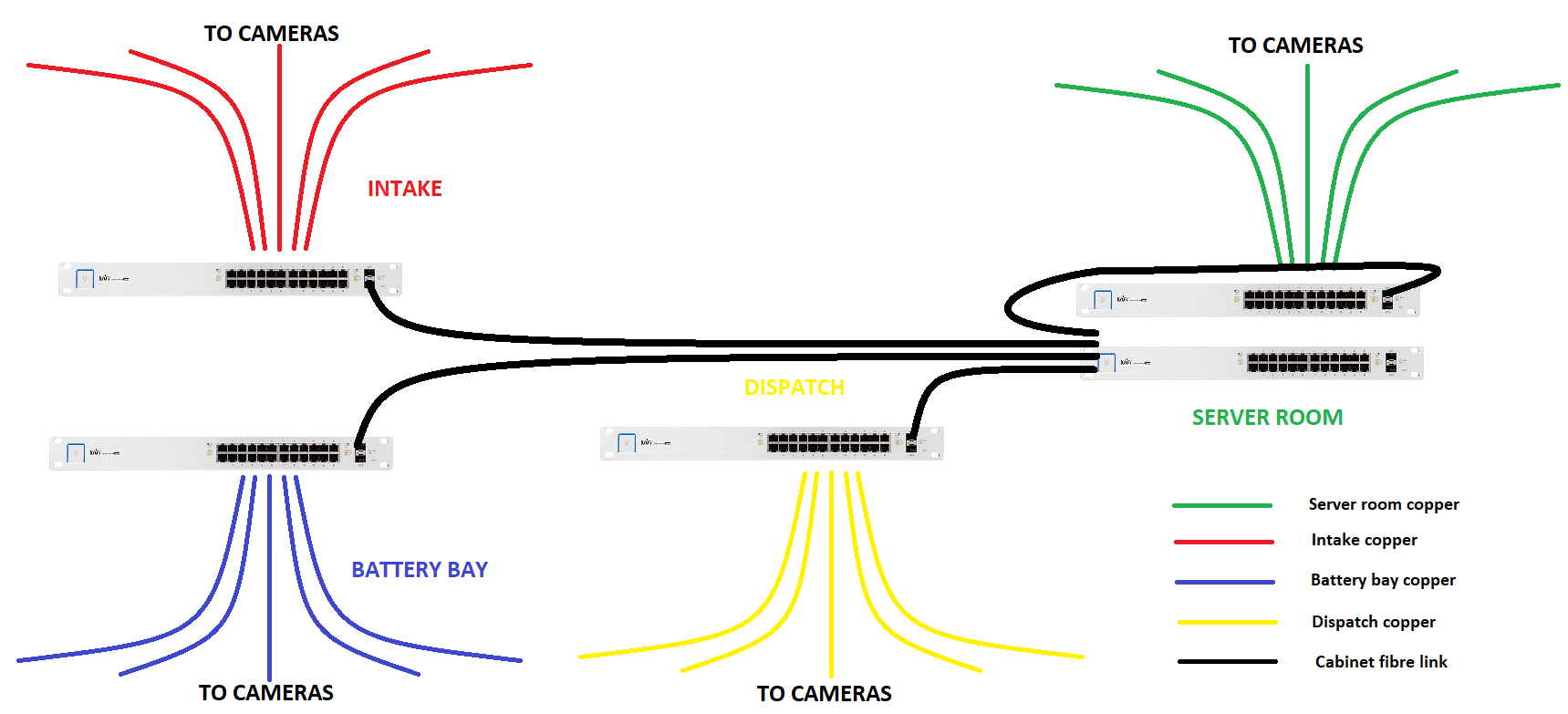
Most expensive smart-home mistakes are made before the client sees any technology.
They happen during first fix.
The walls are open. The ceilings are accessible. The electrician is routing conduits. The builder is still able to adjust routes. The architect can still coordinate drawings. The interior designer can still confirm TV heights, speaker positions and joinery access.
Then the opportunity closes.
Plaster goes on. Ceilings are boarded. Joinery is installed. Stone is fitted. Paint is finished. Wallpaper goes up. Suddenly a small missing route becomes a large problem.
This article covers the common first-fix mistakes DG Technologies sees on smart-home, AV, Wi-Fi, CCTV and low-voltage projects.
Mistake 1: no proper head-end location
Every serious home needs a place where the technology comes together.
If the head-end is not decided early, cables end up scattered. Fibre equipment lands in the wrong place. Network switches get squeezed into cupboards. CCTV recorders sit where they are inconvenient. Audio equipment overheats. Documentation becomes messy.
The head-end should be planned before conduit routes are finalised.
It needs:
- space,
- power,
- ventilation,
- cable entry,
- service access,
- network equipment,
- patching,
- future capacity.
A poor head-end can make a good system difficult to support.
Mistake 2: wrong conduit size
Conduit size matters.
If the conduit is too small, the cable pull becomes difficult or impossible. If the conduit route is too tight, too long or has too many bends, the correct cable may not go through.
Typical DG Technologies planning allowances include 32 mm conduit to TV points, 20 mm routes to certain access points and CCTV locations, and 25 mm allowances for dish or speaker routes depending on the project.
Those details should not be guessed on site.
The safest approach is to confirm the smart-home and AV requirements before first fix. Our low-voltage first-fix requirements for architects gives a practical starting point.
Mistake 3: no draw wire
No draw wire means wasted time.
The conduit may exist, but if nobody has provided a draw wire, the installation becomes slower and more uncertain. Technicians may need to fish routes, open boxes, trace pathways or involve the electrician again.
Draw wire should be provided for the technicians who need to pull the cable.
It is a small detail that keeps the project moving.
Mistake 4: inaccessible draw boxes
Draw boxes are only useful if they remain accessible.
A draw point buried behind fixed joinery, sealed inside a ceiling, hidden behind cladding or painted over without record may as well not exist. It cannot help with future cable replacement if nobody can reach it.
If a conduit route has more than two bends, an accessible draw point should be considered. But the word accessible is the important part.
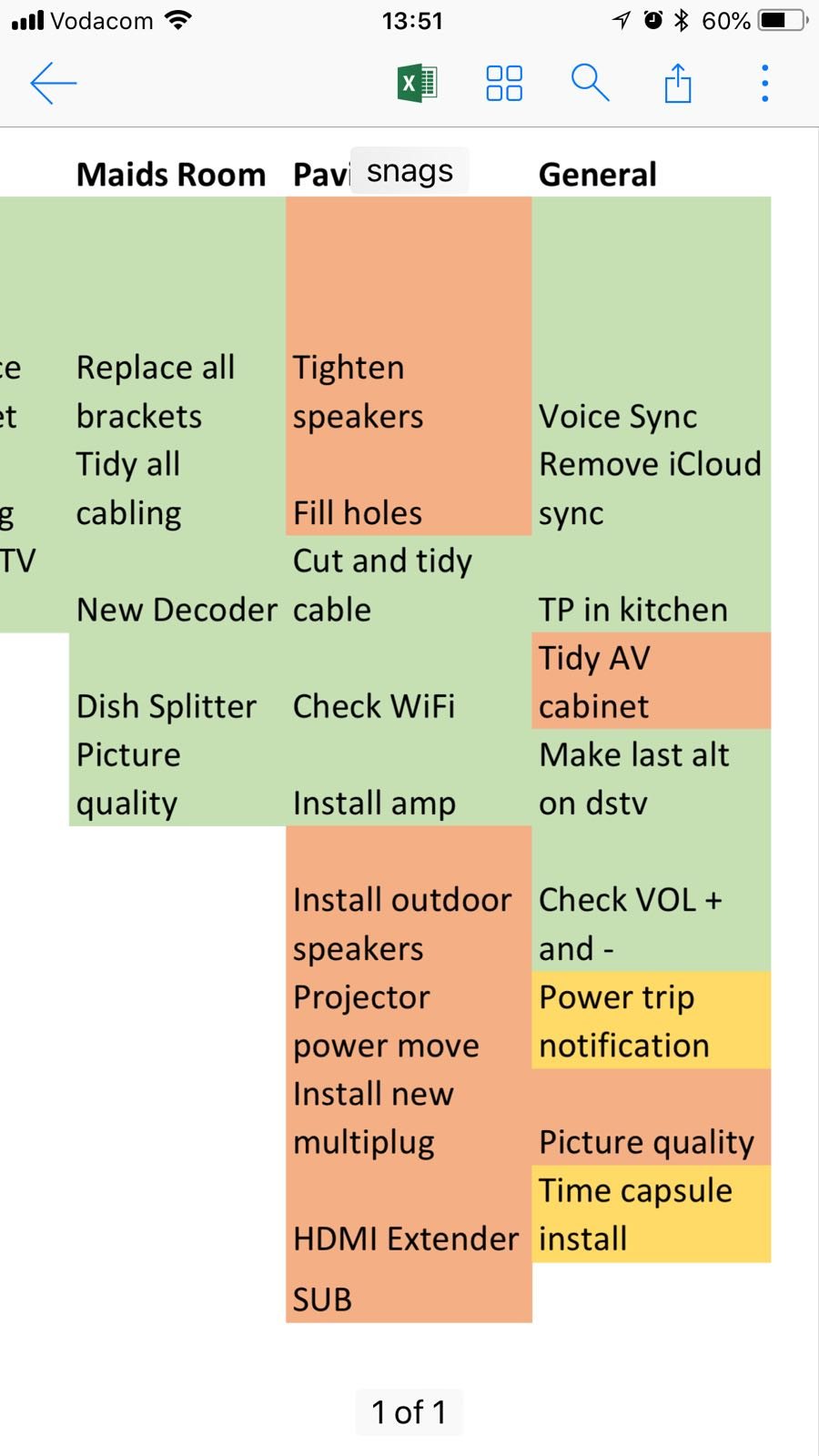
Site notes and snag lists are part of keeping first-fix work accountable. The small items recorded during construction are often the items that prevent expensive return visits later.
Builders, electricians and interior teams should coordinate draw-box positions before ceilings and joinery close.
Mistake 5: looping TV routes
TV cabling should not be treated like a simple looped electrical route.
A TV point often needs a direct route back to the head-end or equipment position. It may need data, HDMI, source control, future cabling and enough capacity for standards that change over time.
Looping TV routes can create cable-pull issues, signal issues and future upgrade problems.
DG Technologies generally wants TV conduit to run directly to the head-end, with route length considered. Long routes need proper discussion before they are installed.
Mistake 6: access points placed for convenience, not coverage
Wi-Fi access points should be placed where they serve the home, not where they are easiest to hide.
A router in a cupboard, an access point behind a TV, or an AP hidden in a poor ceiling position may create weak coverage, bad roaming and unreliable streaming. In large homes with concrete, glass, steel or multiple floors, access point placement is design work.
A proper AP position needs:
- coverage logic,
- cable route,
- PoE support,
- service access,
- ceiling coordination,
- visual acceptance.
For premium homes, Wi-Fi should be designed around how people move and use the property.
Mistake 7: speaker positions not coordinated with ceilings
Speaker points are often shown too late.
By then, downlights, air-conditioning grilles, beams, ceiling features, curtain pockets and furniture layouts may already be fixed. The speaker then lands where there is space, not where it sounds or looks best.
A good speaker layout considers:
- room use,
- seating positions,
- ceiling symmetry,
- lighting layout,
- HVAC conflicts,
- ceiling depth,
- cable routes,
- future access.
For multiroom audio, planning the speaker properly is as important as choosing the speaker brand.
Mistake 8: CCTV dots without real views
A camera dot on a plan is not a security design.
The camera must see something useful. It must have the right height, angle, lens, lighting conditions and cable route. It should identify people, vehicles, gates and movement paths rather than simply cover a general area.
Poor first-fix planning can leave the camera neat but useless.
Before the cable route is closed, ask:
- What must this camera identify?
- Is the mounting height correct?
- Will glare affect the view?
- Is the cable route protected?
- Can the camera be reached for service?
- Does the camera look acceptable on the elevation?
Our CCTV service treats camera placement as system design, not just installation.
Mistake 9: no future provision
No one can predict every future requirement.
A bedroom may become a study. A patio may become an entertainment area. The client may add cameras. Fibre equipment may change. A TV wall may move. A gate system may be upgraded. A future owner may want different technology.
Spare conduit is usually inexpensive during construction and expensive after finishes.
Future provision should be sensible, not excessive. The goal is to protect likely routes where later access would be difficult.
Mistake 10: poor documentation
The final mistake is assuming someone will remember.
They will not.
After a few years, the project team changes. The homeowner forgets what was installed. The fibre provider replaces equipment. Another contractor adds something. A fault appears. Then the value of documentation becomes obvious.
The project should record:
- cable routes,
- head-end location,
- access point positions,
- camera positions,
- speaker zones,
- TV routes,
- spare conduits,
- patch-panel labels,
- equipment list,
- support details.
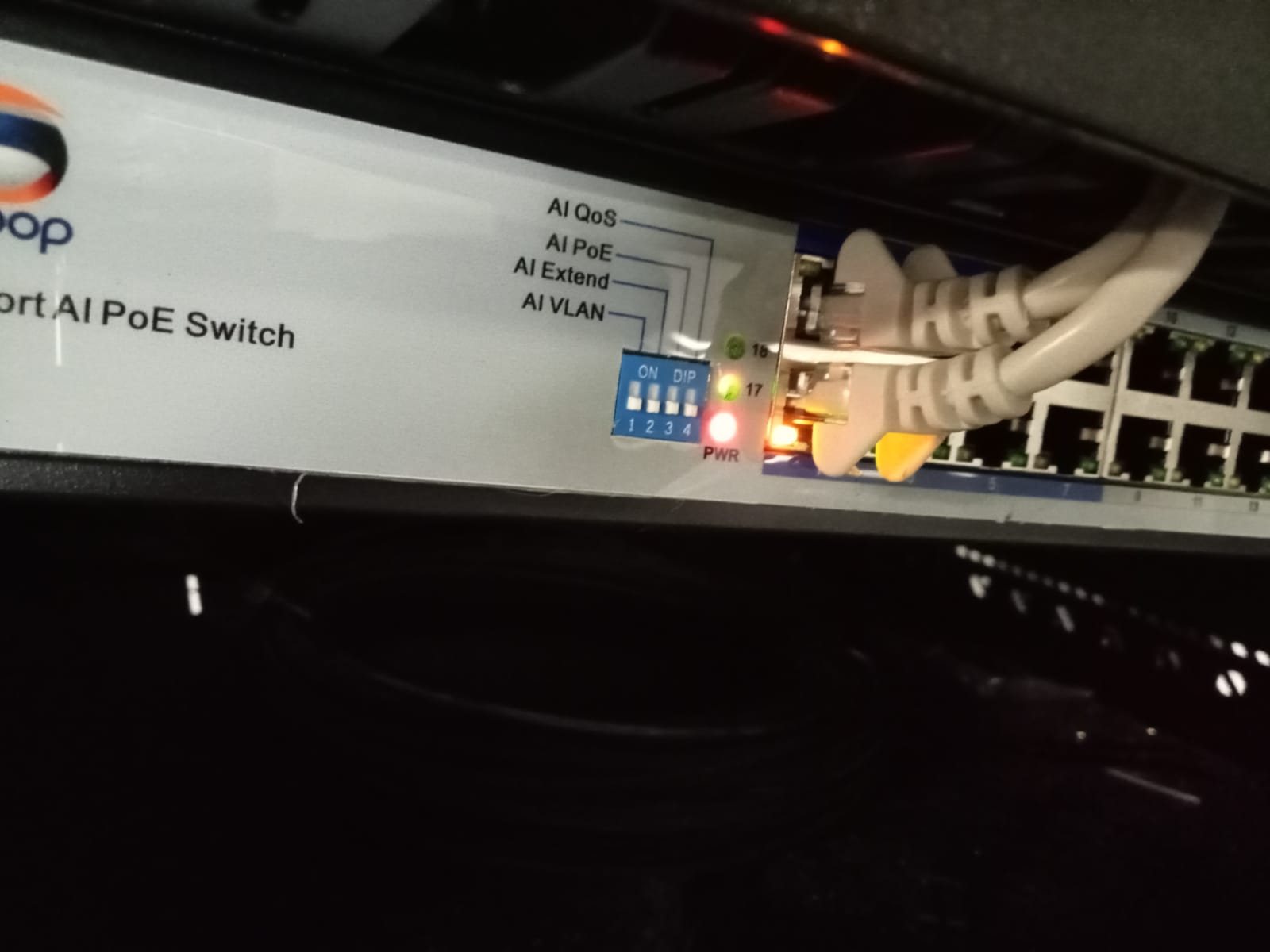
Low-voltage wall points before final finishing. Once the room is complete, the installer should not be guessing which cable belongs to which service.
Documentation is what protects the homeowner after the project team has left.
First fix is where smart homes are won or lost
The visible smart home comes later: keypads, app control, music, cameras, Wi-Fi, lighting scenes, cinema rooms and touch panels.
But the quality of that finished experience is often decided during first fix.
If the routes, spaces, conduits, boxes, access and documentation are right, the technology has a proper foundation. If they are wrong, the installer spends the rest of the project compensating.
DG Technologies works with architects, builders, electricians and homeowners to identify these issues before they become expensive. Start with our builder and architect coordination page or our architect specification guide.