In a large home, the network cabinet can fill up quickly.
There may be cables for bedrooms, TVs, Wi-Fi access points, cameras, touch panels, gates, intercoms, audio equipment, lighting processors, office points, printers, staff areas and guest spaces.
If every cable lands in the rack with no structure, the network becomes difficult to support from day one.
Labels help.
But labels are not the whole answer.
The rack should also be organised by system type.
Cameras are not the same as access points
A CCTV camera and a Wi-Fi access point may both use Cat cable and PoE, but they do not serve the same purpose.
A camera needs stable recording, predictable bandwidth, correct PoE power, NVR access and security control. A Wi-Fi access point needs managed roaming, channel planning, VLANs, controller adoption and firmware support. A touch panel needs control-system reliability. A TV point may need normal LAN access. A gate or intercom may need secure access and support from outside the main living spaces.
If all of these are mixed randomly on a patch panel and switch, future fault finding becomes slower.
When a camera goes offline, which cable is it?
When an access point loses power, which PoE switch feeds it?
When a touch panel cannot see the processor, is it patched into the right network?
When the NVR is overloaded, which ports belong to CCTV?
Good rack organisation makes those answers easier.
Separation helps fault finding
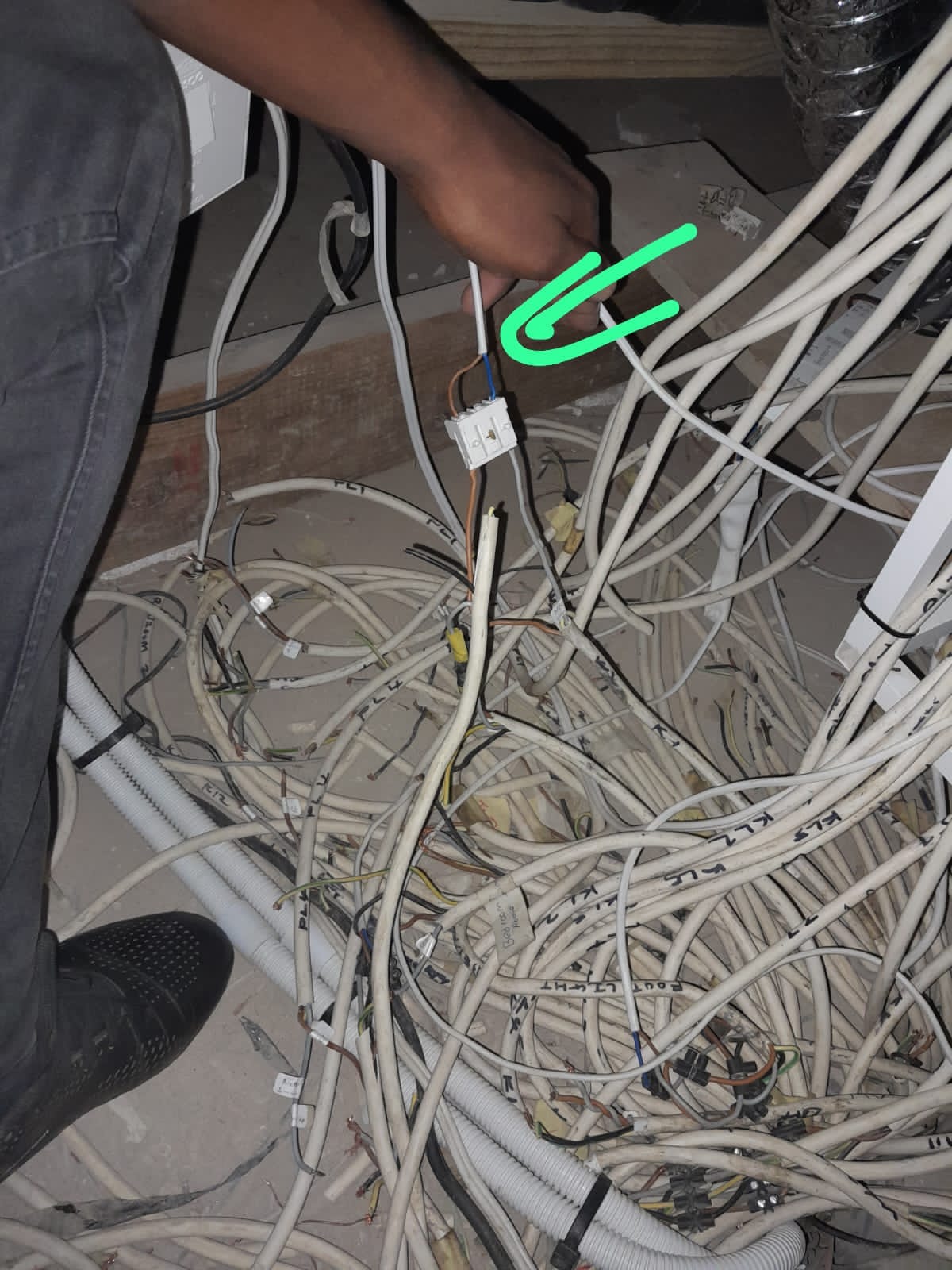
On real sites, the problem is often not dramatic.
One cable is unplugged. One patch lead is moved. One switch is replaced. One access point is patched into the wrong port. One camera was never labelled correctly. One old cable gets reused without anyone knowing what it feeds.
If cameras, access points and control devices are grouped logically, a technician can narrow the problem faster.
That saves the client time and reduces unnecessary site visits.
It also helps remote support. If DG Technologies can see that cameras are on a known switch, access points are on known PoE ports and control devices are documented, the first phone call becomes more useful.
This connects directly to why smart-home fault finding should start with the network.
It also protects security
CCTV and access control should not be treated casually on the network.
In many homes, cameras, gates, intercoms and staff-facing systems should be managed differently from guest Wi-Fi, family devices or general internet browsing.
Physical rack organisation is not the same as cybersecurity, but it supports good network design. When devices are grouped and documented, it becomes easier to apply VLANs, firewall rules, PoE budgets, UPS planning and support procedures.
For larger properties, this matters because the network may support more than entertainment.
It may support CCTV, access control, house-management workflows, remote support and client privacy.
Patch panels are part of the documentation
A patch panel tells a story if it is built properly.
It should show where the important systems live. It should connect to the drawings. It should use labels that make sense. It should leave enough space for additions. It should not require the next technician to tug cables and guess.
Useful labels might identify:
- CCTV camera locations,
- Wi-Fi access point locations,
- touch panel positions,
- TV points,
- office/data points,
- gate/intercom routes,
- audio or control devices,
- spare cables.
The labels should match the documentation, not invent another naming system.
We have written about the wider documentation principle in why smart-home documentation matters years later.
PoE planning needs structure
Power over Ethernet is one of the best things to happen to modern AV and smart-home infrastructure.
It lets cameras, access points, touch panels and some control devices receive power and data over a single cable.
But it also means the switch becomes a power supply.
That switch has a PoE budget. Each device draws power. Some devices draw more than expected. If everything is plugged in randomly, it becomes harder to understand the load and harder to protect critical systems during power events.
A structured cabinet makes PoE planning cleaner:
- cameras on known PoE ports,
- access points on known PoE ports,
- control devices identified clearly,
- critical equipment placed on UPS-backed infrastructure,
- spare capacity visible.
This is part of why premium Wi-Fi is not about signal bars. The access point on the ceiling is only the visible part. The rack behind it matters.
Neatness is functional
People sometimes think rack neatness is cosmetic.
It is not.
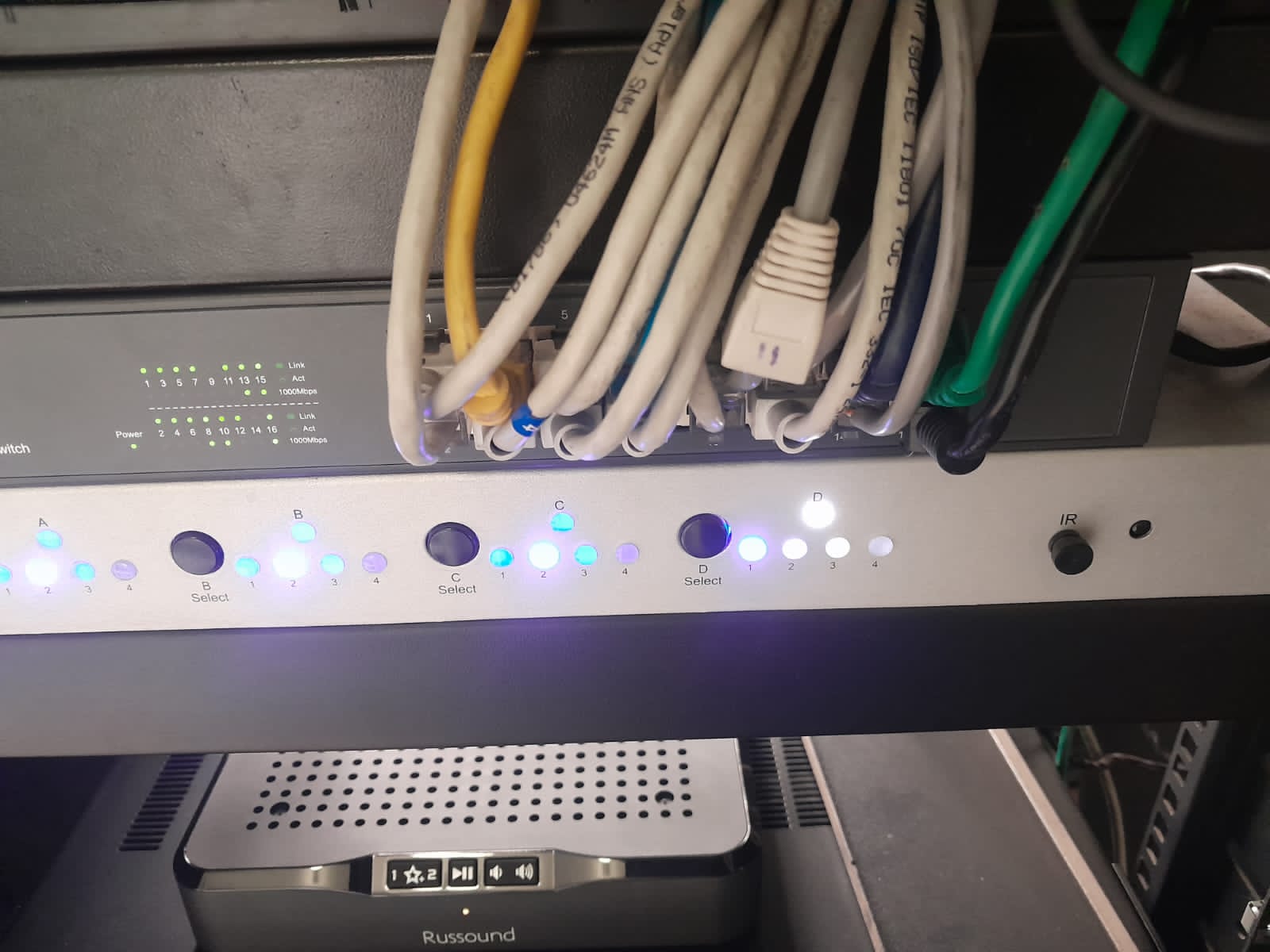
A neat rack is easier to cool, easier to trace, easier to upgrade and easier to repair. It also reduces the chance that a future change breaks something unrelated.
For DG Technologies, a properly patched network cabinet is part of the product.
The client may never open it.
But when something needs support, that cabinet determines whether the system can be understood quickly or whether everyone is starting from confusion.
That is why cameras, access points and control devices should not simply be patched wherever there is an empty port.
They should be organised like the important systems they are.