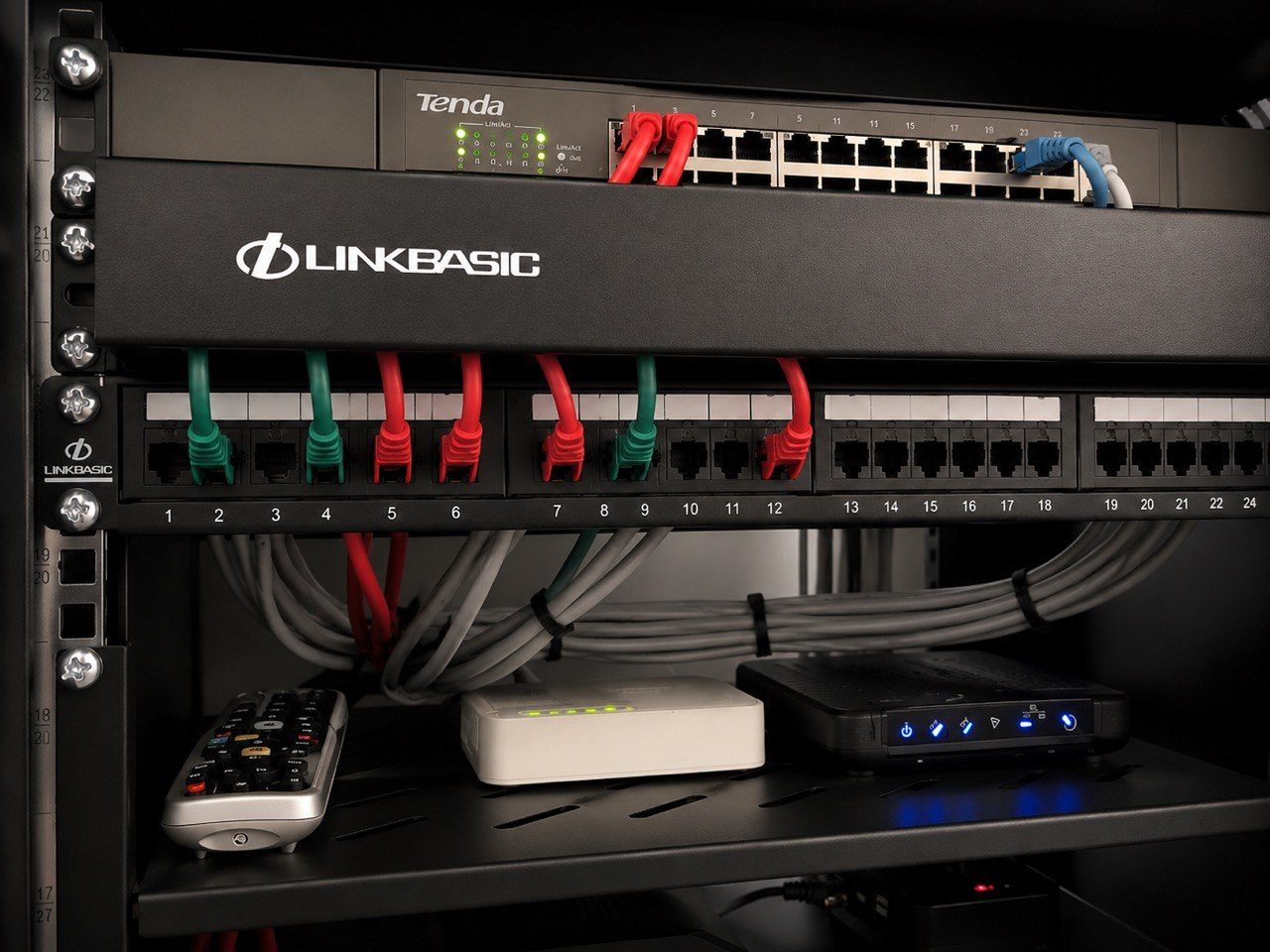
Technical labels often make sense to the person who wrote them.
That does not mean they make sense to the person standing in front of the rack six months later.
In a premium home, the person assisting support may not be the installer. It may be the homeowner, a house manager, a staff member, an electrician, a caretaker or another technician.
If the labels only make sense to the original installer, they are not good enough.
Labels should identify real spaces
“SW1 Port 17” may be useful to a technician.
But it is not enough by itself.
If that port feeds “Main bedroom AP” or “Gate camera” or “Cinema Apple TV”, the label should say that clearly.
The system should connect technical structure to the way the property is actually used.
That helps everyone.
The technician can still use the technical reference, but the person onsite can understand which real room or device is being discussed.
Non-technical clarity speeds up support
Remote support often depends on someone onsite confirming a simple detail.
“Is the NVR powered?”
“Is the fibre router on?”
“Can you check whether the main bedroom access point cable is plugged in?”
“Can you send a photo of the switch labelled CCTV?”
Those requests become much easier when labels are readable.
Without labels, the person onsite is forced to guess. Guessing around rack equipment is not ideal.
Labels also reduce accidental mistakes
A staff member may need to reboot one device.
An electrician may need to know which plug must stay on.
A fibre provider may need to identify the router.
A security technician may need to avoid disturbing the automation switch.
Clear labels help protect the system from accidental disruption.
They do not replace permissions, documentation or proper support procedure, but they reduce risk.
Good labels are not only numbers
A useful label often combines:
- the system type,
- the room or area,
- the device role,
- and the technical reference.
For example:
- “CCTV NVR - do not unplug”
- “Main bedroom AP - PoE”
- “Cinema Apple TV”
- “Crestron processor”
- “Gate camera switch port”
- “Rack UPS - network and control”
The wording should be direct.
Nobody should have to decode an internal shorthand during a fault.
Labels must match the current system
Old labels can be worse than no labels.
If a room has changed name, a decoder has moved, a camera has been replaced or a network switch has been upgraded, labels should be updated.
Otherwise the support team may follow the wrong clue.
This is where documentation, rack photos and change logs work together. The label on the cable, the drawing, the app room name and the real equipment should all tell the same story.
Premium support is understandable support
DG Technologies sees labelling as part of the finished installation.
Not because labels look impressive.
Because they make the system supportable.
In a large home or commercial site, the installation may outlive staff changes, phone changes, router changes, renovations and equipment upgrades. The labels are one of the ways the system remains understandable.
A good label should help a technician.
A great label should also help the non-technical person standing there when the technician is on the phone.