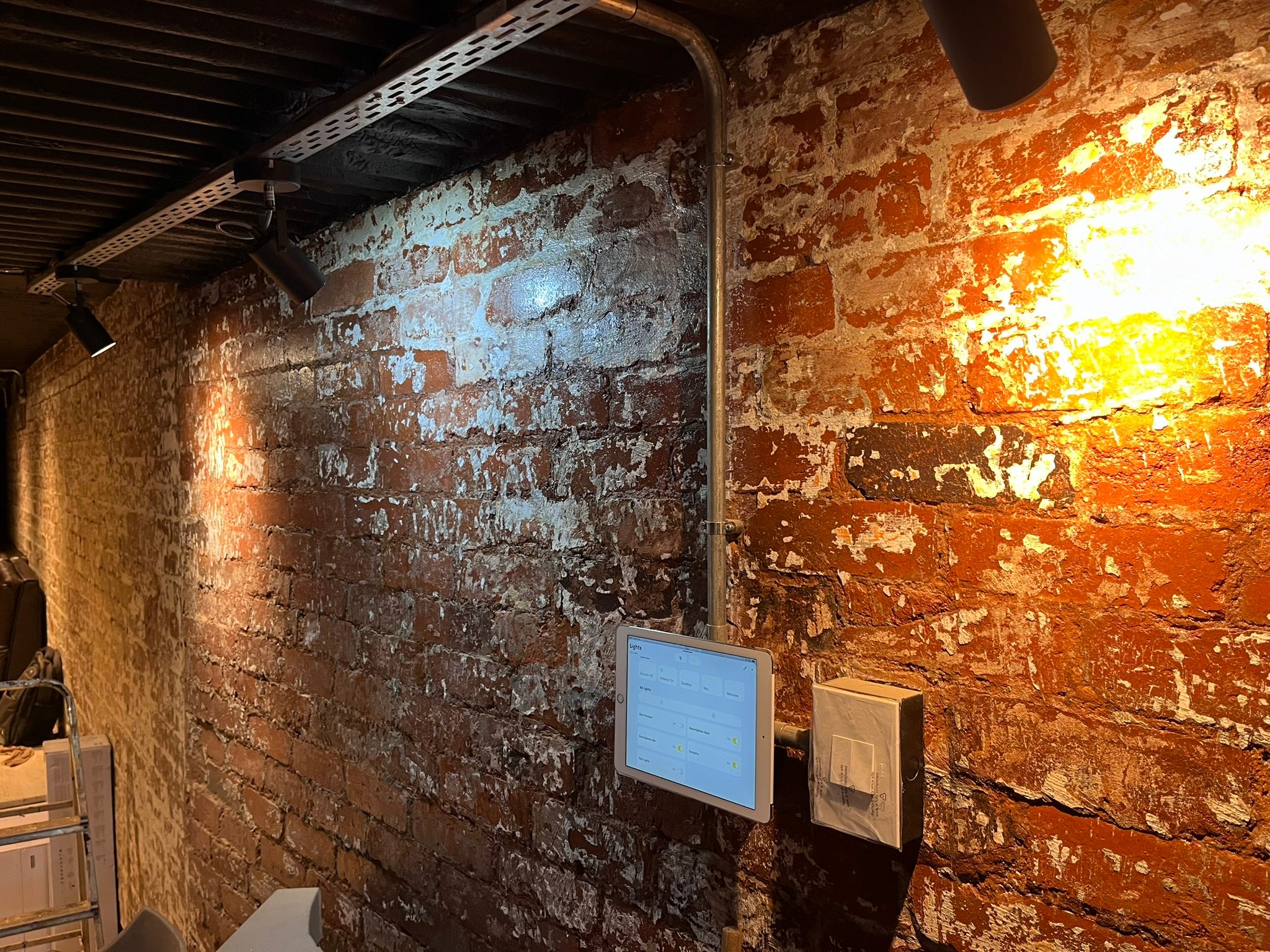
How does home automation work? In simple terms, a control system listens for an instruction, checks what should happen, and then tells the right equipment in the home to respond.
That sounds simple, but in a real home there are many layers between the button and the result. The client may press a wall keypad, a Crestron remote, a touch panel, an app button or a scene. Behind that press, the system may talk to lighting modules, audio amplifiers, network switches, TVs, streamers, gates, cameras, air conditioners and other equipment.
When the design is good, the homeowner does not see that complexity. They just press the button and the room behaves.
How does home automation work when you press a button?
Take a simple evening scene.
The client presses Evening on a keypad. The automation processor receives that command. It then runs the programmed logic for that scene:
- dim selected lights,
- switch pathway lights on,
- turn unnecessary lights off,
- start music in the correct zones,
- set the outdoor entertainment area,
- leave security lights in the correct state.
The important part is that the button is not directly powering all those devices. It is asking the control system to run a sequence.
That sequence must be programmed around how the home is actually used.
The processor is the brain, but the network is the nervous system
In a professional home automation system, the processor is the control brain. In a Crestron Home system, for example, the processor coordinates commands, scenes, devices and user interfaces.
But the network is what carries much of the communication.
Touch panels, app control, streaming audio, CCTV viewing, intercoms, remote support and many modern AV products rely on IP communication. If the network is unstable, the automation system can be blamed for faults that are actually routing, Wi-Fi, switching or IP-address problems.
This is why we often insist on managing the network side of a serious automation project. The router, switch, access points and IP reservations are not IT decoration. They are part of the control system.
Scenes are where automation becomes useful
A smart home should not only replace light switches with app buttons.
The value is in scenes that match normal life:
- arrival,
- evening,
- entertaining,
- cinema,
- goodnight,
- cleaning,
- staff access,
- guest mode,
- holiday mode.
Those scenes should be refined after people live with the home. A technically correct scene may still be wrong if it does not match the family’s habits.
We have seen this many times. The right interface for one homeowner may frustrate another. Some clients want every room grouped in a certain way. Some want guests to use normal remotes. Some want no visible remotes at all. Good automation works because the system follows the people, not because the app is impressive.
Devices still need physical infrastructure
Wireless control does not remove the need for proper cabling.
Behind a clean home automation system there may be:
- Cat6 to TVs and access points,
- speaker cable to audio zones,
- conduit to screens and projectors,
- cable routes to CCTV points,
- network points for touch panels and processors,
- power for racks, amplifiers and switches,
- ventilation for equipment spaces.
If that infrastructure is missing, the system can still be installed, but it may become more expensive, less neat or harder to service.
That is why we push for early planning with architects and builders. See our architect smart home specification guide if the home is still in design.
What does home automation mean in daily use?
For the homeowner, home automation should mean less friction.
It should mean:
- the right lights come on without hunting for switches,
- the TV room starts without five remotes,
- music zones make sense,
- guests can use the guest rooms,
- staff can operate what they need and nothing more,
- the owner can check the home remotely,
- the system recovers sensibly after power changes,
- support can diagnose faults without guessing.
If the system creates more decisions than it removes, it has missed the point.
Why commissioning matters
Home automation works properly only after commissioning.
Commissioning means testing the system in real conditions: evening lighting, real source switching, real Wi-Fi roaming, real app use, actual family routines, staff access, power recovery and handover.
The first version of a scene is rarely the final version. Small refinements often make the difference between a system that looks good on handover day and a system that feels natural months later.
DG Technologies designs home automation in Durban and KZN around that practical reality. The system has to work in the house, with the people who live there, long after the quotation has been approved.