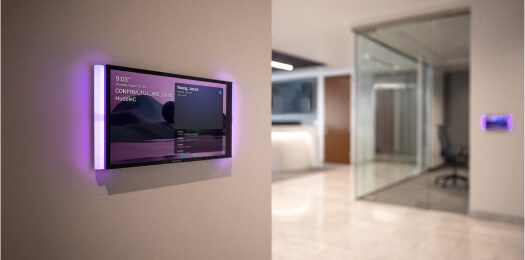
Crestron Home gives a homeowner several ways to control the house. A room can use a touchscreen, a mobile app, a keypad, a remote, a voice assistant or a combination of those controls.
That flexibility is one of the strengths of the platform.
It can also become expensive if it is not designed properly.
Not every room needs a touchscreen. Some rooms absolutely benefit from one. The skill is knowing the difference before the quote is finalised.
DG Technologies installs Crestron Home automation in Durban and KZN with a simple rule: the control method must improve daily use. If a touchscreen makes the home easier to live in, it has a place. If the same result can be achieved with the Crestron Home app, a keypad or a remote, we should be honest about that.
What a touchscreen does well
A Crestron Home touchscreen is useful when the room needs a fixed, always-available point of control.
That matters in areas where people do not want to look for a phone, unlock it, open an app and navigate to the right room. A wall-mounted touchscreen is visible, charged, connected and ready. For certain rooms, that convenience is worth paying for.
Touchscreens are often strongest in:
- Main entrances.
- Kitchens.
- Main living areas.
- Entertainment spaces.
- Cinema rooms.
- Master suites.
- Security or house-manager areas.
- Homes where guests or staff need controlled access to specific functions.
In those spaces, a touchscreen can bring together lighting scenes, audio zones, climate, security views, gate control, room status and whole-home commands. It gives the home a proper control point that does not depend on one person’s phone.
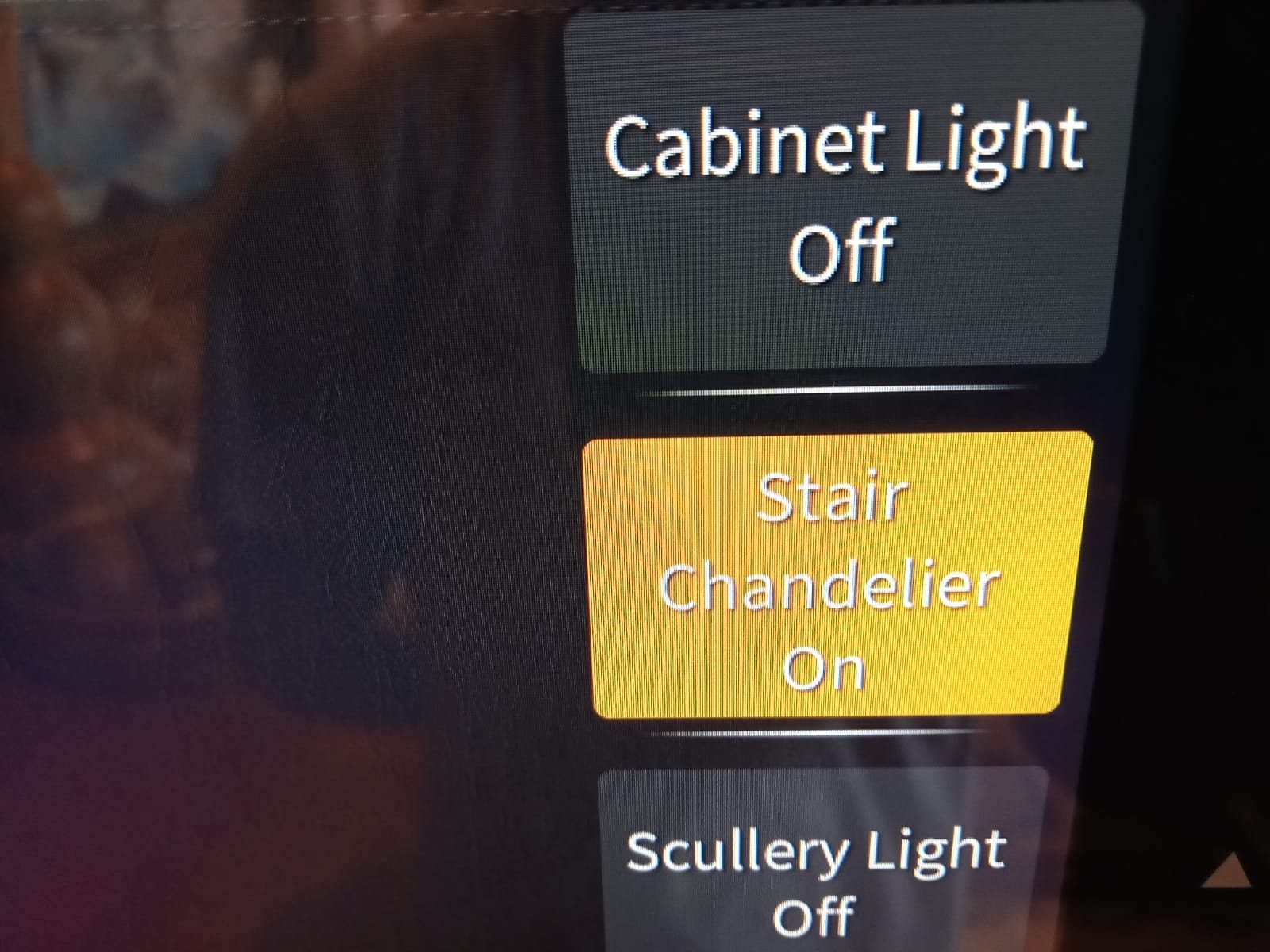
A close-up detail from a Crestron touch panel. The value of a fixed control point is not only the screen; it is the immediate, predictable access to the functions the room uses every day.
What the app does well
The Crestron Home app is powerful. It gives the homeowner control from a phone or tablet and can often handle the same daily functions as a fixed touchscreen.
That makes it useful in rooms where control is occasional rather than constant. A guest bedroom, study, patio, secondary lounge or spare room may not need a dedicated panel on the wall if the app, keypad or remote already gives the right level of control.
App control also suits owners who travel, manage holiday homes or need to check parts of the home remotely. When combined with a stable network and proper system design, it becomes one of the most useful parts of a modern Crestron Home system.
The app is not a downgrade. It is simply a different control method.
Keypads are still important
In many homes, keypads are more important than people realise.
A good keypad does one thing very well: it makes common actions immediate. You press one button and the room changes.
For example:
- Entertain.
- Dinner.
- Movie.
- Evening.
- Pathway.
- All off.
- Cleaning.
- Security.
Those commands should not require opening an app. They should be physical, predictable and easy for everyone in the home to understand.
This is why lighting control design should not only focus on touchscreens. The best system often uses keypads for frequent actions, app control for deeper control, and touchscreens only where they genuinely improve the experience.
Where touchscreens become wasteful
Touchscreens become wasteful when they are added because they look impressive on a quotation rather than because the room needs one.
If a bedroom only needs lights on, lights off and occasional audio control, a keypad and app may be enough. If a room is rarely used, a touchscreen may sit on the wall doing very little. If every room gets a touchscreen by default, the client may spend a large amount of money without improving the way the home feels.
That is not good engineering.
The question should always be: what will the client actually do from this control point?
If the answer is unclear, the touchscreen should be questioned.
Large homes need a control strategy
In a large estate home, control is not only about the owner. It may involve family members, guests, staff, house managers and contractors.
That means the control strategy must be planned carefully.
The owner may need full app control. Staff may need limited control over gates, lights or audio in specific areas. Guests may need simple room control without access to the whole home. A house manager may need a central point for CCTV views, gate status, lighting scenes and fault awareness.
This is where Crestron Home can be very strong, but only if the control points are planned around real use.
The best design often mixes control methods
The correct answer is rarely “touchscreens everywhere” or “app only”.
A sensible Crestron Home design might use:
- Keypads for lighting scenes.
- Touchscreens in main control areas.
- App control for owners.
- Remotes in cinema and TV rooms.
- Limited controls for guests or staff.
- Whole-home commands for shutdown, security and arrival scenes.
That kind of design keeps the home powerful without making it heavy.
DG Technologies’ approach is to right-size the system. We do not believe the most expensive control method is automatically the best one. We believe the right control method is the one that makes the home easier to use.
For more on our approach to specifying equipment responsibly, read why a smart home quote should explain decisions, not just equipment.