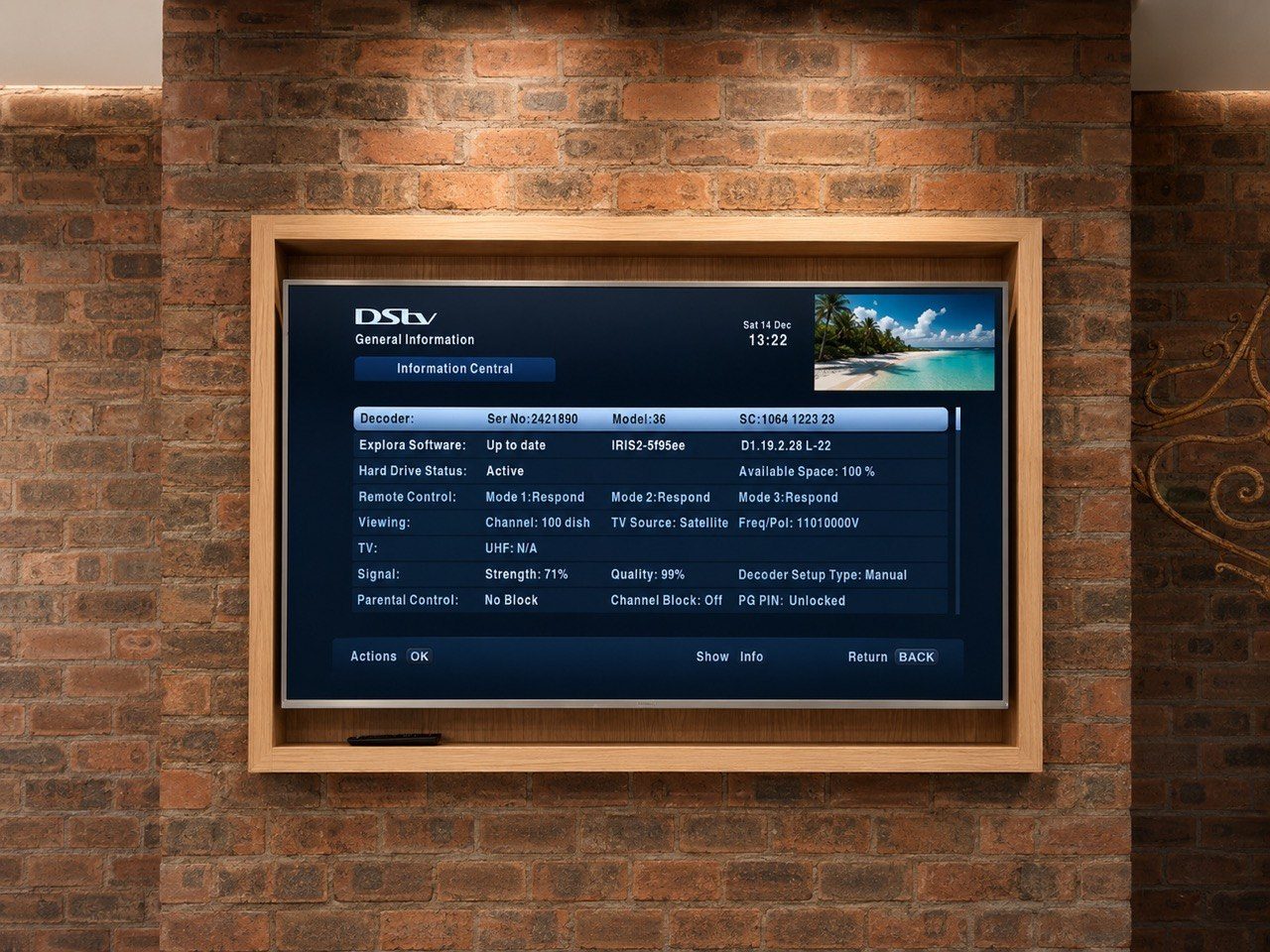
A TV installation is not finished when the screen turns on.
That is only the visible part.
The real handover includes the bracket, cable route, remote controls, source labels, decoder location, Apple TV, sound path, guest operation and the question every client eventually asks: “How do I actually use this?”
This is why DG Technologies treats TV points and source control as part of the AV system, not a separate handyman task.
Bracket choice changes the result
Not every TV needs the same bracket.
A flat bracket may suit a bedroom. A swivel bracket may suit a corner, gym, kitchen, verandah or guest room. A heavy TV may require a stronger fixing. A wall finish may restrict where the bracket can land. A TV that is not parallel to the wall may look wrong even if the bracket is technically installed.
The bracket affects:
- screen height
- cable visibility
- access behind the TV
- viewing angle
- soundbar position
- serviceability
- whether the TV sits straight
In premium homes, these details matter because the screen usually sits inside a designed space, not on a random wall.
Remote controls still matter
Smart homes can use apps, touch panels and integrated control.
But remotes still matter.
Guests often expect a DSTV remote. Staff may need to turn on a TV quickly. A homeowner may prefer an app in the main areas but a simple remote in guest bedrooms. A cinema may use a controlled interface, while a children’s TV may need something more familiar.
Good design does not force one method everywhere.
It asks who will use the room.
That may mean a Crestron interface in one room, a DSTV remote in another, and a TV remote kept safely in the cabinet for settings and service work.
Source labels prevent confusion
Most AV frustration comes from source confusion.
The TV is on HDMI 1. The decoder is on HDMI 2. The Apple TV is connected through the amp. The soundbar is using ARC. The projector input is different. The guest has pressed the wrong button and now nothing makes sense.
This is why source labels and handover matter.
Names should match the way people speak:
- DSTV
- Apple TV
- Cinema
- Main Bedroom
- Verandah TV
- Projector
- Music
If the client has to remember technical input names, the system has failed the user.
DSTV and Apple TV behave differently
DSTV, Apple TV and streaming apps are not the same operationally.
DSTV may involve decoder remotes, RF distribution, TV links, smart cards, channel changing and signal levels. Apple TV may involve HDMI handshakes, network performance, app logins and remote pairing. A smart TV app may work until the TV firmware changes or the Wi-Fi becomes unstable.
The handover should explain the actual system in that room.
Not a generic version.
Guest rooms need a different philosophy
In a private main lounge, the homeowner may be happy with a carefully designed control interface.
In a guest room, the priority is often speed.
The guest wants to turn on the TV, change channels and adjust volume without calling the house manager. If the room is too clever, it becomes inconvenient.
This is where DG Technologies often designs differently for different rooms inside the same home.
The owner may want no loose remotes in the main entertainment area.
The guest bedroom may still need one.
That is not inconsistency. It is practical design.
Handover should include the people who will use the system
A good AV handover is not only for the person paying the invoice.
It may need to include the homeowner, spouse, children, house manager, staff or security team depending on the property. Everyone does not need full technical knowledge, but each person should understand the parts they are expected to use.
This prevents small support calls later:
- “Which remote changes DSTV?”
- “Why is the TV on the wrong input?”
- “Where is the Apple TV remote?”
- “Why is there picture but no sound?”
- “Can guests use this without the app?”
The answer should not depend on memory.
It should be handed over clearly.
That is what makes a TV installation feel finished.