Modern CCTV is no longer just a camera plugged into a recorder.
Most serious systems are IP-based. That means every camera is a network device. The recorder is a network device. The app depends on the network. Remote viewing depends on the router, internet connection and account configuration. Playback depends on the NVR, storage, switching and network path.
So when someone asks why a professional CCTV quote includes switches, routers, fibre links, cabinets, UPS power, static IP planning or network labour, the answer is simple:
Because the cameras depend on all of it.
DG Technologies installs CCTV systems and network infrastructure together because that is how the systems behave in the real world.
If the network is unstable, the CCTV system will feel unstable, even if the cameras are excellent.
The camera is only the endpoint
The camera is what the client sees.
Behind it sits a chain:
- camera
- cable
- PoE power
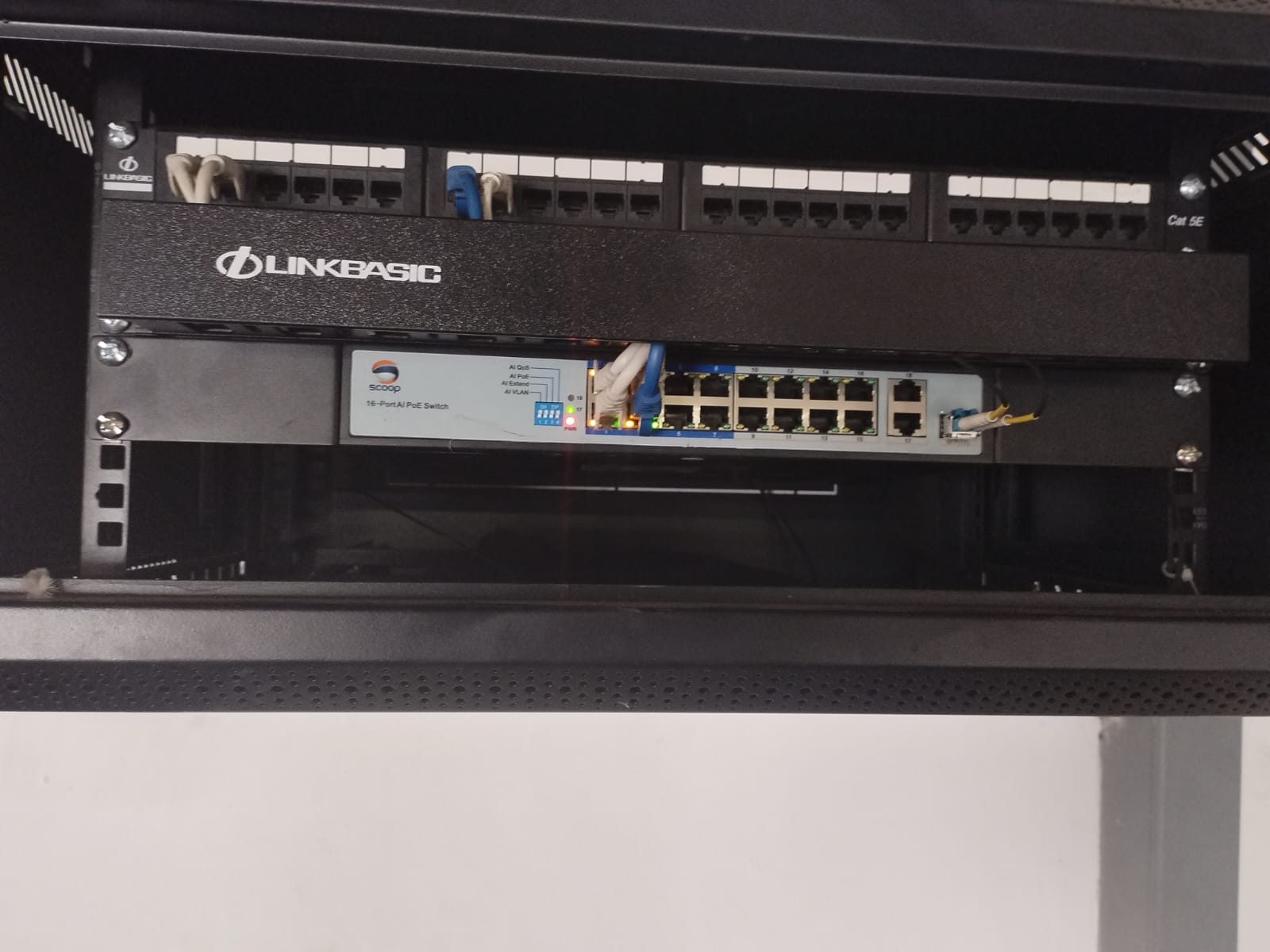
- network switch
- uplink
- NVR or recorder
- storage
- router or firewall
- internet access
- mobile app
- user account
- remote support path
If any part of that chain is weak, the whole system suffers.
A camera may drop offline because a PoE switch is overloaded. Playback may be slow because the network path is congested. Remote viewing may fail because a router was replaced and nobody kept the settings. A camera may be present on the NVR but unreachable because its IP address has changed. An app may not work because the recorder is still bound to an old account.
Those are not unusual faults. They are normal support realities.
This is why professional CCTV design must include network design.
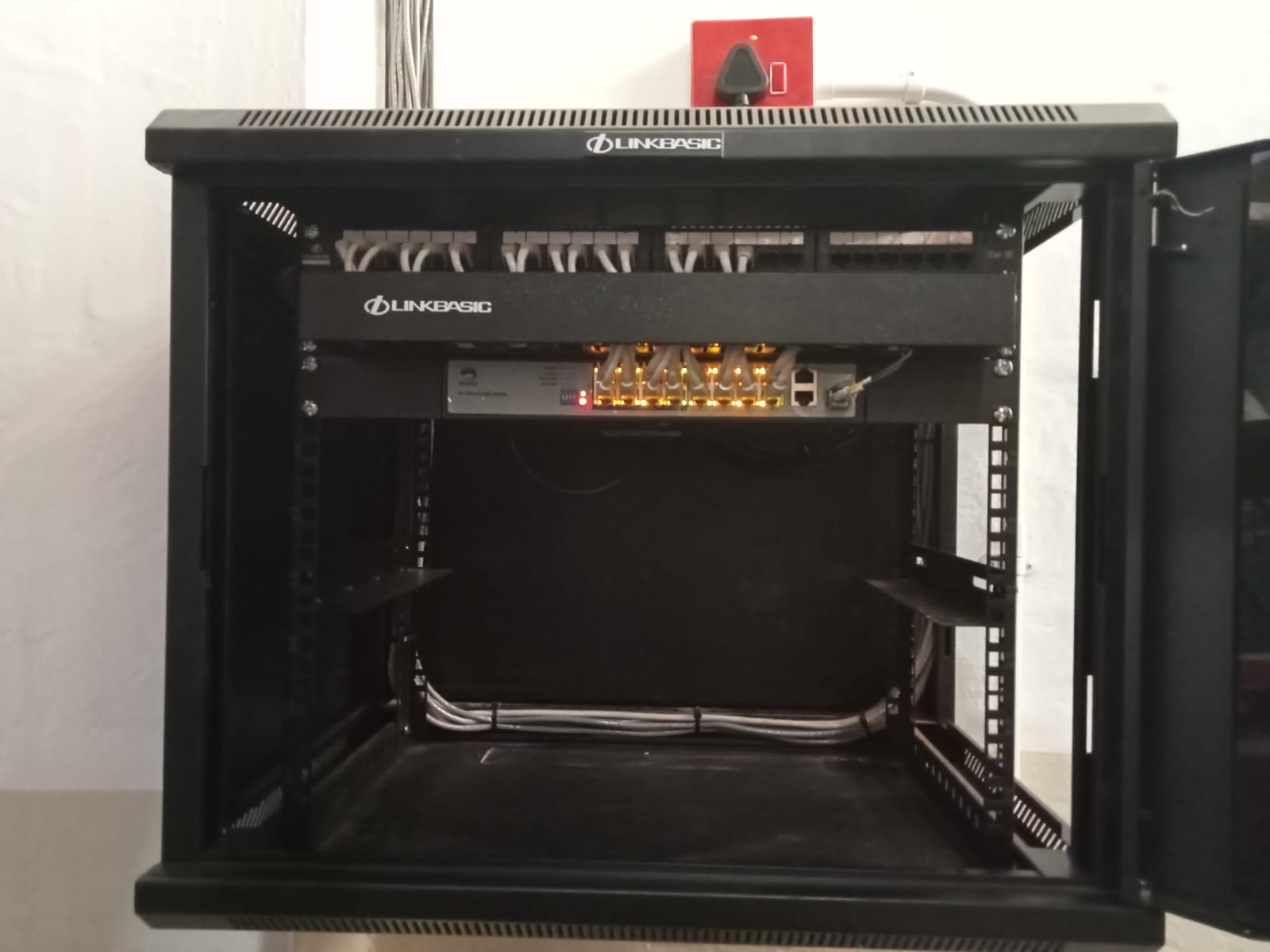
Static IP planning prevents avoidable problems
For a serious CCTV system, IP addressing should not be accidental.
Every camera and recorder needs a known network identity. On a small system, automatic addressing may appear to work at first. On a larger system, or any site that needs predictable support, static or reserved addressing becomes important.
When camera IP addresses are not controlled, small changes can create large support headaches:
- an NVR cannot find a camera
- a camera moves to a different address
- a router change removes reservations
- duplicate addresses create intermittent faults
- remote software points at the wrong device
- a technician cannot identify which camera is which
Static IP planning does not make the system fancy. It makes the system understandable.
For larger homes, warehouses and commercial sites, DG Technologies prefers to know how the network is structured, where the cameras live, which switch ports serve which zones and how the recorder finds them.
That is not overkill. It is supportability.
PoE is power design
Power over Ethernet is one of the reasons IP CCTV is so useful.
One cable can carry both data and power to the camera. That keeps the installation cleaner and avoids needing local power at every camera point.
But PoE still has to be designed.
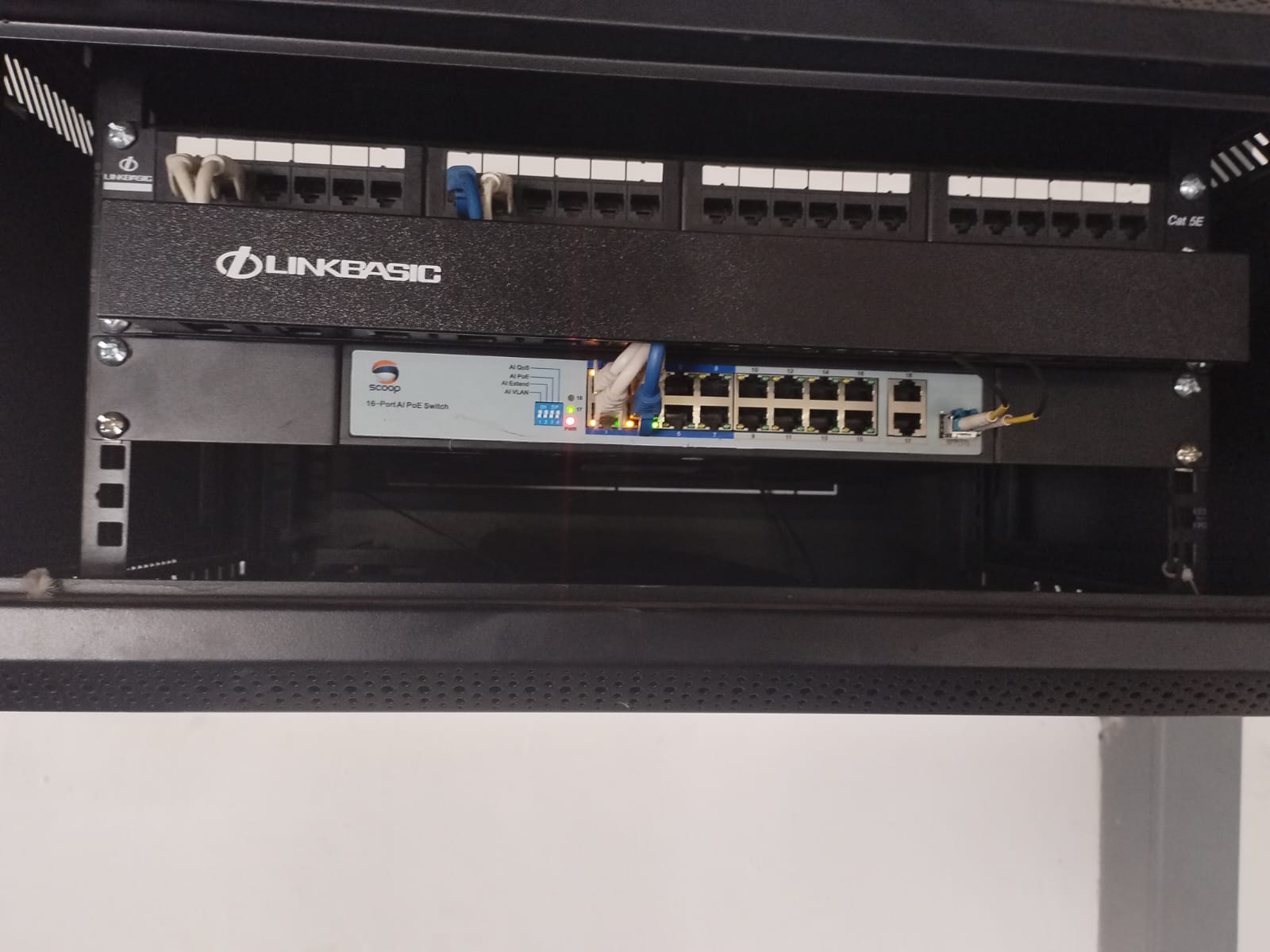
A switch has a PoE budget. Cameras draw different amounts of power. Some cameras draw more power when infrared is active at night. PTZ cameras, long-range cameras and certain outdoor units may need more careful planning. Cable distance and cable quality also matter.
If PoE is undersized or misunderstood, the fault may look like a camera problem:
- cameras rebooting
- cameras dropping at night
- intermittent offline events
- ports showing odd behaviour
- cameras powering but not communicating
- one switch affecting a whole section of the site
A professional quotation should allow for the correct PoE switches, injectors where required, patching and power protection.
Cheap switching can become expensive when the system needs to be trusted.
Fibre links matter on larger properties
On bigger sites, copper cabling cannot solve every distance or capacity problem.
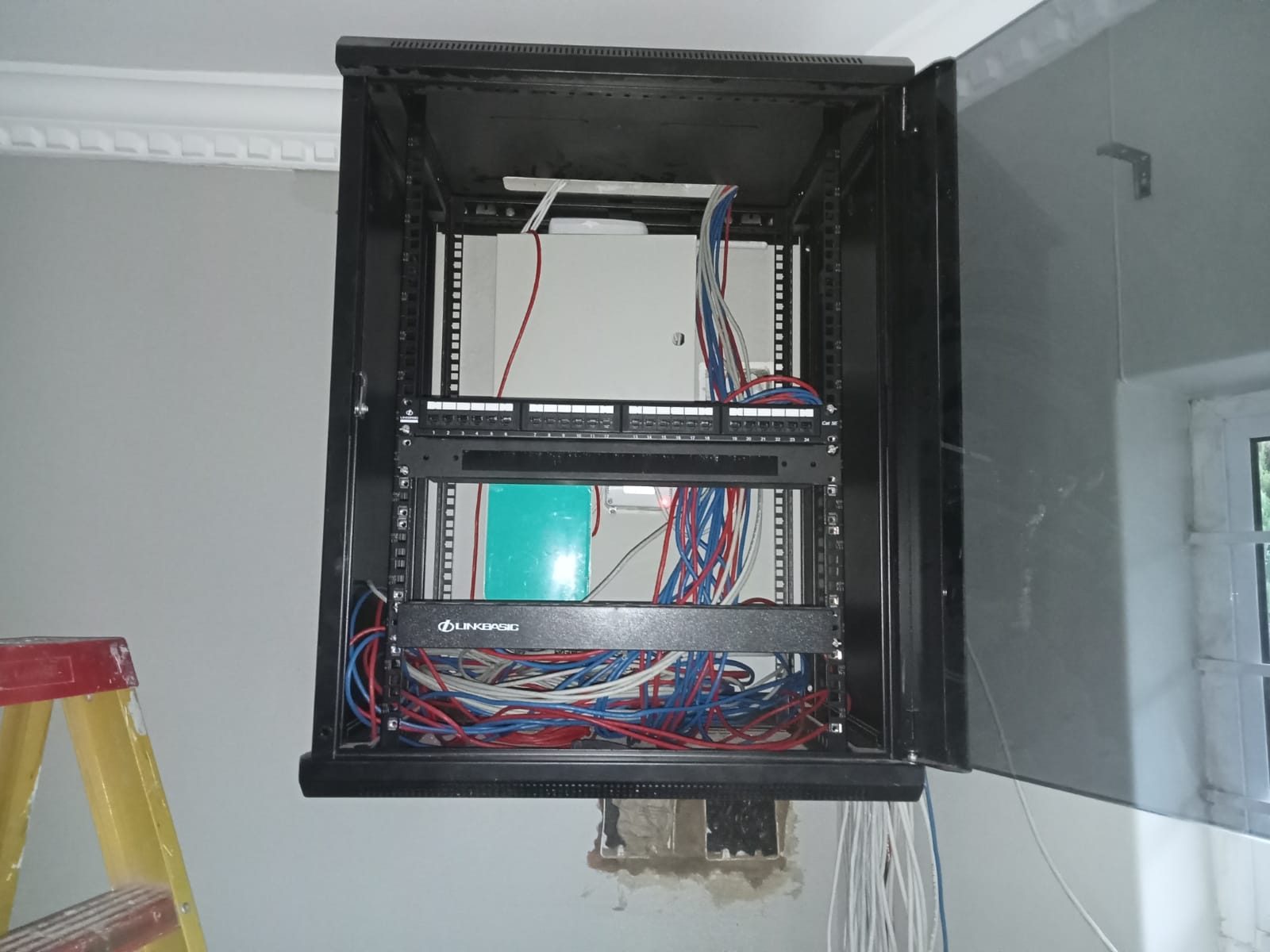
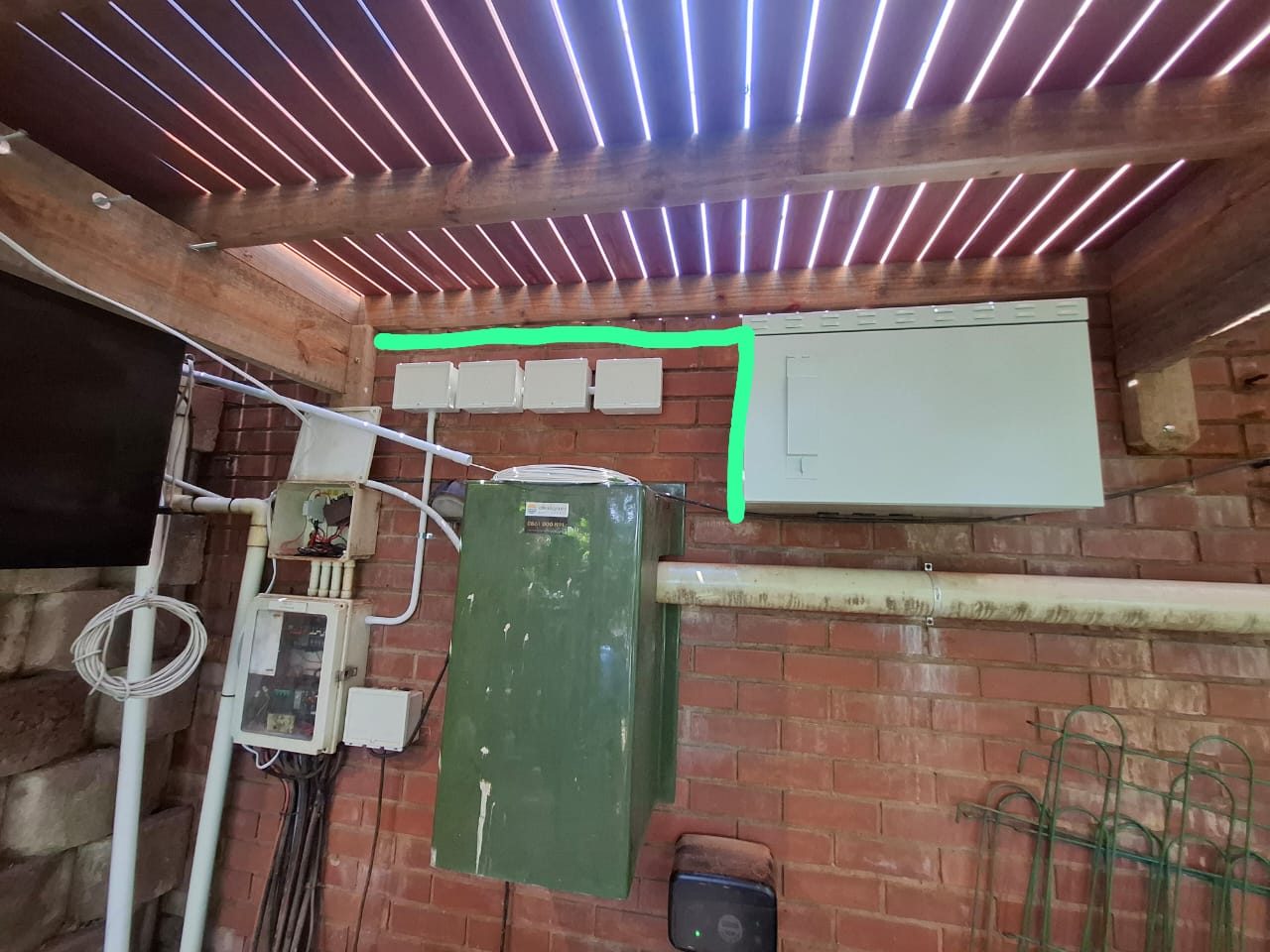
Warehouses, outbuildings, gatehouses, garages, staff areas, large homes and commercial premises may need cameras far away from the main rack. In those cases, it may be better to create a local cabinet and link it back with fibre.
Fibre can provide:
- better distance handling
- higher bandwidth
- electrical isolation between areas
- cleaner expansion
- fewer long copper runs
- a stronger backbone between cabinets
This is not only relevant to commercial sites. Large estate homes can also benefit from planned links between the main house, gate, garage, outbuilding, cottage or entertainment area.
The design question is whether the system should force every cable back to one point, or whether the property needs a more intelligent structure.
The router is part of CCTV
Remote viewing depends on the router.
That is why CCTV support often becomes painful when a fibre provider, IT person or internet installer swaps the router without understanding the system.
Suddenly the client cannot view cameras. Port rules may be gone. IP reservations may be lost. The NVR may be on a different subnet. Remote software may stop finding the recorder. A system that worked yesterday feels broken today because the network edge changed.
This is one of the reasons DG Technologies likes to be involved in router and network management on serious installations. It is not about control for the sake of control. It is about protecting the systems that depend on IP communication.
We have written separately about why a router appears on a home automation quote. The same principle applies to CCTV.
If the system relies on the network, the person responsible for the system needs to understand the network.
NVRs need correct ownership and configuration
The NVR is where many CCTV systems become fragile.
It must be connected, powered, ventilated, configured, named, recorded, secured and handed over properly. It must have the correct time. It must use suitable storage settings. It must be linked to the correct app account. It must be documented enough that future support is possible.
Common real-world problems include:
- NVR offline in the software
- wrong password entered repeatedly
- app account bound to someone else
- verification code unknown
- recorder time incorrect
- playback unavailable
- camera password different from NVR password
- remote viewing configured without a support record
These problems do not always mean the equipment is bad.
Often they mean the handover was weak, the network changed, or the system was never documented properly.
CCTV shares the same infrastructure as the rest of the property
In a premium home or business, CCTV rarely stands alone.
It may share infrastructure with:
- Wi-Fi access points
- Crestron processors
- access control
- gate intercoms
- boardroom systems
- streaming devices
- smart TVs
- staff networks
- guest networks
- solar or inverter monitoring
- remote support tools
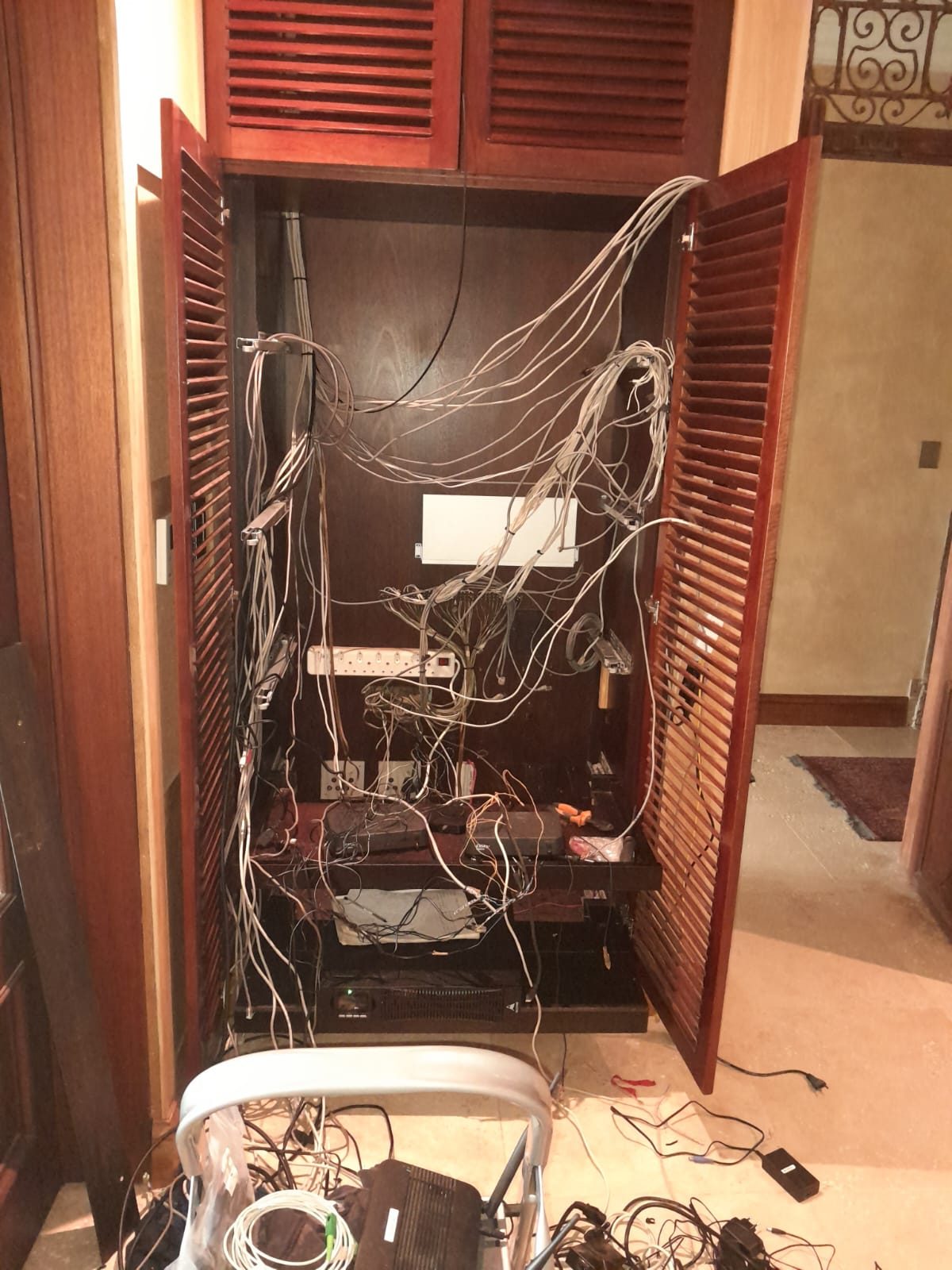
That means the CCTV network should be planned with the wider property in mind. A change made for one system can affect another. A weak rack can create several different symptoms. A poor UPS design can drop cameras, Wi-Fi and remote access at the same time.
This is where a professional integrator has an advantage over a camera-only installer.
The goal is not just to make cameras appear on a screen. The goal is to make the whole technology environment stable.
What a professional CCTV network plan should include
For larger homes, estate properties and commercial sites, a proper CCTV network plan should consider:
- camera count and future growth
- switch port count
- PoE power budget
- cable distances
- fibre requirements
- cabinet locations
- NVR location
- static IP or DHCP reservation strategy
- router/firewall implications
- remote viewing method
- app account ownership
- UPS and power recovery
- documentation and labels
- maintenance access
That is the work behind a reliable CCTV system.
The DG Technologies approach
DG Technologies does not separate CCTV from the infrastructure that makes CCTV work.
We look at the camera positions, but we also look at the network path, PoE switching, rack layout, NVR, storage, app access, power protection and support plan.
That is especially important for larger properties across Durban, Umhlanga, Mount Edgecombe, Zimbali, Simbithi, Ballito and commercial sites in KZN where the system cannot be treated as a small plug-and-play kit.
If your CCTV quote lists cameras but says very little about the network, ask what happens when a camera drops offline, a router changes, a switch fails or the app stops connecting.
The answer will tell you a lot about the installation.
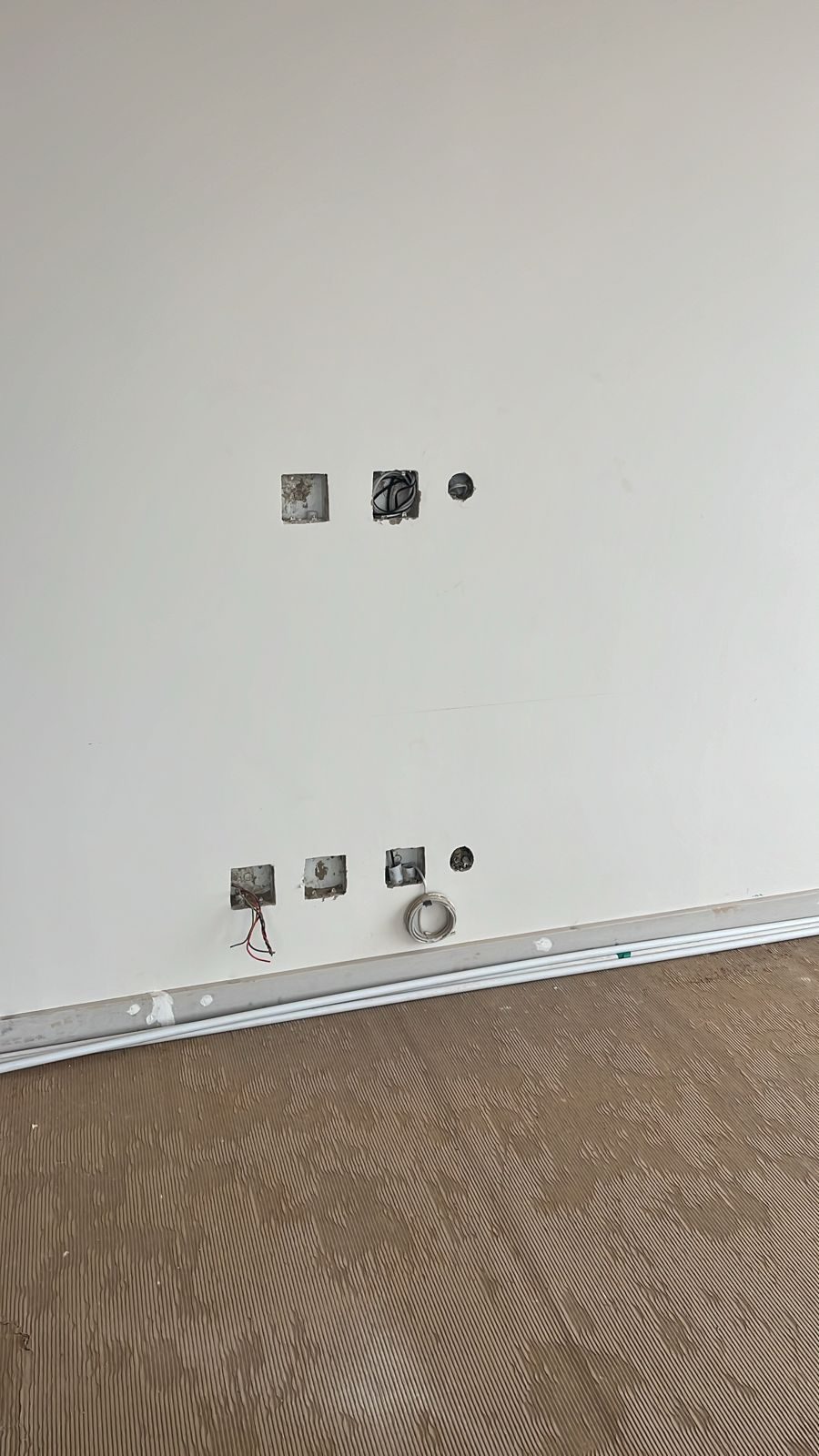
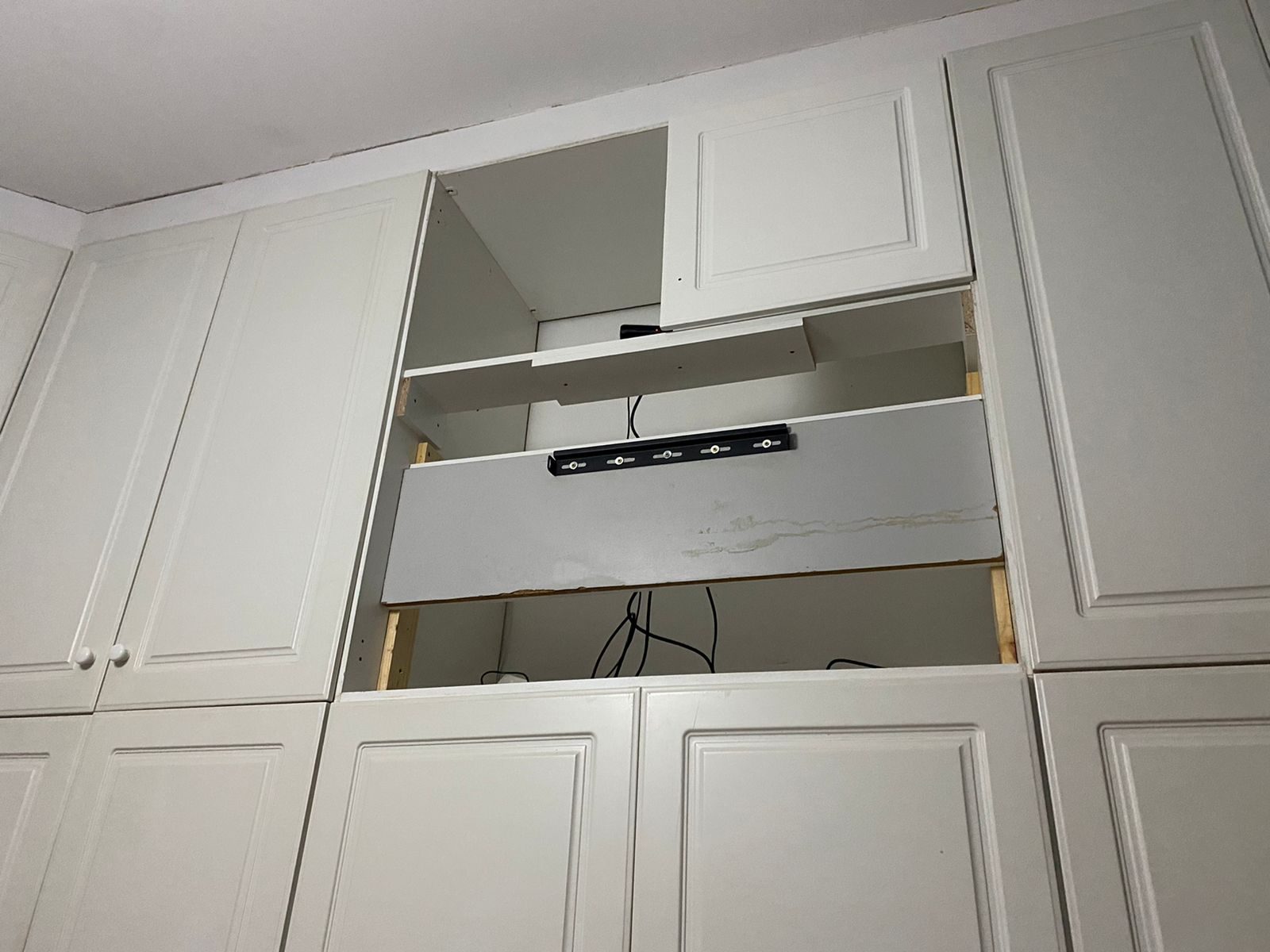
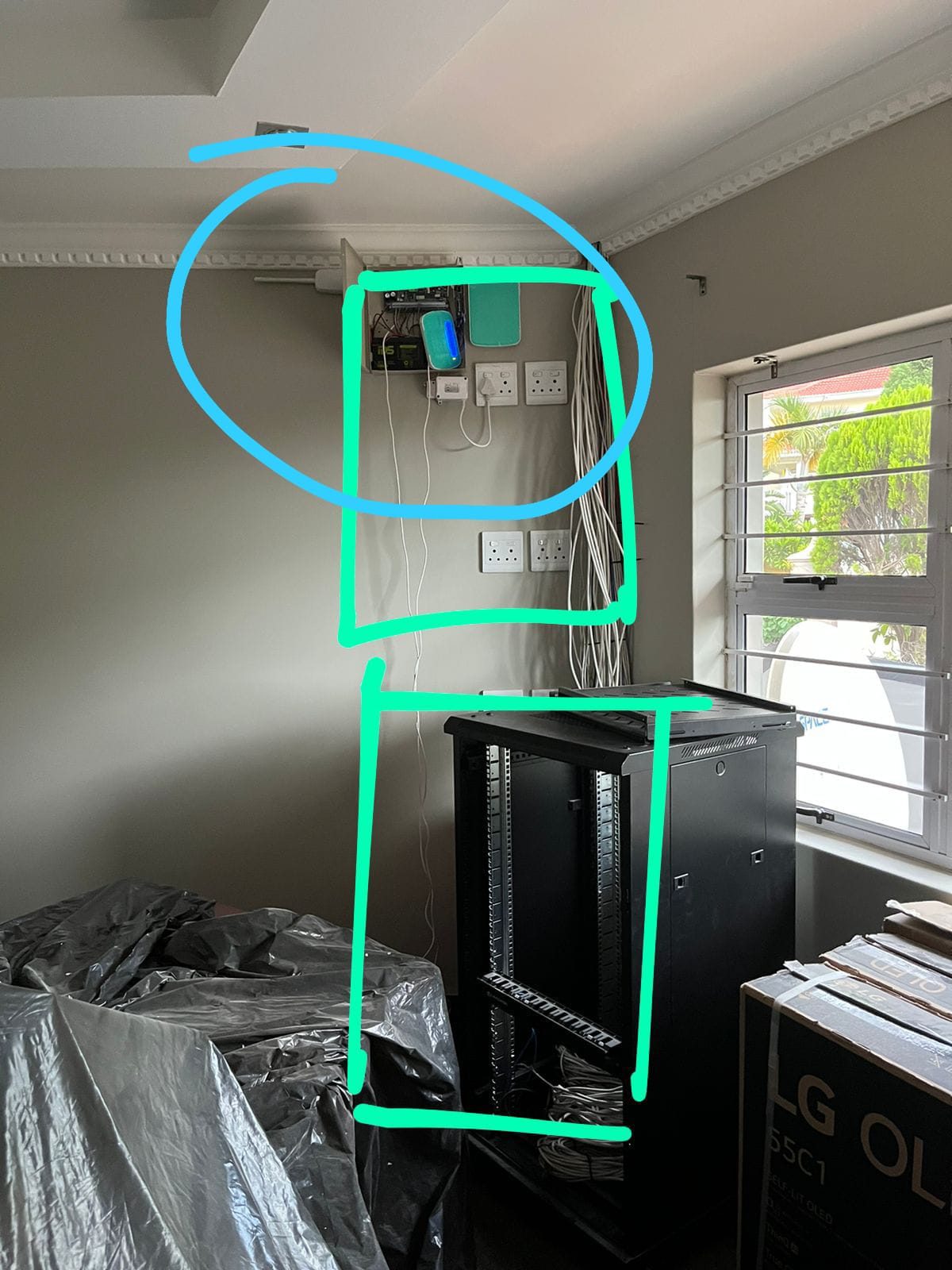
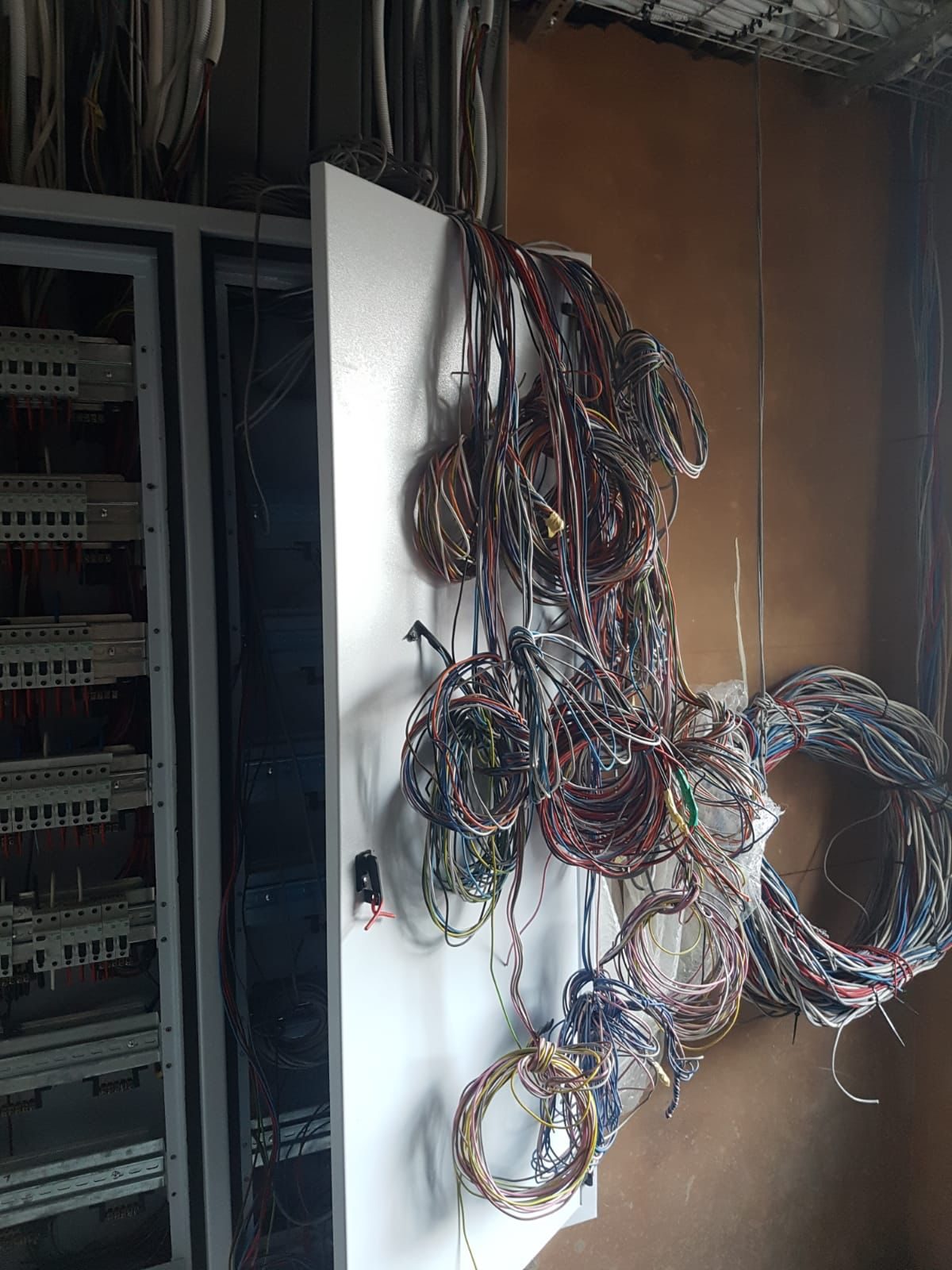
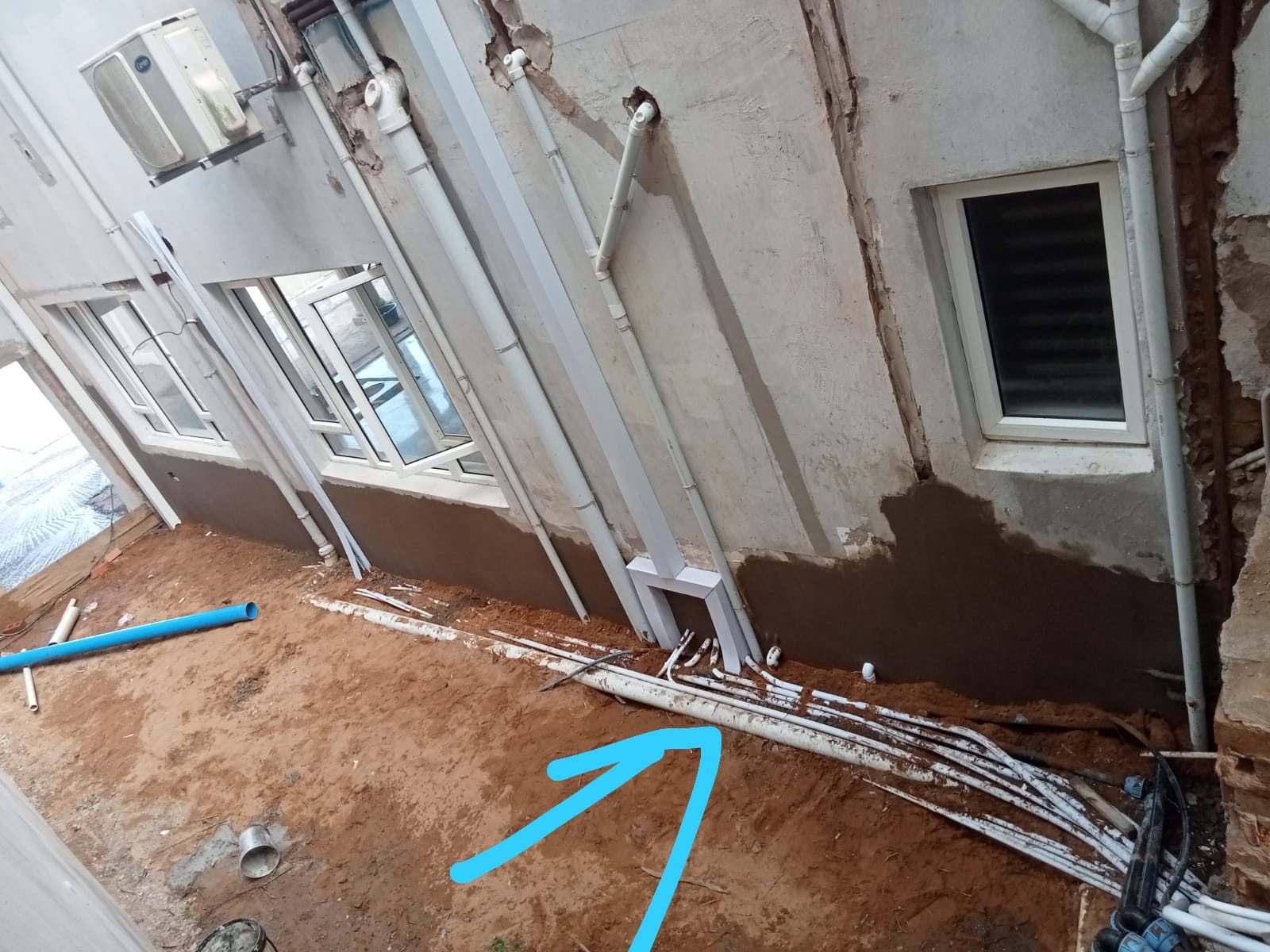
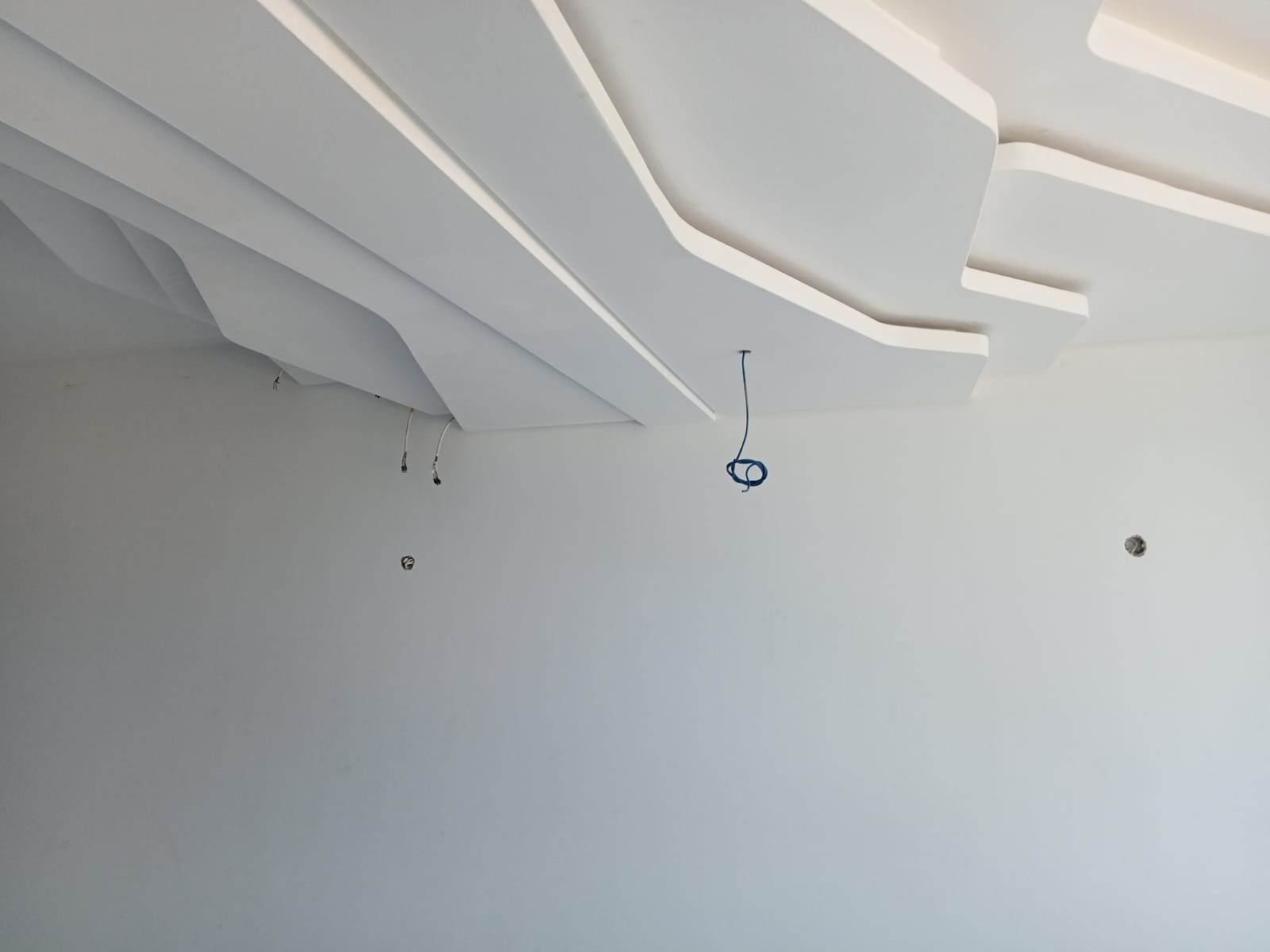
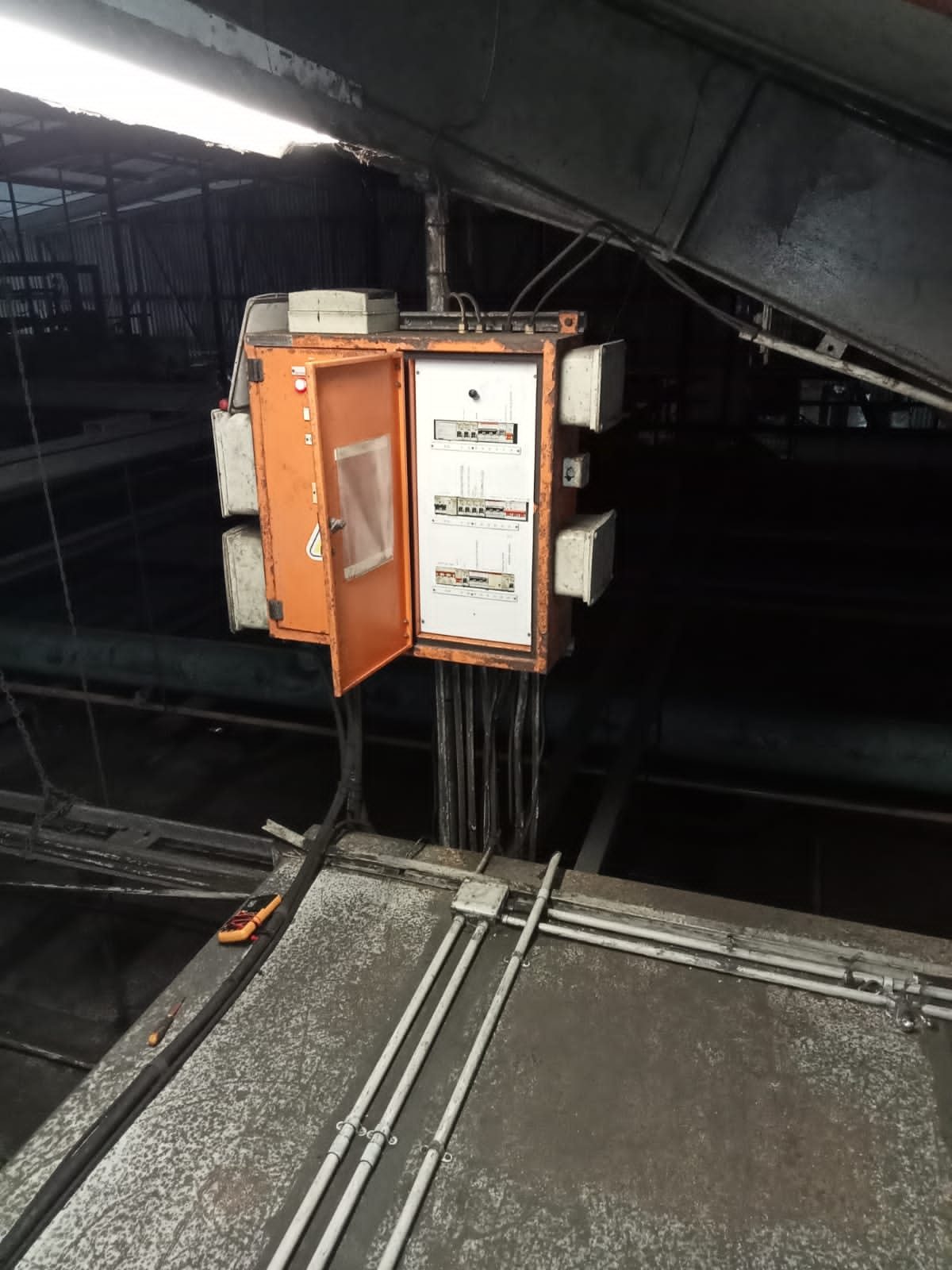
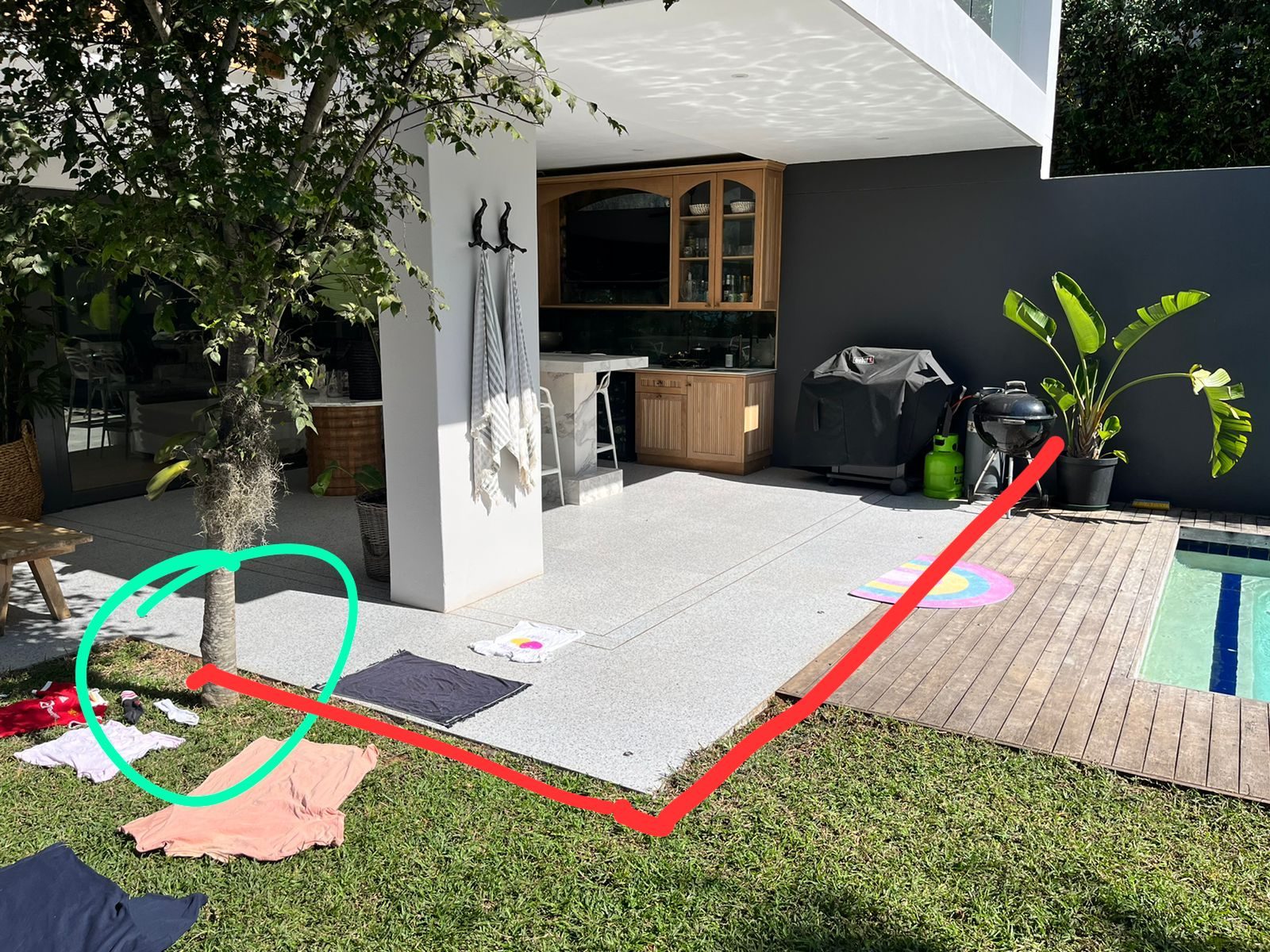
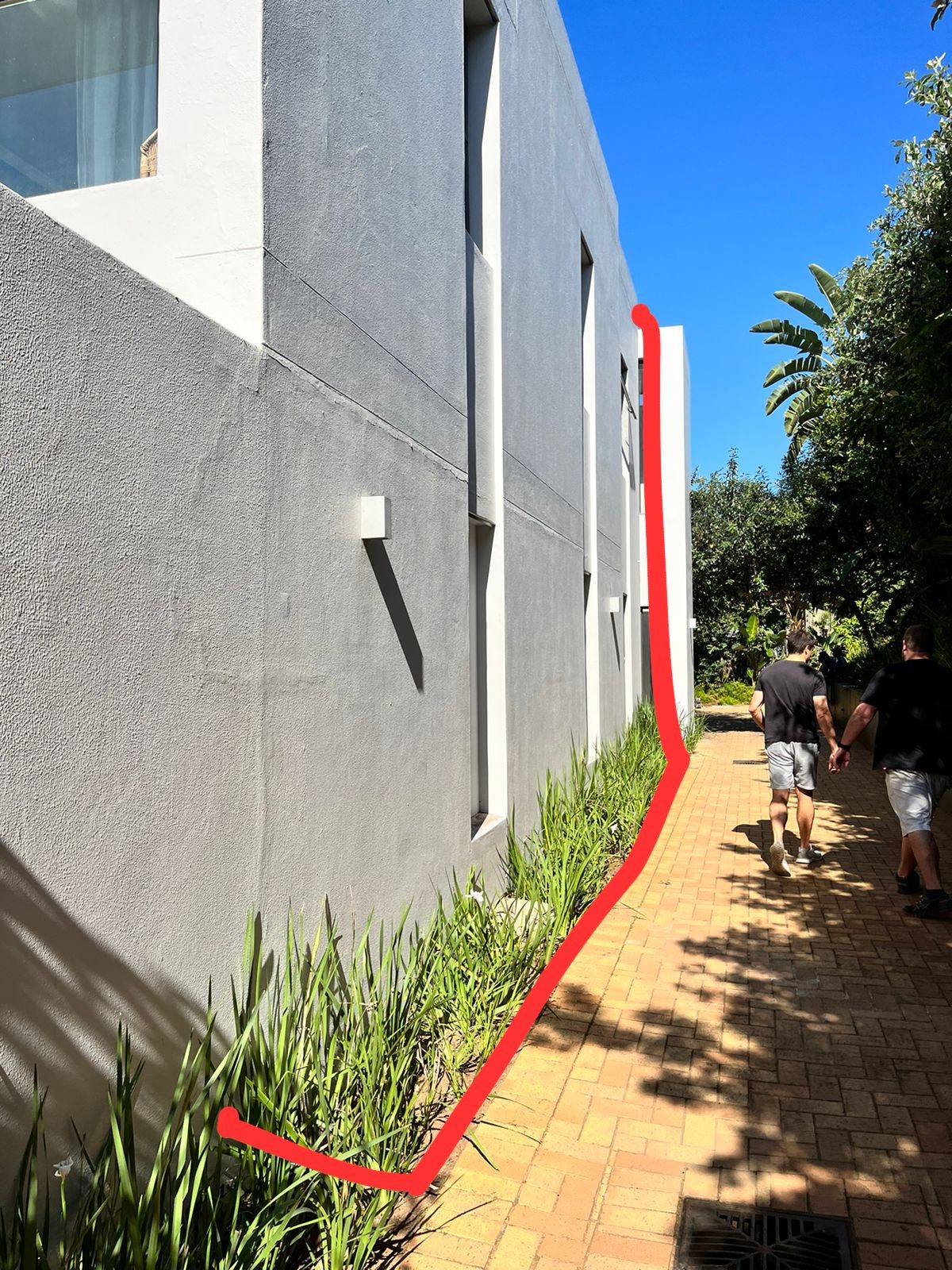
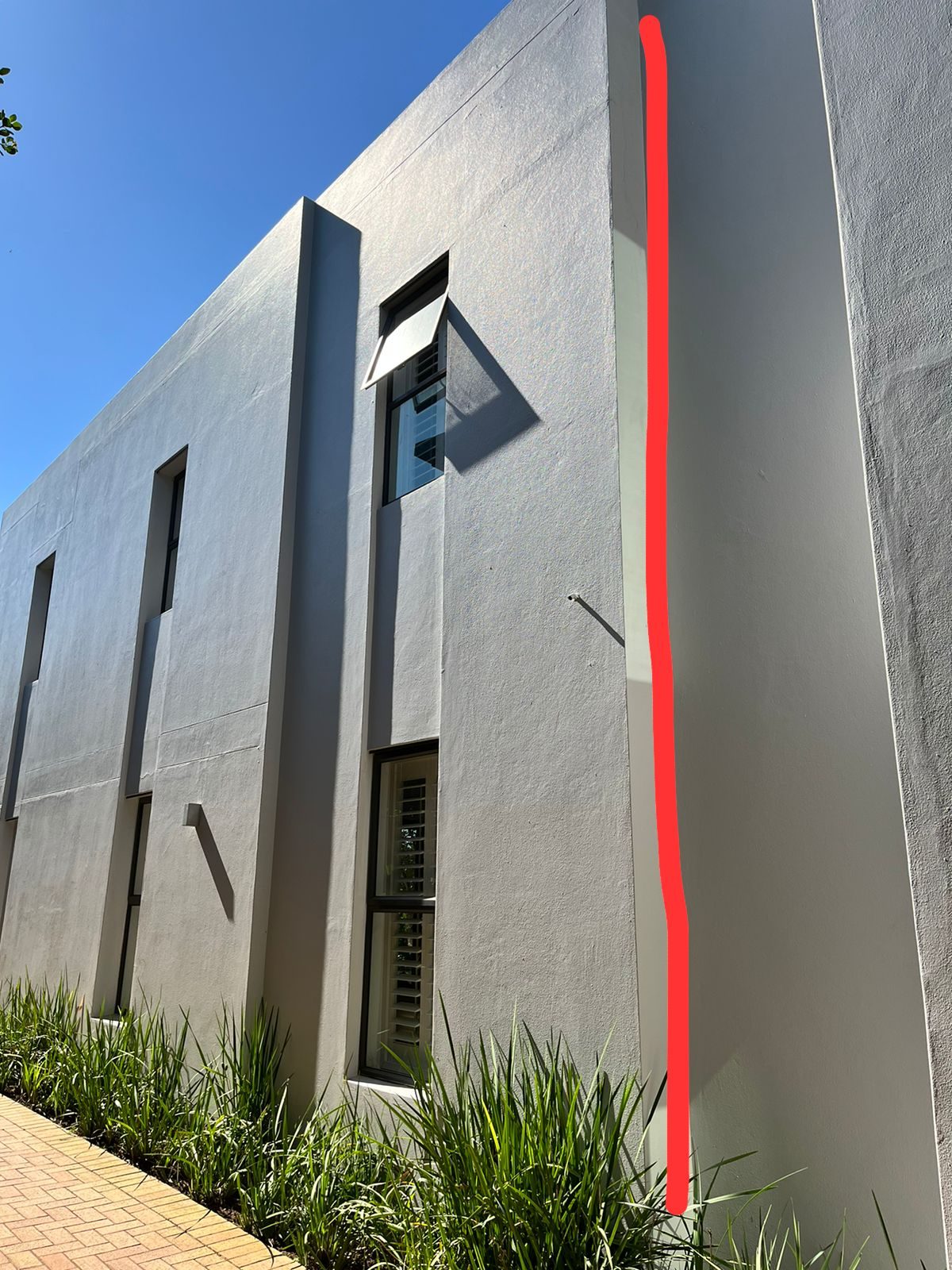
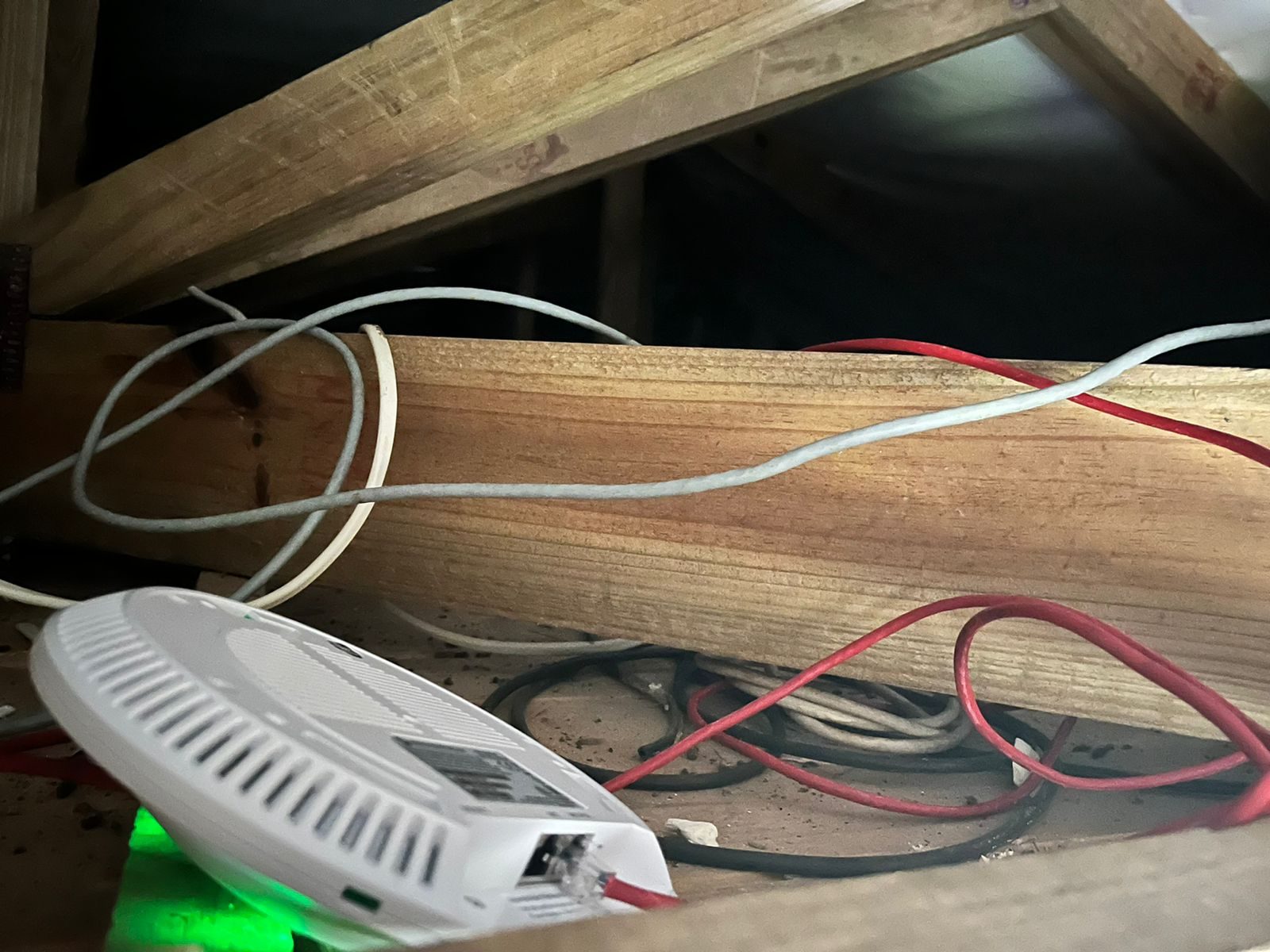
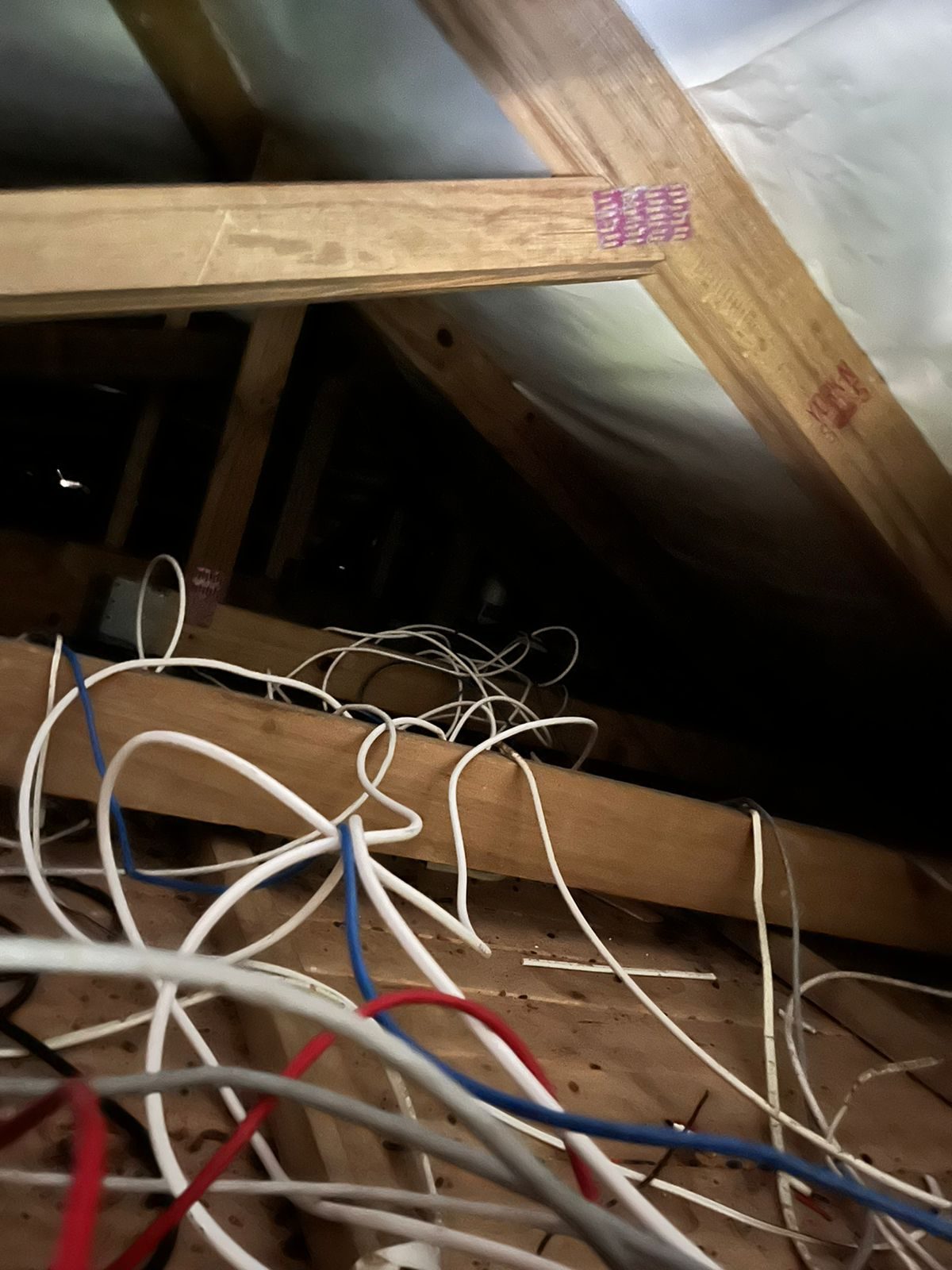
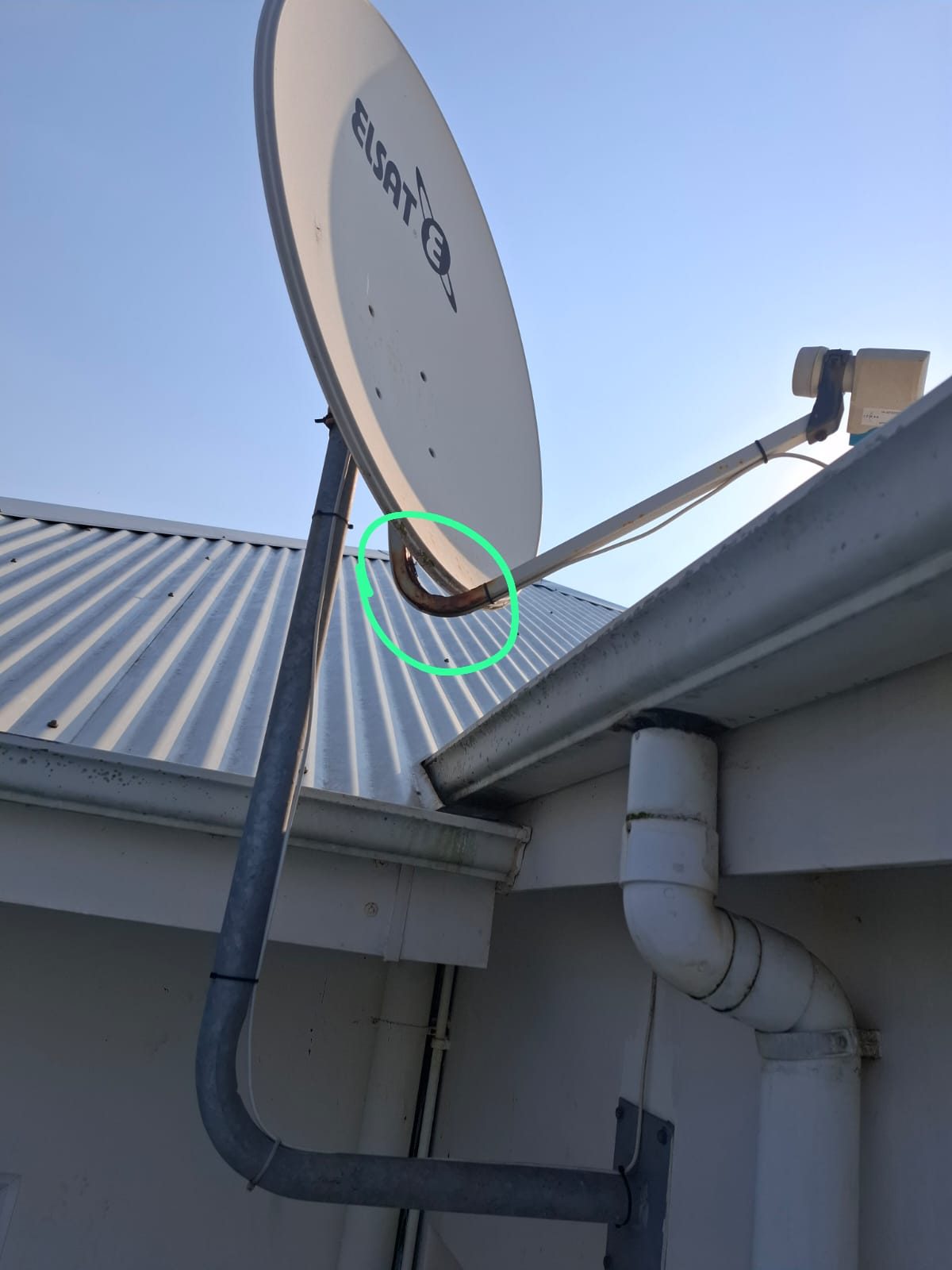
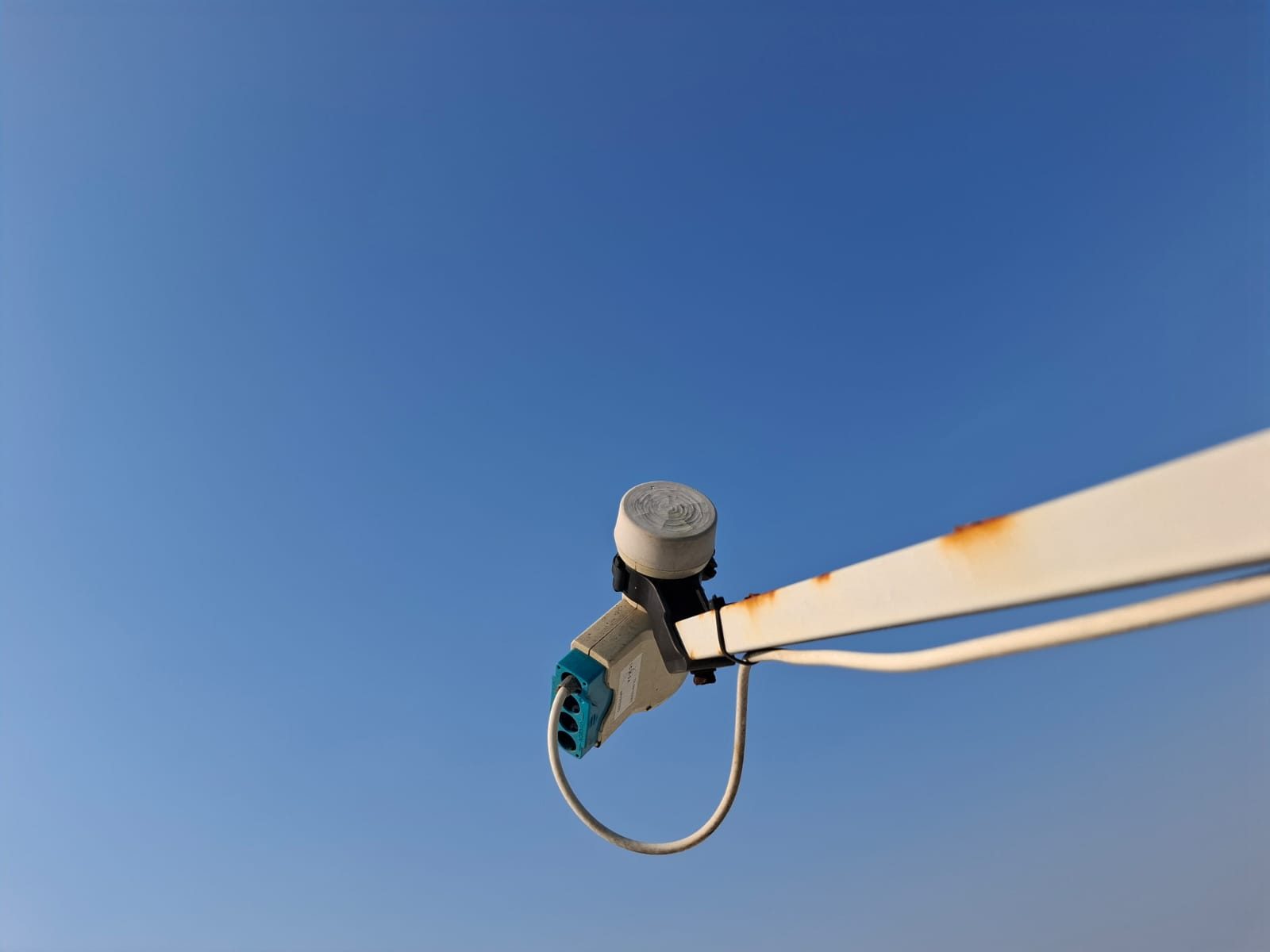
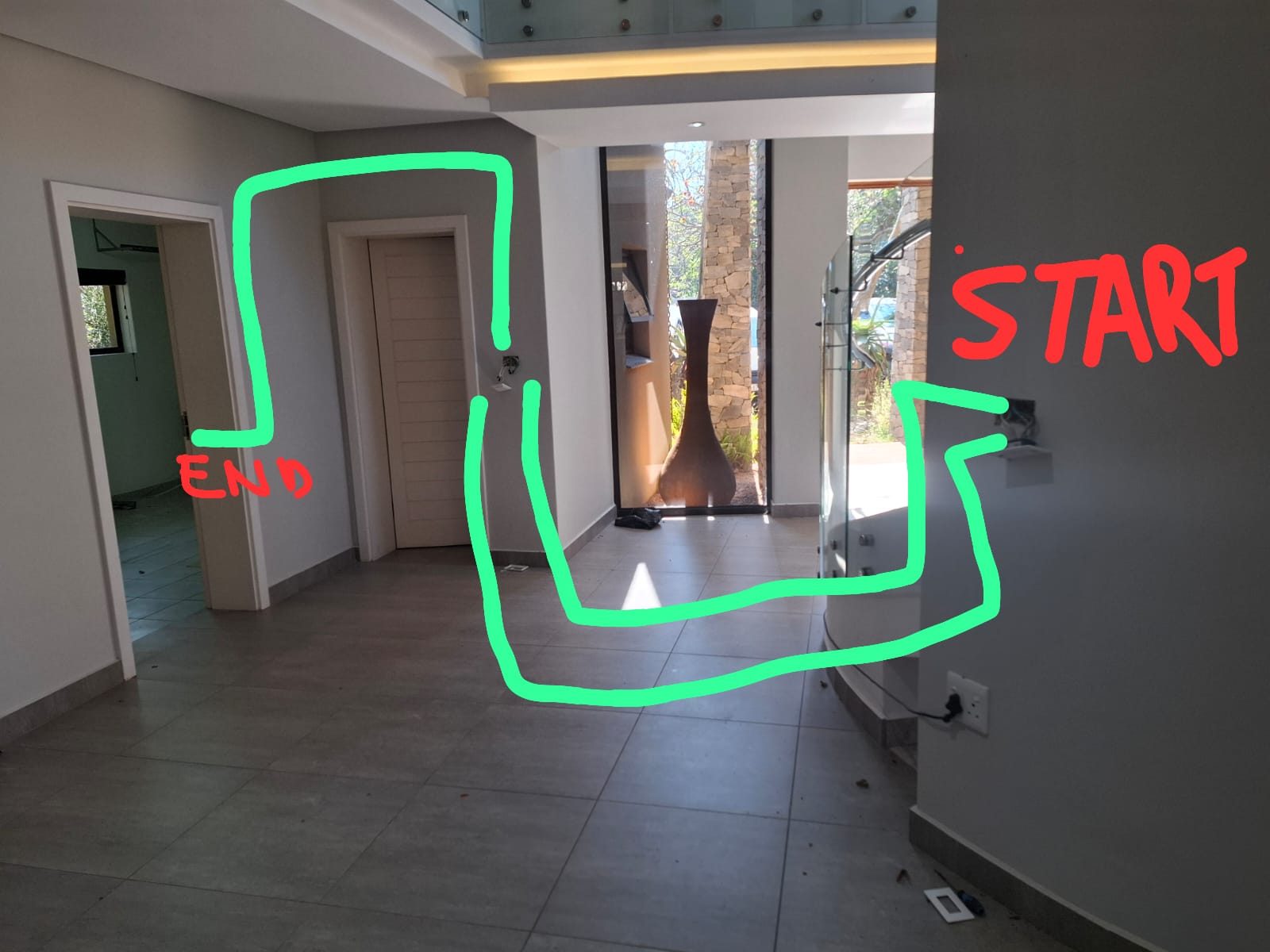
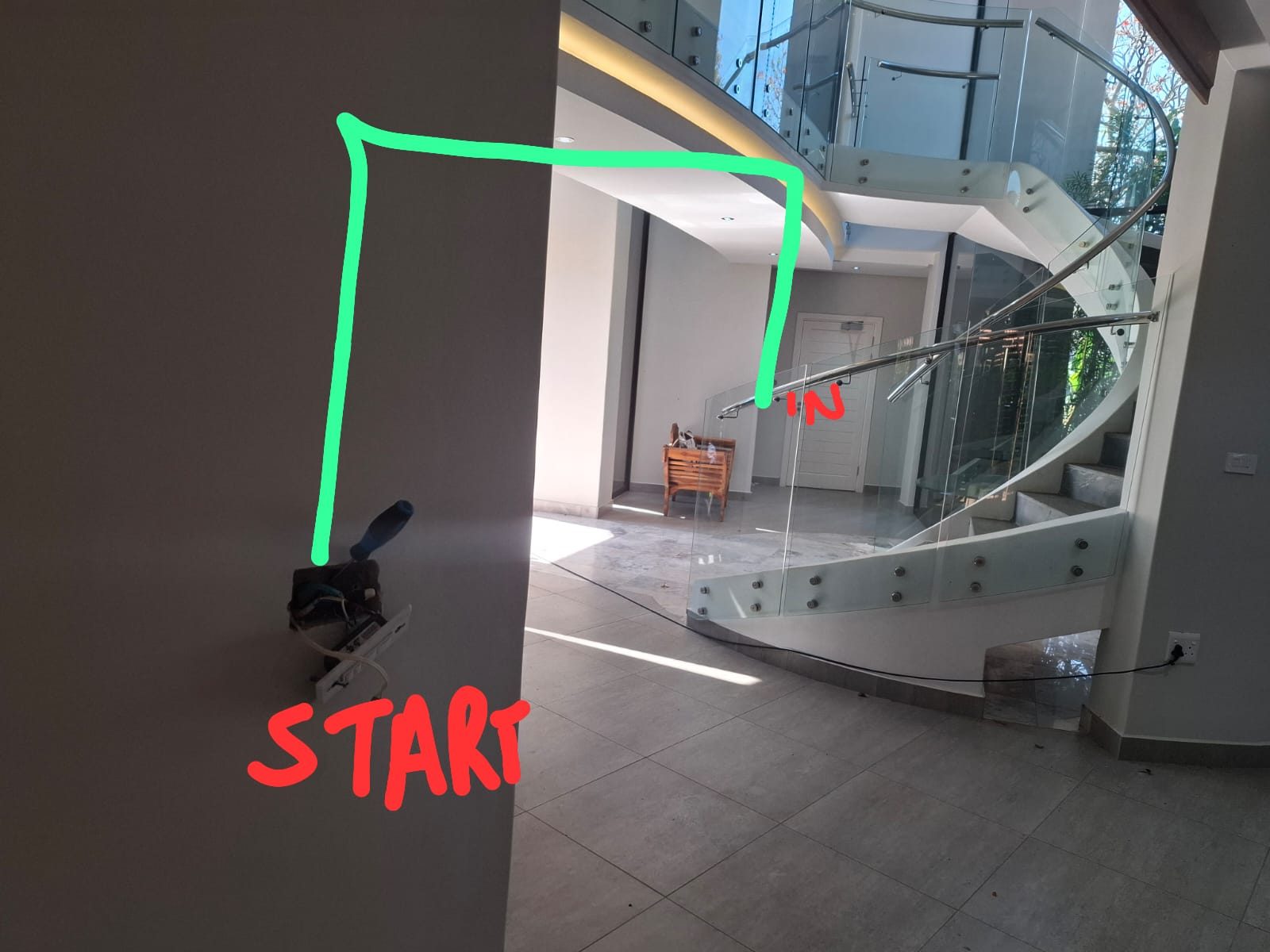
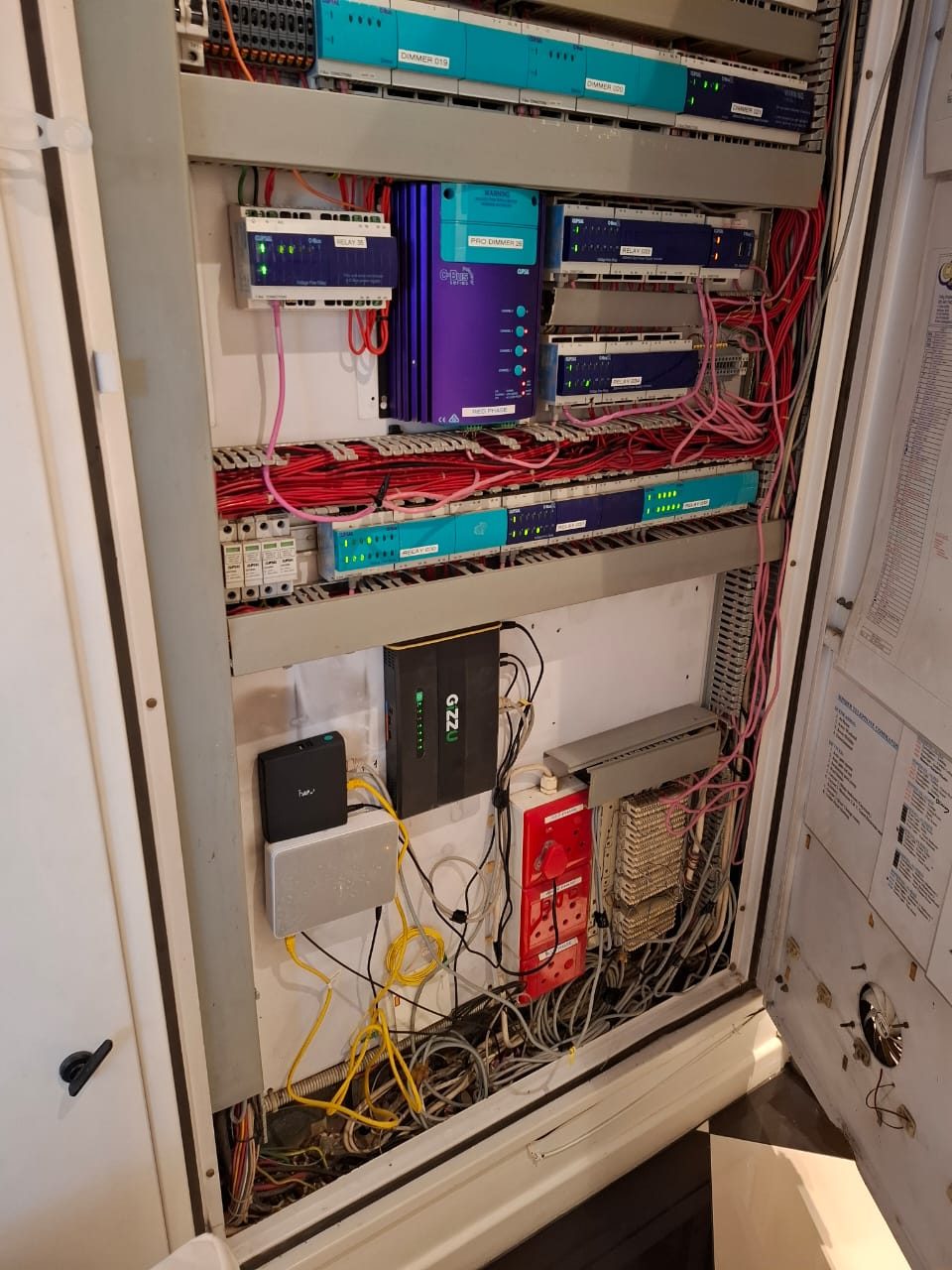
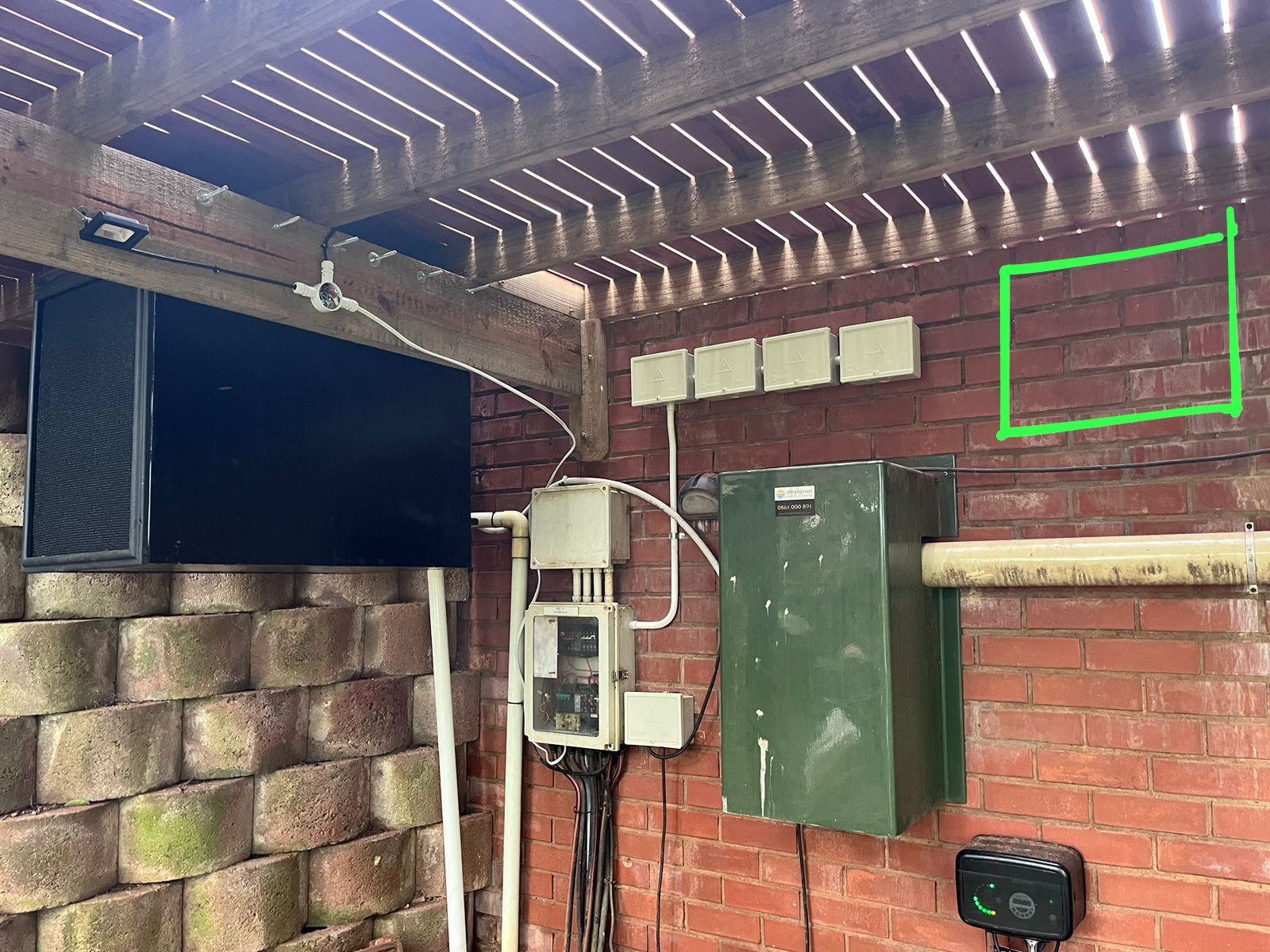
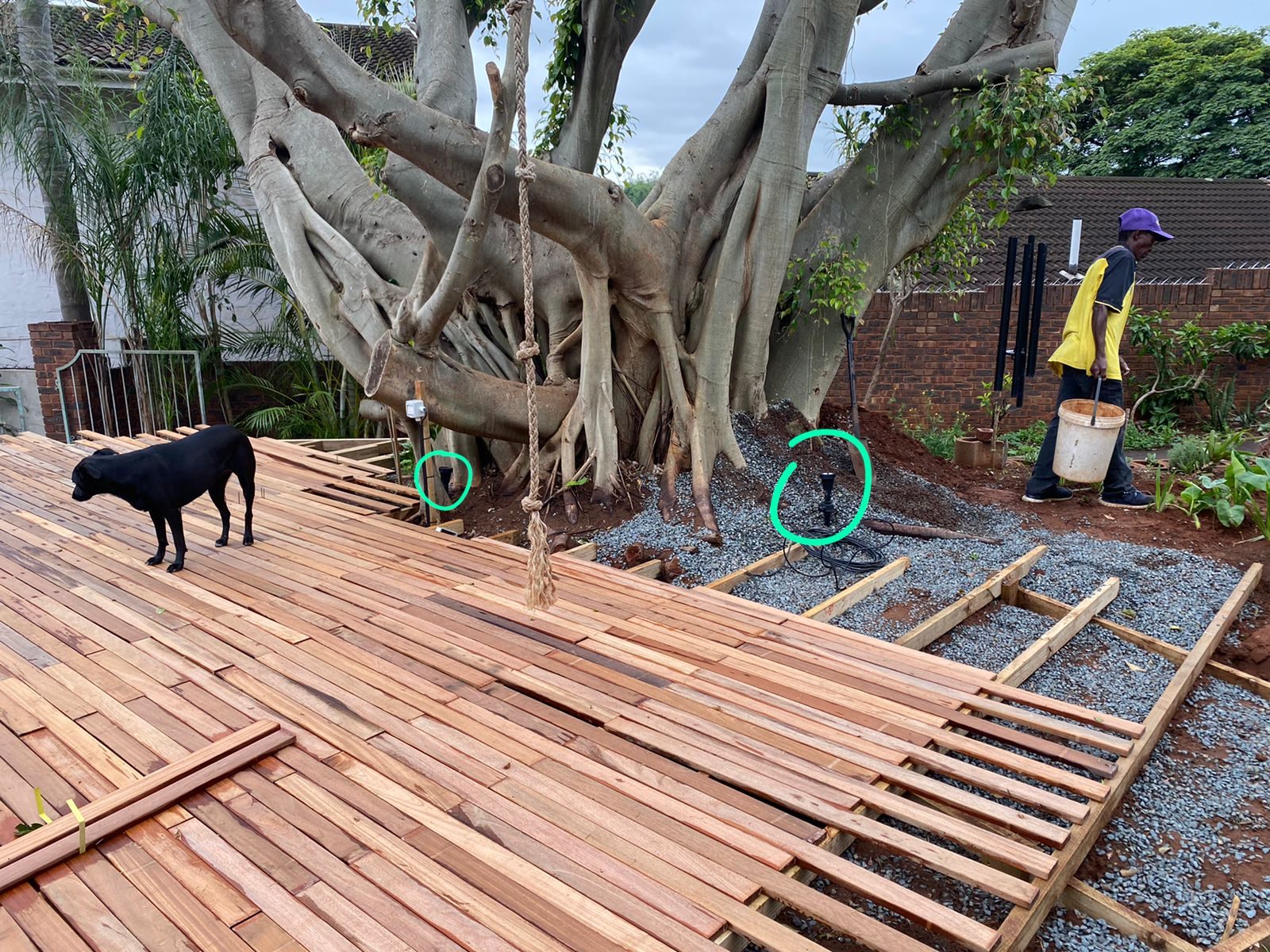
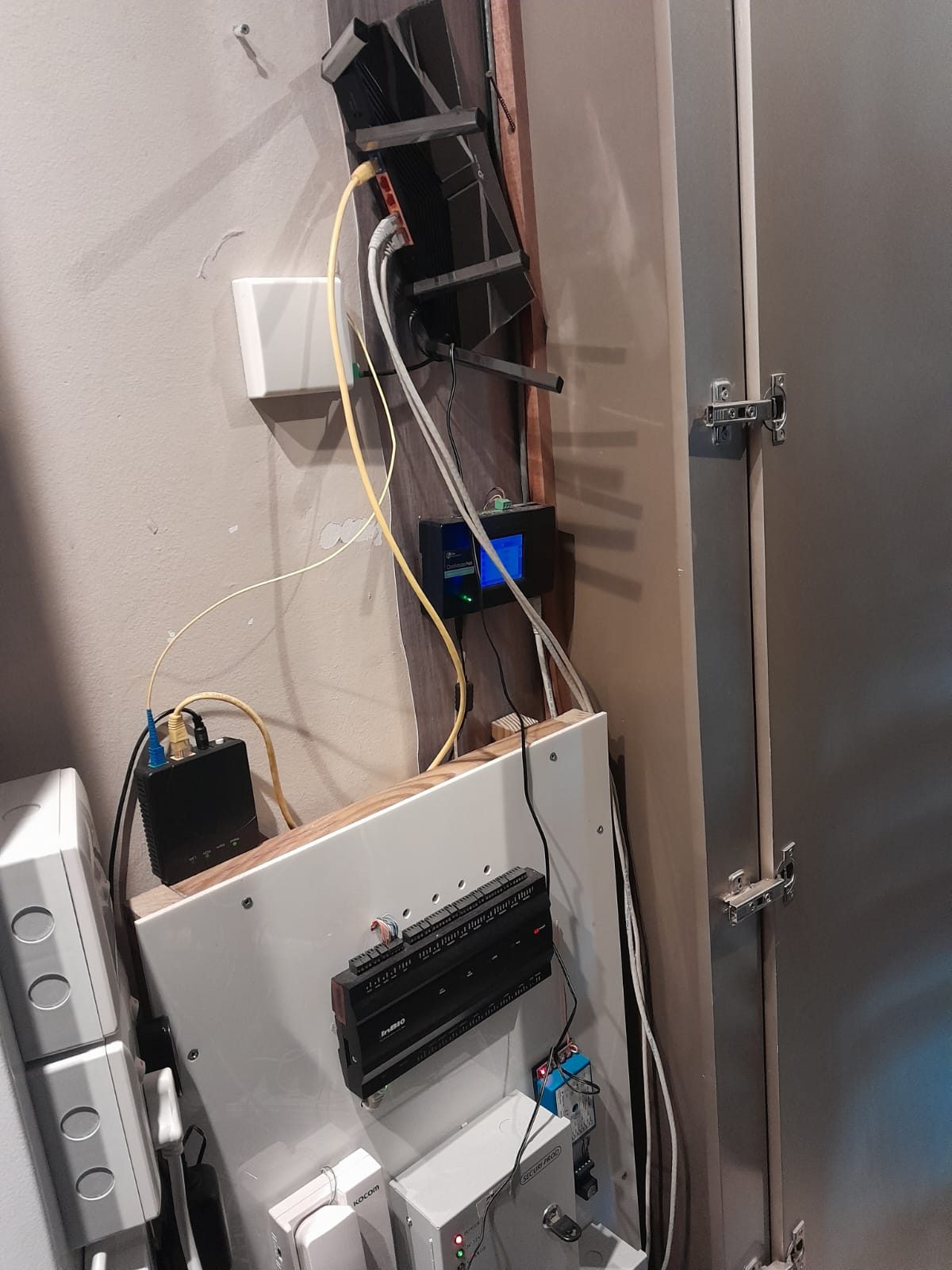
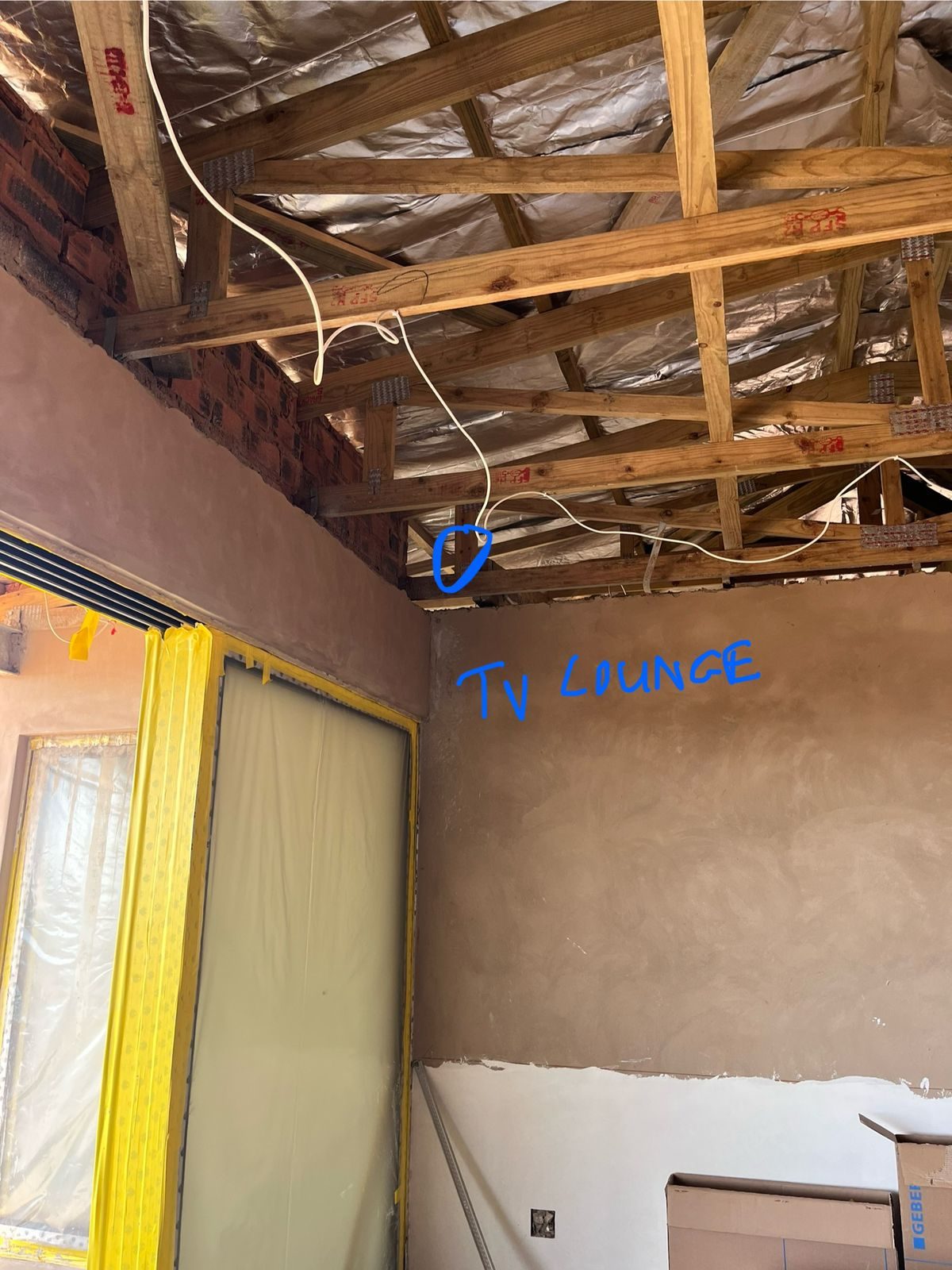
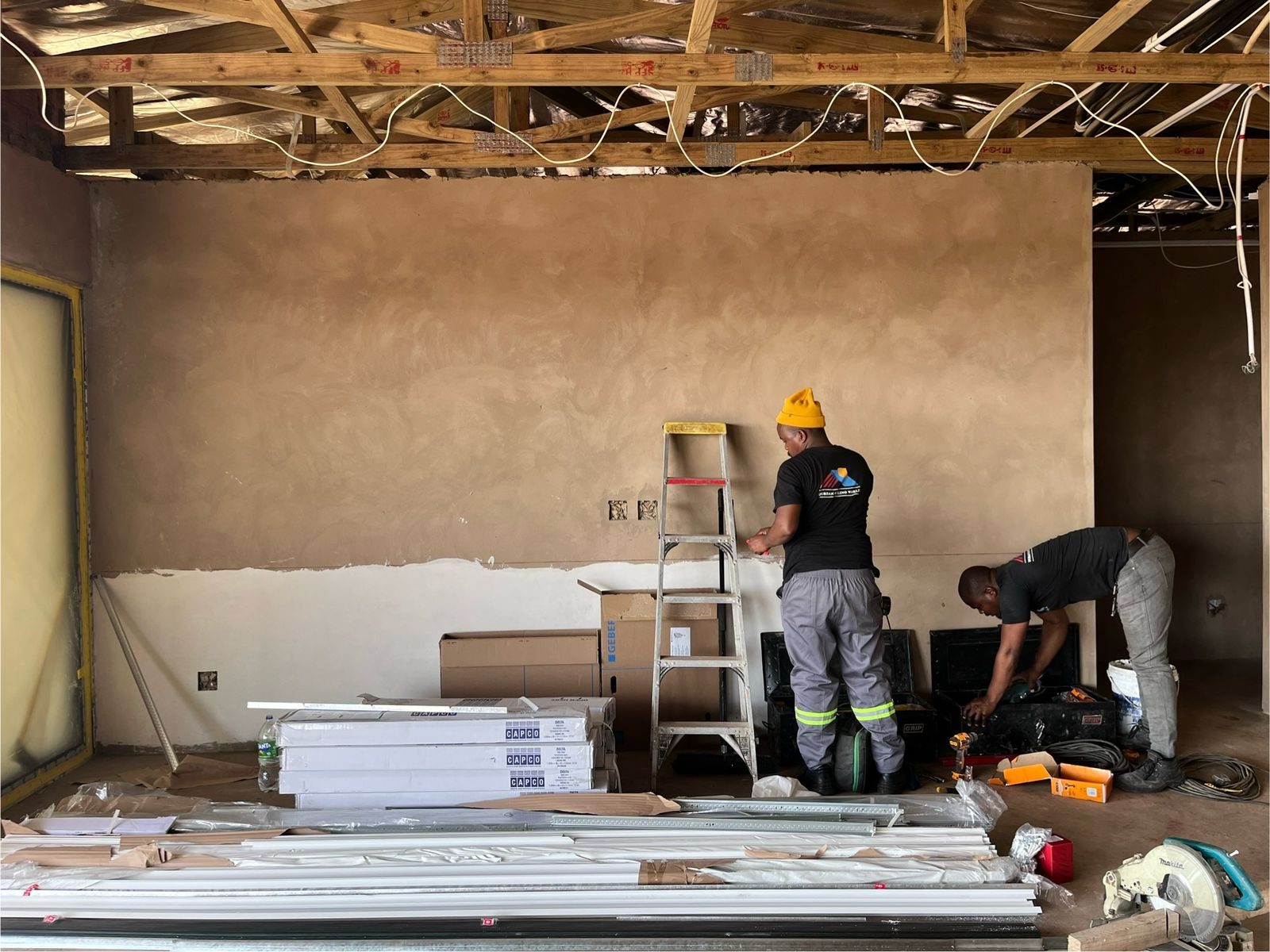
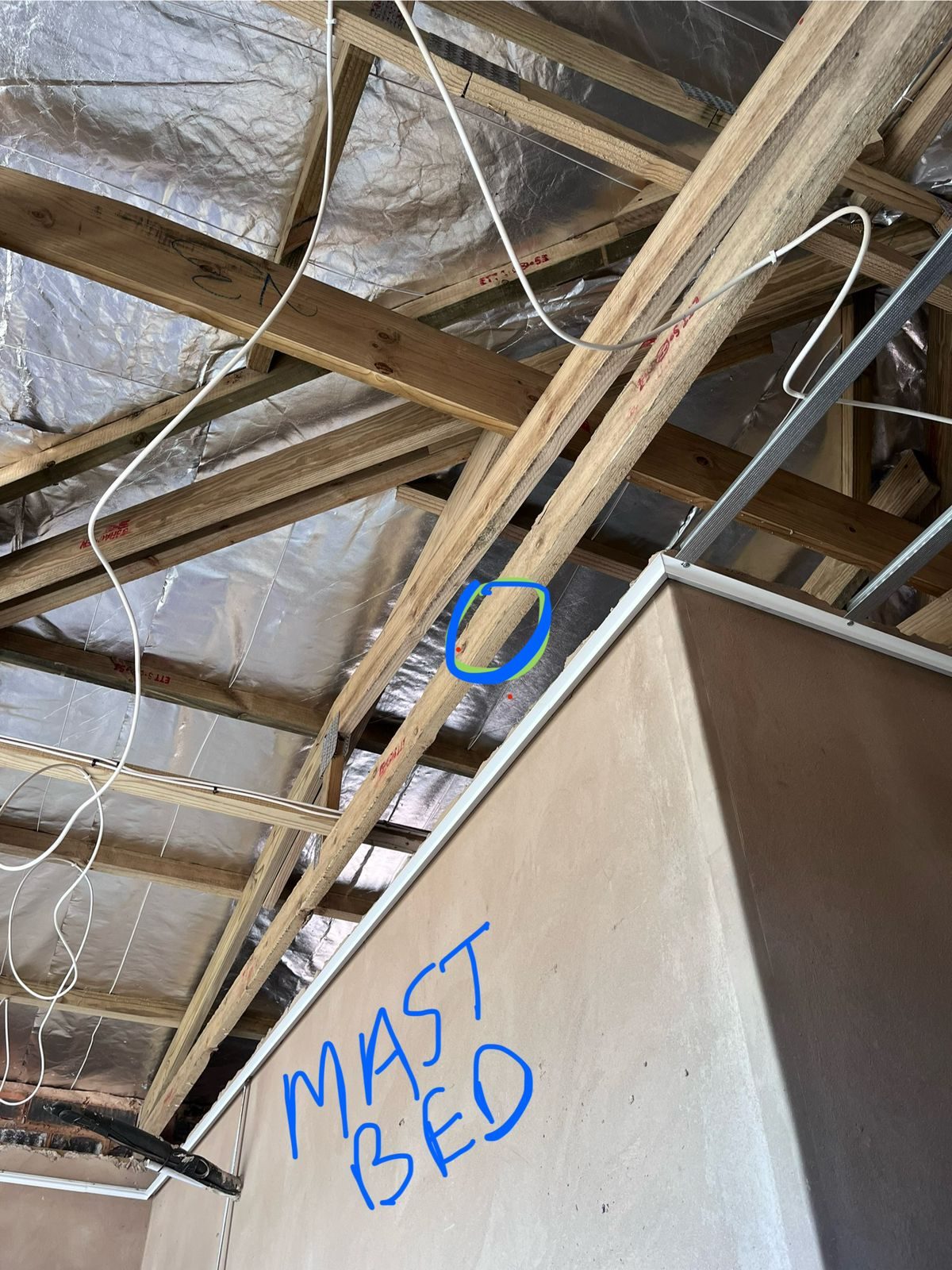
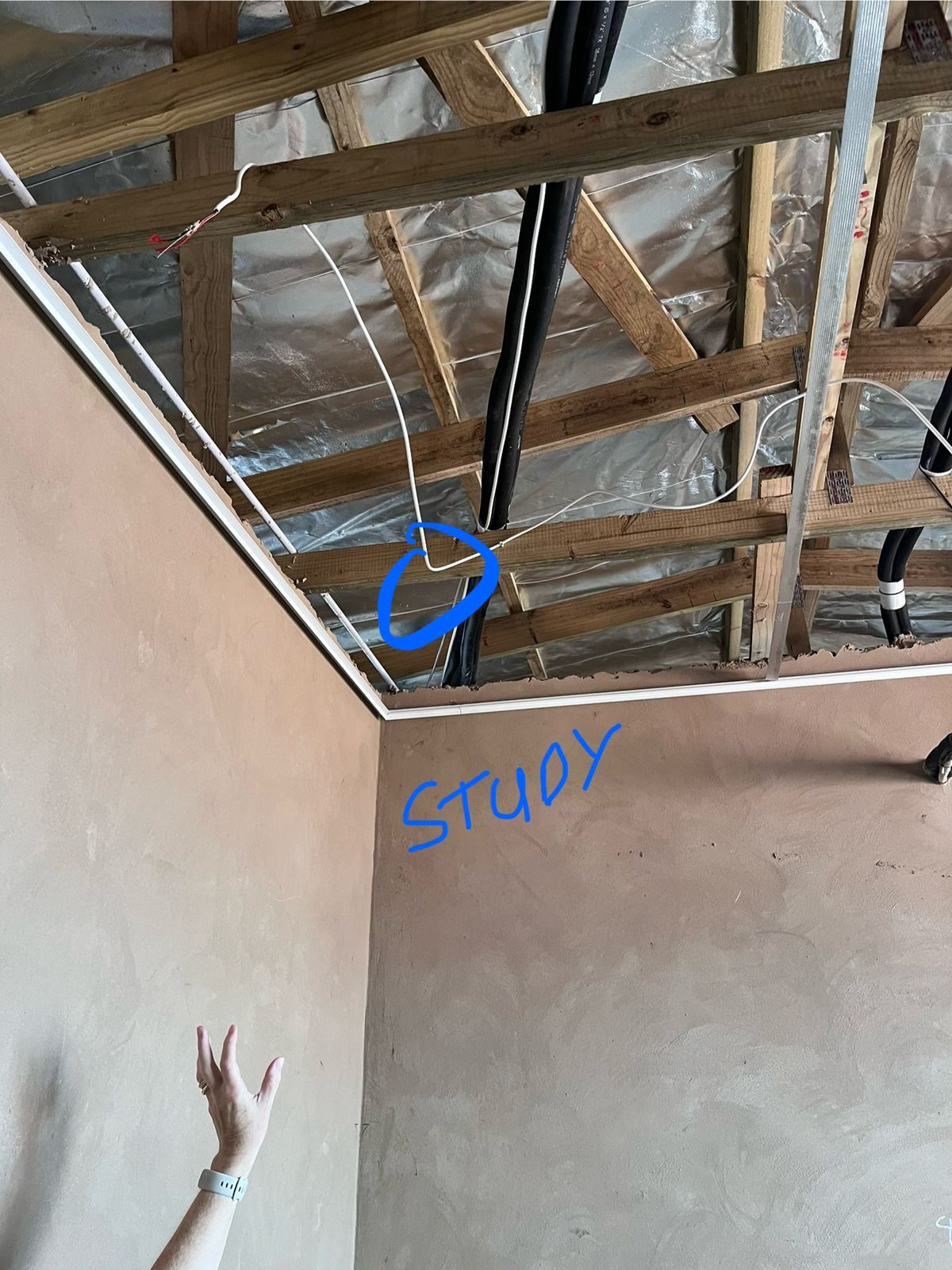
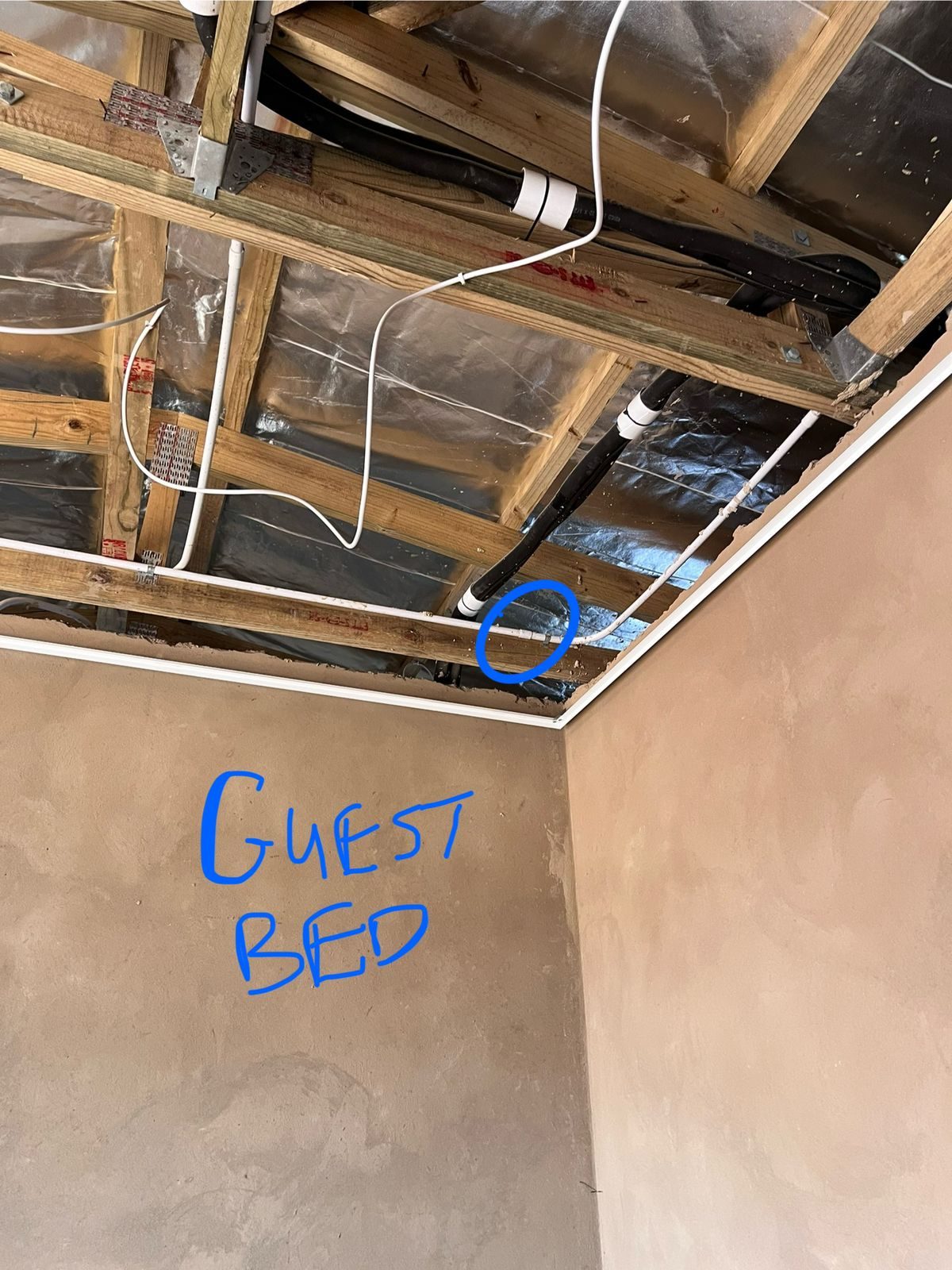
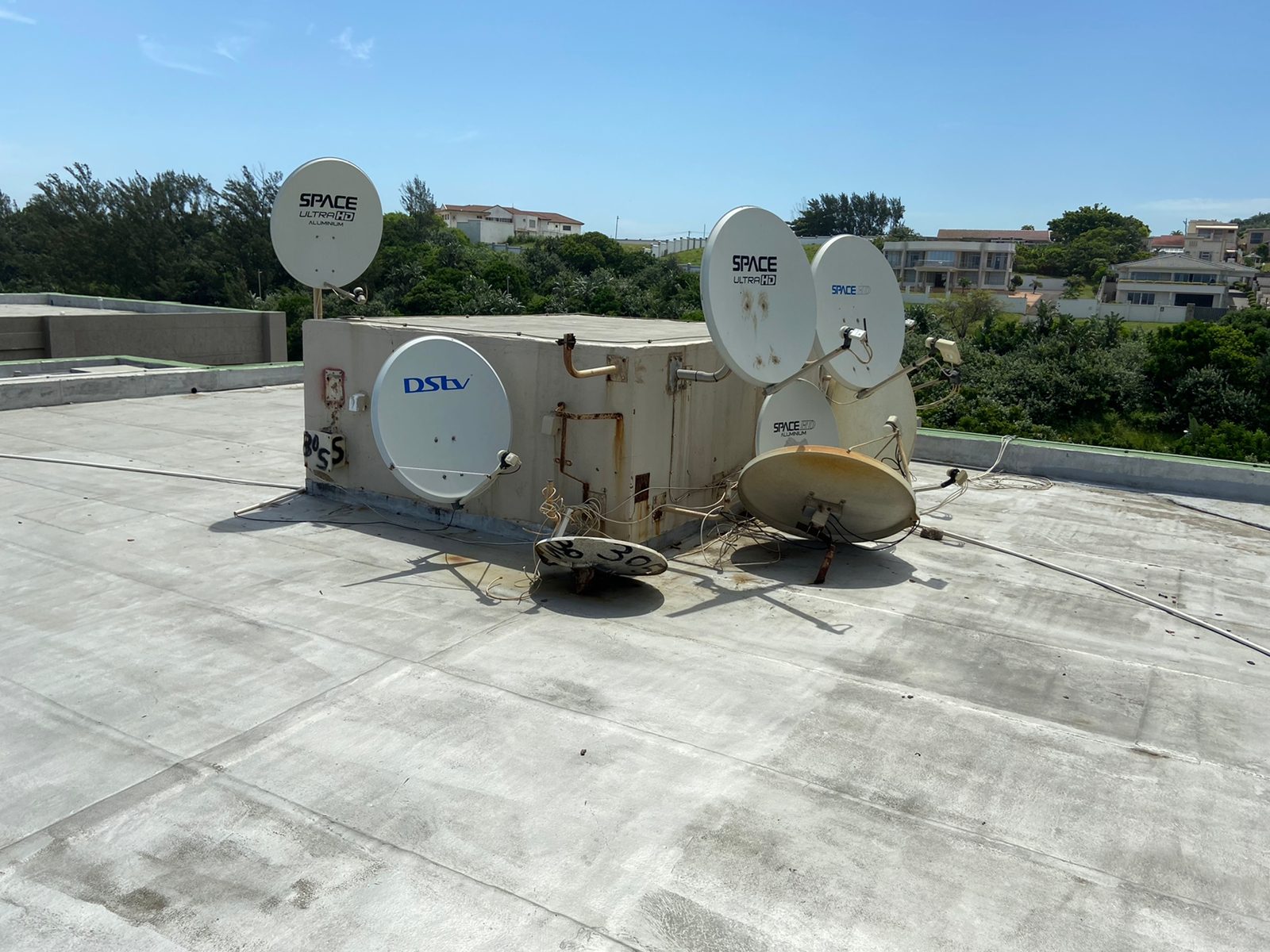
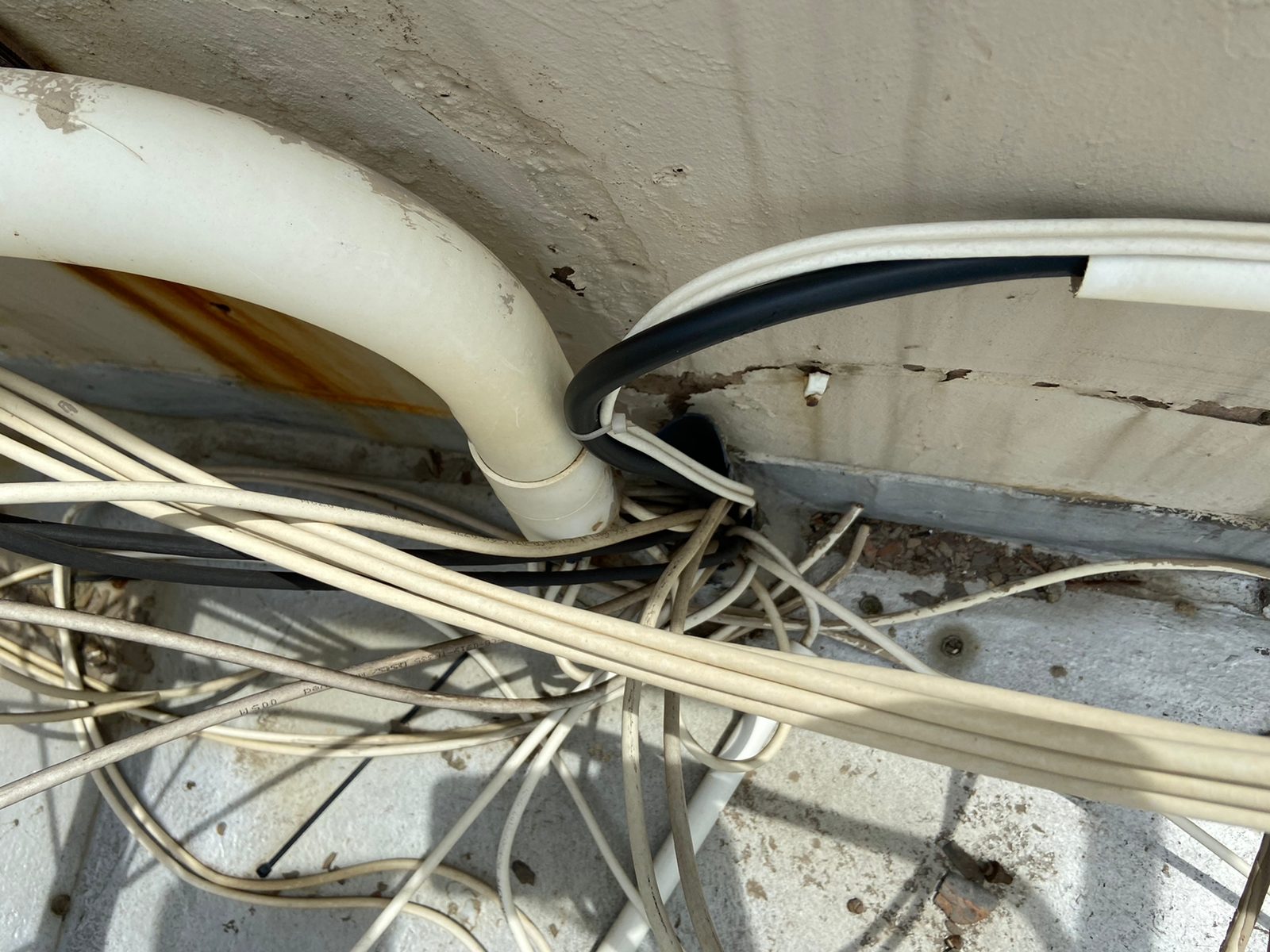
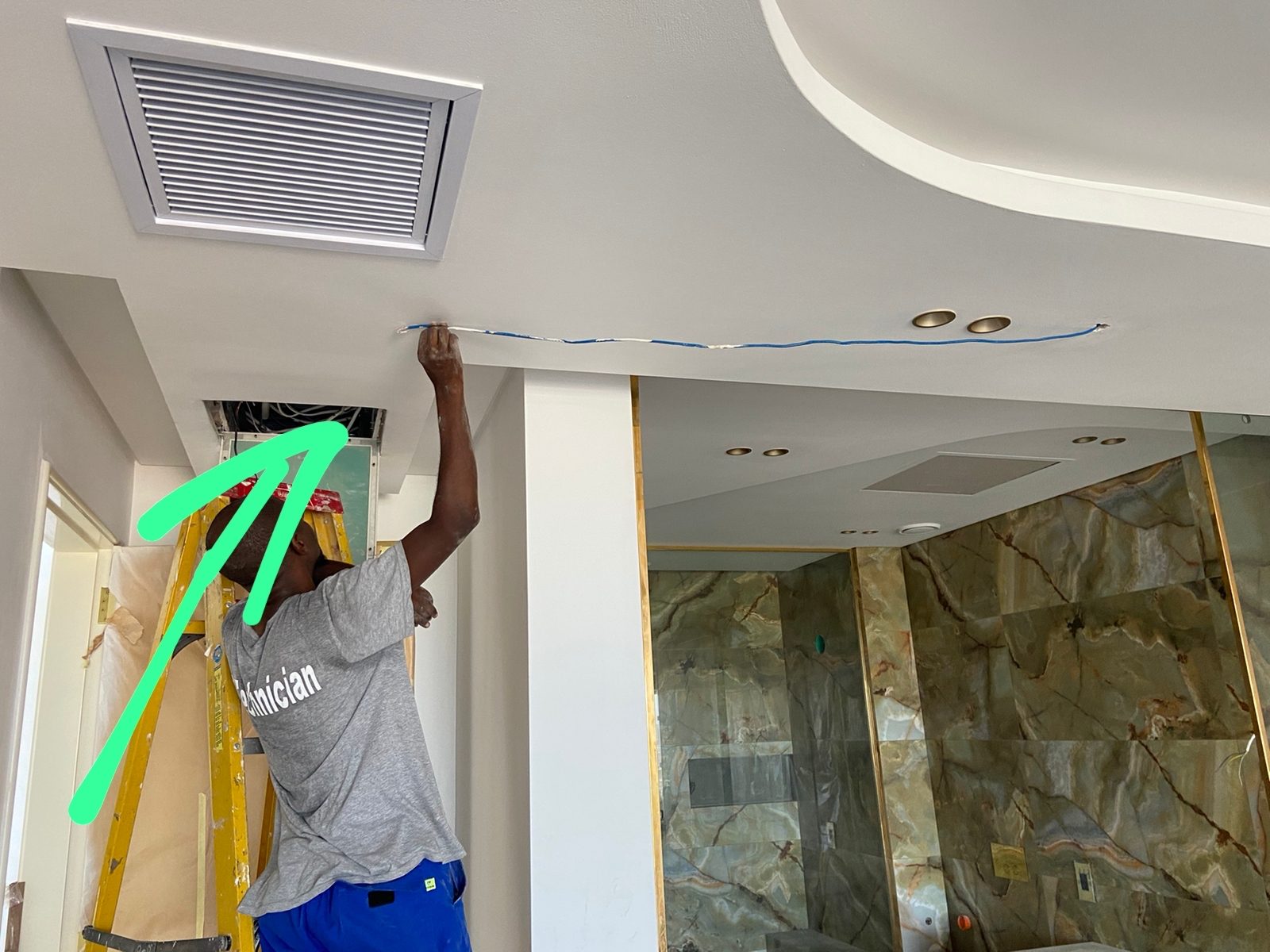
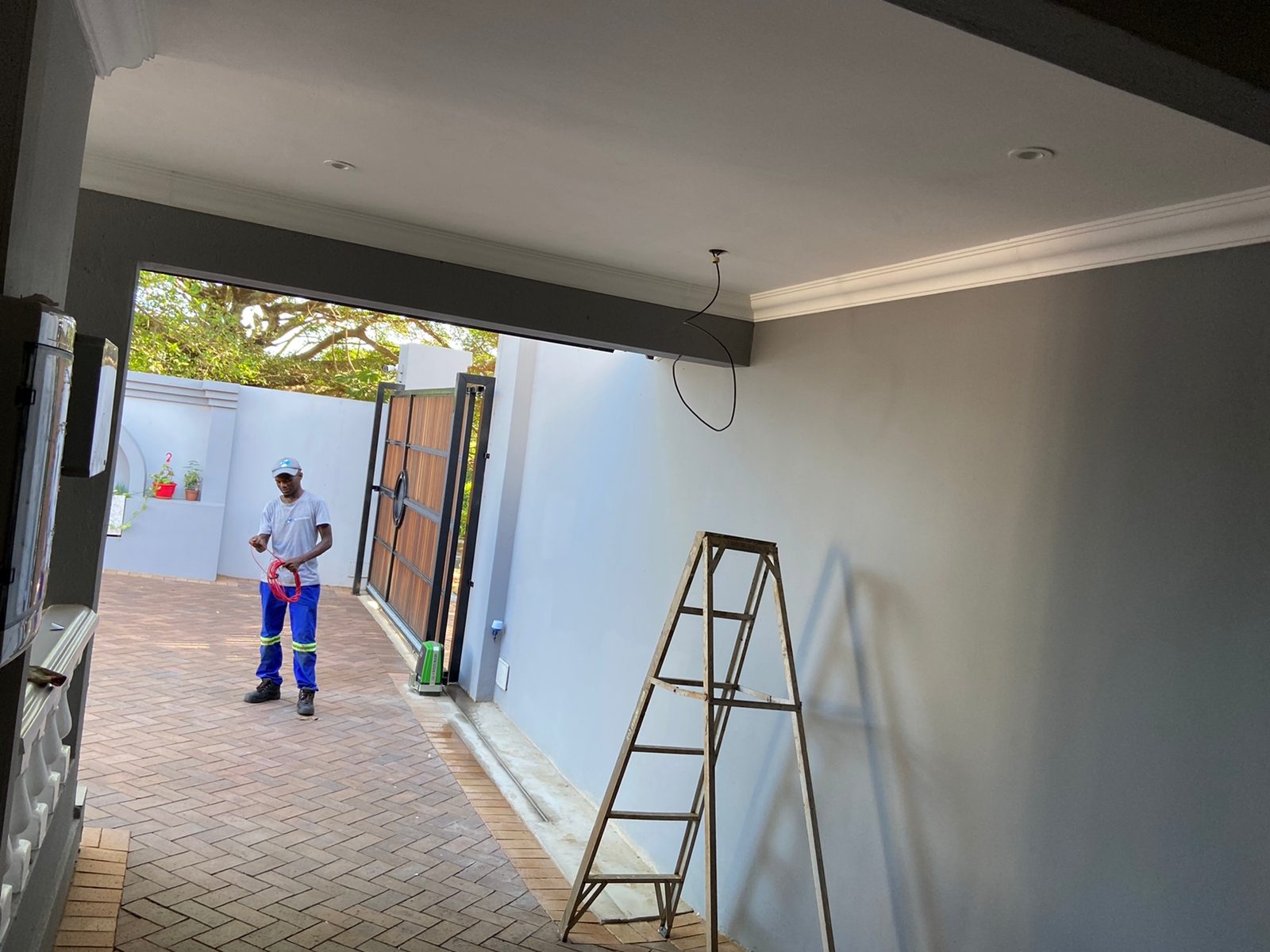
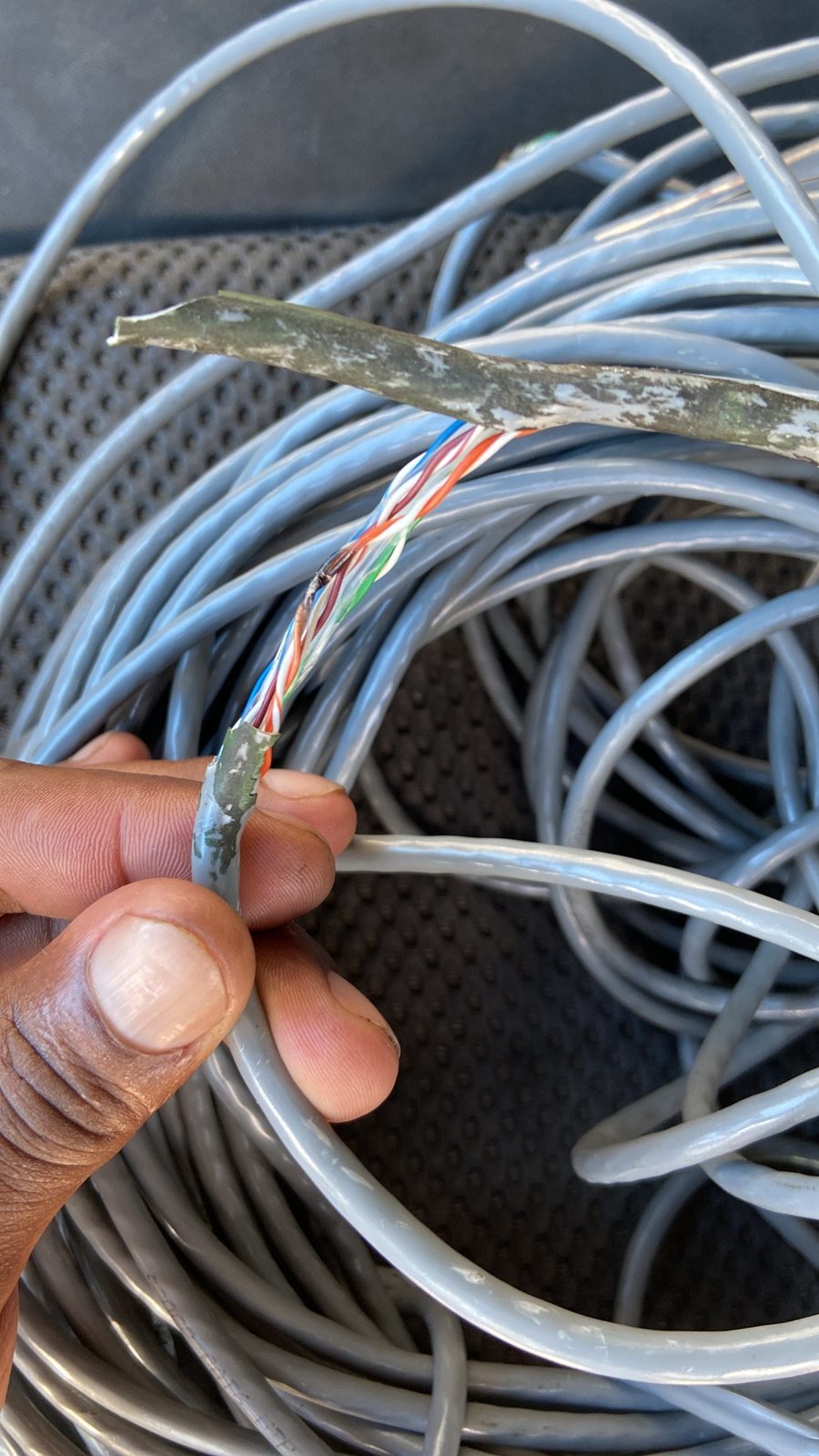
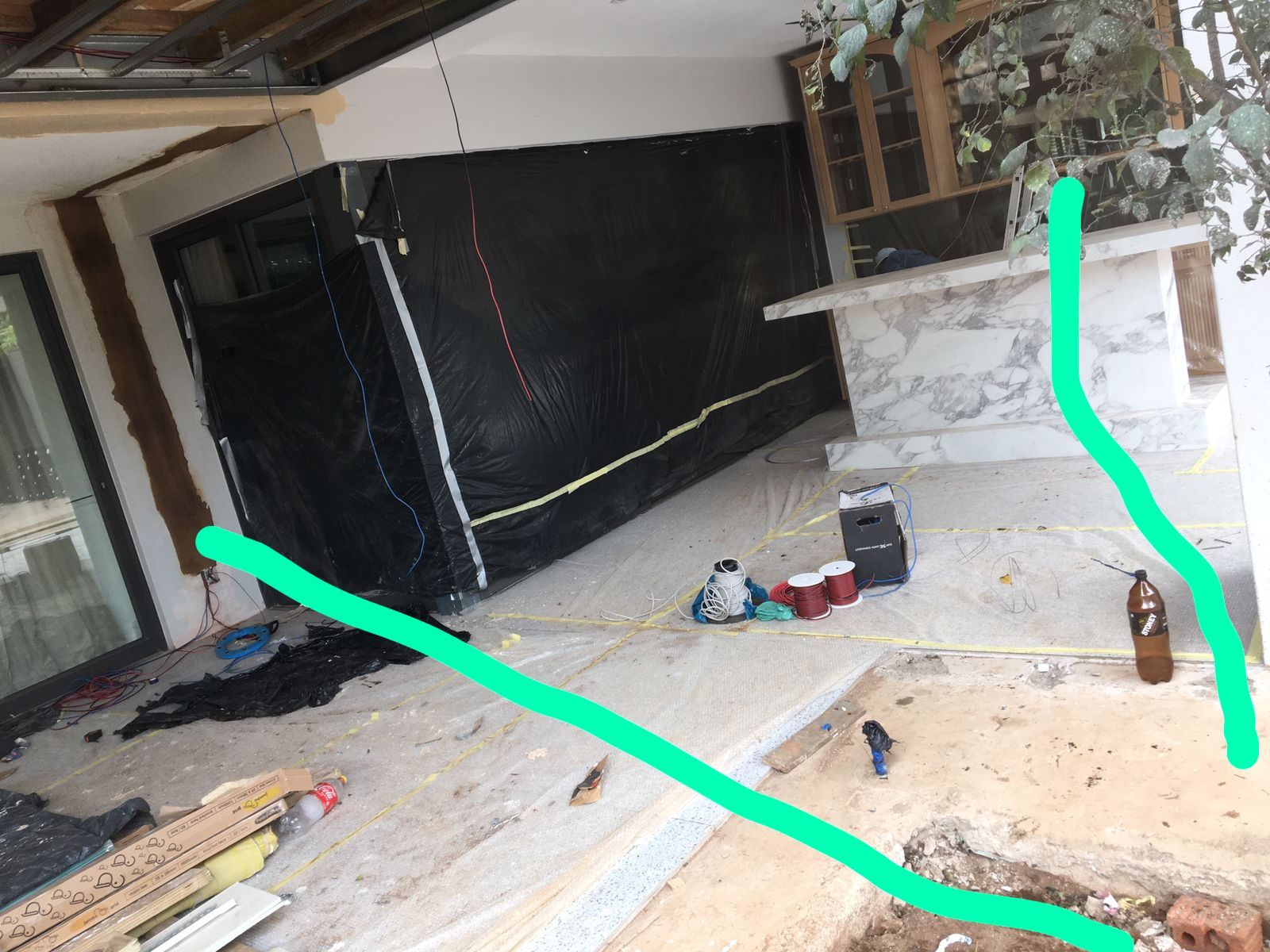
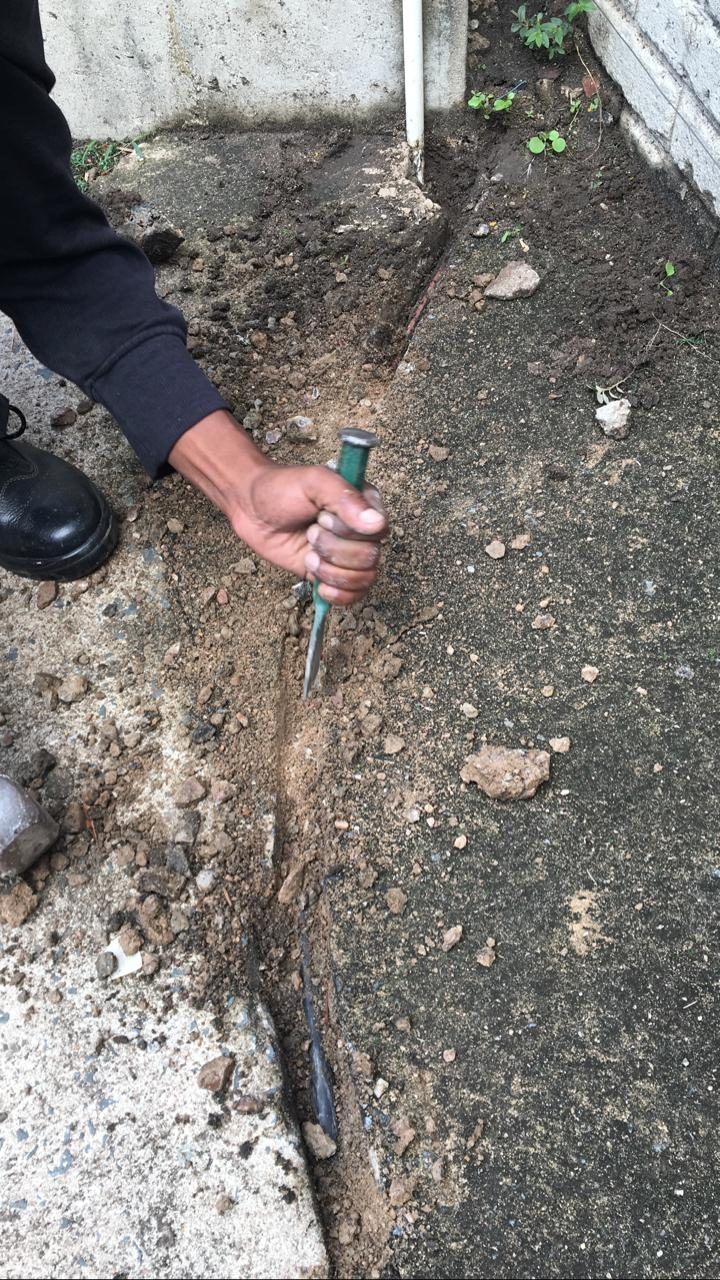
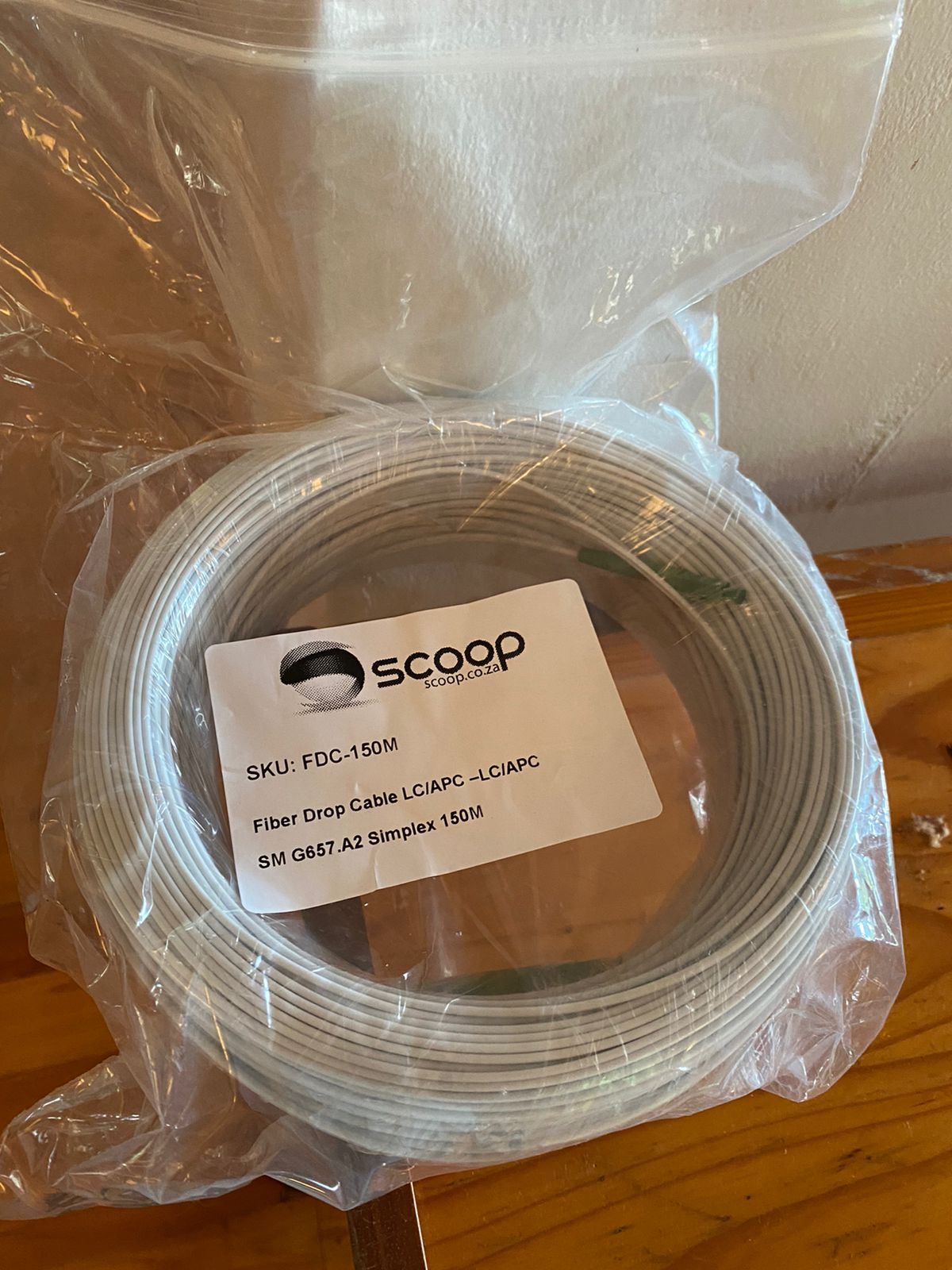
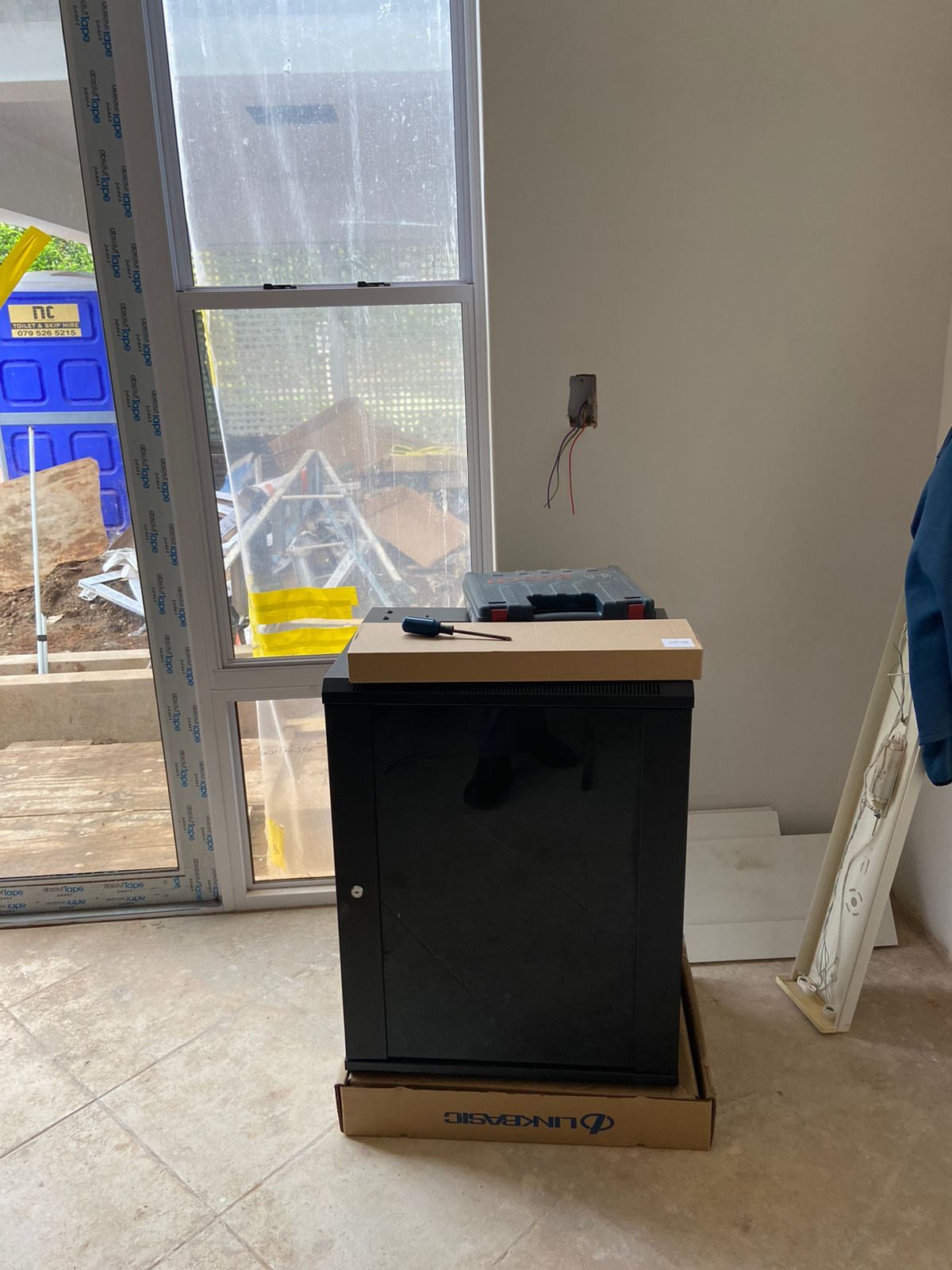
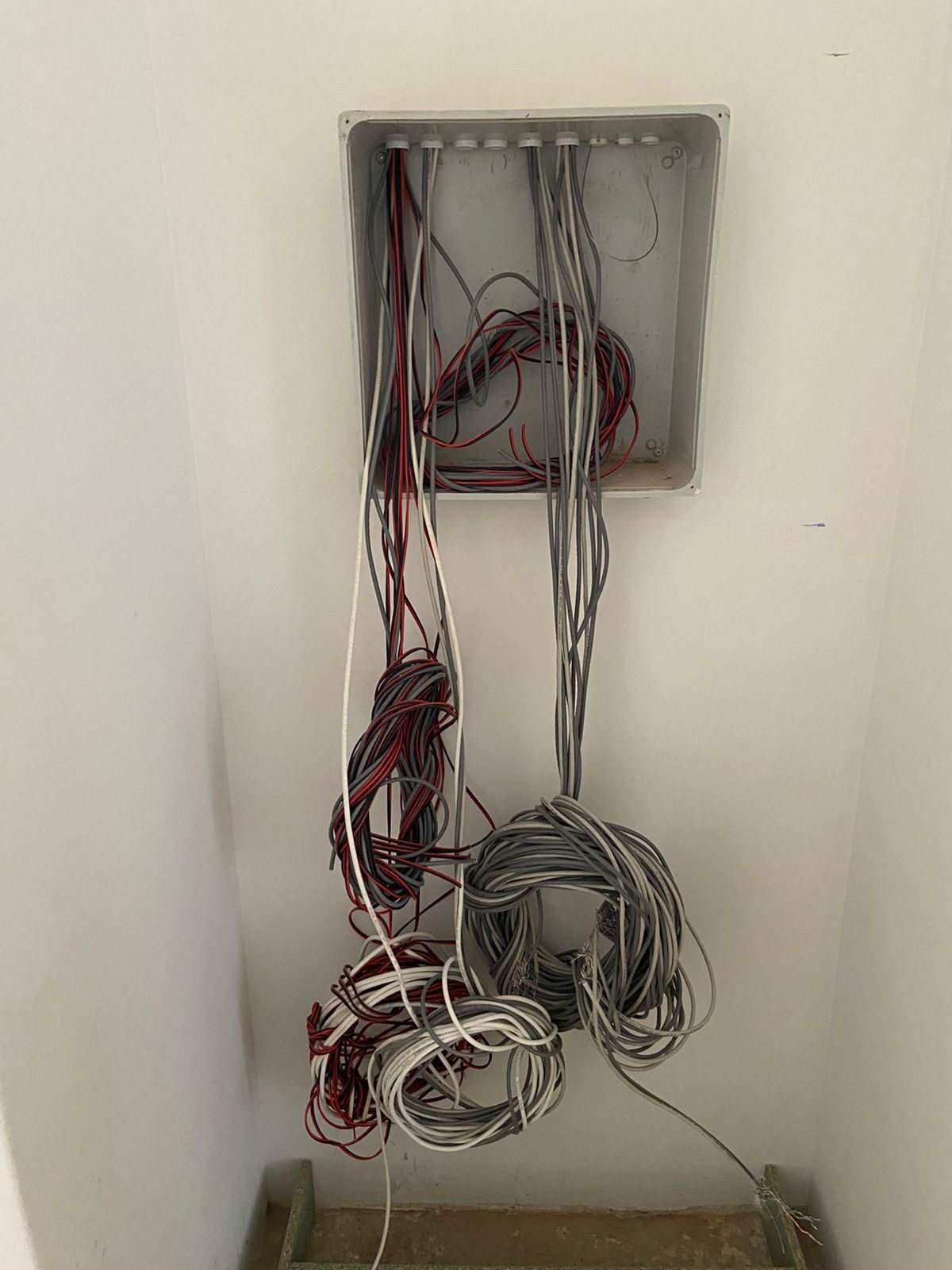
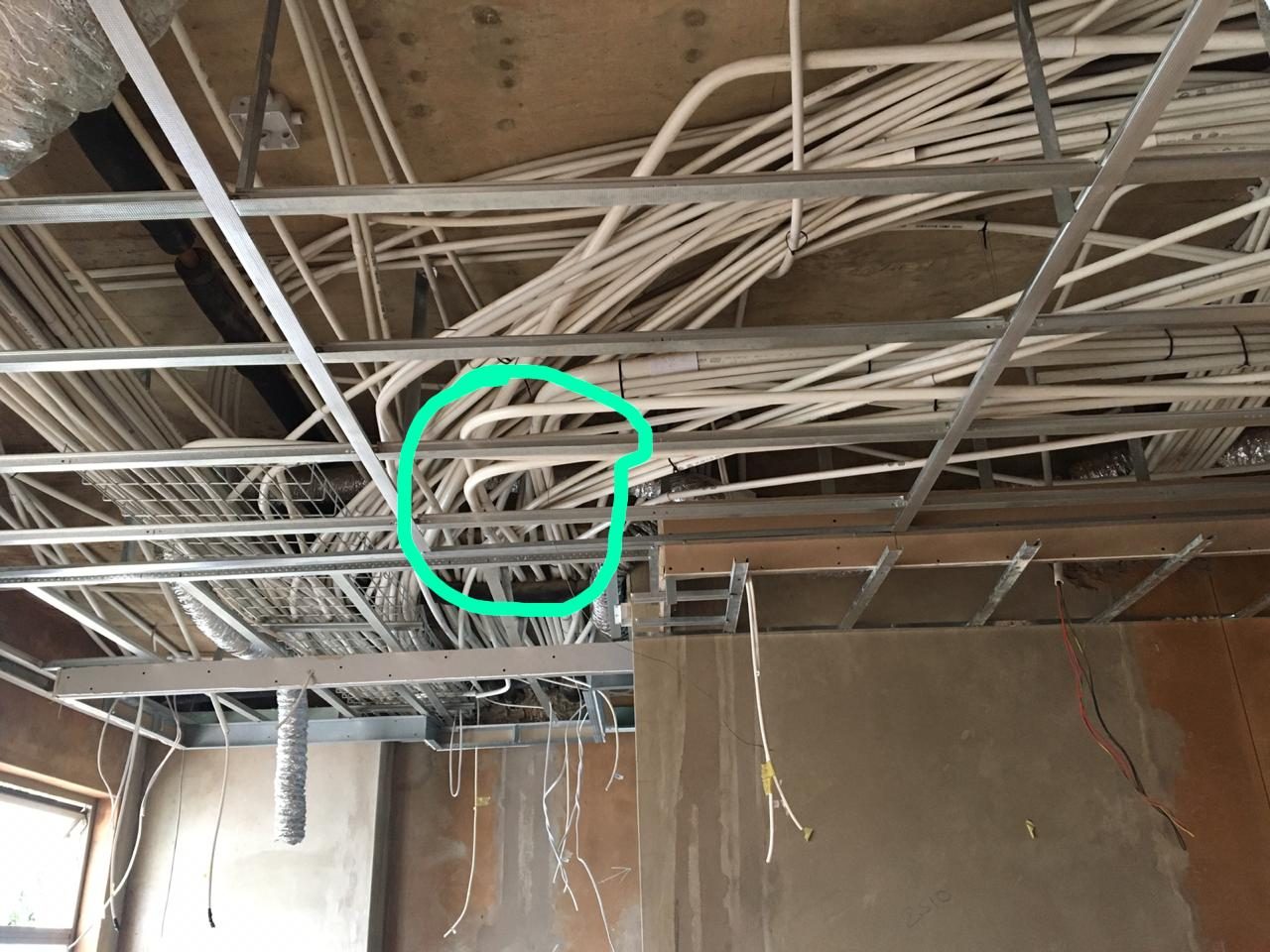
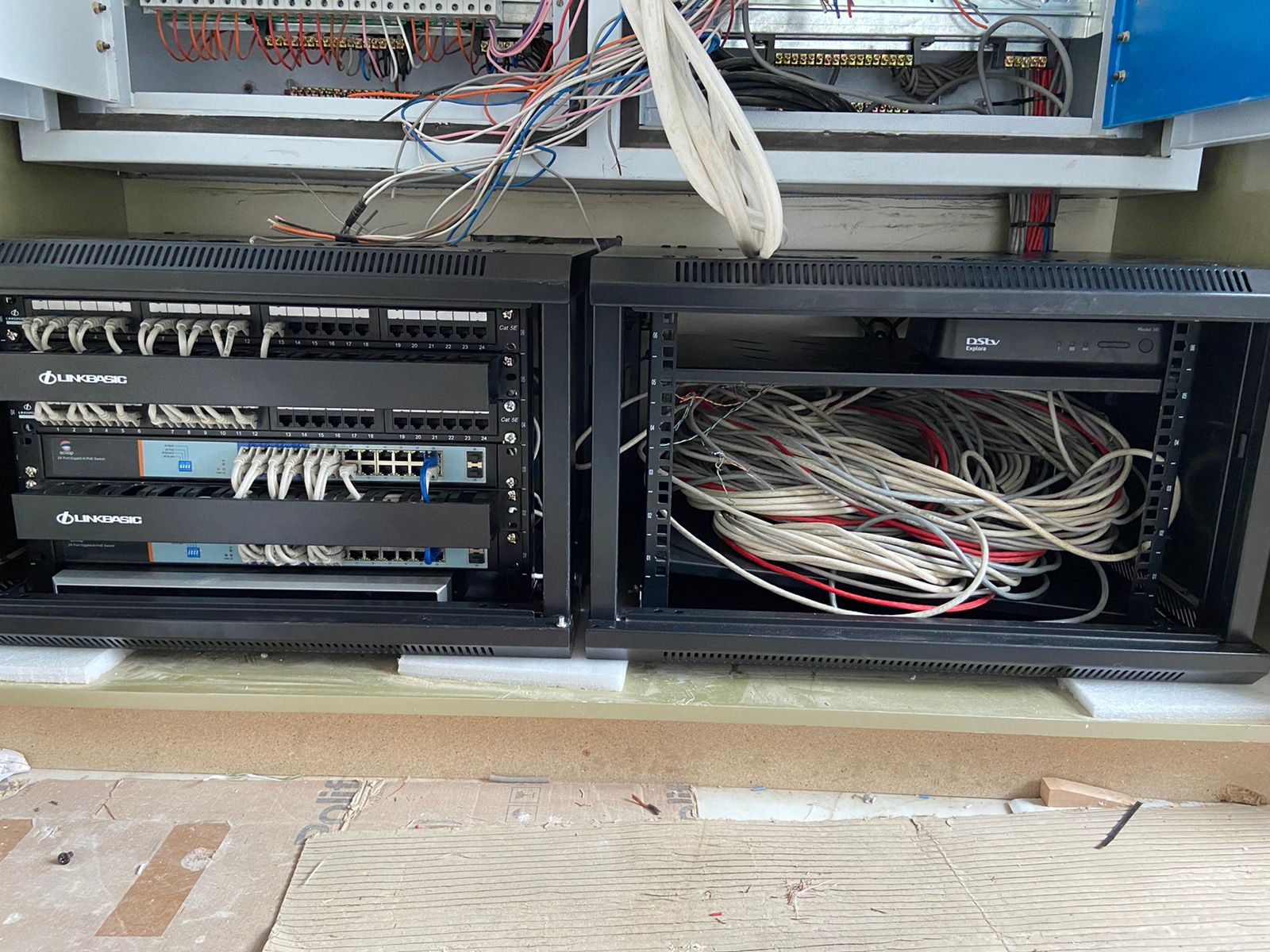
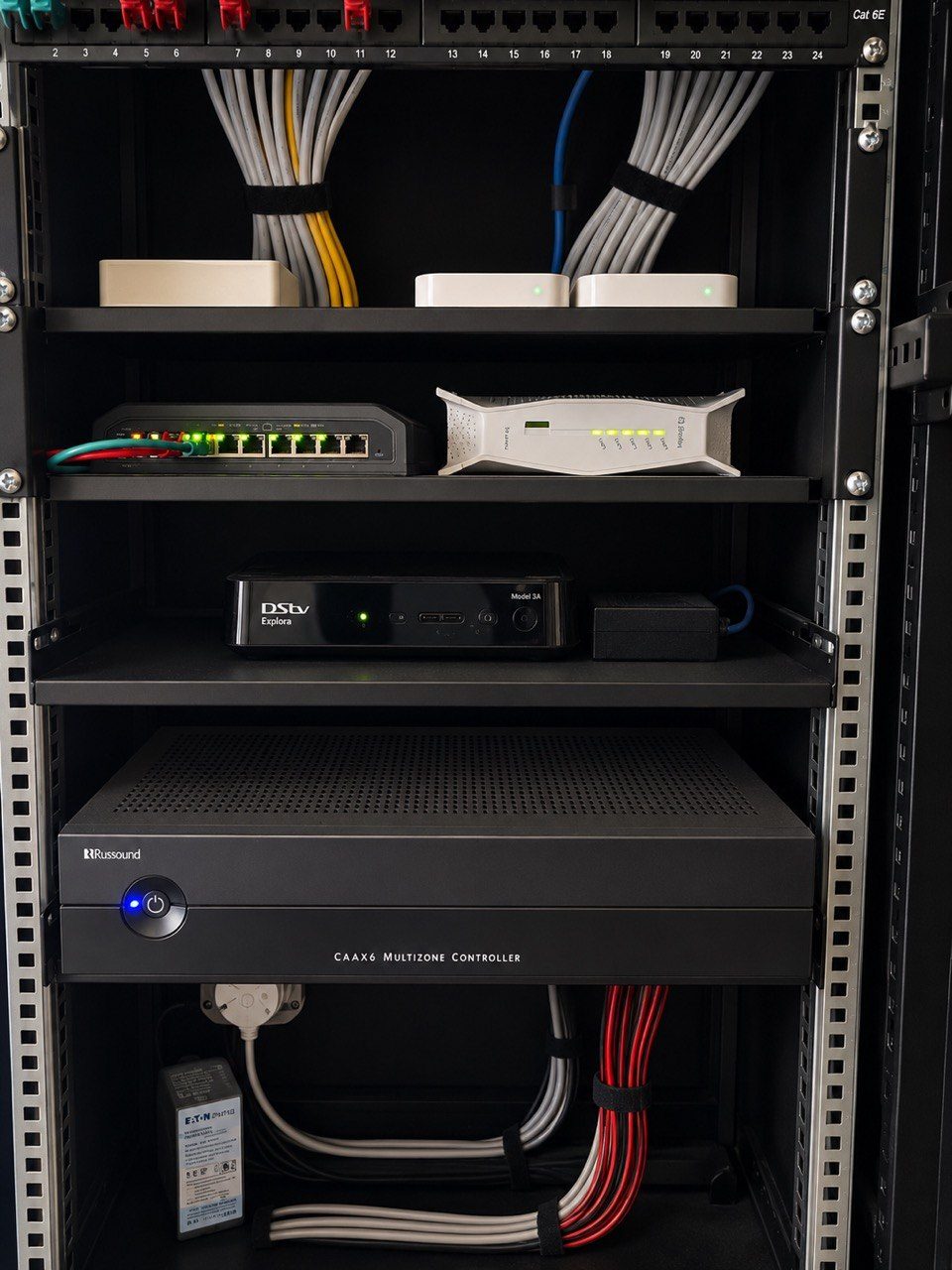
Field images from DG site work