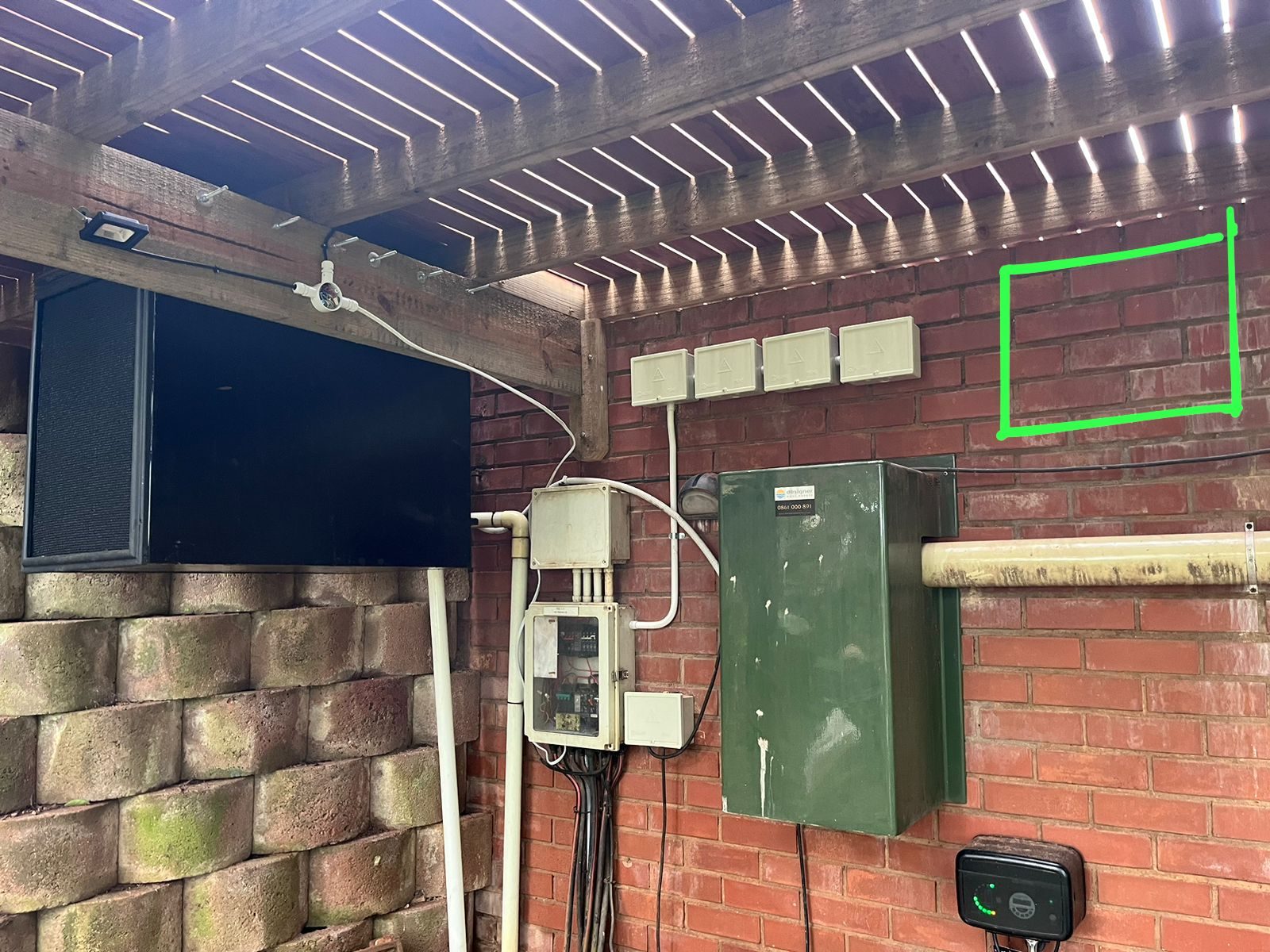
The garage is often treated like an afterthought in home Wi-Fi design.
That is a mistake.
In many modern homes, the garage or plant area is where important systems live: solar equipment, inverter monitoring, network cabinets, gate equipment, irrigation controllers, security equipment and utility devices.
Those systems may not need beautiful Wi-Fi.
They need reliable Wi-Fi.
Utility systems are now connected systems
Years ago, the garage was mostly cars, storage and maybe a DB board.
Now it can contain equipment that the owner checks from a phone every day.
That can include:
- inverter monitoring
- solar production dashboards
- battery status
- garage-door control
- CCTV links
- access control
- irrigation controllers
- network switches
- fibre equipment
If the garage has poor coverage, the whole home can feel less reliable even if the living areas have strong signal.
App control depends on the weakest link
When a solar app does not update, the client does not care whether the lounge Wi-Fi is fast.
They care that the inverter is not reporting.
That may come down to one weak corner of the property, a device sitting behind a wall, or a utility area that was never included in the Wi-Fi plan.
The same applies to network cabinets, gate controllers and outbuilding equipment.
Good coverage must follow the systems that need it.
Hardwire where possible
If a fixed device can be hardwired, I generally prefer that.
A wired connection is usually more predictable than Wi-Fi for equipment that never moves.
But not every utility device gives us that option. Some solar monitoring gateways, garage controllers or consumer add-ons rely on Wi-Fi.
In those cases, the Wi-Fi needs to be designed around the device position, not only around where people sit with phones.
Test the garage before commissioning
Garage and utility coverage should be tested before the final handover.
I want to know:
- does the inverter gateway stay online?
- does the owner phone connect in the garage?
- does the signal survive with the garage door closed?
- does the network recover after load shedding?
- are the access points named and documented?
- is the equipment connected to the right network?
Those checks are small, but they prevent a lot of support calls.
The lesson
Wi-Fi planning is not only about bedrooms, lounges and patios.
It must include the parts of the home where connected infrastructure lives.
The garage may not be glamorous, but if it contains solar, battery, fibre, gate or network equipment, it matters.
In a modern smart home, the utility spaces are part of the technology experience.