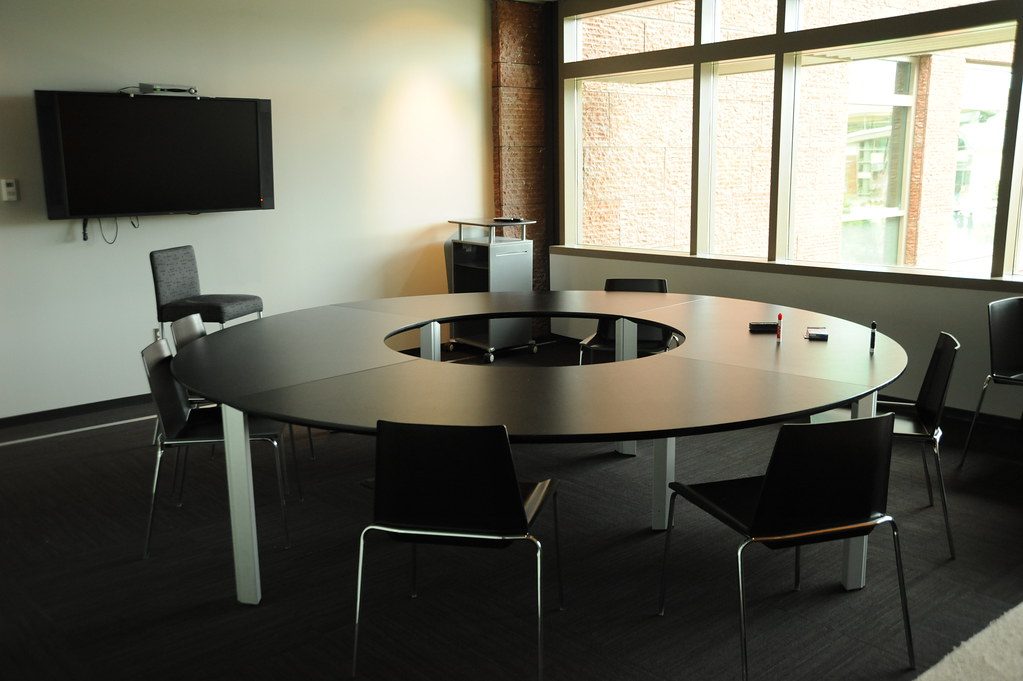
A support visit several years after installation is often an audit of the room’s history. The original system may have worked well, but equipment, cables, network policies and user habits may have changed around it.
Follow the fault through the room
I check the visible symptom and then trace the related path. A blank display may involve the source, cable, extender, switcher, control command or network connection. A missing microphone may involve power, routing, mute state or software selection.
The aim is to identify the failed link before replacing equipment.
Look for changes made after handover
Support visits can reveal moved cables, new laptops, unlabelled adaptors, changed switch ports, replaced displays or equipment that was added without updating the original record.
Those changes are useful evidence. They show what the room has experienced since commissioning and what the next documentation update should include.
Leave the room easier to support
A support visit should improve the record where possible. Update labels, record the working signal path and explain any remaining limitation. The next callout should begin with better information than the last one.
For commercial boardroom AV support in Durban and KZN, DG Technologies approaches later faults through the complete system rather than the first device that appears faulty.