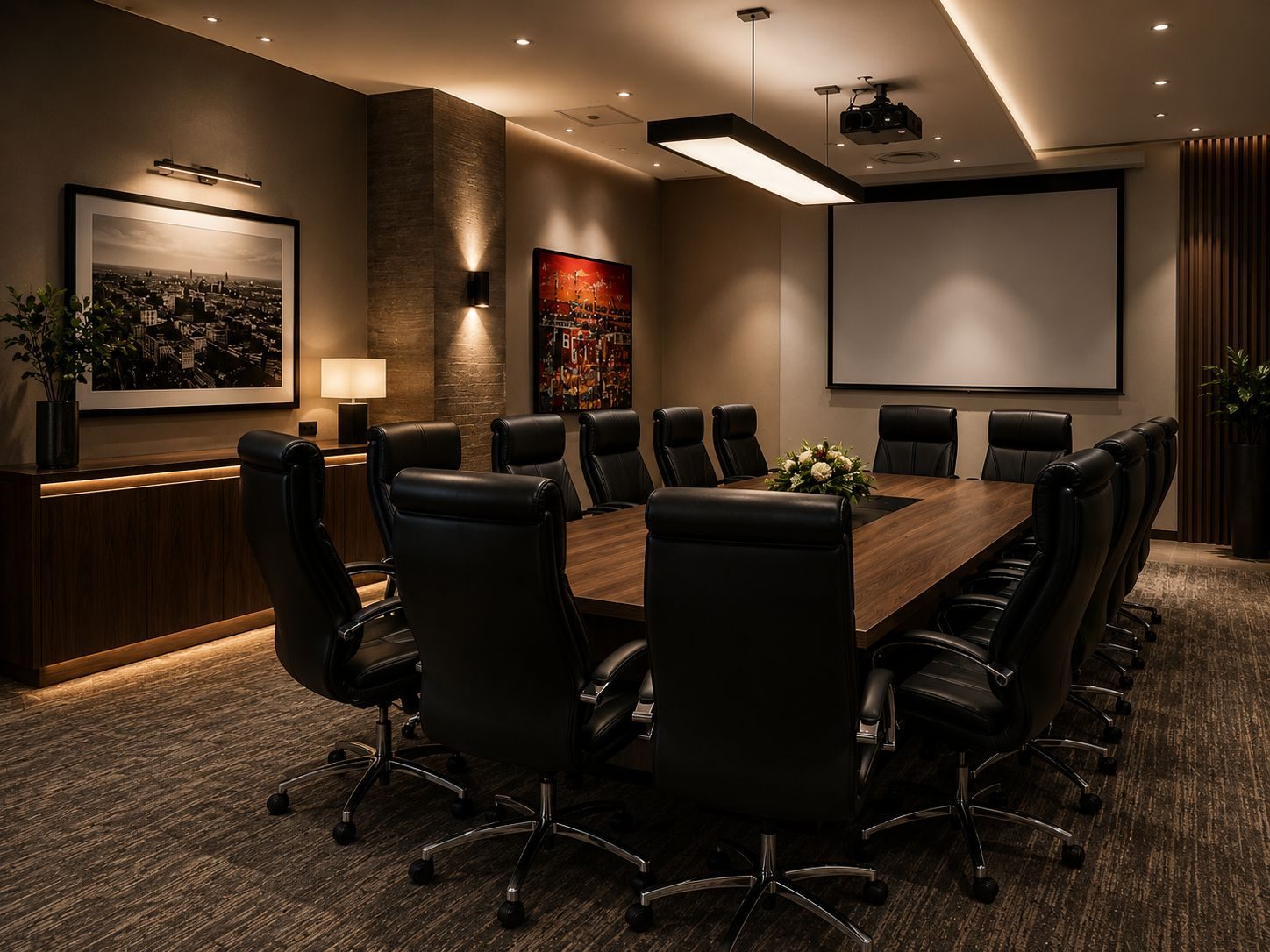
A meeting room AV installation should make meetings easier.
That is the whole point.
If staff walk into a room and immediately start asking which cable to use, which remote works, why the camera is not showing, why the microphone is muted or why the laptop will not appear on the screen, the room has already failed.
Good meeting room AV is not about filling the boardroom with equipment. It is about reducing friction between the person using the room and the thing they need to do.
DG Technologies designs network infrastructure, displays, audio, video conferencing and control systems for South African businesses that need rooms to work reliably under pressure.
The room should match the way people actually meet
Before choosing screens, microphones or cameras, the business needs to define how the room is used.
A small internal meeting room is not the same as an executive boardroom. A training room is not the same as a client presentation room. A hybrid meeting room used every day is not the same as a room used once a month.
Useful questions include:
- How many people sit in the room?
- Do staff present from laptops?
- Do guests need to connect easily?
- Is Teams, Zoom or Google Meet used most?
- Does the room need wireless presentation?
- Are meetings mostly internal or client-facing?
- Does the room need one-touch control?
- Does the room need privacy for executive meetings?
- Does IT need remote support access?
The answers affect the whole design.
Screen size is only one part of the decision
Most boardroom AV conversations start with the screen.
That is understandable because it is the most visible part of the room. But screen size alone does not make a good meeting room.
The display must be large enough for people at the back of the room to read real content. Not a logo. Not a photograph. Real content: spreadsheets, drawings, documents, dashboards and video-call layouts.
For longer rooms, one screen may not be enough. A larger commercial display, dual displays or a different seating arrangement may make more sense.
The wall, joinery, power, conduit and cable routes should also be planned early. A beautiful boardroom wall can become difficult to service if the AV routes were not considered before finishes were installed.
Audio is usually the biggest weakness
People can tolerate a slightly imperfect picture.
They cannot work with bad sound.
For video calls, remote participants need to hear the people in the room clearly. People in the room need to hear remote participants clearly. Echo, room noise, poor microphone placement and weak speakers make meetings tiring.
A proper meeting room AV installation should think about:
- where people sit
- how far they are from microphones
- ceiling height
- table shape
- glass walls
- hard floors
- air-conditioning noise
- speaker coverage
- echo cancellation
- microphone pickup zones
A soundbar can be correct for a small huddle room. It is not automatically correct for a formal boardroom.
Camera placement changes how professional the room feels
The camera should make remote participants feel included.
If the camera is too high, people look unnatural. If it is too wide, the room feels distant. If it is mounted away from the display, eye contact feels strange. If the camera cannot frame the table properly, remote attendees may feel like they are watching from outside the meeting.
For executive rooms and client-facing spaces, this matters.
The right camera choice depends on room length, seating layout, display position, table shape and how meetings are normally run.
Control should be simple enough for a guest
A good meeting room does not expose the technical chain.
The person using the room should see simple choices:
- present
- video call
- wireless share
- off
Behind those buttons there may be displays, switching, audio processing, microphones, cameras, network paths and power sequencing. The user does not need to see that complexity.
This is one of the reasons professional control matters. The system should be designed around the meeting, not around a pile of remotes.
Network reliability is part of AV reliability
Modern boardroom and meeting room AV depends on the network.
Video calls, wireless presentation, firmware updates, remote support and cloud platforms all rely on stable connectivity. If the office Wi-Fi is weak, the meeting room will suffer. If the network is badly segmented, guests may struggle to present. If there is no support plan, a simple router change can create avoidable problems.
For businesses, the AV room should not be separated from IT planning.
That does not mean making the room complicated. It means designing the network and AV system so staff do not have to think about it.
Handover should test normal users, not only equipment
A meeting room should be tested the way people use it.
That means:
- joining a live Teams or Zoom call
- presenting from a laptop
- testing guest connection
- checking audio both ways
- testing camera framing
- shutting the room down
- restarting the room
- showing staff the basic workflow
If only the installer knows how the room works, the installation is incomplete.
The best meeting room AV disappears into the meeting
The best result is not a room where everyone talks about the technology.
The best result is a room where the meeting starts.
For Durban businesses planning meeting room AV or boardroom AV installation, the right design starts with the people using the space. The display, camera, microphones, speakers, cabling, network and control system should all serve that one purpose.
Make the meeting easier.