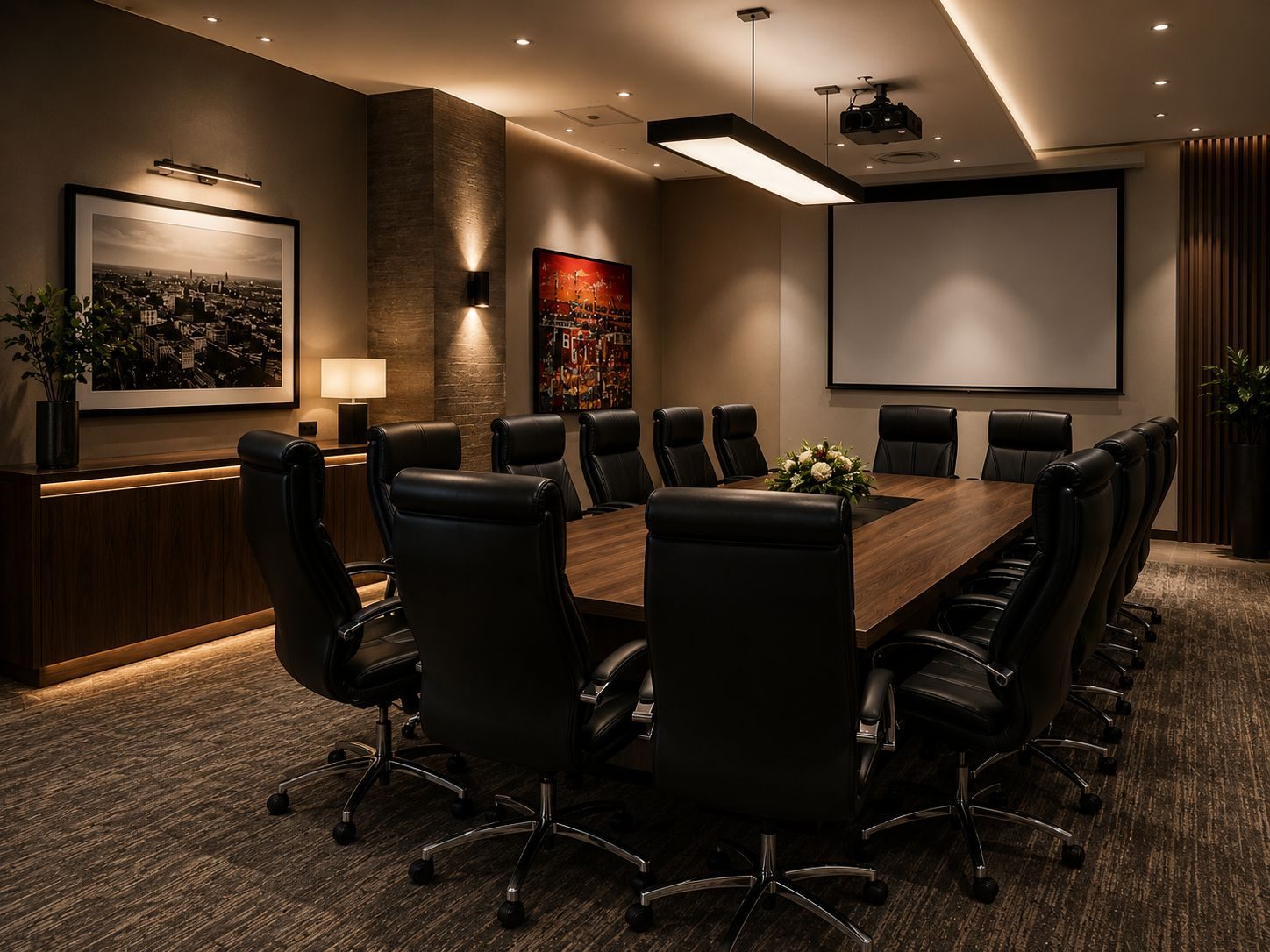
Many boardrooms are now judged by how well they handle video calls.
The room may have a beautiful table, a large display and impressive finishes, but if the Teams or Zoom meeting starts badly, the room feels broken.
Remote participants cannot hear clearly. The camera frames the ceiling. The laptop does not appear on the screen. Somebody searches for a remote. The meeting starts ten minutes late.
That is not a software problem.
Most of the time, it is a room-design problem.
DG Technologies designs boardroom AV and network infrastructure for South African businesses that need meeting spaces to work reliably for staff, guests and clients.
This article forms part of our dedicated boardroom AV installation Durban and KZN knowledge cluster.
Teams and Zoom rooms need audio first
Audio is the most important part of a video meeting.
People often focus on screen size and camera quality first, but the meeting fails fastest when people cannot hear each other.
Good boardroom audio needs to consider:
- room size
- table shape
- microphone pickup
- ceiling height
- glass walls
- hard floors
- air-conditioning noise
- speaker placement
- echo cancellation
- how many people speak at once
A small meeting room may work well with a quality all-in-one soundbar. A larger boardroom may need ceiling microphones, table microphones, separate speakers or a proper audio processor.
The right answer depends on the room.
Camera framing affects how professional the room feels
The camera should make remote participants feel included.
If the camera is mounted too high, people look unnatural. If it is too wide, everyone appears small and distant. If it is placed away from the display, eye contact feels strange because people look in one direction while the camera sees from another.
For a boardroom, camera placement should be planned around:
- table length
- seating positions
- display position
- presenter location
- remote participants
- whether the camera needs auto-framing
- whether the room is used for presentations or discussions
Not every room needs the same camera. A training room, huddle room and executive boardroom all behave differently.
The display must suit real content
The screen is not only for faces.
In business meetings, people share spreadsheets, drawings, dashboards, documents, presentations and browser windows. Text has to be readable from the back of the room.
Many boardrooms underspec the display because the screen looks large when the room is empty. During a real meeting, with a video-call layout and shared content on screen, it may feel too small.
For some rooms, a larger commercial display is enough. For others, dual displays make sense: one for remote participants and one for shared content.
The room should be designed around use, not showroom appearance.
Guest laptop connection must be simple
Many meeting rooms fail because guests cannot connect easily.
The business may use Teams internally, but a client may arrive with Zoom. Another visitor may want HDMI. Someone else may need wireless sharing.
The room should have a clear connection strategy:
- fixed room PC
- bring-your-own-device
- HDMI input
- USB-C input
- wireless presentation
- guest Wi-Fi
- calendar integration
Trying to support every possible workflow without a plan creates confusion. The better approach is to decide which workflows matter and make those reliable.
Network quality is part of boardroom AV
Teams and Zoom rooms depend on the network.
If the office network is unstable, the boardroom will expose it. If guest Wi-Fi is weak, visitors struggle. If the room PC or conferencing device cannot reach services properly, meetings fail. If firmware updates and support access are ignored, the room ages badly.
Good boardroom AV should consider:
- wired network points
- stable Wi-Fi
- guest access
- firewall rules
- bandwidth
- remote support
- device updates
- UPS protection for core equipment
This is why AV and IT should not be planned separately.
One-touch control protects normal users
Staff should not have to understand the technical path.
The room should offer simple actions:
- start meeting
- present laptop
- share wirelessly
- volume up or down
- end meeting
- room off
Behind those buttons there may be cameras, microphones, speakers, displays, software, USB routing, HDMI switching, network devices and power sequencing. The user should not need to think about that chain.
The best boardroom AV system hides complexity without hiding control.
Test the room the way people will use it
A proper boardroom handover should include real-world testing.
That means joining a live Teams or Zoom call, testing remote audio, testing camera framing, sharing a laptop, changing sources, testing guest access and switching the room off.
The handover should also involve the people who actually use the room, not only IT.
If the managing director, receptionist, office manager or sales team cannot start the meeting confidently, the room is not finished.
Boardroom AV should reduce friction
Good boardroom AV is not about more equipment.
It is about less friction.
The meeting should start. The sound should be clear. The camera should frame the room. The display should show readable content. Guests should connect without drama. Staff should know what to press.
For Durban and South African businesses planning Microsoft Teams rooms, Zoom rooms or general boardroom AV installation, the technology should serve the meeting, not become the meeting.