Firmware updates sound simple until something depends on the device being updated.
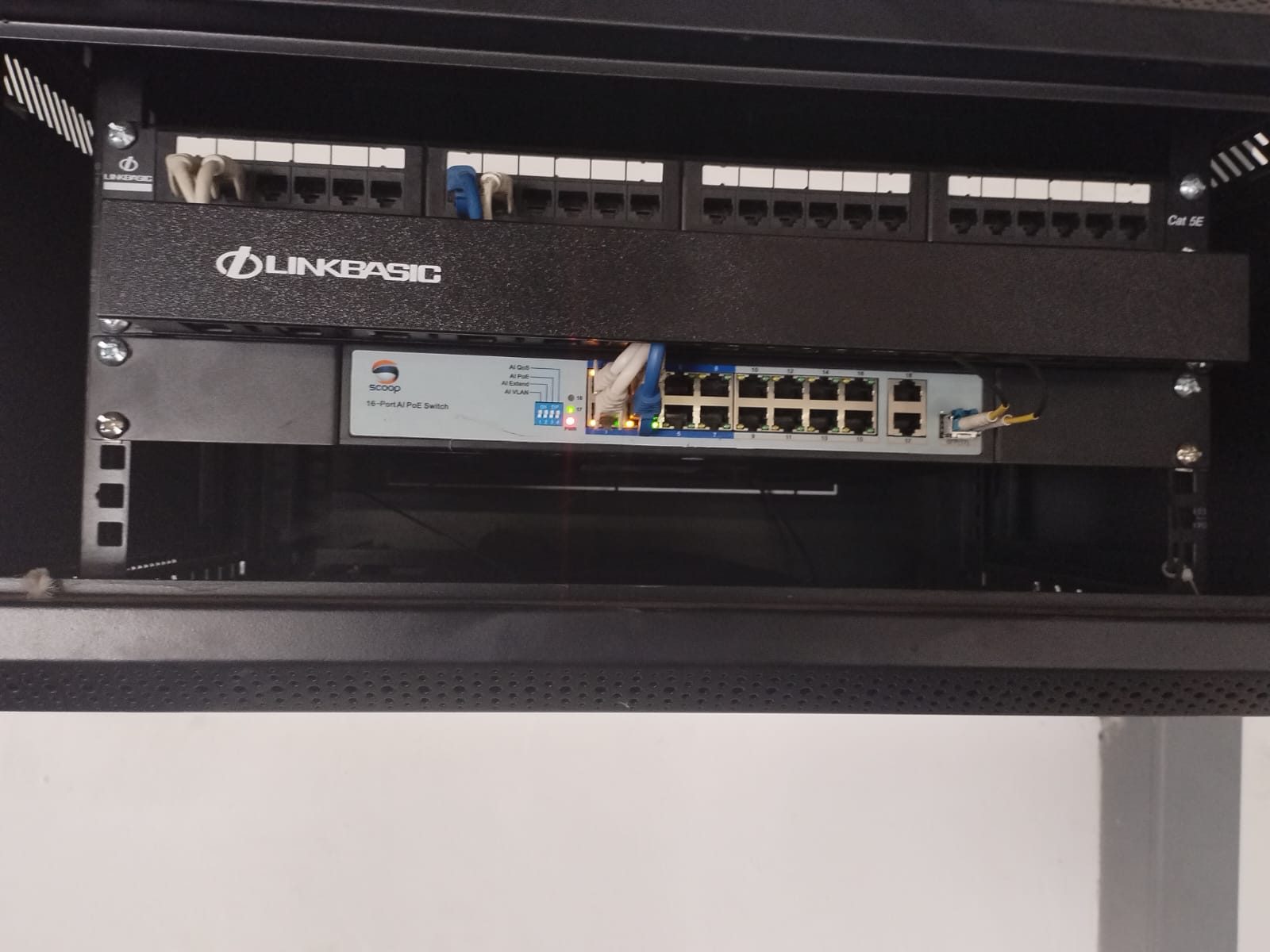
A network switch may carry CCTV cameras. A router may hold IP reservations. An access point may serve touchscreens, phones and staff devices. A processor may depend on specific network paths. A streaming source may need cloud services. A recorder may need remote access.
Changing one part of the network can affect more than one system.
That is why firmware and network changes should have a maintenance window.
Updates are not automatically harmless
Most updates exist for good reasons.
They may improve security, fix bugs, add compatibility or correct stability issues. But that does not mean they should be installed casually in the middle of a normal day.
An update can reboot a device. It can change a setting. It can remove a feature. It can alter how devices discover each other. It can require re-authentication. It can expose an older device that was already close to failure.
The question is not whether updates matter.
The question is how they are controlled.
Networks carry the whole house
In a modern premium home, the network is not only for internet browsing.
It may carry:
- CCTV cameras
- Wi-Fi access points
- Crestron processors
- touchscreens
- streaming audio
- Apple TVs and media players
- remote support
- app control
- gate and intercom devices
- staff and guest networks
That is why DG Technologies treats network infrastructure as a core part of home automation rather than an afterthought.
If the network changes without control, the home may appear to have several unrelated faults at once.
A maintenance window creates a rollback point
Before changing firmware or network settings, someone should know what the previous state was.
That may include screenshots, exported configuration, current firmware versions, IP reservations, VLAN notes, Wi-Fi names, critical device lists and support credentials.
If the change causes trouble, the support team should not be guessing what used to exist.
A maintenance window creates time to record the starting point and test the result.
Testing after the change matters
It is not enough to update a switch and see that it came back online.
The systems using that switch should be tested.
Can cameras still record? Do touchscreens reconnect? Does the app still work? Are access points broadcasting correctly? Do source devices stream? Does remote support still reach the site? Do guest networks still behave as expected?
Without that testing, the client may discover the problem later.
Planned changes build trust
Clients do not need every technical detail.
But they should know when a change is being made, why it is being made and what was tested afterwards.
That is especially important in large homes, commercial AV systems and CCTV environments where one change can affect several users.
We cover the broader principle in why smart-home firmware updates need change control.
A maintenance window is not bureaucracy.
It is respect for the systems that depend on the network.