Some smart-home faults start with good intentions.
Someone tidies a cupboard. Someone needs a plug point for a vacuum cleaner. Someone switches off a noisy UPS. Someone unplugs a router because the lights look annoying. Someone moves a decoder power supply while cleaning behind a TV.
Then the client cannot turn on music, see cameras, open an app or use a room properly.
Critical equipment is not always obvious
To an installer, a router, switch, processor or recorder is clearly important.
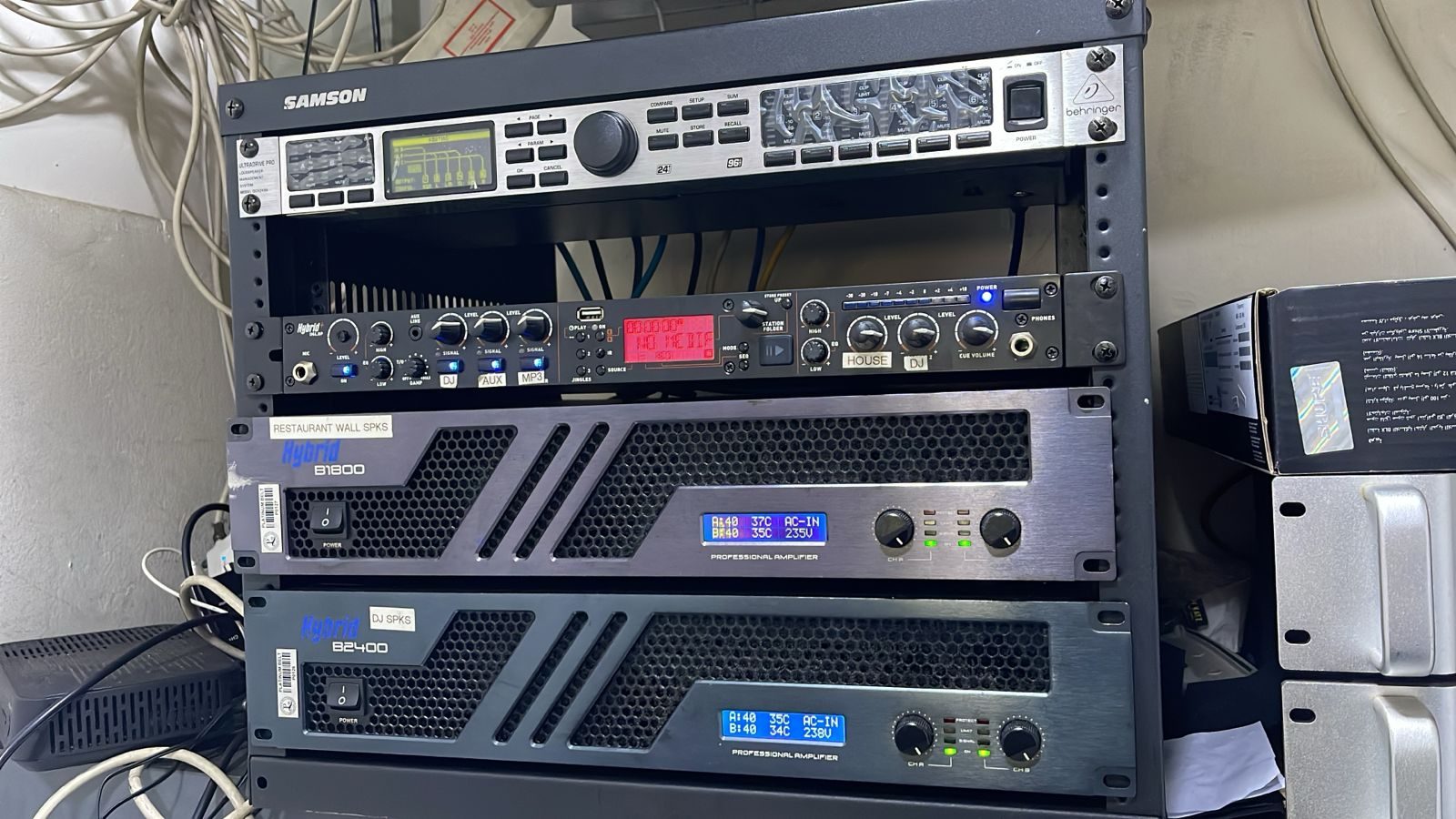
To a cleaner or maintenance worker, it may just look like a box with cables. If it is in a cupboard, cabinet, scullery, garage or staff area, it can easily be treated like normal household equipment.
That is why staff need simple guidance.
Labels help, but they are not enough
A label saying “Do not switch off” is useful.
But people still need to understand why. If staff know that a small black box keeps the Wi-Fi, cameras, gate intercom or lighting control alive, they are less likely to unplug it casually.
The explanation does not need to be technical. It just needs to be clear.
UPS units are often misunderstood
A UPS may beep during a power issue or battery fault.
The wrong response is to switch it off and forget about it. That may silence the beep, but it can also remove protection from the network, CCTV recorder, automation processor or fibre equipment.
Staff should know who to call when a UPS alarms.
Cleaning routines should respect the rack
Equipment racks and cabinets should not be treated like normal storage spaces.
They need ventilation, cable space and stable power. Cleaning around them should avoid pulling cables, blocking airflow, spraying chemicals near electronics or packing household items against vents.
The rack may look neat, but it is still a working technical space.
A one-page note can prevent repeat faults
The solution can be simple.
A one-page note for the house manager or staff can list:
- what must stay powered;
- what not to unplug;
- which cupboards contain critical equipment;
- what to do if something beeps;
- who to call before moving equipment;
- which plug points should not be borrowed.
That small note can prevent unnecessary callouts.
DG Technologies designs for real homes
At DG Technologies, we know that homes are lived in, cleaned, maintained and changed.
Technology support has to account for that. A system is not finished just because it works technically. It must also survive ordinary daily routines.
Teaching staff what not to unplug is a simple part of keeping a premium home stable.