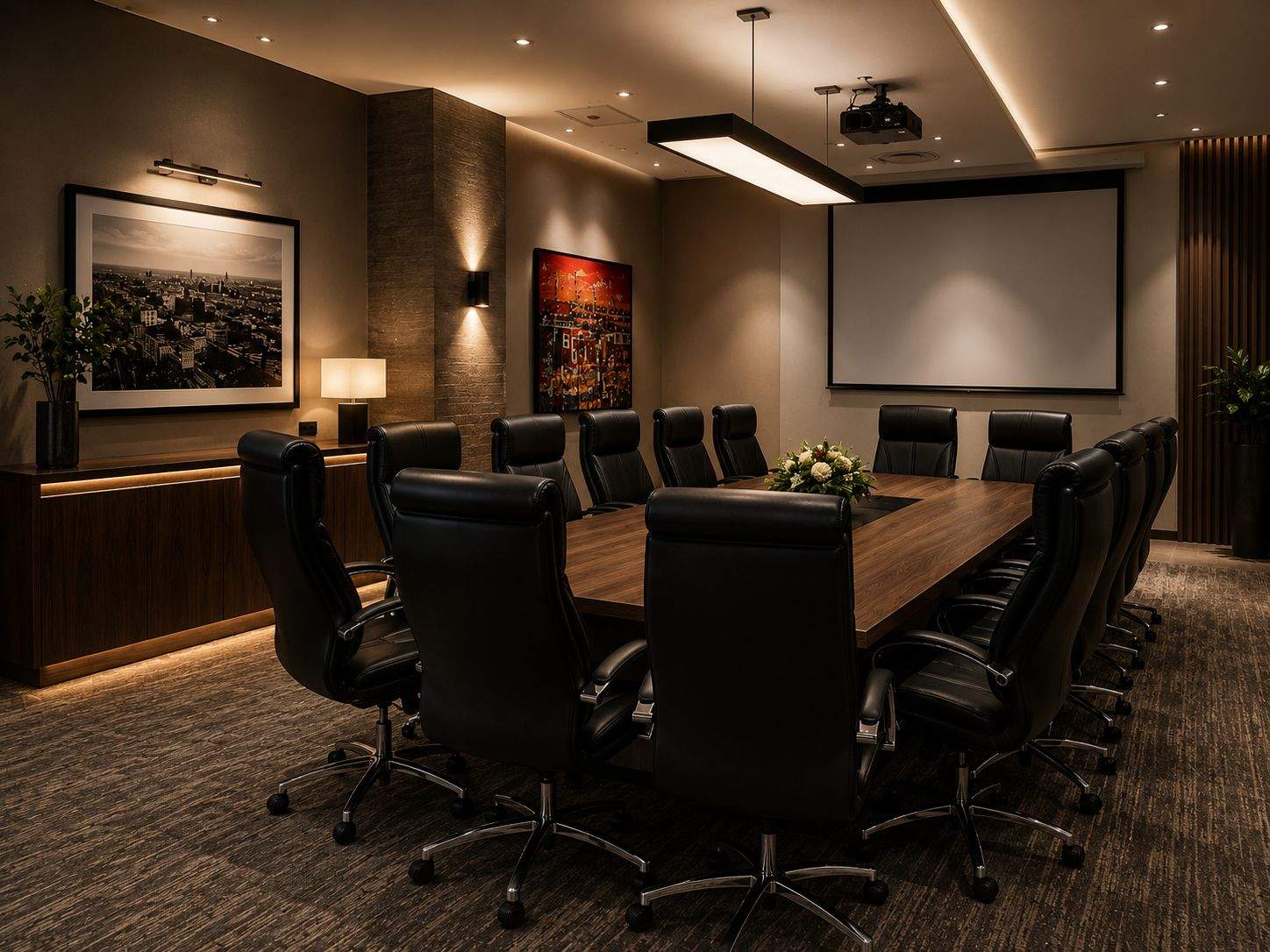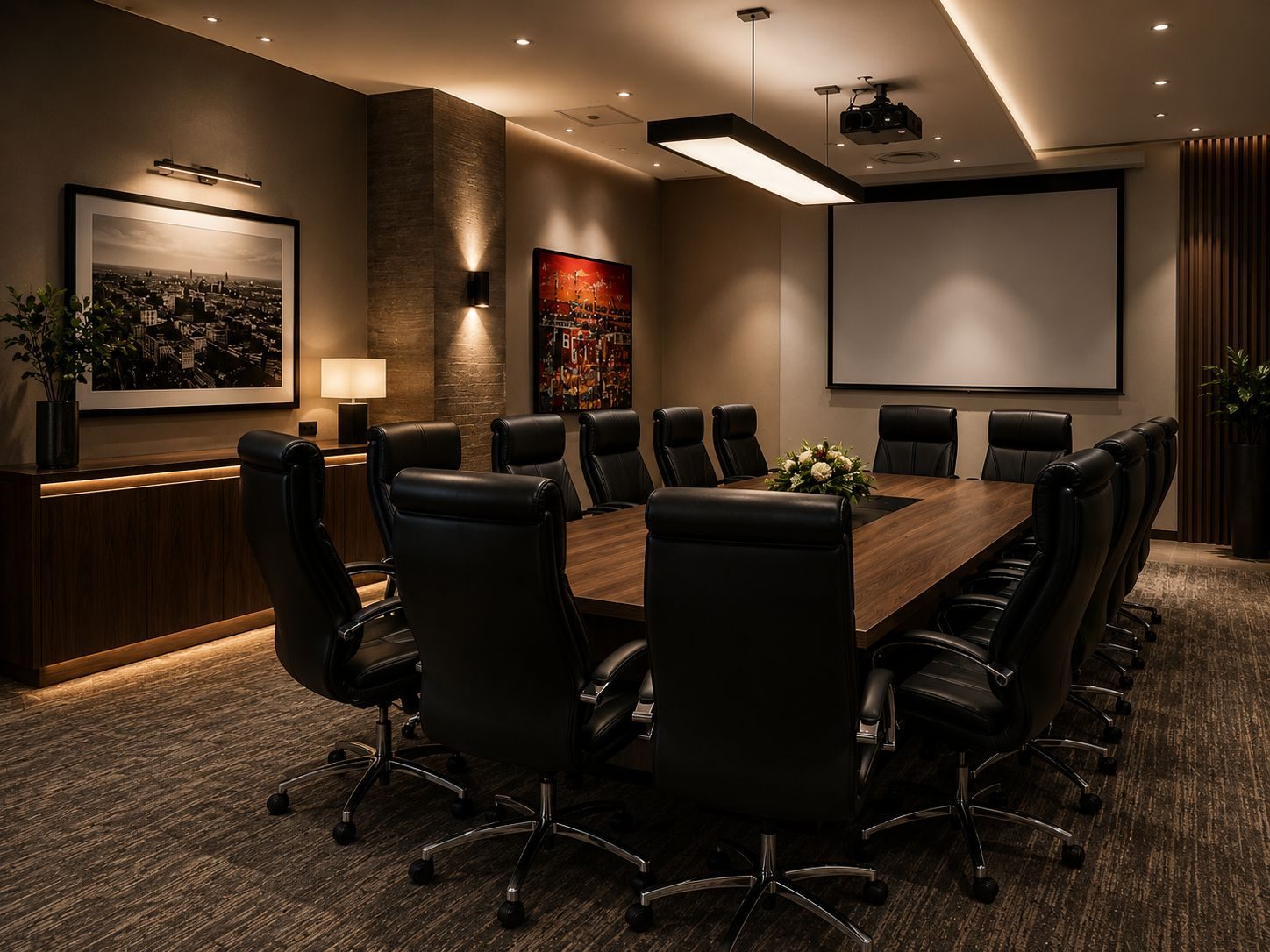
Many boardroom AV projects start with the wrong question.
“What size screen should we buy?”
Screen size matters, but it is not the whole boardroom. A good boardroom AV installation should start with the meeting itself.
Who uses the room? How many people sit at the table? Are meetings mostly internal, client-facing or hybrid? Do visitors bring laptops? Does the room use Teams, Zoom, Google Meet or a dedicated conferencing platform? Does the managing director need one-touch simplicity, or does the IT team want deeper control?
Those answers decide the system.
DG Technologies designs boardroom AV, networking and video display systems for South African businesses. The goal is simple: staff should walk in, start the meeting and get on with business.
For the main service overview, see our boardroom AV installation Durban and KZN page.
Start with the room, not the equipment
Boardroom AV is affected by room shape, table size, seating position, light, acoustics, wall finishes, ceiling access, power, network points and where people naturally look when speaking.
A system that works in one room may be wrong in another.
Before buying equipment, the project should define:
- seating layout
- viewing distance
- main presentation wall
- natural camera direction
- microphone coverage
- speaker placement
- laptop connection method
- video-call platform
- control method
- cable routes
- network and power resilience
If those items are ignored, the installation may look clean but feel frustrating every time the room is used.
Display size is about readability
A boardroom screen is not there to impress people when the room is empty.
It is there so the person at the back of the table can read content during a real meeting.
Spreadsheets, drawings, dashboards, financial reports and video-call layouts need more screen size than many people expect. A TV that looks large on the wall may be too small once people are seated, laptops are open and content is detailed.
For longer rooms, one large display may not be enough. Dual displays can make sense where one screen carries presentation content and another carries remote participants. In other rooms, a larger commercial display or projector may be more appropriate.
The correct display decision comes from the room, not the catalogue.
Audio is usually the weak point
People will tolerate an average camera for a while.
They will not tolerate bad sound.
If people in the room cannot hear clearly, the meeting fails. If remote participants cannot hear the table, the meeting fails. If the room echoes, the meeting becomes tiring. If the microphone only hears the person nearest the camera, everybody else becomes secondary.
A proper boardroom AV installation should plan audio carefully:
- microphone coverage
- table vs ceiling microphones
- speaker position
- echo cancellation
- room acoustics
- remote participant clarity
- local speech reinforcement where required
A small huddle room may work with a good soundbar. A formal boardroom often needs a more considered system.
Camera position changes the meeting experience
Video conferencing is now normal, but camera placement is still often poor.
A camera mounted too high makes people look distant. A camera mounted too wide may show the whole room but lose expression. A camera aimed from the wrong wall can make remote participants feel disconnected from the conversation.
The best camera position depends on how the room is used.
If the boardroom has frequent hybrid meetings, the camera should make remote participants feel like they are part of the room. If the room is used for presentations, the camera may need to frame the presenter, table or display area differently.
This should be decided before walls, screens and cable routes are final.
Control should reduce choices
Good boardroom AV control does not expose every technical option.
It simplifies the meeting.
The user should be able to choose practical modes:
- present from laptop
- start video call
- use wireless presentation
- display TV or media
- switch room off
Behind those buttons, the system can manage input selection, display power, audio routing, camera selection and volume.
The best interface is usually the one with fewer decisions.
Cabling and network reliability are not optional
Boardroom AV depends heavily on infrastructure.
Wireless presentation, video calls, screen sharing, firmware updates, USB extension, HDMI extension and remote support all rely on correct cabling and stable networking.
The room should have:
- proper network points
- reliable Wi-Fi if wireless sharing is required
- hidden cable routes
- service access behind displays
- power at the correct locations
- spare conduit where practical
- documented equipment locations
- a supportable rack or cabinet
If the network is weak, the AV system gets blamed.
This is why DG Technologies links boardroom AV to network infrastructure instead of treating it as only a screen and soundbar.
Do not forget support
Boardrooms are business tools.
When they fail, people lose time.
Support planning should include labels, documentation, known signal paths, firmware strategy, remote access where appropriate and a simple user handover. Staff should know how to start the room, but the technical team should also know how to support it.
A good installation should make troubleshooting easier, not harder.
The DG Technologies approach
DG Technologies designs boardroom AV systems around the way the room is used.
We look at the screen, but we also look at the table, sound, camera, laptop inputs, video-call platform, network, cabling, control and support path.
The result should feel boring in the best possible way: the meeting starts, the sound is clear, the picture is readable, remote participants can hear, and nobody has to phone someone before every presentation.
For businesses planning a boardroom AV installation in Durban, KZN or South Africa, start with the meeting experience before buying the screen.