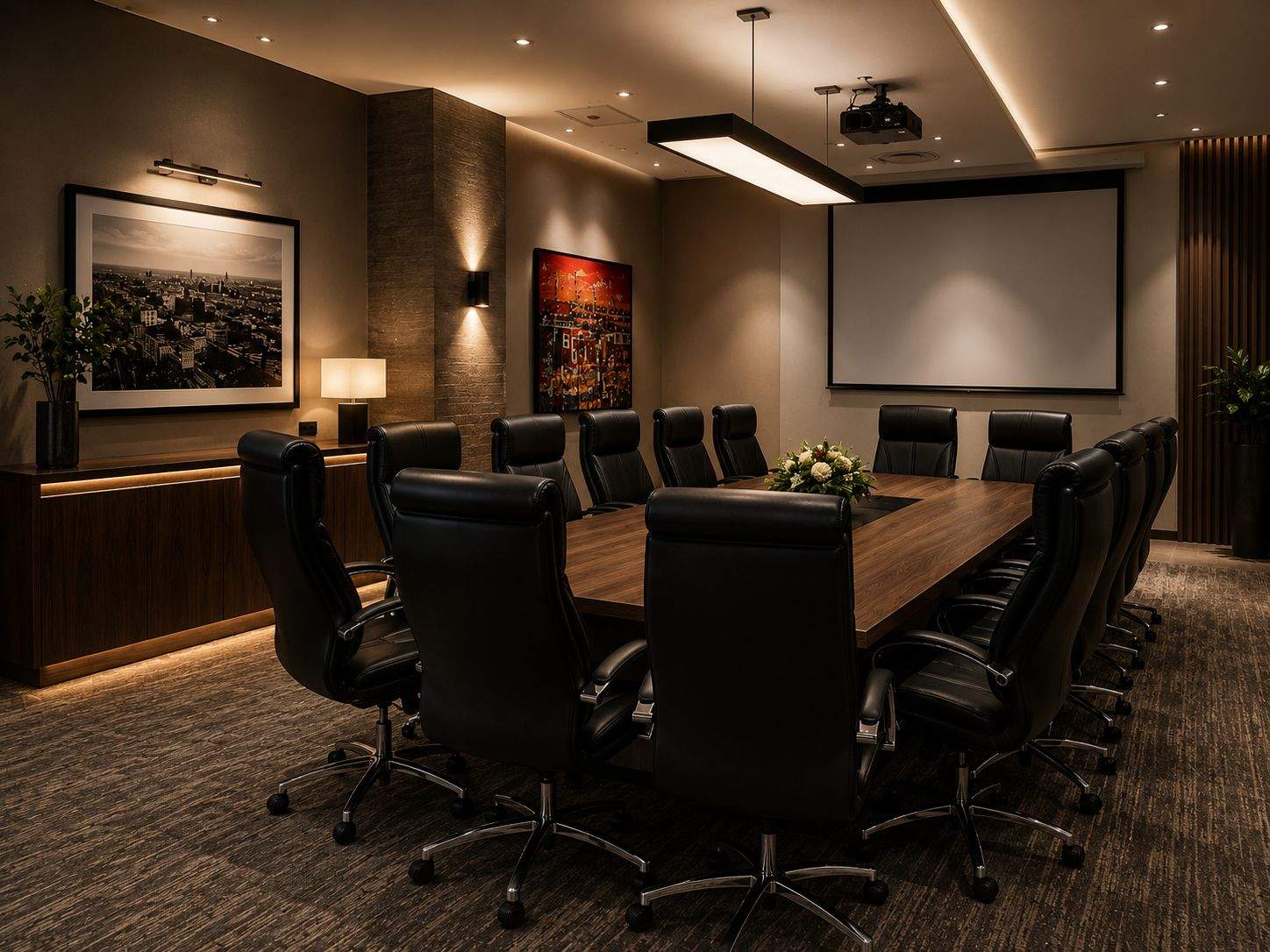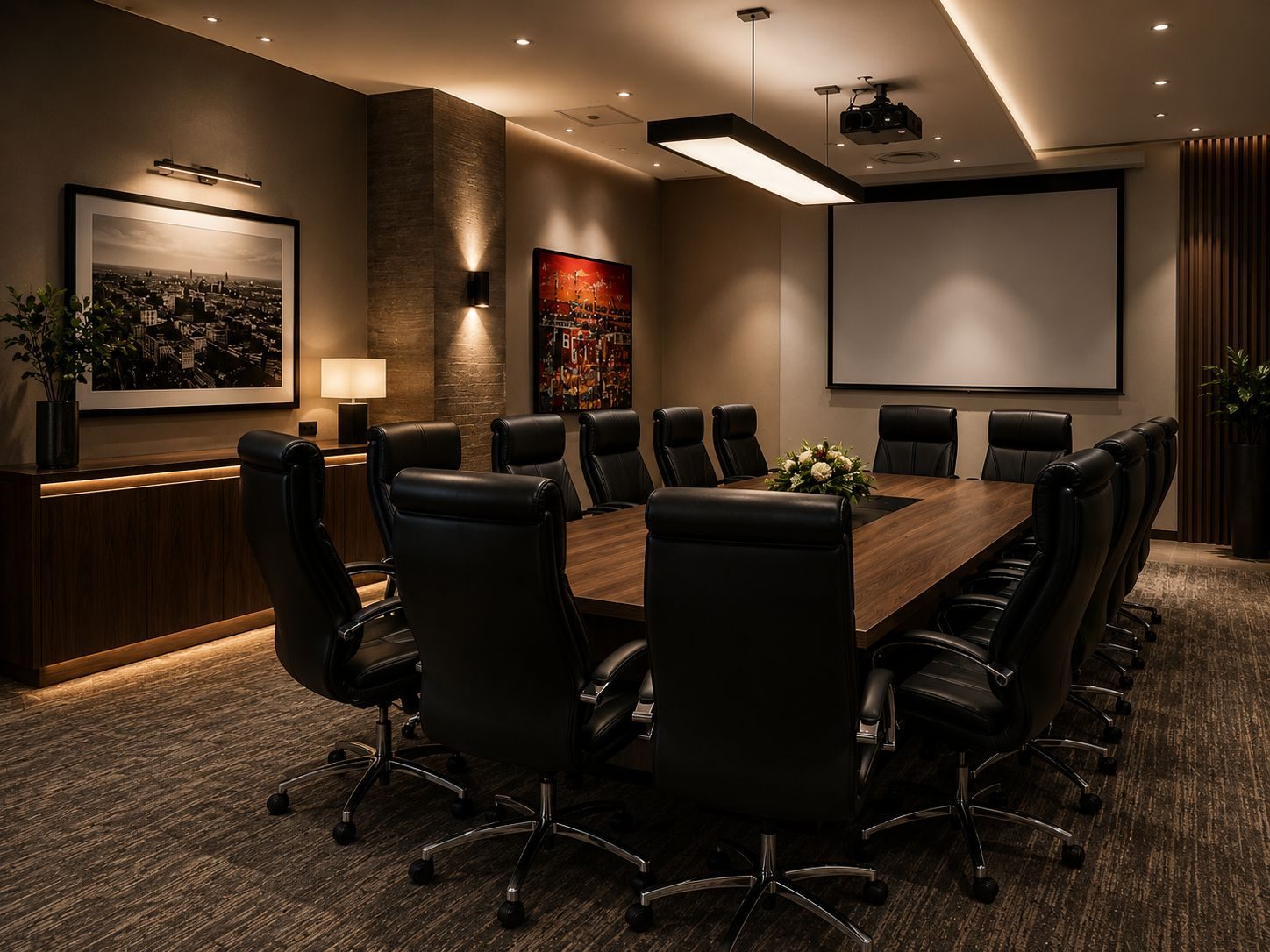
Boardroom AV systems have a habit of failing at the worst possible time.
Not during testing.
Not when the room is empty.
During the client presentation, board meeting, remote call, tender briefing, training session or directors’ meeting.
The reason is usually not bad luck. It is weak design.
A boardroom AV system is a chain of display, audio, camera, microphone, cabling, control, software, network, power and user behaviour. If any part of that chain is awkward, the failure will eventually appear when the room is under pressure.
DG Technologies designs boardroom AV and network infrastructure with one practical goal: the room should work for normal people, not only the person who installed it.
The room is too complicated to start
One of the most common failures is not technical.
The user does not know what to press.
There may be three remotes, two wall plates, a TV input menu, a video conferencing app, a laptop adaptor and a soundbar remote. Someone eventually gets a picture, but nobody knows why the sound is coming from the laptop instead of the room speakers.
This is not a user problem.
It is a design problem.
A good boardroom AV system should reduce choices. The room should have clear modes: present, call, wireless share, off. The complexity can live behind the control system, not in front of the client.
The audio was underdesigned
Audio is the part of boardroom AV people underestimate most.
If the remote participant cannot hear the far end of the table, the meeting fails. If the room echoes, people become tired. If the speaker is too small, voices sound thin. If the microphone is in the wrong place, some people disappear from the conversation.
A display can be slightly imperfect and the meeting can continue.
Bad audio stops the meeting.
Boardroom AV installation should consider the room size, table shape, ceiling height, hard surfaces, microphone coverage and where remote participants need to hear from.
The camera does not suit the room
Video conferencing cameras are often chosen because the spec sheet looks good.
That is not enough.
A very wide lens can make a long boardroom feel distant. A camera mounted too high can make people look unnatural. A camera placed away from the display can make eye contact feel wrong. A camera that cannot frame the table properly can make remote participants feel like observers rather than attendees.
The camera should suit the meeting style.
Small rooms, long boardrooms, training rooms and executive meeting rooms do not all need the same camera.
The network is weak
Modern boardroom AV depends on the network.
Video calls need stable internet. Wireless presentation needs reliable Wi-Fi. Some systems need network control. Firmware updates, remote support and cloud meeting platforms all depend on the network.
If the Wi-Fi is weak, the AV system gets blamed.
If the switch is overloaded, the AV system gets blamed.
If the guest network blocks the wrong traffic, the AV system gets blamed.
If the fibre router is changed without updating room settings, the AV system gets blamed.
This is why serious boardroom AV should not be separated from the network design.
Cabling was treated as an afterthought
Many boardrooms are beautifully finished before anyone thinks about AV properly.
Then the team has to find a way to get HDMI, USB, network, power, speaker cable and control wiring into a room that is already complete.
That is when compromises begin:
- visible cables
- awkward floor boxes
- loose adaptors
- inaccessible equipment
- no service loop
- no spare conduit
- no reliable laptop input point
Boardroom AV should be planned before joinery, ceilings and finishes are closed. The cleanest rooms are usually the ones where the cable routes were decided early.
Nobody tested the real workflow
Testing a boardroom is not the same as turning the screen on.
The room should be tested the way staff will use it:
- join a Teams or Zoom call
- present from a guest laptop
- share wirelessly
- adjust volume
- mute microphones
- switch sources
- end the meeting
- turn the room off
If the user has to think too much, the workflow is too complicated.
The handover should prove the room is usable, not only functional.
There is no support record
When something fails, support depends on knowledge.
Where is the equipment? Which cable goes where? Which input is used? What is the display model? Which platform does the room use? How is audio routed? Which network does the system sit on? Who has admin access?
Without documentation, every support call starts from zero.
For a business boardroom, that wastes time. It also makes the system dependent on the memory of the original installer.
The DG Technologies approach
DG Technologies treats boardroom AV as a business-critical room system.
We plan the display, audio, camera, microphone, control, cable routes, network and support path together. The best result is not a room full of impressive equipment. It is a room where people can meet without thinking about the technology.
For South African businesses, that reliability matters. A boardroom is where decisions happen, clients are hosted and teams communicate.
The AV system should support that, quietly and consistently.