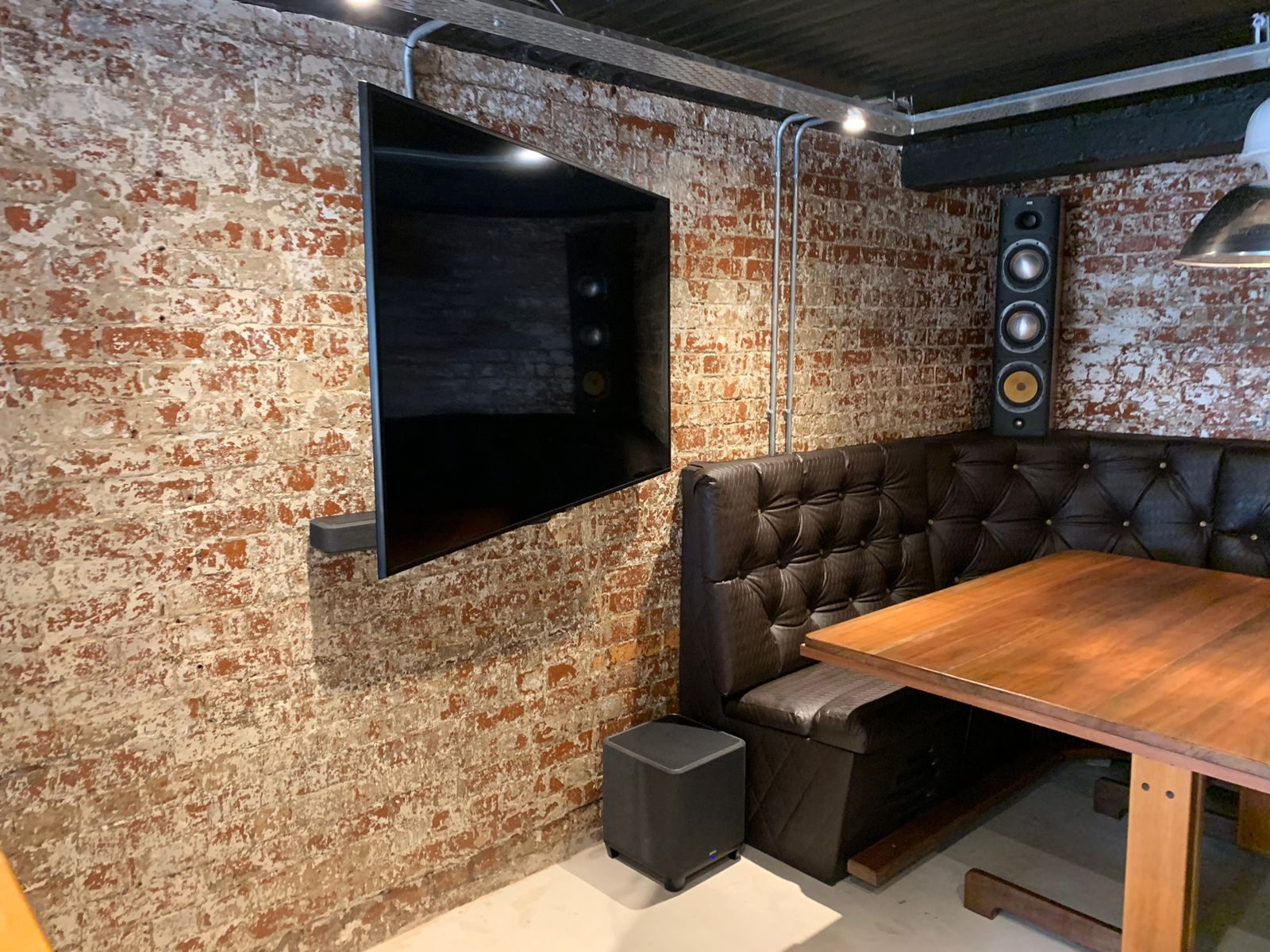
“No signal” is one of the least useful messages a TV can give you.
It tells you the screen is not receiving a usable signal.
It does not tell you why.
The fault could be the decoder. It could be the Apple TV. It could be the HDMI cable. It could be the HDMI extender. It could be the amplifier. It could be the TV input. It could be power at the receiver side. It could be resolution. It could be a loose cable. It could be a source that is switched off. It could even be a setting that changed while someone was trying to fix it.
This is why good AV fault finding is methodical.
Guessing wastes time.
Start with the path
A typical AV path may look simple:
Source to amplifier.
Amplifier to HDMI extender.
Extender over Cat cable.
Receiver to TV.
TV on the correct input.
In reality, every one of those points can fail or be misconfigured.
When DG Technologies troubleshoots a no-signal problem, the aim is to isolate each part of the path. We want to know where the signal is present and where it disappears.
That may mean bypassing the amplifier. It may mean taking the source straight to the TV. It may mean replacing only the short HDMI cable temporarily. It may mean testing the extender with a known working source. It may mean checking whether the receiver side of the extender has power. It may mean forcing a lower resolution to see whether the display chain accepts it.
The process matters because the wrong replacement does not solve the problem.
Bypass testing protects the client
Bypass testing is simple in principle:
Remove one part of the chain and test again.
If the Apple TV fails through the amplifier and extender, test it directly into the TV. If the decoder works through the amplifier but not through the extender, test the extender separately. If the DVR works directly but not through the modulator, test the modulator path. If a source works on one input but not another, the issue may be input assignment or switching.
This protects the client from unnecessary replacement.
An HDMI extender may look guilty because it sits in the middle of the fault. But if the source has changed output resolution, or the TV is on the wrong input, or the receiver has no power, changing the extender only adds cost.
We have written about isolating every link in an HDMI chain. The same principle applies to almost every no-signal call.
Power is a common cause
Small HDMI receiver units, extenders, TV links, modulators and source devices often depend on small power supplies.
If one side loses power, the system may appear to have a signal fault. The client sees “no signal”. The technician sees a device that is not powered.
That is why rack and cabinet power must be checked before deeper fault finding begins.
Is the source on?
Is the extender powered at both ends?
Is the amplifier on the correct input?
Is the TV powered and on the right HDMI input?
Did someone switch off a plug while cleaning?
Did load shedding cause only part of the system to restart?
South African power conditions make this especially important. A system may come back from an outage with one device awake, another asleep and a third stuck in an error state.
Resolution can also cause problems
Sometimes the signal exists, but the display chain does not like it.
Older TVs, HDMI extenders, AV receivers and distribution equipment may not support every resolution, refresh rate or copy-protection behaviour that a newer source tries to output.
Dropping a source to a more basic output such as 720p or 1080p for testing can help identify whether the path is fundamentally working.
That does not mean the final system should always run at a lower quality. It means the technician is narrowing the problem.
In premium home cinema and AV systems, every device in the chain must be compatible with the intended signal. A 4K source, an older amp, a long cable and a mixed extender setup may not behave as one clean system unless the design accounts for it.
No signal is not always an equipment failure
Many no-signal calls end with a small cause.
Wrong input.
Decoder off.
Loose HDMI.
Extender unplugged.
Source output changed.
Remote selected the wrong source.
Power supply failed.
App or firmware update changed behaviour.
That does not make the call silly. It proves why handover and documentation matter.
If the client, house manager or support technician knows the normal state of the system, they can spot the abnormal state faster.
The finished system should be easier to diagnose
A well-designed AV system is not only easy to use.
It is easier to diagnose.
The source labels make sense. The rack is tidy. The devices are powered correctly. The remotes are known. The HDMI path is documented. The installer has left enough information for future support.
That is part of professional AV work.
When a TV says “no signal”, the response should not be panic or guessing.
It should be a calm process that finds the point where the signal stops.