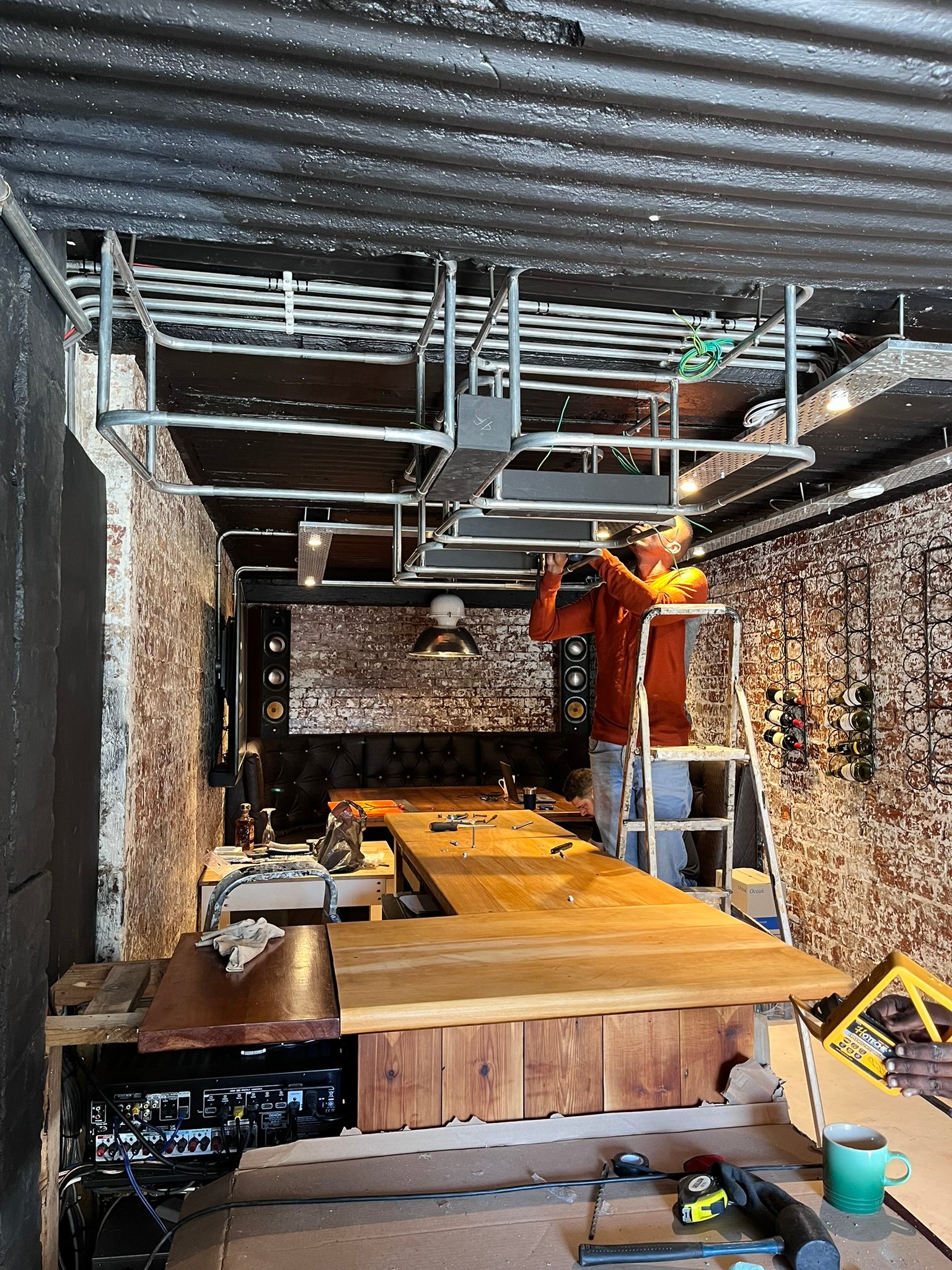
HDMI problems rarely introduce themselves clearly.
The client sees “No Signal”.
Behind that message could be a faulty source, a bad cable, a failing HDMI extender, a projector input problem, an AV receiver issue, an incorrect setting, an HDCP handshake problem, an ARC/eARC delay, or a device that simply needs to be restarted in the right order.
This is why proper HDMI fault finding is not guesswork.
It is isolation.
“No Signal” is a symptom, not a diagnosis
When a TV or projector says there is no signal, it is only telling us that the display is not receiving a valid picture at that moment.
It is not telling us why.
In a premium AV system, the signal path may look something like this:
source device -> AV receiver -> HDMI extender -> Cat6 or fibre route -> HDMI receiver -> TV or projector
There may also be control systems, splitters, matrixes, audio return paths and hidden joinery in between.
If we replace the first part we suspect, we may waste money and leave the actual fault untouched.
Bypass testing is the quickest way to truth
The practical method is to simplify the chain.
If an Apple TV is not showing through the amplifier and extender, test it directly into the TV with a short HDMI cable. If it works there, the source is probably not the main issue. Then test through the amplifier. Then test through the extender. Then test the long cable route. Then test another input on the projector or TV.
Each test removes uncertainty.
This is not glamorous work, but it is the correct work.
By the end, we should know whether the fault sits with:
- the source
- the short HDMI cable
- the AV receiver or amplifier
- the HDMI extender
- the long cable route
- the display input
- a setting or handshake issue
That matters because each fix is different.
Projector inputs can fail too
People often assume the cable is faulty.
Sometimes it is.
But projector inputs can fail. AV receiver monitor outputs can fail. HDMI ports can become unreliable after years of plugging, heat, power events or general electronics ageing.
If one projector HDMI input fails but another works, the correct solution may be to move the signal path, repair the projector, or plan a replacement depending on the value and age of the equipment.
That conclusion should come from testing, not assumption.
Long HDMI runs are less forgiving
The longer the run, the more sensitive the system becomes.
A short cable from a decoder to a TV is simple. A long route through ceilings, joinery, extenders and equipment racks is a different system. Bandwidth, cable quality, termination, power supplies, heat and compatibility all matter.
This is why long HDMI runs should be planned properly, especially in cinema rooms and large homes.
If a long cable route is marginal, it may work with one source and fail with another. It may work at 1080p and fail at 4K. It may work after a restart and fail again the next day.
Intermittent faults are often the hardest to explain to clients because the system appears to work while the technician is onsite.
Heat makes HDMI problems worse
HDMI extenders, AV receivers and matrix equipment do not like hot cabinets.
When equipment is trapped in joinery without ventilation, symptoms can appear after the system has been running for a while. A picture may drop. Audio may delay. An extender may lock up. A receiver may become unstable.
The fix is not always another HDMI cable.
Sometimes the real fix is airflow, better rack layout, cleaner power or replacing equipment that has been cooked for years.
Good fault finding protects the client
The easiest invoice is to sell a replacement part.
The better approach is to prove why the part is needed.
At DG Technologies, we prefer to identify the weak link before recommending a replacement. Sometimes that means replacing the HDMI extender. Sometimes it means moving to fibre. Sometimes it means changing an AV receiver. Sometimes it means cleaning up the rack and ventilation first.
The client should not be paying for guesses.
They should be paying for a process that finds the fault properly.