Today’s fault is often not only today’s fault.
It may be the result of several changes made over years.
A router was replaced. A decoder was upgraded. A TV moved. A source device disappeared. A receiver was changed. A cabinet was rebuilt. A camera was added. A staff member changed. A power backup system was installed. A streaming service replaced an older source.
Each change may have made sense at the time.
Together, they become the home’s technology timeline.
A timeline explains why the system looks the way it does
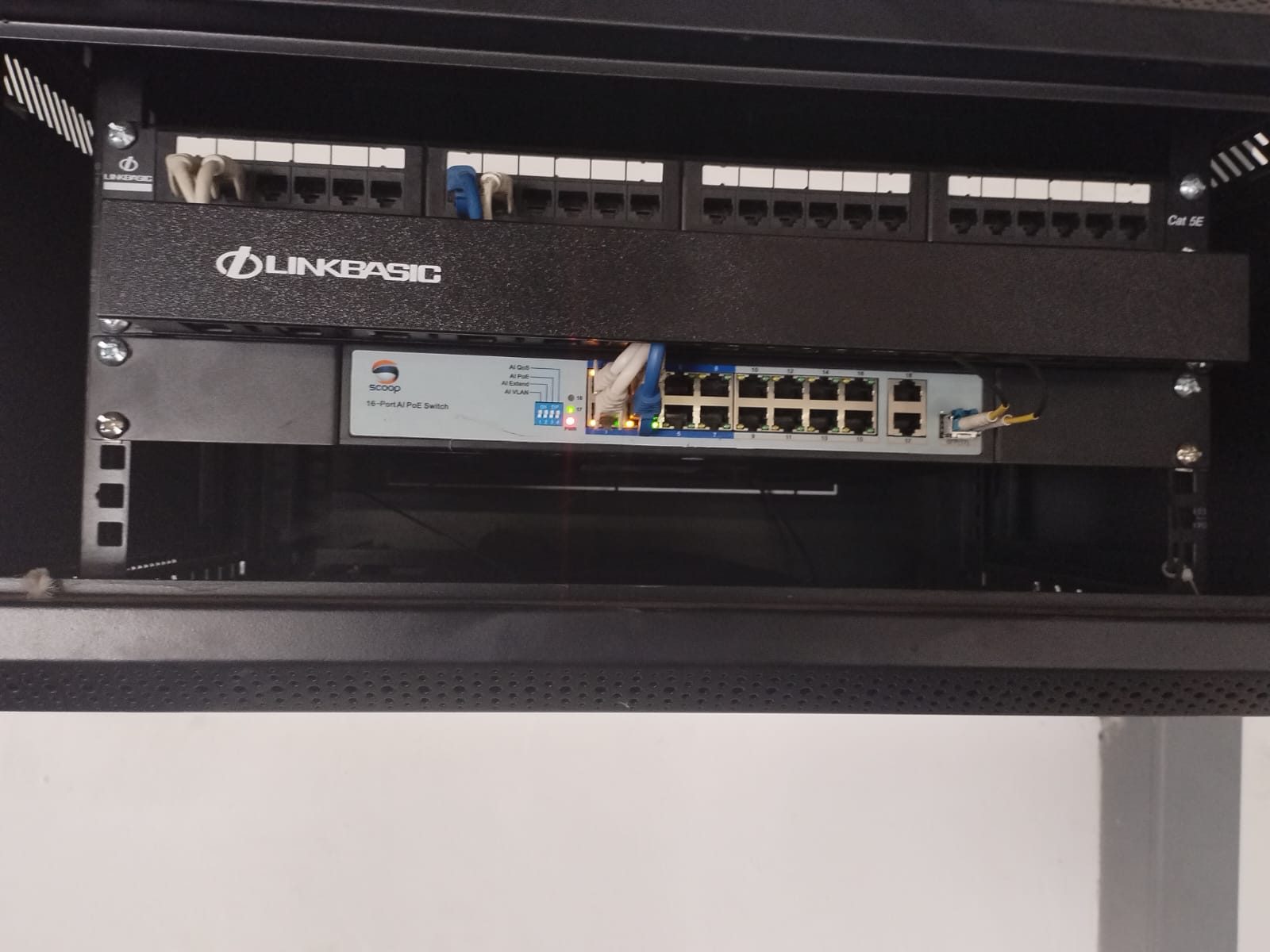
When an installer walks into an older home, the rack can look confusing.
But it often tells a story.
Some equipment belongs to the original installation. Some was added later. Some was temporary and became permanent. Some was installed by another provider. Some was moved during renovation. Some still works. Some no longer has a purpose.
A timeline helps separate those layers.
Faults often appear after the last change
If a system has worked for years and then suddenly fails, the last change matters.
Was the internet changed? Was the inverter serviced? Was the TV replaced? Did the cabinet maker move equipment? Did a new camera get added? Did an app account change? Did a power trip happen?
The last change may not be the only cause, but it is often the starting point.
Upgrade decisions need history
Without a timeline, the only visible answer may be replacement.
With a timeline, the better answer may be clearer.
Maybe the system only needs documentation and network correction. Maybe an old amplifier is still useful. Maybe a source path should be removed. Maybe one unstable device is affecting several rooms. Maybe old wiring is the real limitation.
History helps protect the client from unnecessary spending.
The timeline should include people
Technology history is not only equipment.
It also includes who touched the system.
Fibre providers, electricians, cabinet makers, security technicians, builders, AV installers and IT providers may all have changed something.
Knowing who was involved helps explain why certain decisions were made.
It also helps avoid repeating old mistakes.
Simple records are enough
A useful timeline does not need to be complicated.
It can record:
- major equipment changes,
- router or network changes,
- source device changes,
- room-use changes,
- camera additions,
- power backup changes,
- cabinet or rack changes,
- and recurring faults.
That record becomes more valuable every year.
History can become useful evidence
When DG Technologies assesses an older system, we are not only looking at what is installed.
We are trying to understand how it got there.
The past does not always dictate the future.
But it often explains the present.