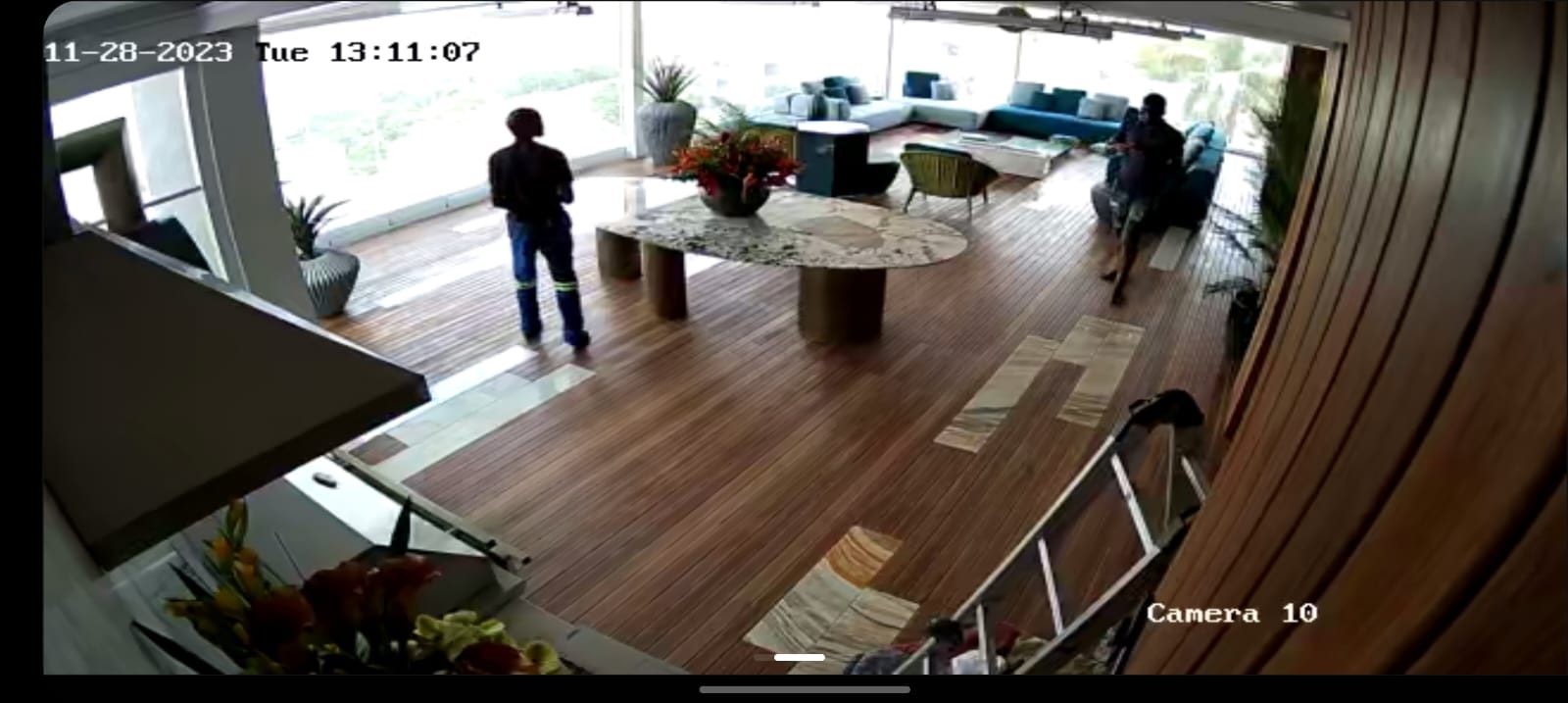
Many CCTV systems are sold as cameras and a recorder.
The viewing point is treated as an afterthought.
That is a mistake.
In real use, someone must be able to look at the system, understand what they are seeing and get to the correct camera quickly. That may be a homeowner, a guard, a receptionist, a warehouse manager or a house manager.
A monitor changes the cable plan
A CCTV display is not just a TV.
It may need HDMI from the recorder. It may need a network connection. It may need power in the right place. It may need to be mounted at a height where people can actually see it. It may need to sit in a guard room, office, reception area, equipment room or manager’s office.
If that is decided late, the installation becomes messier.
The recorder location matters
Sometimes the recorder belongs in the head end or cabinet.
Sometimes the people who use the system need a separate monitor elsewhere. That means the display route must be planned properly. Long HDMI runs, extenders, network viewing devices and power points all need to be considered before walls and ceilings close.
The right answer depends on the building.
The person using the monitor matters
A director checking cameras from an app has different needs from a guard watching loading bays all day.
A guard may need a simple multi-camera layout. A house manager may need driveway, gate and service entrance views. A warehouse may need dispatch, receiving and cold-room access areas visible quickly.
The layout should follow the job being done.
One screen may not be enough
On larger sites, one viewing monitor can create its own bottleneck.
The person at reception may need gate and visitor cameras. The person in dispatch may need loading and stock movement. The owner may want office access from a phone or desktop. Security may need a fixed monitor that is always visible.
Those are different uses.
Trying to solve all of them with one badly positioned screen usually creates frustration. Sometimes the correct answer is a recorder in the equipment cabinet, a dedicated local viewing station, app access for management and carefully controlled permissions for staff.
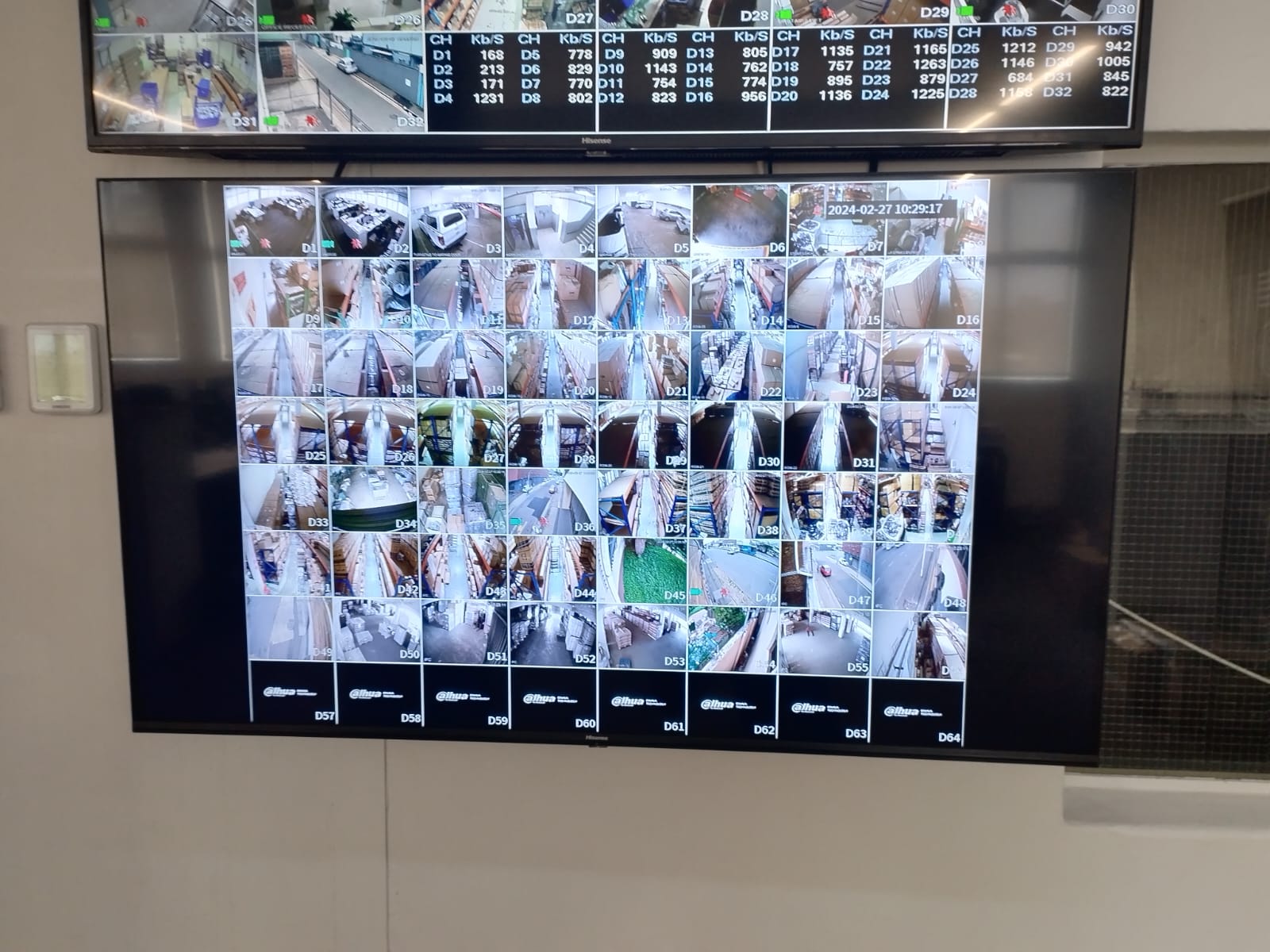
HDMI and network viewing are different decisions
There is also a technical decision behind the screen.
An HDMI output from an NVR is simple when the monitor is close to the recorder. Once the display is far away, the installer has to consider HDMI extenders, cable length, resolution, power, network viewing clients or a small workstation.
Each option has consequences.
A quick cable thrown in late may work during handover and become unreliable later. A proper route and display method gives the client a viewing point that behaves like part of the system, not an add-on.
Viewing is part of handover
A professional CCTV handover should include more than showing the app.
The client should know how to change the layout, search playback, export footage and identify which camera they are viewing. Camera names should match the real-world areas. The monitor should not display vague labels that only made sense to the installer during setup.
DG Technologies’ view
DG Technologies plans CCTV viewing as part of the system, not as a last-minute request.
The cameras capture the footage.
The monitor helps people use it.
Both need proper planning if the system is going to work under pressure.